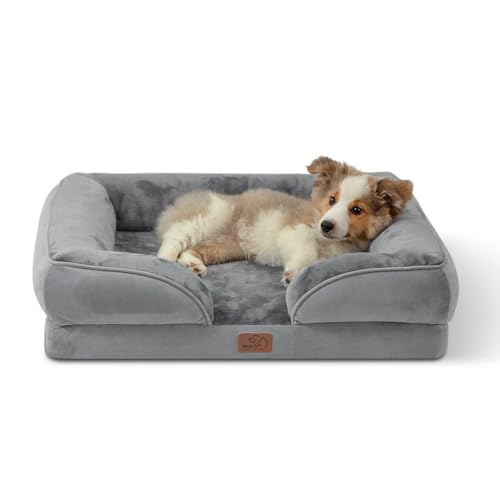
Best Cameras for Dogs at Home at Every Price for 2026
Disclosure: We may earn a commission when you buy through links on this page, at no extra cost to you. As an Amazon Associate I earn from qualifying purchases. Learn more

Compare cameras for dogs at home by price tier, from simple live view models to treat tossing designs with bark alerts, two way talk and smart motion.
A camera for a dog at home has one job: show you what your dog is doing while you are out, clearly enough to act on it. Prices run from about $25 for a basic indoor camera to about $300 for pet specific models with treat tossing and bark detection. The steps between those prices buy real differences in alerts, audio, and night vision, but they also add features many owners never open. This guide walks through the best cameras for dogs at home tier by tier, so your money lands on the parts you will actually use.
Compare the rows in the comparison table below first, then use the tier notes to match a camera to your dog, your rooms, and your workday.


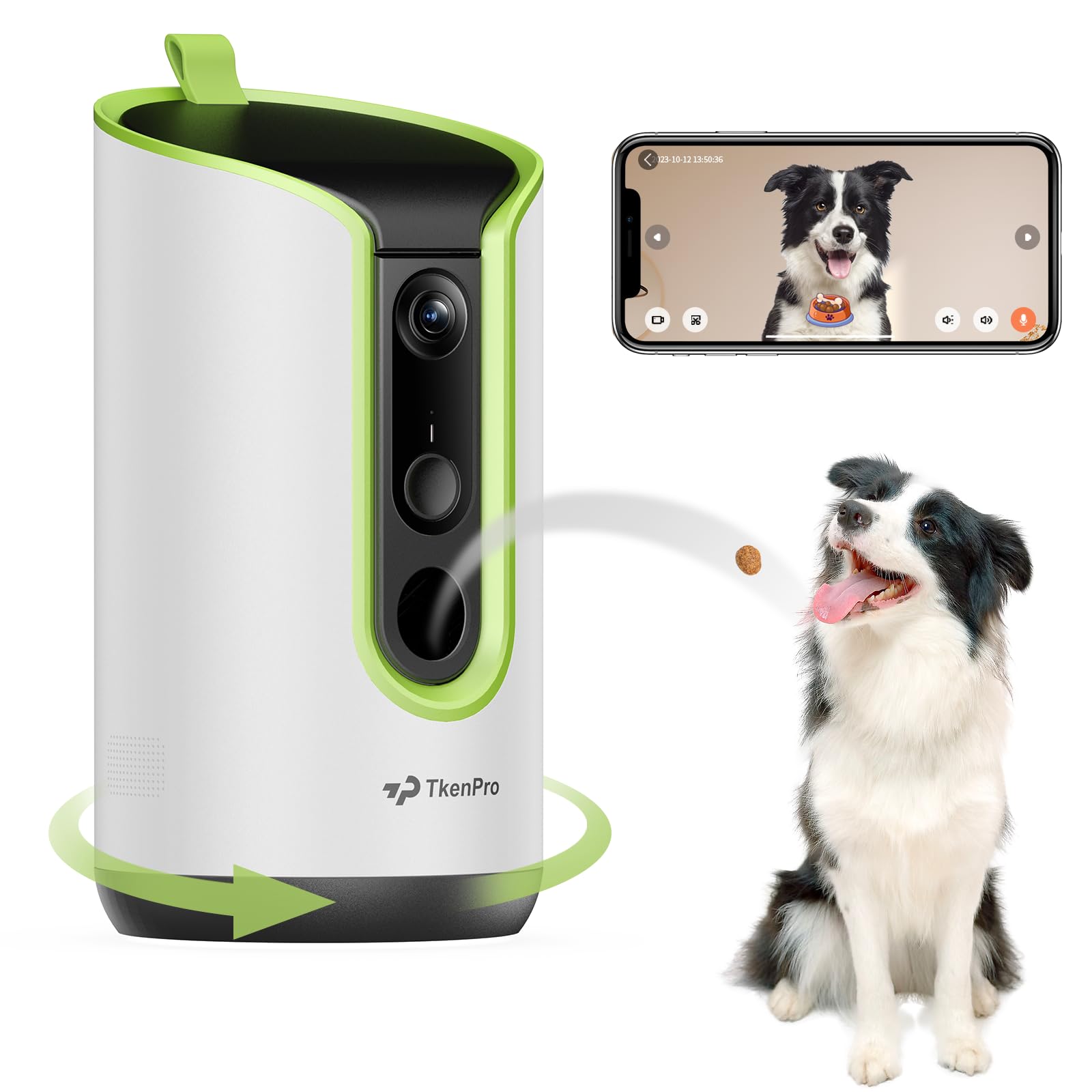

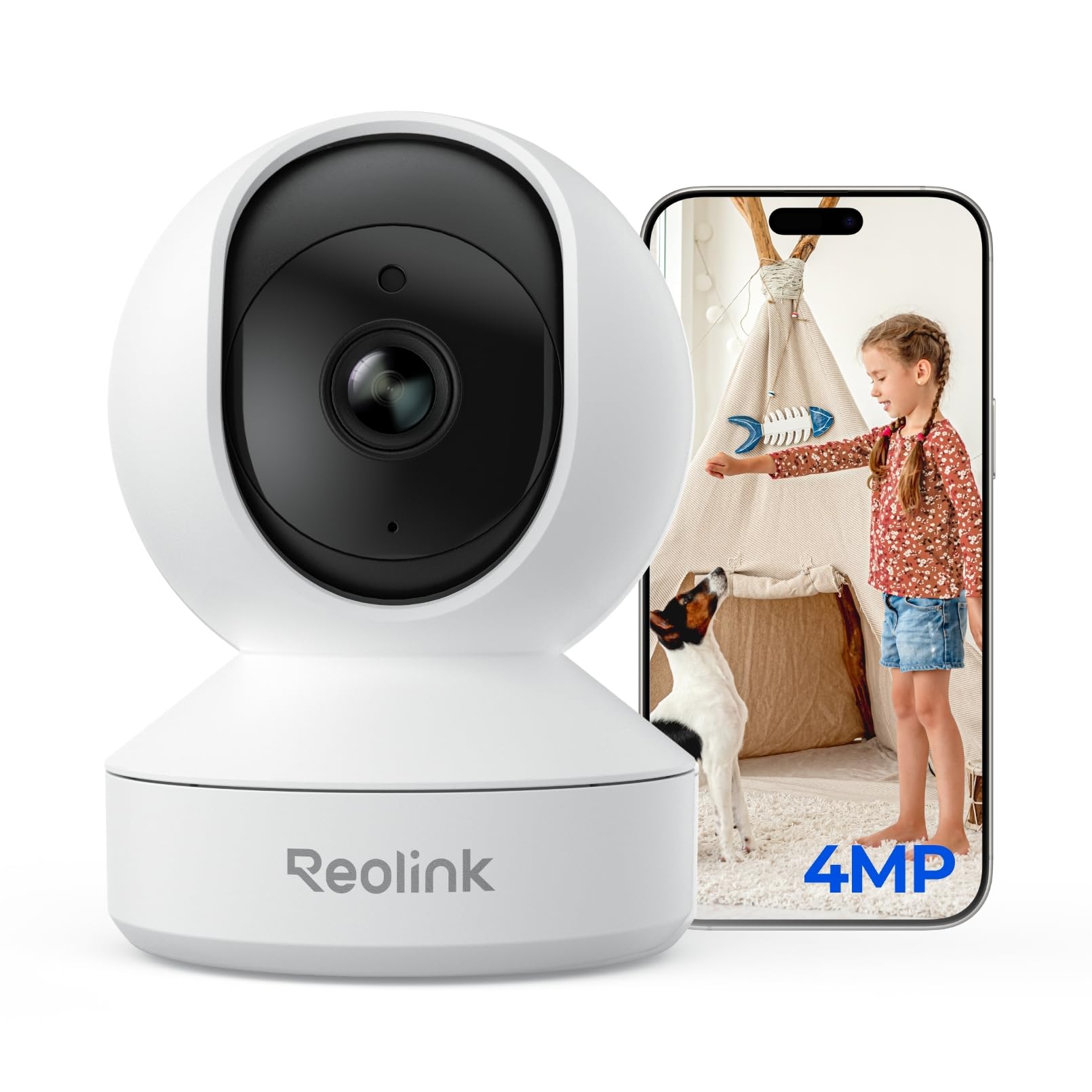

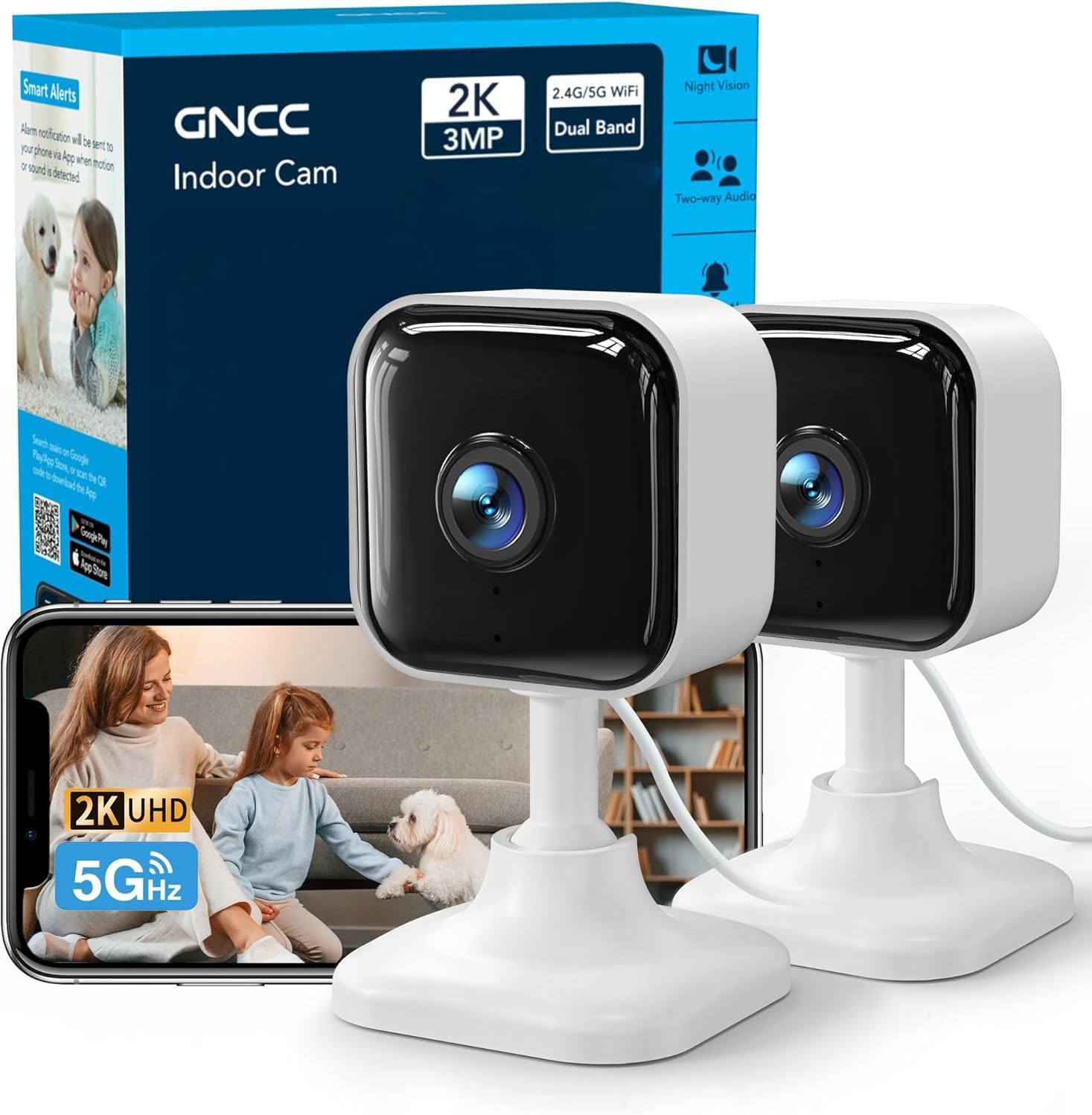


What Your Money Gets You at Each Price Tier
All three tiers stream live video to your phone. The price decides how smart the camera is about telling you when something matters. Owners comparing wider home coverage can also look at the best home cameras, while this page stays on the pet watching job.
Budget Tier: Live View and Basic Motion Alerts
Budget cameras, about $25 to $60, give you a live feed, basic motion alerts, and usually night vision. That covers the core need for many dogs: a quick check at lunch to confirm the couch is safe. The trade offs are wide angle distortion, alerts that fire for shadows and curtains, and audio that can sound thin. If your dog mostly sleeps, this tier honestly does the job, and the savings can go toward a sturdy mount or a second camera later.
Midrange Tier: Two Way Talk and Smarter Alerts
Midrange models, about $60 to $150, add the features that change daily use. Two way talk lets you speak to your dog, and pet specific motion alerts separate a wandering dog from a moving curtain. Video history stretches longer, and night vision clears up. This is the tier most owners should target, because a two way talk class feature governs the check in moment: you can settle a restless dog with your voice instead of just watching it pace.
Premium Tier: Treat Tossing and Bark Detection
Premium pet cameras, about $150 to $300, layer on treat tossing, bark alerts that tell you noise happened before you open the app, and tracking that follows your dog across the room. Some add wider fields of view that cover an open plan space from one corner. These extras suit anxious dogs, puppies in training, and owners gone for long stretches. If your dog naps through the day, this tier buys novelty more than value, so weigh the extras honestly.
Features Worth Paying For, and Ones to Skip
The feature list on a pet camera box mixes real value with filler. The sections below sort them, and the best home cameras for security show the overlapping picks if you want one system doing both jobs.
Alerts Tuned by Sensitivity, Not Just Motion
A camera that pings your phone forty times a day trains you to ignore it. Look for motion alerts you can tune by sensitivity, plus pet detection that filters out light changes and passing cars through a window. A motion alert class tuned by a sensitivity class governs whether alerts stay useful in week three, when the novelty is gone. Bark alerts, where offered, belong in this same judgment call, since a false bark ping at work is worse than none.
Placement and Field of View for Real Rooms
Dogs move between rooms, so placement planning matters as much as the camera. A field of view around 120 to 130 degrees covers most of a living room from a corner shelf. Pan and tilt models follow the action but cost more and move noisily, which can spook a nervous dog. Good guidance on the best cameras to install at home helps with mounting height and angles, and a camera aimed at the dog bed and the front door catches most of what owners actually review.
Privacy and Account Security Come First
A camera inside your home deserves the same care as a bank login. Choose models that support strong passwords and two factor sign in, and keep the app and firmware updated, because a password class, an update class, and a two factor class together govern the safety of your account. Place cameras in shared living spaces, never in bedrooms or bathrooms, and tell guests and house sitters the camera is there. The wider best home surveillance cameras apply the same rules across a whole house setup.
Night Vision and Video Clarity After Dark
Dogs do not keep office hours, and evening checks are where cheap cameras fall down. Infrared night vision rated for your room size keeps the picture readable without a lamp left on. Resolution beyond 1080p helps you zoom into a chewed shoe, but frame smoothness and lens quality matter more than a 4K badge at this distance. Test the night picture during your return window, since that is the footage you will rely on.
Storage Plans and Treat Features to Skip
Cloud plans add about $3 to $10 a month per camera, and some brands lock motion history behind them, so price the plan with the camera. Local card storage avoids the fee but loses footage if the camera is unplugged. As for extras, laser toys and elaborate treat games rarely hold a dog for long. The roundup of best at home surveillance cameras shows which storage models the security side favors, and treat tossing is worth paying for only if you will refill and use it weekly.
Long Term Costs to Factor In
Plan past the purchase price. A cloud plan across two cameras can pass $100 a year, and treat tossing models add treat refills sized to the device. Wall mounts, longer cables, and a second camera for the hallway are common month two purchases. Cameras themselves last for years, but app support ends eventually, so buying from a brand that still updates its app protects the whole spend better than a small saving today.
Common Mistakes to Avoid
- Mounting the camera at ceiling height, so you get the top of your dog and none of the behavior you wanted to see.
- Leaving the default password in place and skipping two factor sign in on the app.
- Buying a treat tossing model for a dog that ignores treats when left alone.
- Ignoring alert sensitivity settings, then muting the app after a day of false pings.
- Pointing the camera at a bright window, which washes out the room in daylight.
Setup and Care Tips for a Pet Camera
Set the camera about waist to shoulder height on a stable shelf, angled slightly down at the dog bed and the main door. Run a test day while you are home to tune alerts before you trust it at work. Wipe the lens monthly, since nose prints and dust soften night footage, and check the mount after any furniture move. Keep cables tucked out of chewing reach, and pull them from the wall socket rather than the camera end when you unplug.
Frequently Asked Questions
What features matter most in cameras for dogs at home?
The features that matter most are dependable motion alerts you can tune, two way talk, and clear night vision. Together they let you notice a problem, respond with your voice, and see what is happening after dark. Treat tossing and room tracking are pleasant extras, but they rank below alert quality, because a camera that cries wolf gets ignored. Start with those three basics at a midrange price, and add extras only when a real gap shows up in your routine.
Which camera type is better for low light and evening checks?
Cameras with true infrared night vision handle evening checks best, because they light the room invisibly instead of relying on a lamp. Look for a stated night range that covers your room length, and a lens that stays sharp at that distance. Color night modes that use a small spotlight can startle a sleeping dog and drain goodwill with neighbors if the camera faces a window, so plain infrared is usually the calmer choice for indoor pet watching.
How much should I spend on my first dog camera?
Most first time buyers land well between about $60 and $150, where two way talk, pet aware alerts, and solid night vision come together. Cheaper cameras work for a calm adult dog and a single room, but their false alerts wear thin fast. Before paying premium prices, add the cloud plan cost for a full year, since a about $200 camera with a paid plan can cost more over time than a about $250 model with local storage.
Can a dog camera replace a pet sitter or walker?
No, a camera only watches and talks; it cannot feed, walk, or comfort a dog in distress, and it should never be the whole care plan. It does make sitters more effective, since you can spot a missed visit or a chewed cushion early and message them with specifics. For young puppies and dogs with separation anxiety, pair the camera with a walker or sitter schedule, and use the footage to show that helper exactly when the hard moments happen.
What specs matter most for dog camera beginners?
Focus on field of view around 120 to 130 degrees, 1080p video, two way audio, and adjustable alert sensitivity. Those four specs decide almost everything you will see and hear day to day. Ignore magnification style numbers borrowed from binocular listings, since pet cameras do not use them; digital zoom on a 1080p feed is the honest figure to judge. A simple app with clear alert history rounds out a beginner friendly pick better than a long sensor spec sheet.
Wrapping Up
Let the product table above anchor your shortlist, then decide by alert quality, two way talk, and night vision, in that order. Match the tier to your dog: calm sleepers need little, anxious dogs earn the extras. Pick the best cameras for dogs at home for your rooms and routine, set the privacy controls on day one, and the daily check in becomes the easiest part of leaving the house.