
Best At Home Surveillance Cameras: What Actually Matters Before You Buy in 2026
Disclosure: We may earn a commission when you buy through links on this page, at no extra cost to you. As an Amazon Associate I earn from qualifying purchases. Learn more
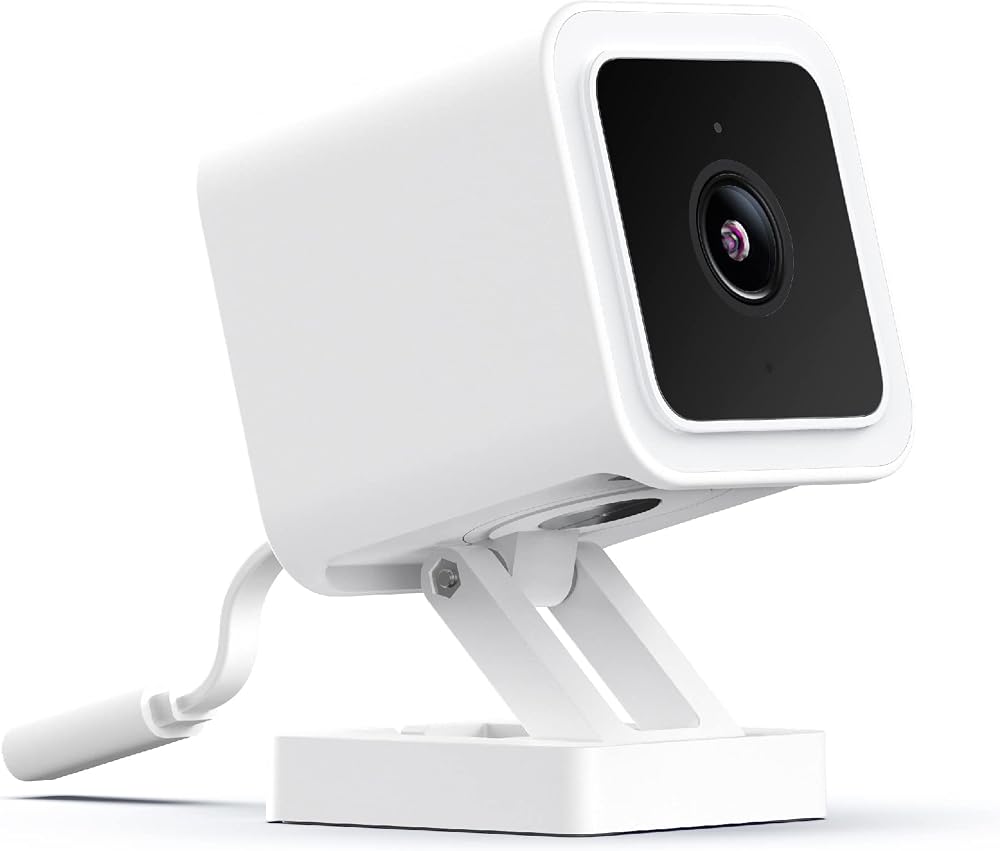
Use our checklist to find the best at home surveillance cameras, with clear guidance on resolution, night vision, storage, power and smart alerts.
A camera only earns its place if it records clear faces, sends alerts you can trust, and keeps working on the nights you need it most. This guide scores the best at home surveillance cameras against one checklist covering resolution, night vision, storage, power, and weather ratings, so match them to your home in the comparison table below.
Start with a coverage plan. Note every entry door, the driveway, any side gate, and the rooms where you want a view, because the best surveillance cameras for one house rarely fit another. For broader layout help, see our guide to the best home surveillance cameras.





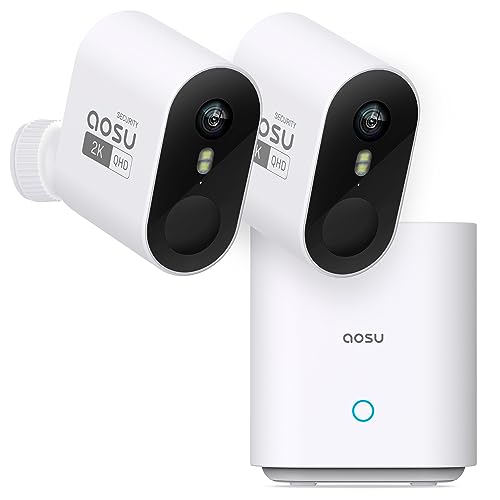
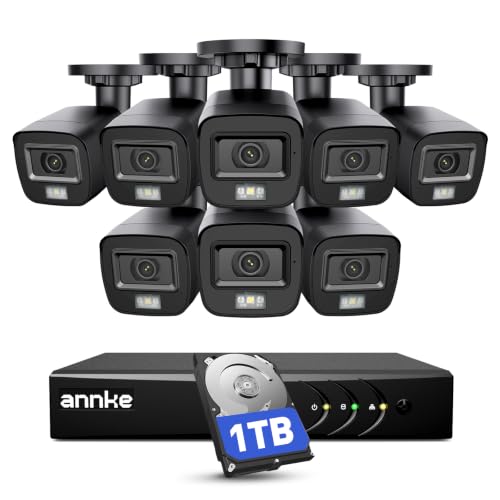

Who Should Buy At Home Surveillance Cameras?
Most households fall into one of three groups below, and each should weight the checklist differently.
Homeowners Guarding Doors, Driveways and Yards
You want proof of who came to the door, when a car pulled in, and whether a package stayed on the porch. Prioritize a wide view at each entry, strong night recording, and alerts that separate people from passing cars. Video doorbells pair well with a driveway camera, catching faces up close while the second camera records the wider scene.
Parents, Pet Owners and Caregivers Watching Indoor Spaces
Your priority is checking in on children, pets, or an older relative, plus motion alerts when a room should be empty. Look for clear two way audio, person detection, and a privacy shutter or pause setting. Dedicated baby monitors still suit overnight infant watching better, since they run on a closed link and need no app.
Renters and Second Home Owners Who Need Flexible Coverage
You need cameras that mount without drilling, run on batteries, and send alerts from miles away. A second home adds two demands: a connection that recovers on its own after a power cut, and storage that keeps recording while the internet is down. Choose local recording and remote battery checks so a dead camera never goes unnoticed.
Key Features to Compare
Use these six criteria to judge any model. When you compare the best at home surveillance cameras side by side, small gaps in night range or alert quality matter more than extra app features. Let weak spots rule a camera out early.
Video Resolution and Field of View
Resolution sets how much detail survives when you zoom into a face or a license plate, and 2K resolution is the practical floor outdoors. A 1080p camera can still serve a small indoor room where subjects stay close. Field of view decides how much one camera covers, with about 130 to 160 degrees typical at entry points. Very wide views stretch faces at the edges, so two narrower cameras often identify visitors better.
Night Vision, Infrared or Color
Infrared night vision records in black and white using invisible light, reaches farther, and draws less attention. Color night vision uses a small spotlight or a sensitive starlight sensor, preserving clothing and car colors that help identify someone later. Check the rated range against your real distance, since a camera rated for 30 feet gives grainy faces at a gate 50 feet away.
Smart Home Integration
Integration decides how the camera fits routines you already use. Alexa and Google support lets you pull a live view onto a smart display by voice, while HomeKit routes footage through the Apple Home app. Confirm the exact platform before buying, because some models support one assistant for viewing but need their own app for settings and playback.
Storage, Local Recording or Cloud Storage
Local storage on a microSD card or a home hub keeps footage in your house and avoids a monthly fee, but the card can go missing if a camera is stolen. Cloud storage keeps clips safe off site, yet full history usually needs a paid plan. Many households mix both, using the card for continuous recording and the cloud for alert clips.
Weather Resistance and IP65 Ratings
An outdoor camera should carry at least an IP65 rating, meaning sealed against dust and rain from any direction. IP66 adds protection against stronger water jets. Check the rated temperature range too, since battery cameras lose charge faster in hard winters. For models built for yards, see our guide to the best outdoor home surveillance cameras.
Two Way Audio and Siren
Two way audio lets you speak to a courier, calm a dog, or warn off someone testing a gate from your phone. Sound quality varies widely, so look for noise reduction that keeps voices clear outdoors. A built in siren and spotlight add deterrence when an alert shows a real intruder. Test speaker volume at setup, because a quiet speaker rarely carries across a driveway.
Choosing the Right Setup for Different Home Uses
Power source and camera count shape a system more than any single spec. One wired camera suits a busy doorway, while scattered doors push you toward battery models or a multi camera kit.
Battery Powered Cameras: What to Check
Battery models free you from running cables, so they suit renters, sheds, and gates far from an outlet. Check expected battery life in a busy spot, since heavy motion can drain a pack in weeks; whether the battery removes for charging; and whether a solar panel can top it up. Our guide to the best home surveillance cameras wireless covers more cable free options.
Multi Camera Kits: What to Check
A multi camera kit works when one app, one storage plan, and one alert style cover the whole property. Confirm the hub or plan supports every camera you plan to add later, without forcing a higher tier. Mixed brands mean separate apps and scattered clips. If cable runs are short, our guide to the best wired home surveillance cameras explains the stable option.
Checklist Before You Buy Home Surveillance Cameras
Answer these questions before you order. A no on the first four usually means choosing a different model.
- Does the view cover every door and gate you use, with no blind corner at head height?
- Is the resolution at least 2K where faces may be 20 feet or more away?
- Does the rated night range exceed the distance to the farthest point you care about?
- Can you state where footage is stored and what it costs each month?
- Does the camera carry at least an IP65 rating if it will sit outdoors all year?
- Will alerts reach your phone within seconds, with person detection filtering out cars and pets?
- Do you have a power plan for every camera in the set?
Common Mistakes to Avoid
- Mounting a camera above 10 feet, so footage shows the tops of heads instead of faces.
- Trusting a headline resolution while ignoring a narrow view, so one camera leaves the side gate uncovered.
- Skipping the storage plan math, so a cheap camera costs more each year in cloud fees than a local recording model.
- Pointing a camera straight at a porch light or low sun, so glare wipes out evening footage.
- Leaving the factory password and old firmware in place, so the camera becomes the weakest point on your network.
- Recording a neighbor's yard or windows as the main view, which can breach local privacy rules.
Setup and Care Tips for At Home Surveillance Cameras
Mount cameras about 8 to 10 feet high, angled slightly down, so faces pass through the middle of the frame rather than the distorted edges. Walk the route at setup, day and night, and check saved clips rather than the live view, since compression shows up only in recordings. Test motion zones on a windy day so shadows do not flood you with alerts.
Turn on two factor authentication, update firmware when the app offers it, clean each lens every few months, and check battery levels and card health monthly. Cameras support good locks and lighting but do not replace them, and any sign of a break in is a matter for local emergency services, with wired electrical work left to a licensed installer.
FAQs About At Home Surveillance Cameras
Can at home surveillance cameras work without WiFi?
Yes, at home surveillance cameras can record without WiFi if they store footage on a microSD card or a wired recorder. You lose live phone viewing and instant alerts while the connection is down. A cellular model suits cabins and building sites, though it needs a data plan and a strong signal.
Are wired or wireless at home surveillance cameras more reliable?
Wired cameras are more reliable for fixed spots, because power and data run through one cable and never depend on battery charge or signal strength. Wireless cameras win where cables cannot reach. One test helps: if your phone holds a strong WiFi signal at the mounting spot, a wireless camera there will usually behave.
How much storage do at home surveillance cameras need?
Most homes need storage for about 7 to 14 days of alert clips, which a 128 GB card often covers for one camera recording on motion only. Continuous recording fills cards far faster, sometimes in two or three days at 2K. Export clips that matter, since cards and cloud plans delete the oldest footage first.
Do at home surveillance cameras require a subscription?
No, a subscription is optional on many models, and skipping it usually keeps live view and basic motion alerts while dropping longer clip history and richer person labels. Read the free tier limits before buying, because a few brands lock even simple playback behind a plan. Price three years of fees when comparing the best surveillance cameras for low running costs.
How can you keep at home surveillance cameras secure from hacking?
Use a unique password for the camera account, switch on two factor sign in, and install firmware updates promptly, since updates close most known holes. Use privacy zones or shutters in bedrooms. Brands with a clear update policy matter too, because a camera abandoned by its maker becomes a risk.
Wrapping Up
Clear detail, honest night range, and a storage plan you understand will do more for your safety than any headline feature. Start with one well placed camera at your busiest door, then expand. When you compare the best at home surveillance cameras for your layout, revisit the product table above and score each option against the checklist, because the best surveillance cameras are the ones still recording clearly a year from now.


