
Best Cameras for 250 Dollars by Budget: Smart Picks for 2026
Disclosure: We may earn a commission when you buy through links on this page, at no extra cost to you. As an Amazon Associate I earn from qualifying purchases. Learn more
Compare the best cameras for 250 dollars by budget tier. Learn what sensor, zoom, video and battery features you get and where extra money helps most.
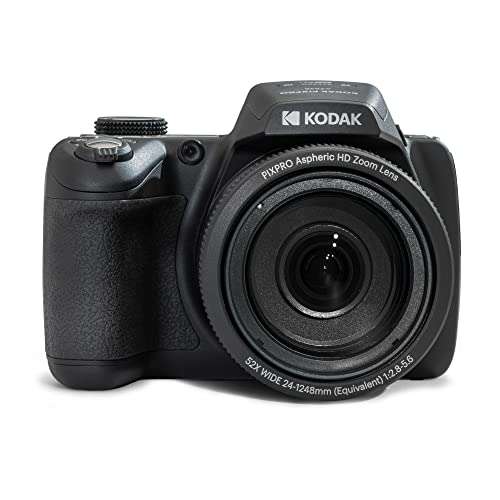
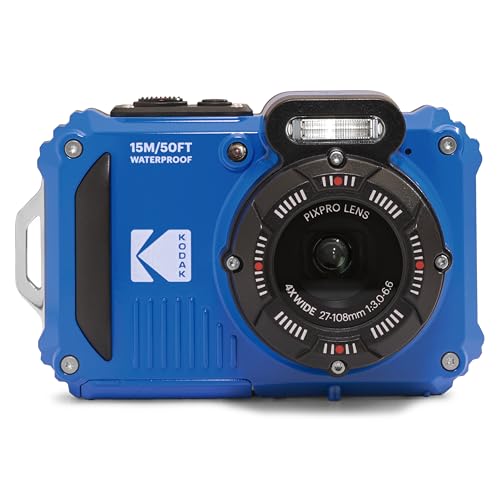
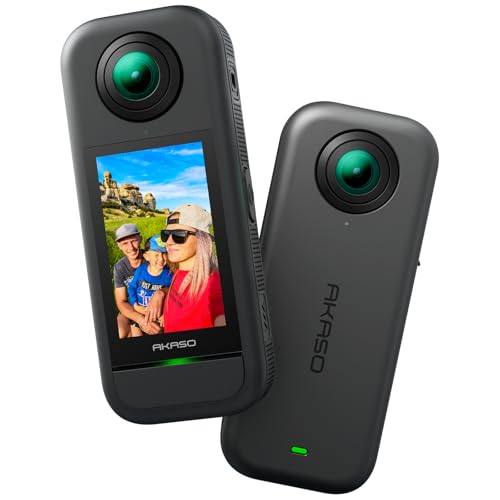
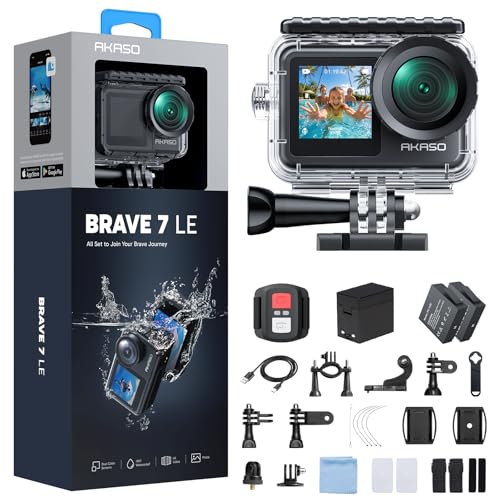
Around 250 dollars is a crowded place to shop, with point and shoot models, long zoom travel cameras, tough action cameras, and older interchangeable lens bodies. The best cameras for 250 dollars put your budget into the sensor, the lens, and steady autofocus rather than a long feature list, and the comparison table below puts the current options side by side.
Start by naming your main subject. Indoor family photos need a bright lens and reliable focus, while hiking needs reach, sealing, and battery life.




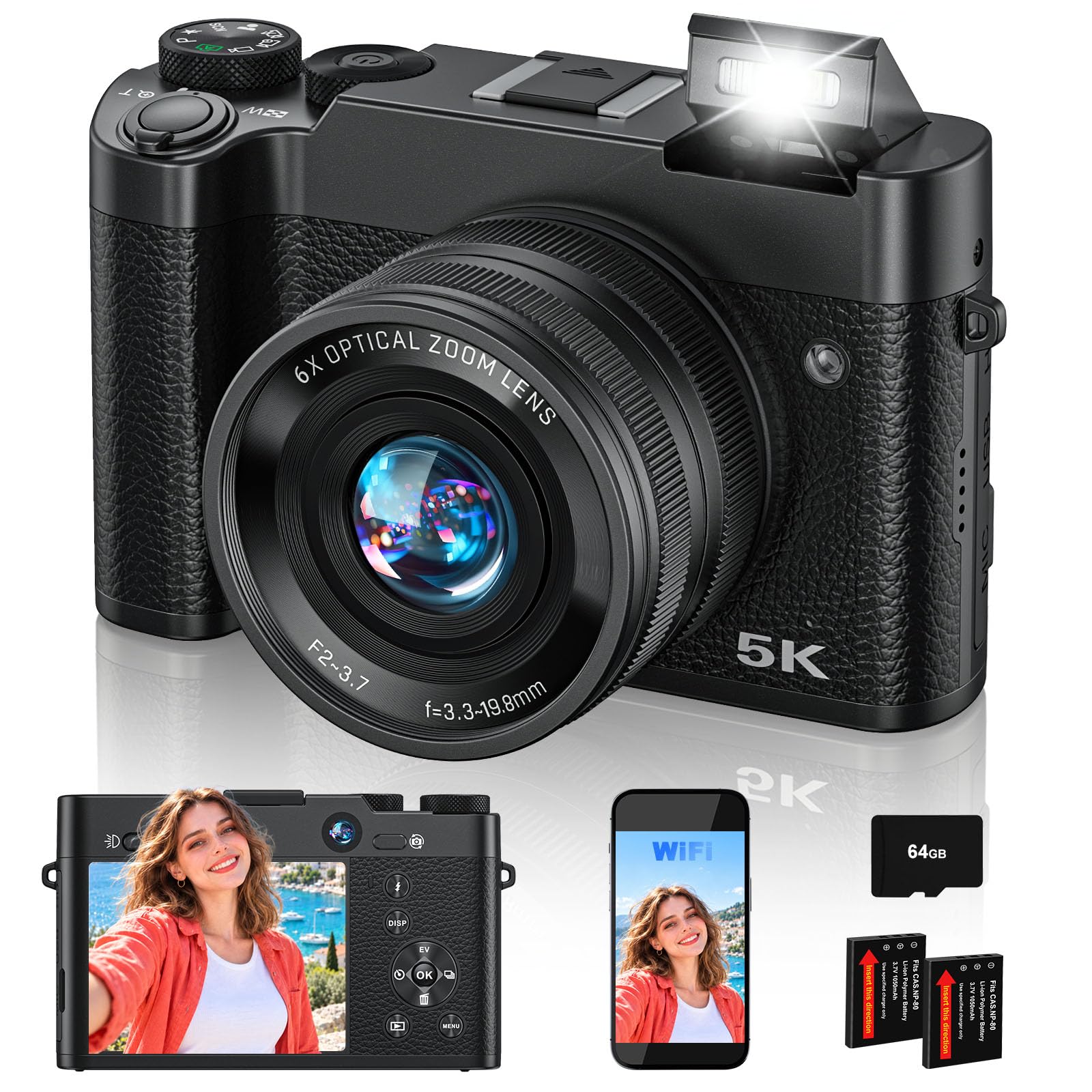
Who Should Buy a Camera Around 250 Dollars?
This budget suits buyers who want a clear step past a phone for one main job, not professional speed.
Family and Travel Shooters Who Want Better Zoom and Flash
You photograph birthdays, school events, and trips, and phone zoom turns faces soft from the back of a room. A compact camera here gives you real optical zoom, a stronger built in flash, and buttons that are easy to share. Choose face detection autofocus and a simple auto mode, because the best family camera is one anyone can use without a menu lesson.
Students and New Creators Learning Photo and Video Basics
You want manual controls to learn exposure, plus video cleaner than a front phone camera for class projects or a small channel. At this price you can find aperture and shutter control, a tilting screen, and WiFi transfer. Check sound carefully, because many models here lack a microphone socket and rely on built in microphones.
Outdoor Users Who Need a Tough and Compact Camera
You hike, paddle, ski, or ride and need a camera that survives drops, dust, and rain that would end a phone. Waterproof action cameras and sealed compacts fit this budget and record wide views for trails and water. Accept a smaller sensor and a fixed wide lens as the trade for toughness, and check the depth rating before trusting any waterproof claim.
What Your Money Gets You at Each Price Level
Prices move with sales, so treat these tiers as bands around your target. For a strict total, see our guide to the best cameras under 250 dollars.
Around $180 to $220: Basic Cameras for Everyday Snapshots
The lowest band buys a small sensor, a modest zoom, and 1080p video in most cases. Daylight photos look pleasant, autofocus is slower with moving subjects, and screens are usually fixed. This band suits a travel backup or a first camera for a child. For fewer video options, see our guide to the best cameras for 200 dollars.
Around $230 to $260: The Balanced Band Around Your Target
This is where your 250 dollars works hardest. Typical gains include a better tuned sensor, optical image stabilization, faster autofocus with subject tracking, and 4K video on some models. Lenses tend to open wider, which helps indoors, and many cameras add WiFi and Bluetooth. For most buyers, a balanced model here beats a feature heavy model from below.
Around $270 to $300 During Sales: Reach, Video, or a Bigger Sensor
Stretching past your target during a sale can buy one clear upgrade rather than many small ones. That upgrade might be a 1 inch sensor for cleaner low light photos, a longer travel zoom, or better 4K video. Decide which upgrade matters before you shop, and if that step up becomes your plan, see our guide to the best cameras for 300 dollars.
Key Features to Compare
The best cameras for 250 dollars separate themselves on the five factors below, not on megapixel counts.
How Sensor Size Shapes Detail and Low Light Results
The sensor gathers the light that becomes your photo, so its size shapes detail, color, and results after sunset. Most cameras near 250 dollars use a small sensor of about 1/2.3 inch, some compacts step up to 1 inch, and APS C appears mainly in older interchangeable lens bodies. A larger sensor gives cleaner files at higher ISO settings and softer backgrounds. Megapixels matter less, because many on a tiny sensor can look noisier than fewer on a larger one.
Optical Zoom and Lens Aperture
Optical zoom moves real glass, so detail holds up across the range, while digital zoom only crops and softens the image. Travel models here often offer about 10x to 30x optical zoom, while larger sensor compacts may offer only 3x to 5x but gather far more light. Check the widest aperture, written as a low f number such as f/2.8, at both zoom ends, because a bright lens at full zoom helps with wildlife and indoor stages.
Image Stabilization and Autofocus
Image stabilization steadies your hands, and optical or sensor shift systems work better than digital only correction, which crops the frame. It matters most at long zoom and in video, where small shakes look large. Autofocus deserves equal attention, because a sharp photo of the wrong moment is still a miss. Look for face and eye detection, subject tracking, and a burst mode of about 5 to 10 frames per second.
Video Modes, Sound, and Screen Design
Many models here record 4K video at 30 frames per second, while others top out at 1080p with a smoother 60 frame option for motion. For family clips, steady stabilization and clear sound matter more than the 4K label, so note any wind noise reduction. A tilting screen helps with self recording and low angles. For a wider view of the category, see our guide to the best digital cameras.
Battery Life, Charging, and Connections
Compact cameras at this price often rate around 200 to 350 shots per charge, while action cameras rate video time in minutes, so compare the measure that matches your use. USB C charging is worth having because you can top up from a car or power bank. WiFi and Bluetooth send photos to a phone, though full size transfers can be slow. For whole day events, budget for a spare battery.
Where Extra Money Helps and Where It Does Not
Paying more pays off when it buys light, reach, or protection you will use. A larger sensor, a brighter lens, optical stabilization, and genuine weather sealing change results in visible ways, and sealed dials matter outdoors.
Other headline numbers are poor places to spend. Very high megapixel counts on a small sensor add file size without clean detail, and extreme digital zoom figures only describe cropping. Large accessory bundles can look generous while the camera sits a tier lower.
Ownership Costs Beyond the Camera Body
The body is only part of the total. Most models need a memory card, and fast cards for 4K video cost more than basic ones, so check the speed class the manual requires. Add a padded case and a spare battery. Interchangeable lens models add future lens costs, and waterproof seals may need paid service.
Common Mistakes to Avoid
- Choosing by megapixels alone, so indoor photos stay noisy despite a big box number.
- Trusting digital zoom figures, so distant subjects look soft at full size.
- Ignoring lens aperture at full zoom, so stage shots turn dark or blurred.
- Forgetting the memory card and spare battery, so the camera is not ready on its first big day.
- Buying a tough camera without reading its depth limits, so water damage follows an uncovered swim.
- Skipping a hands-on trial during the return window, so slow autofocus shows up after exchange ends.
Care and Maintenance for a Camera Around 250 Dollars
Clean the lens with a blower first, then a soft microfiber cloth, because wiping grit across glass can leave scratches. Store the camera in a padded case in a dry place, and remove the battery during long storage. If it gets wet or sandy, rinse only when the manual allows it and dry the seals.
Format memory cards in the camera after backing up files, because in camera formatting matches the card to that model. Update firmware only with a charged battery and follow the maker instructions. Inspect straps and door latches every few months, and stop using a swollen battery at once.
FAQ
What features matter most in cameras for 250 dollars?
Sensor size, lens brightness, and autofocus matter most in cameras for 250 dollars, because together they decide how clean photos look indoors and how many moving subjects stay sharp. One missed point is the screen hinge, because a tilting screen makes low shots of toddlers and pets easier to frame.
How much should a first camera for 250 dollars cost once accessories are added?
A first camera for 250 dollars should leave about 30 to 50 dollars for a card, a case, and later a spare battery, so a body price near 200 to 220 dollars is often wiser. Pricing the card first also prevents a camera that cannot record on arrival day.
Which type of camera for 250 dollars is better for low light indoors?
A larger sensor compact with a bright lens is better for low light indoors than a long zoom model, because long zoom lenses gather less light and force higher ISO settings that add grain. Sit closer and zoom less when you can, since the wide end of most lenses is brightest. A nearby table lamp helps more than any menu setting.
Is a smartphone enough instead of a camera for 250 dollars?
A smartphone is enough instead of a camera for 250 dollars if you mostly share photos online and rarely zoom. A dedicated camera earns its place when you need real optical zoom, longer sessions, a proper flash, or touch controls. Sharing is another factor, because a compact is easier to hand to a child than your phone.
Can a camera for 250 dollars record good 4K video for family events?
Yes, a camera for 250 dollars can record good 4K video for family events in decent light. Keep clips short, because some models limit 4K recording time or warm up during long takes, and use a fast card rated for 4K so recording does not stop mid scene. Stand closer for clearer sound.
Wrapping Up
Match the sensor and lens to your main subject, keep autofocus and stabilization high on your list, and leave room for a card and a spare battery. Follow that order and the best cameras for 250 dollars become a short, clear choice. Compare your finalists in the product table above and pick the one that fits how you shoot.


