
Best Camera Phones for Vlogging in 2026: Which Type Is Right for You?
Disclosure: We may earn a commission when you buy through links on this page, at no extra cost to you. As an Amazon Associate I earn from qualifying purchases. Learn more

Compare compact, flagship, mid range and camera focused types to find the best camera phones for vlogging.
Choosing a phone for vlogging feels confusing because every model claims a great camera, yet the camera you use most is the one facing you. The best camera phones for vlogging pair a sharp front camera with steady video, clear audio and enough battery for a full day of filming. This guide compares phone types instead of naming models, so you can use the comparison table below with a clear plan.
Think first about how you film. A creator who walks and talks needs stronger stabilization than a creator who films at a desk. A traveler needs fast uploads and tough glass, while a home creator may care more about a bright screen and quiet indoor audio.
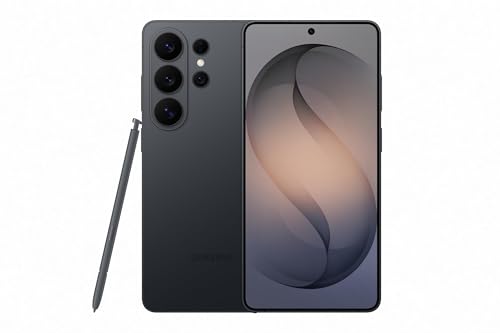
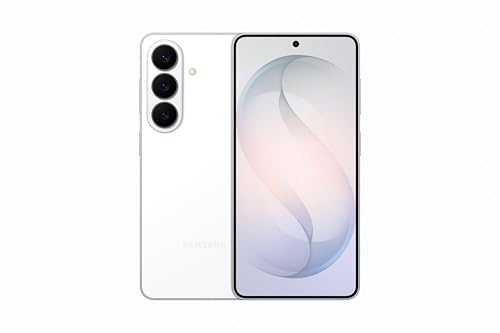
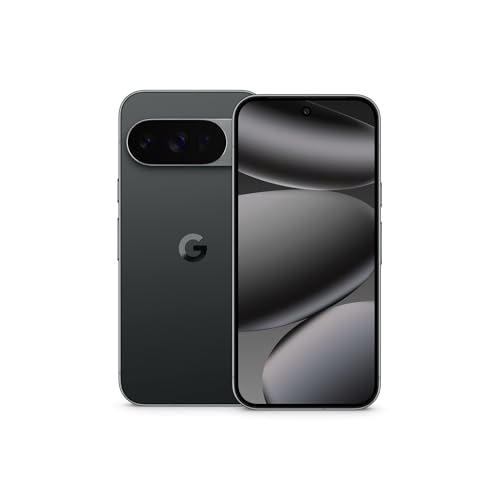
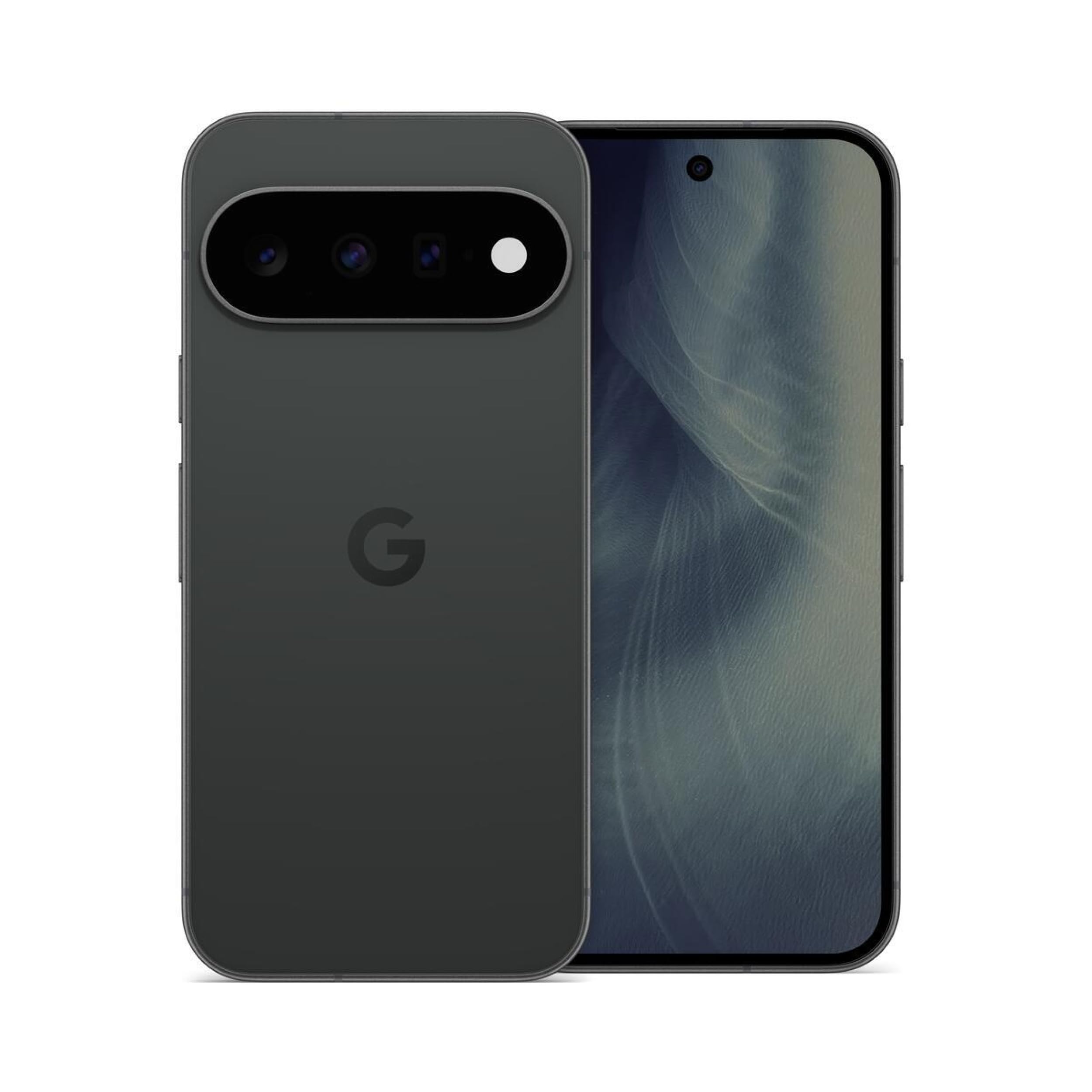

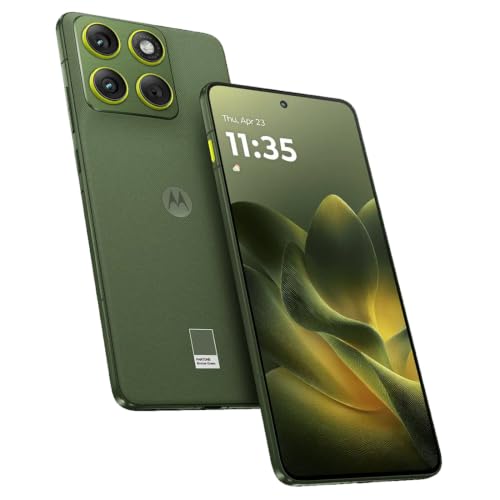
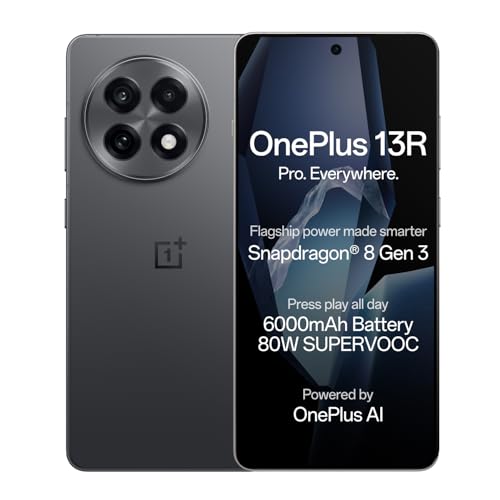
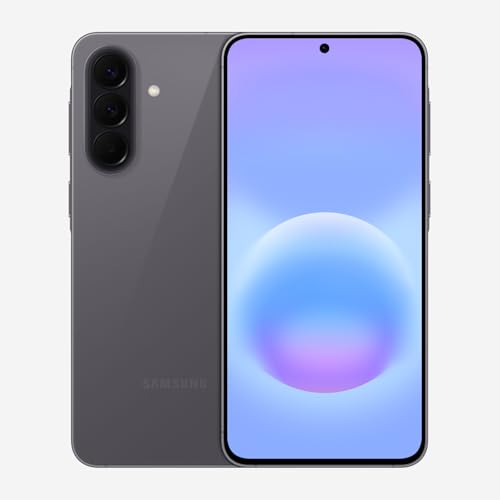

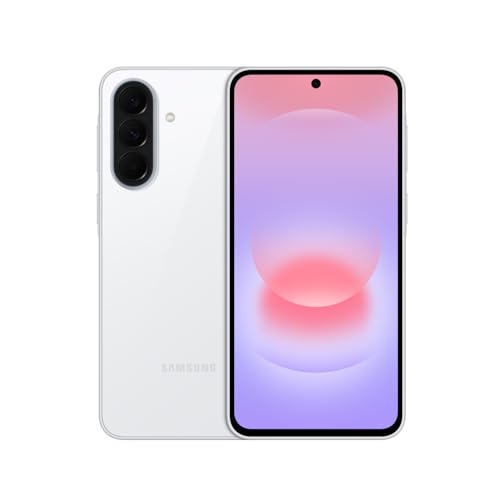
Types of Camera Phones Compared
Phone types differ less in headline camera numbers than in balance. One type favors size, another favors processing power, and another puts the camera first. If you want a camera led view of the wider market, see our guide to the best phones by camera after you know your type.
Compact Phones for Light Travel Filming
Compact phones suit creators who film on the move and carry little else. A smaller body fits a small grip or a jacket pocket and feels less tiring during long handheld takes. The front camera is usually capable rather than class leading, and the smaller battery drains faster during long 4K sessions. Choose this type if you value easy carrying and casual clips over maximum detail.
Flagship Phones for Maximum Video Quality
Flagship phones give vlogging the strongest all round hardware. You get the sharpest front cameras, the best stabilization and the fastest chips for editing and export. Screens are bright outdoors, and storage options run large. The costs are real, though. Prices often reach about $1,000 to $1,500, and bodies are larger. Choose a flagship if filming is your main work and you publish often.
Mid Range Phones for Steady Everyday Vlogging
Mid range phones balance price and video ability for regular posting. Front cameras usually record 1080p or 4K, stabilization handles walking at a calm pace, and battery sizes often match larger flagships. You give up some low light detail and fewer years of software updates. Prices often sit around $400 to $700. Choose this type if you want dependable talking head footage and budget room for a light and a microphone.
Camera Focused Phones for Creators Who Film First
Camera focused phones put video hardware ahead of every other priority. Expect strong front and rear cameras, advanced stabilization, high quality microphones and extra controls for exposure and focus. Some models add strong support for plug in microphones and grips. The trade off is price and size. Choose this type if you film daily, shoot in mixed light and want phone footage to stand in for a dedicated camera.
Compact Phones vs Flagship Phones: Which Should You Choose?
Size is the first split. A compact phone is easier to hold at arm length and to mount on a small tripod, while a flagship gives you a larger screen for framing and more power for edits. Flagship stabilization usually looks smoother on walking shots. For travel days, the compact phone wins on comfort and charges faster from a power bank because its battery is smaller.
At home with controlled light, the gap narrows, and a compact phone plus a good lamp can beat a flagship used carelessly. Creators who outgrow phone limits often compare dedicated gear, so see our guide to the best cameras for vlogging and our guide to the best digital cameras before you buy a second device.
How to Choose the Right Camera Phone for Vlogging
With your type in mind, check the features that shape filming. The best camera phones for vlogging are not always the priciest ones, because your habits decide which features you feel. For a wider look at image quality, see our guide to the best phones with good camera quality while you compare the points below.
Front Camera, Stabilization and Microphones for Vlogging
Vlogging flips normal camera priorities. The front camera does the main work, so look for 4K recording on the front camera, reliable face tracking and stabilization that stays smooth while you walk. Microphone quality matters just as much, because viewers forgive soft video sooner than muffled speech. Check whether the phone supports a plug in or wireless microphone. Night mode video helps evening street scenes, but steady footage and clear audio help every clip you publish.
Display Size and Quality for Framing Your Shots
You frame yourself on the front screen, so display quality is a filming tool, not a luxury. A screen of about 6.1 to 6.7 inches gives room to check focus and background without holding the phone far away. Brightness matters outdoors, where a dim screen hides framing errors until you review the clip. An OLED panel gives deep contrast for judging exposure, and a refresh rate of 120 Hz makes preview motion look smoother.
Processor and Heat Control for Long Takes
Video asks more of a processor than photos do. A strong chip keeps 4K recording steady, applies stabilization in real time and exports edits without long waits. Heat is the hidden limit. Some phones reduce brightness or stop recording during long 4K sessions on warm days, so favor models known for cool running and test any new phone with a long take during the return window.
Carrier Compatibility, 5G and Storage for Uploads
Check that an unlocked phone supports the bands your carrier uses in the United States, because a missing band can weaken signal on trips. 5G helps you upload large clips from a train or a hotel without waiting for WiFi. Storage fills fast with video, so treat 256 GB as a calm starting point for regular creators. A larger battery near 5,000 mAh usually supports longer filming between charges.
Common Mistakes to Avoid When Choosing a Vlogging Phone
Each of these errors is easy to check before you buy.
- Choosing by rear camera numbers while ignoring the front camera leaves your face footage softer than your scenery.
- Skipping a test take before long 4K sessions in hot sun can trigger heat limits that stop the clip midway.
- Trusting the built in microphone on a windy street buries your voice under noise that editing cannot remove.
- Buying 128 GB for daily 4K filming forces constant deleting and rushed backups between shoots.
- Ignoring the update policy can leave you with a phone that loses new app features within two years.
- Holding the phone too close during talking head clips distorts your face and crops out hand gestures.
Tips to Get the Most From Your Camera Phone for Vlogging
Protect the lens and screen first. A slim case and a screen protector guard the glass you film through and the display you frame on, and a lens cloth in your pocket keeps front footage clear. Wipe the front lens before every take, because pocket lint and skin oil soften front footage more than most settings do. If your phone carries an IP68 rating, brief rain during an outdoor take is less worrying, though ports still need drying before you charge.
Keep software updated so camera fixes and new video features arrive on time, and avoid charging in extreme heat, which ages the battery your filming day depends on. Offload finished clips each week and keep one backup copy outside the phone, because a lost phone should never mean a lost month of footage.
Camera Phones for Vlogging: Your Questions Answered
Short answers to the questions creators ask most often.
What features matter most in camera phones for vlogging?
Stabilization, front camera clarity and microphone quality matter most in camera phones for vlogging. Before you buy, film a one minute walking clip in mixed light, speak at a normal volume and play it back with headphones. If your face stays steady, your voice stays clear and focus holds on your eyes, the phone passes a test spec sheets cannot show.
Is a mid range phone good enough for vlogging?
Yes, a mid range phone is good enough for vlogging in decent light if you speak close to the phone. Its weaker spot is dim rooms and busy streets at night. Spend a little on a small lamp and a clip on microphone before you jump a price tier, because light and audio lift a mid range clip more than a costlier sensor would.
How many years of software updates should a vlogging phone get?
A vlogging phone should get at least four years of software updates, and longer is better if you keep phones for a while. Updates protect the accounts you publish from and keep editing and upload apps working as they change. Check the promised end date before you buy, and count the years from your purchase date, not the launch event.
Do you need 5G on a camera phone for vlogging?
No, you do not need 5G on a camera phone for vlogging, but it makes field uploads much easier. A 4G connection handles live chats and short clips, though large 4K files move slowly. If you often film away from home, pair 5G with a data plan that has a high monthly cap, because one busy filming week can use more data than a month of browsing.
Should you buy an unlocked phone for vlogging?
Yes, buying an unlocked phone for vlogging gives you carrier freedom that matters when you travel. You can add a local SIM card abroad for cheaper uploads and switch carriers if coverage is weak at your filming spots. Confirm band support for each carrier you plan to use, because unlocked does not always mean every band is present.
Our Verdict
Choose your type first, then judge the front camera, stabilization and microphones before any other spec. A compact phone serves light travel days, a flagship serves demanding daily filming, and a mid range or camera focused phone serves most creators in between. Use the product table above to compare size, storage and price.
When you shop for the best camera phones for vlogging with your filming style in mind, the right choice stops feeling like a gamble. Pick the phone you will carry daily, keep its lens clean and its software current, and let steady, clear clips build your channel.


