
Best Camera for Recording DJ Sets in 2026: Which One Fits Your Booth?
Disclosure: We may earn a commission when you buy through links on this page, at no extra cost to you. As an Amazon Associate I earn from qualifying purchases. Learn more

Choose a camera for recording DJ sets by booth size, low light needs, long set recording limits, mixer audio inputs, lens angle and budget first.
No single camera suits every DJ, because a dark club booth, a home practice room and an outdoor stage punish gear in different ways. The best camera for recording dj sets is the one that matches your room, your set length and your audio setup. Use the comparison table below to check the few specs that decide whether a set records cleanly from the first track to the last.
Start with how you actually play. A resident DJ recording two hour sets needs power and storage above all else. A bedroom DJ posting short clips needs a wide view and simple controls.


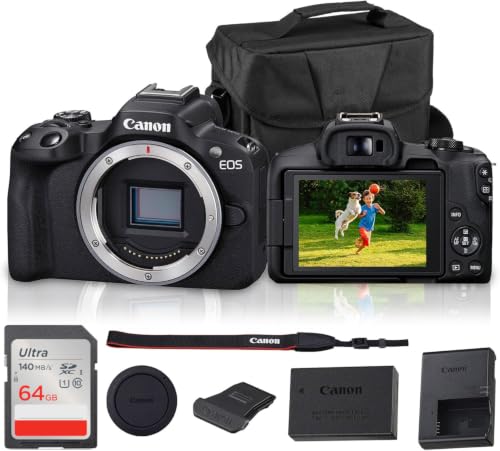


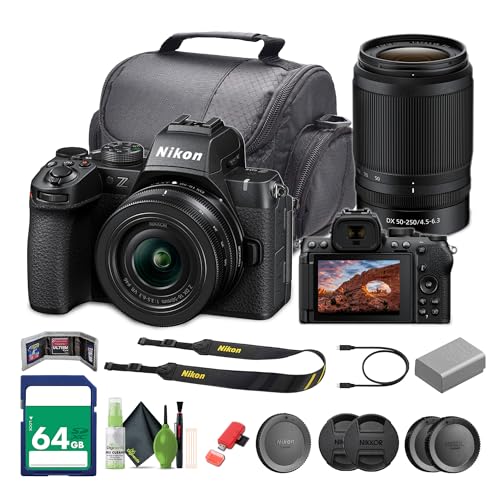
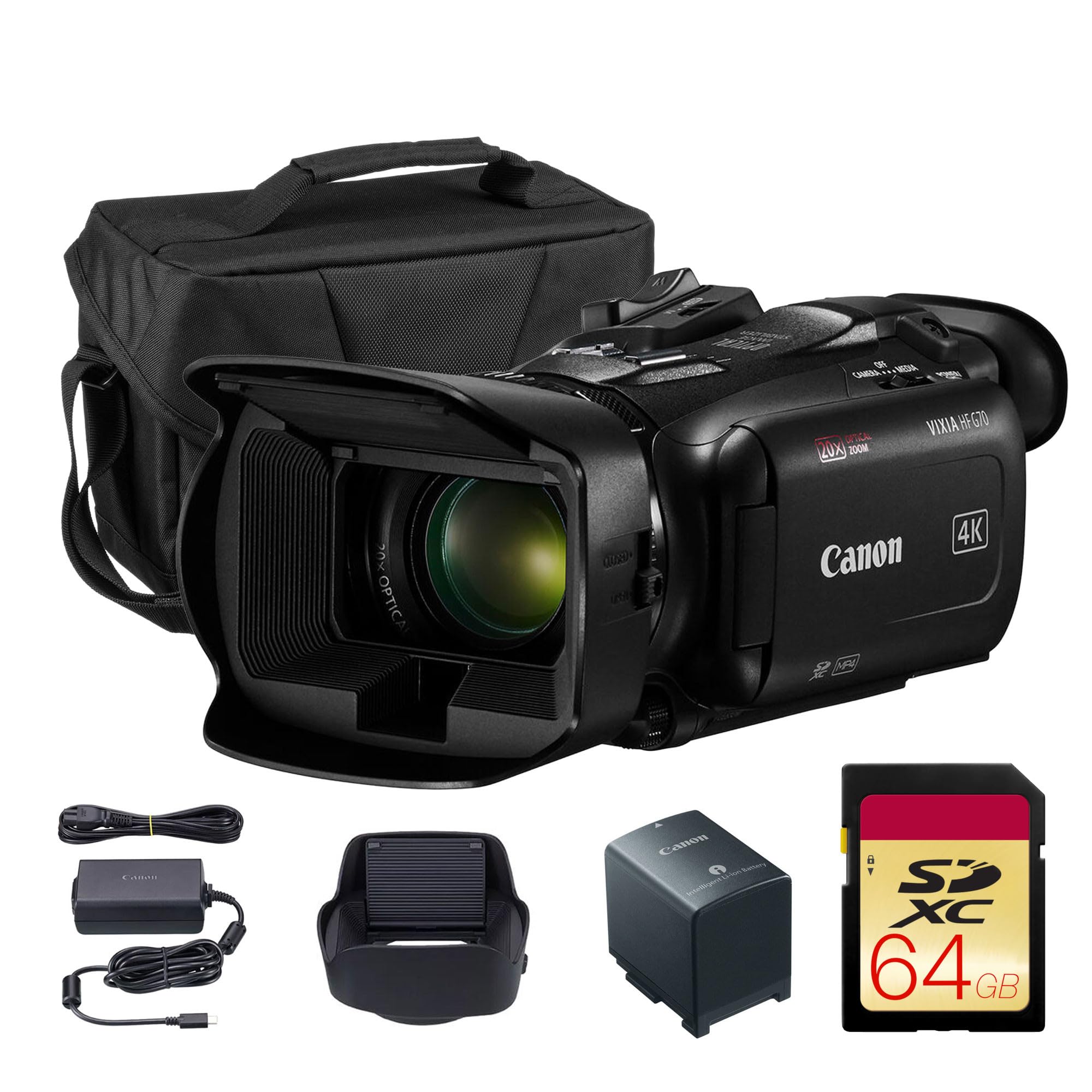
Who Should Buy Which Camera for Recording DJ Sets?
Pick by the venue you play most often, not by the most impressive spec sheet. Your lighting, your booth space and your set length should decide the shortlist before price enters the picture.
Club DJs Recording Full Length Sets in Dark Rooms
You play for ninety minutes or longer under dim, shifting light, and you cannot pause to fix a camera mid set. Prioritize strong low light picture quality, a fast lens and power that lasts the whole night. A mirrorless camera with a larger sensor and a wall power option suits you best. A fixed focus set before doors open is often the safer plan in this light.
Home DJs Filming Practice Sessions and Short Clips
You record at home, review your mixing and post short clips to social channels. You need a wide view that fits a controller and your hands in a small room, plus a flip screen so you can frame the shot while standing at the decks. Point and shoot compacts and smaller mirrorless cameras fit well here. Built in microphones are acceptable at home volume, though a small external microphone still lifts voiceovers and room sound.
Mobile DJs Moving Between Weddings and Events
You set up in a new room each weekend, often with minutes to spare and no control over the lighting. Choose a camera that starts fast, focuses on its own and packs into one padded bag with its mount and cables. Weather resistance earns its keep at outdoor ceremonies where dust and light rain reach the booth. A camcorder style body with a long zoom and long battery life suits this work, since it asks for almost no setup decisions on the night.
Key Features to Compare
Compare these factors in the same order for every model. That shortlist is what separates the best camera for recording dj sets from a general video camera that happens to shoot 4K video.
Low Light Picture Quality and Sensor Size
Sensor size decides how clean your footage looks when the booth goes dark. A larger sensor gathers more light, so faces and mixer details stay clear with less grain at high sensitivity settings. One inch sensors in compacts cope well in lit rooms, APS C sensors suit most club booths, and full frame sensors give the cleanest results in near darkness. Megapixels matter far less for video, because a 4K frame needs only about eight megapixels.
Lens Angle, Aperture and Optical Zoom
The objective lens decides what fits in frame from a cramped booth. A wide angle range, roughly equal to 24 to 35 mm on a full frame camera, captures you, the decks and some crowd without pushing the camera far back. A fast aperture such as f/1.8 or f/2.8 lets in more light and softens the background, which helps in dark rooms. Optical zoom moves glass inside the lens and keeps quality, while digital zoom only crops the picture and softens it.
Recording Limits, Heat and Power for Long Sets
A DJ set outlasts most casual video clips, so check the recording limit before anything else. Some cameras stop at about 30 minutes per file, which cuts a long set into pieces or ends it early. Look for models with no short limit, good heat handling and a screen warning before shutdown. Power matters just as much. A spare battery covers short gigs, while USB C charging or a dummy battery linked to wall power is the safer choice for a full night.
Audio Inputs and Level Control from the Mixer
Clean audio matters more than sharp video, because listeners forgive soft pictures sooner than distorted sound. A microphone input lets you take a line level feed from the record output of your mixer, which gives you the music exactly as you played it. Look for manual audio levels and a meter on screen, then record a loud passage and set the level so peaks stay below the top of the meter. Built in microphones alone will clip near large speakers.
Autofocus and Image Stabilization Under Club Lighting
Autofocus works hard in a club, where strobes and moving heads fool many cameras into hunting for focus. Face and eye tracking holds you sharp as you move, and a touch screen lets you lock focus on the mixer instead. Set focus once and switch to manual if the lights keep pulling it away. Image stabilization smooths small shakes from bass vibration through the booth, which matters more than handheld movement for this use. A solid clamp mount plus stabilization keeps the frame steady all night.
Setting Up a Camera in a DJ Booth
Arrive early and mount the camera before you connect your decks. Place it high enough to see your hands and the mixer, angled down slightly, and far enough back that dancers cannot knock it. Run a short test recording at playing volume, then watch it back with headphones to check framing, focus and audio levels together.
Think about where the footage goes next. If you plan to broadcast as well as record, see our guide to the best camera for live streaming dj sets for the extra output needs that live work adds. For a wider look at recording bodies, see our guide to the best recording cameras, and our guide to the best dj sets covers what makes a recorded set worth sharing.
Common Mistakes to Avoid
- Buying on megapixels alone leaves you with grainy footage the first time the booth lights drop.
- Ignoring the recording limit means the camera stops mid set and the closing tracks are lost.
- Trusting the built in microphone beside a large speaker stack gives you clipped, distorted audio.
- Mounting the camera too close crops out your hands, so viewers never see the mixing itself.
- Skipping a full length test at home lets heat or power problems appear first at a paid gig.
How to Make Your Camera Last Longer
Wipe the lens with a clean lens cloth, never your shirt, because club grit on fabric can scratch the glass. Haze and smoke leave a film on the front element, so clean it after every club night. Carry a spare battery and a spare card in the same padded bag, and store the camera dry at home.
Check mount screws and clamp joints before each gig, since bass vibration loosens them over time. Format cards in the camera after you have copied the footage, and keep two copies of any set you plan to publish. If you record video for other uses too, see our guide to the best cameras for recording videos for care points that apply beyond the booth.
FAQ
What features matter most in cameras for recording DJ sets?
Clean low light picture, a mixer audio input and an unlimited recording time matter most. A wide lens and steady autofocus come next, because they decide whether viewers see your hands and stay in focus under club lights. Card speed matters less here than card size, since a long set at 4K can fill a small card before the night ends.
How long can a camera record a DJ set without stopping?
It depends on the model, and the gap is wide. Some stills focused cameras stop each file at about 30 minutes, while video focused bodies record until the card fills or the battery ends. Heat is the hidden limit in warm clubs, so shade the camera from stage lights and leave air space around the body during long sets.
Is a smartphone enough for recording a DJ set?
A smartphone is enough for short practice clips in decent light. Its small sensor struggles in dark booths, its battery drains fast at 4K, and it lacks a proper input for a mixer feed. Add a wide clip on lens, a phone mount and an audio interface and it serves home use well, but a paid club residency justifies a dedicated camera.
How much should I spend on a first camera for recording DJ sets?
Most first time buyers land between about $300 and $800 for the body and lens. The lower end buys a compact with a one inch sensor that handles lit rooms, while the upper end buys a mirrorless body with a microphone input and better low light results. Spend on the audio cable and mount before a second lens, because clean sound improves every video you post.
Does a DJ set recording need 4K video, or is 1080p enough?
1080p is enough for most platforms and keeps files small and editing fast. 4K video earns its place when you want to crop a wide booth shot into a close view of the decks without losing detail. That crop trick is the main reason to accept the larger files and hotter running that 4K brings to a long club set.
Final Thoughts
Match the camera to your room first: sensor and lens for your light, power and storage for your set length, and a mixer feed for your sound. Readers comparing a near twin use case can also see our guide to the best camera for dj sets before deciding. Check your final shortlist against the product table above, then run one full test set at home.
Chosen that way, the best camera for recording dj sets stops being a guess and becomes a tool you trust every night. Buy the simplest body that covers your light, your length and your audio.


