Best Cable Clips: A First Time Buyer Guide for 2026
Disclosure: We may earn a commission when you buy through links on this page, at no extra cost to you. As an Amazon Associate I earn from qualifying purchases. Learn more

Cable clips explained for first time buyers, from clip types and sizes to mounting styles and prices.
Buying best cable clips for the first time is simpler than it looks, once you know what a clip actually has to do. A good clip holds a cord in place, keeps it away from feet and chair legs, and lets you reach it again when you need to move it. This guide walks through the basics in plain language, then explains size, material, mounting style and price, so you can compare options in the comparison table below with confidence.
Most homes need only a few clips in the right places, plus a spare or two for cords that get added later. The sections that follow help you measure your cords, choose a mounting style for each surface, and avoid the small mistakes that make clips pop off or pinch a cord.



Cable Clips 101: The Basics
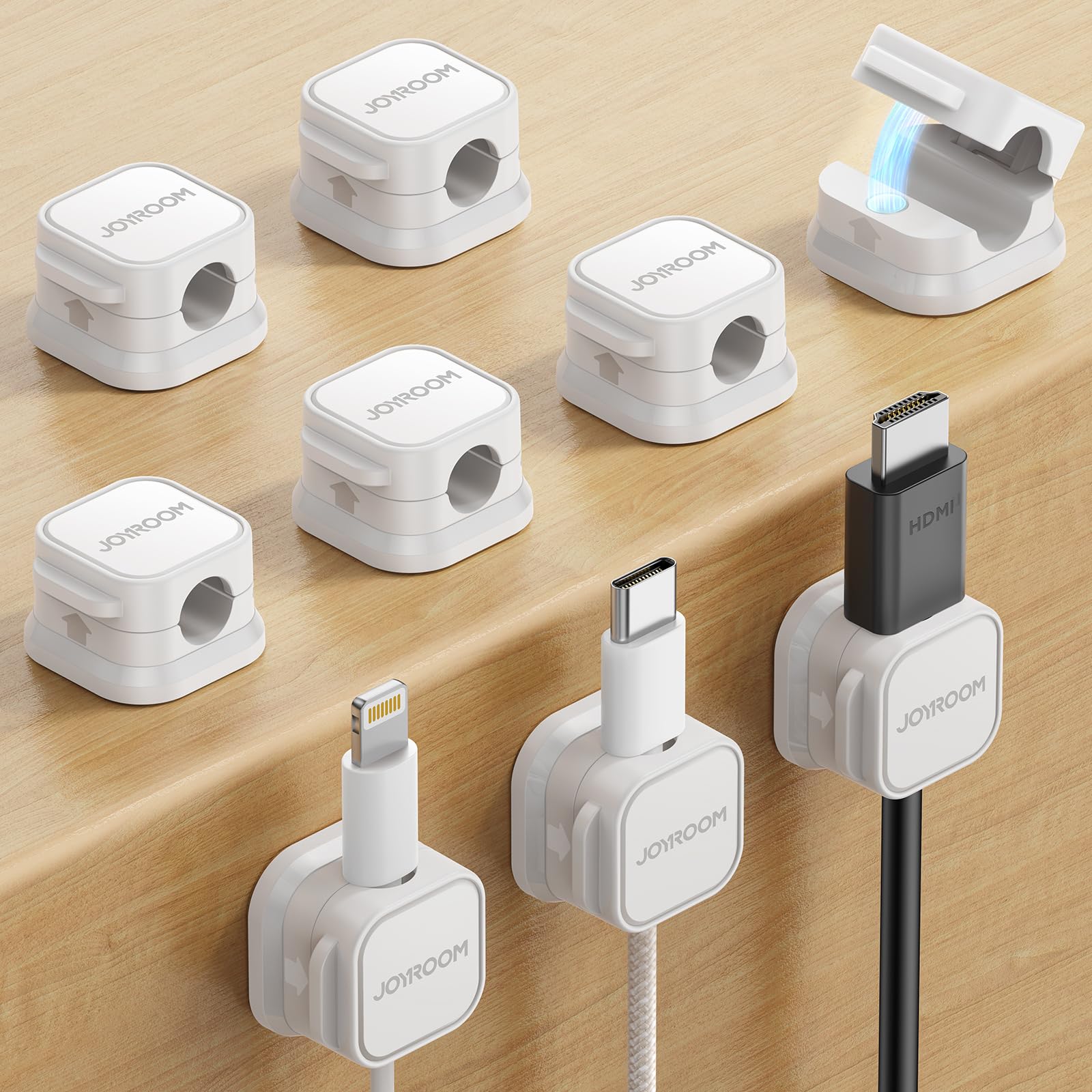
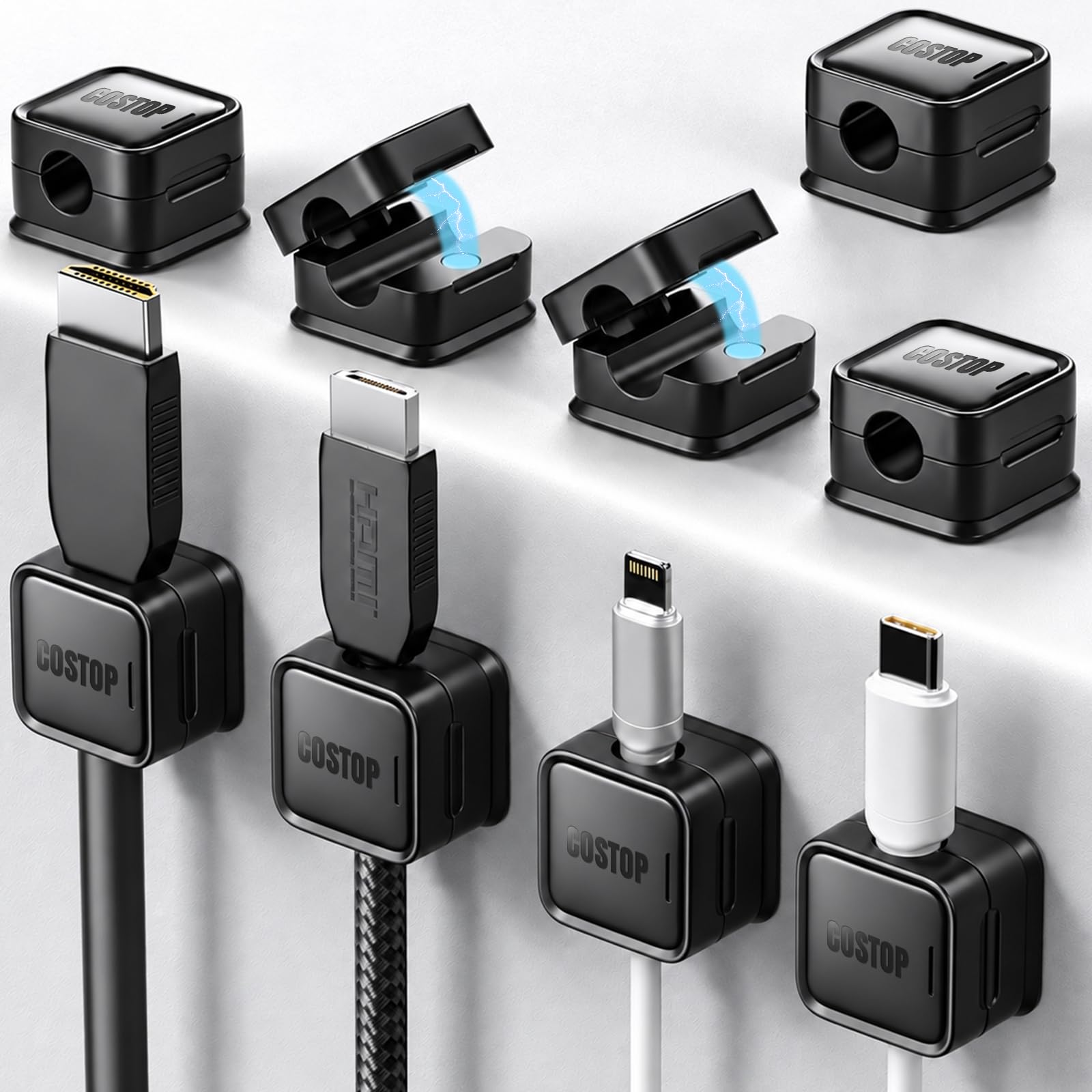
A cable clip is a small holder that grips one cord, or a small bundle of cords, and fixes it to a wall, desk, floor edge or other surface. Some clips close around the cord with a flexible loop. Others form an open channel that the cord presses into, which makes it easy to lift the cord out for cleaning or rearrangement. The job is the same in every case: stop cords from sliding, tangling and drooping into walkways.
Clips differ mainly in how they attach and how much cord they hold. Adhesive clips stick to smooth, clean surfaces and suit renters and desks. Nail in clips and screw mount clips suit baseboards and wood trim, where a firmer hold matters. Push mount clips fit into a drilled hole and work well on panels and furniture backs.
Key Specs Explained in Plain English
Intended Use and Who It Is For
Start by listing where each cord runs and how often it moves. A phone charger on a nightstand needs a small, gentle clip that releases the cord easily. A television setup with several cords behind a stand needs wider clips or small bundles that keep each cord separate. If you plan to move a cord often, pick an open style clip rather than a fixed loop, so you are not pulling the cord through a tight opening every time.
Maintenance and Long Term Costs
Clips cost little up front, but the long term cost depends on how often they need replacing. Adhesive pads can lose grip in heat, dust or humidity, so a pack with spare pads is worth more than a slightly cheaper pack without them. Check clips now and then for cracked plastic, loose nails and cords that have started to sag. Replacing one tired clip early is cheaper and tidier than reworking a whole run after several clips have failed at once.
Build Quality and Materials
Most clips are plastic, nylon or metal, and each material suits a different job. Flexible plastic grips cords gently and suits light cords on desks and walls. Nylon resists cracking and suits warmer spots near equipment. When you route cords for a screen, see our guide to best cable for monitors for help matching cord size to the run before you pick a clip width.
Ease of Use and Setup
Easy setup means you can place, adjust and remove a clip without a struggle. Adhesive clips should press on firmly and stay flat against the surface. Nail in and screw mount clips should line up so the cord sits naturally, without forcing it around a sharp bend. Before you fix anything in place, lay the cord along its path and mark each clip position with a light pencil dot.
Warranty and Customer Support
Warranties on clips are usually simple, covering defects in material and workmanship for a set period. Read the maker guidance to see what counts as normal use and what does not, and keep the pack or receipt until you know the clips hold well on your surfaces. Good support matters most when an adhesive batch fails or a clip size does not match its stated opening. A maker that answers questions and replaces faulty packs saves you from buying a second set just to finish one job.
Price vs Value
Budget packs run about $5 to $10 and suit a single desk or a short run along a baseboard. Mid range packs run about $10 to $20 and often add spare adhesive pads, mixed sizes and stronger plastic. Premium packs run about $20 to $35 and suit whole rooms, heavier cords or outdoor rated runs. For a living room setup with a screen and a player, our guide to best hdmi cable can help you plan cord lengths so clips sit where they support the cord, not where they strain it.
Rookie Mistakes to Avoid
- Picking a clip by looks alone, then finding the opening is too small for the cord, which forces the cord into a pinch that can damage insulation over time.
- Sticking adhesive clips to dusty or damp surfaces, which weakens the bond and lets the clip drop within days.
- Spacing clips too far apart, so cords sag between them and catch on feet, vacuum cleaners and chair legs.
- Bundling power cords and signal cords tightly in one clip, which makes it hard to trace a fault and can strain the connectors.
- Driving a nail or screw through a clip at an angle, which twists the clip and leaves the cord sitting unevenly.
Getting Started: Setup and First Use
Start with a clean surface and a clear plan for each cord. Wipe the surface, let it dry, and lay the cord along its path before you attach anything. Place the first clip near the device, the last clip near the outlet or next device, and space the rest evenly so no span sags. Press adhesive clips firmly for the time the maker guidance suggests, and do not hang a heavy cord on a fresh adhesive pad right away.
Read the maker manual before first use, and check each clip after a day to see that it still holds. Clean and inspect regularly, and replace any clip that has cracked or lost grip. Keep small parts and spare clips away from children, and keep cords out of walkways where they could trip someone. If a run includes speaker cords, see our guide to best cable for speakers for ideas on keeping those cords separate from power cords along the same wall.
Frequently Asked Questions
Are expensive cable clips worth it?
Expensive clips are worth it only when they solve a problem that cheap clips do not. A stronger mount, a wider opening or spare adhesive pads can matter for heavy cords, warm rooms or long runs. For a short desk run with light cords, a budget pack usually does the same job. Compare the clip opening, the mount type and the number of spare pads, rather than the price alone, and spend more only on the feature your setup actually needs.
What features matter most when buying cable clips?
Opening size must fit your cord without pinching it. Mounting style must suit your surface, whether that is a smooth desk, painted drywall or wood trim. Material must suit the weight of the cord and the temperature of the spot. Spacing matters too, since clips placed too far apart let cords sag, and getting those four points right matters more than most other details.
How do I maintain a cable clip?
Maintain a clip by checking it now and then and cleaning the area around it. Wipe dust from the clip and the cord, and look for cracks, loose nails or adhesive pads that have started to lift. Replace a worn clip before it drops a cord into a walkway. Avoid pulling a cord hard through a fixed clip, since that can stretch the clip or scuff the cord.
How long does a cable clip last?
A well placed clip can last for years, but its life depends on material, surface and heat. Plastic clips on a cool indoor wall often last the longest, while adhesive clips in a warm or humid spot may need replacing sooner. Nail in and screw mount clips tend to outlast adhesive clips on wood trim. If a clip cracks, yellows or no longer grips firmly, replace it rather than forcing it to hold a cord it can no longer support.
How much should I spend on a cable clip?
Most first time buyers should plan on about $5 to $20 for a pack that covers one room or one desk setup. That range buys mixed sizes and enough clips to space a run properly, with a few spares left over. Spend toward the higher end only for a whole home project, heavy cords or surfaces where adhesive needs to be stronger. Buying one well sized pack beats buying two small packs that leave you short of the size you need most.
Wrapping Up
The three points that matter most are fit, mount and spacing. Fit means the clip opening matches your cord without pinching it. Mount means the clip suits your surface and stays put in that spot. Spacing means cords stay supported along the whole run, without sagging into walkways.
Check the product table above against those three points, and pick the pack that covers your largest cord and your hardest surface first. With that approach, best cable clips become a small, simple purchase that keeps your cords neat, safe and easy to reach.