
Best Business Projectors for Presentations: Brightness, Resolution, and Fit
Disclosure: We may earn a commission when you buy through links on this page, at no extra cost to you. As an Amazon Associate I earn from qualifying purchases. Learn more
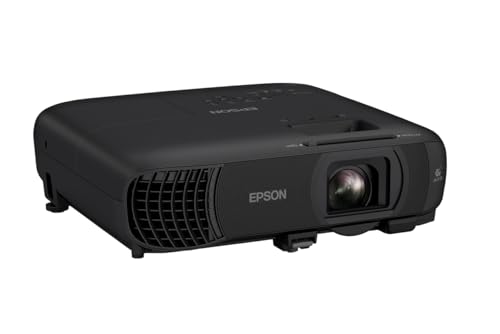
What to check when choosing the best business projectors for presentations: lumens, resolution, throw distance, and connections.
A presentation lives or dies on whether the back row can read your slides. The best business projectors for presentations are not the ones with the longest feature list; they are the ones that stay bright in a lit meeting room, show small text crisply, connect to whatever laptop a guest brings, and start up in a minute rather than five. Cinema features such as deep blacks or 4K gaming modes matter much less than brightness, resolution, and simple connections.
This guide explains the specifications that decide presentation quality, how to size a projector to your room, and what to check before you buy. Use it alongside the product table above when you compare models.
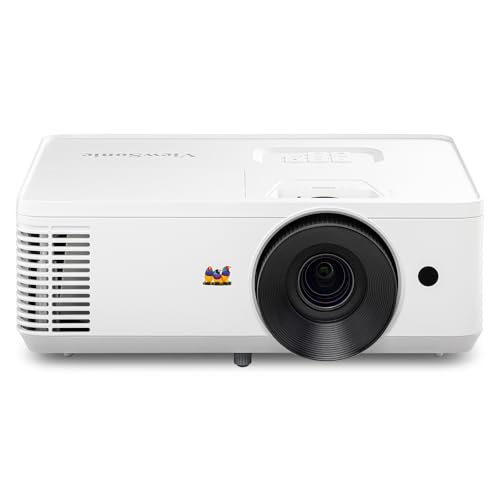


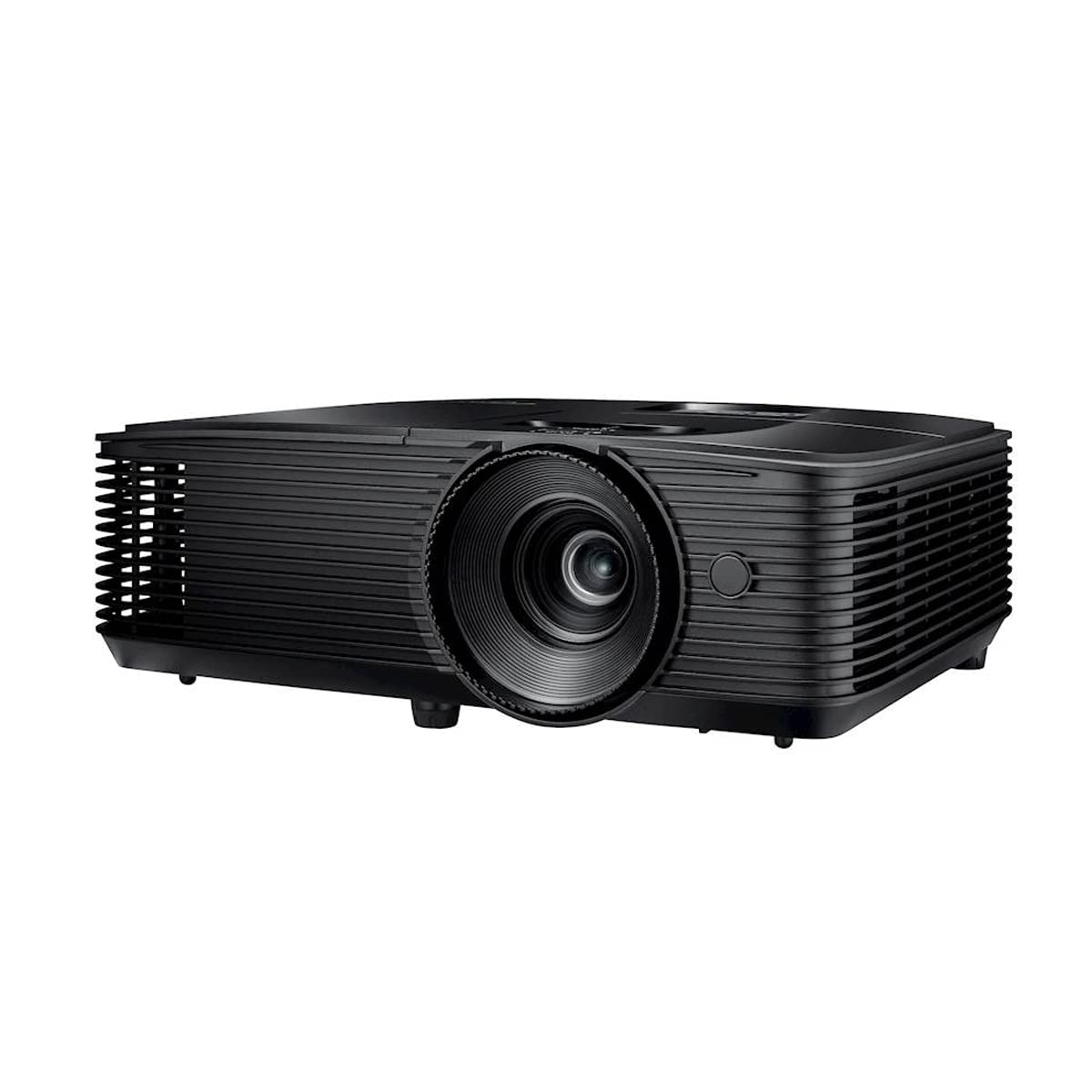


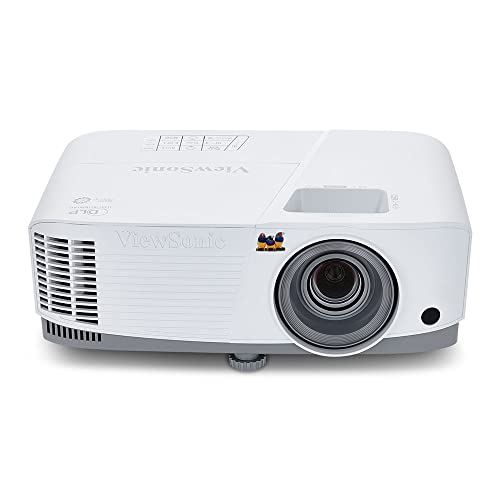
Brightness in Business Projectors for Presentations
Brightness is measured in lumens, and for presentations the ANSI lumens rating is the most useful figure. A dim room used by small groups can work with about 2,500 to 3,000 lumens, while a typical lit conference room needs about 3,500 to 4,500 lumens so white slides do not look gray. Windows and pale walls wash out an image, so choose for the brightest room you use. A larger screen spreads the same light over more area, which also makes the picture look dimmer.
Resolution and Sharp Text
Resolution decides how crisp small text and chart lines look from the back row.
- XGA (1024 by 768): basic slides and a lower budget, but small text looks soft.
- WXGA (1280 by 800): a common business resolution with a widescreen shape that matches most laptops.
- 1080p (1920 by 1080): a sensible choice for spreadsheets, dense slides, and video.
- WUXGA (1920 by 1200): extra height that suits documents and matches many laptops.
Check the native resolution, which is what the projector actually displays, rather than the highest signal it accepts. 4K is rarely needed for slides, and the money is better spent on brightness.
Throw Distance and Screen Size
Throw ratio tells you how far the projector must sit from the screen. A standard-throw model may need about 8 to 12 feet for a 100 inch image, while a short-throw model fills the same image from about three to five feet and reduces shadows when a presenter stands near the screen. Measure your room, find the maker's throw chart for your screen size, and leave space for airflow. A screen of 100 to 120 inches suits most medium meeting rooms.
Choosing by Room Type
A boardroom with a table for ten benefits from a bright 1080p or WUXGA unit on the ceiling, with a screen sized to the length of the table. A training room with rows of seats needs more brightness and a larger image, plus good audio. A small huddle space can use a short-throw model that sits on the table or a low shelf. For client visits, a portable model that you can set up on any table is more useful than a ceiling-mounted design.
Connections
Most presenters need at least one HDMI input, and USB-C with video support allows a single-cable link to a modern laptop. Older rooms may still need VGA. Wireless casting lets guests share a screen without passing a cable, but try it on your office network and with the laptops your team uses before relying on it. Keep a short adapter kit in the room for older machines.
Light Source and Running Cost
The best business projectors for presentations come with either a lamp or a laser light source, and each has trade-offs.
Lamp projectors cost less to buy but dim over time and need a new lamp after a few thousand hours. Laser models cost more at first, start quickly, hold their brightness, and often last 20,000 hours or more. For daily use in a busy office, laser lowers upkeep and downtime. For occasional use, a lamp model can still make sense if replacement lamps are easy to find.
Features That Help Presenters
- Keystone correction and lens shift: square up the image when the projector is not centered.
- Optical zoom: fine-tunes image size from a fixed position.
- Quick start and cooldown: saves minutes between sessions.
- Built-in speaker: covers a small room for speech, but larger groups need an external speaker.
- Remote control and clear menus: let guests operate it without help.
- Low fan noise: matters when the projector sits near listeners.
Fixed Room or Portable
A fixed-room projector can be brighter and more powerful, mounted on the ceiling or a shelf so that the image is always aligned. A portable model weighs less, fits in a carry bag, and sets up in minutes, but may trade some brightness and zoom range for size. If you split time between rooms, a mid-weight model on a cart can work for both roles.
Setting Up for a Clear Picture
Place the projector level with the middle of the screen, set focus on small text, and use zoom before keystone correction. Close blinds on the screen wall if you can, because reducing glare helps more than a small brightness boost. Use a presentation or standard picture mode instead of a vivid mode, which can push colors too hard for charts. Show a real spreadsheet and a footnote slide, then sit in the farthest seat and read each one before the meeting begins.
Common Mistakes
- Judging brightness from a plain lumens claim instead of an ANSI rating.
- Buying before measuring the distance to the screen.
- Relying on heavy digital keystone correction, which softens fine lines.
- Blocking the vents, which leads to heat build-up and shutdowns.
- Forgetting a spare cable, adapter, and remote battery.
Care and Maintenance
Let the fan finish its cooling cycle before you unplug the projector, wipe the lens only with a lens cloth, and clean the air filter on the schedule the manual gives. Store a portable unit in a padded bag in a dry room. Note lamp hours so a dimming picture never surprises you before a big meeting.
Related Guides
If you travel, see portable projectors for business presentations. For general options, compare projectors for presentations and business projectors. Slide-focused buyers can also read about PowerPoint projectors for presentations.
Frequently Asked Questions
How many lumens do I need for a lit meeting room?
Most lit rooms need about 3,500 to 4,500 ANSI lumens. A dim room or a smaller screen can work with less.
Is 4K worth it for presentations?
Rarely. Native 1080p or WUXGA is enough for slides on screens up to about 120 inches, so spend extra on brightness first.
Lamp or laser?
Laser suits daily use because it starts fast and avoids lamp changes. A lamp is fine for occasional use on a tighter budget.
What screen size works best?
A diagonal of 100 to 120 inches suits a medium meeting room. Viewers at the back should sit no farther than about six times the image height for detailed content.
Can I connect without cables?
Many models support wireless casting, but a wired HDMI or USB-C link is more stable for important sessions. Keep a cable as backup.
Final Thoughts
The best business projectors for presentations are bright enough for your room, sharp enough for your smallest text, and simple enough that any presenter can start a meeting in a minute. Measure your space, decide how much brightness you need, check the connections your team uses, and compare the models in the product table above. A well-matched projector disappears into the background and lets your message do the work.


