
Best Business Projectors for 2026: Everything to Know Before Your First Purchase
Disclosure: We may earn a commission when you buy through links on this page, at no extra cost to you. As an Amazon Associate I earn from qualifying purchases. Learn more
Shopping for the best business projectors for the first time? Learn the terms, compare options, and avoid rookie mistakes with this easy guide.
Buying a projector for work feels different from buying one for movies at home. Slides and shared screens must stay readable in a lit room, and setup must be fast before a meeting starts. The best business projectors balance brightness, clear text and simple connections, and the comparison table below lets you check those points side by side.
This guide starts with the basics in plain language. You will learn who each type suits and which specs change a presentation.
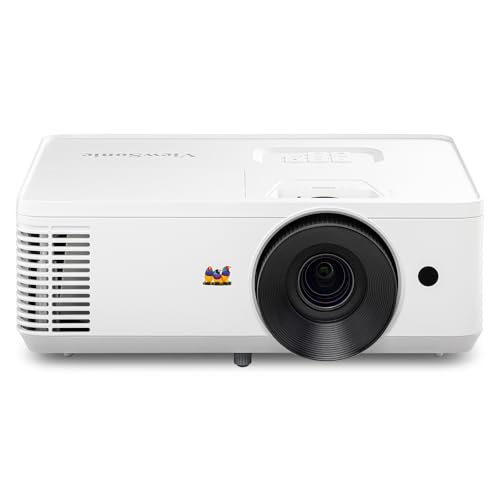


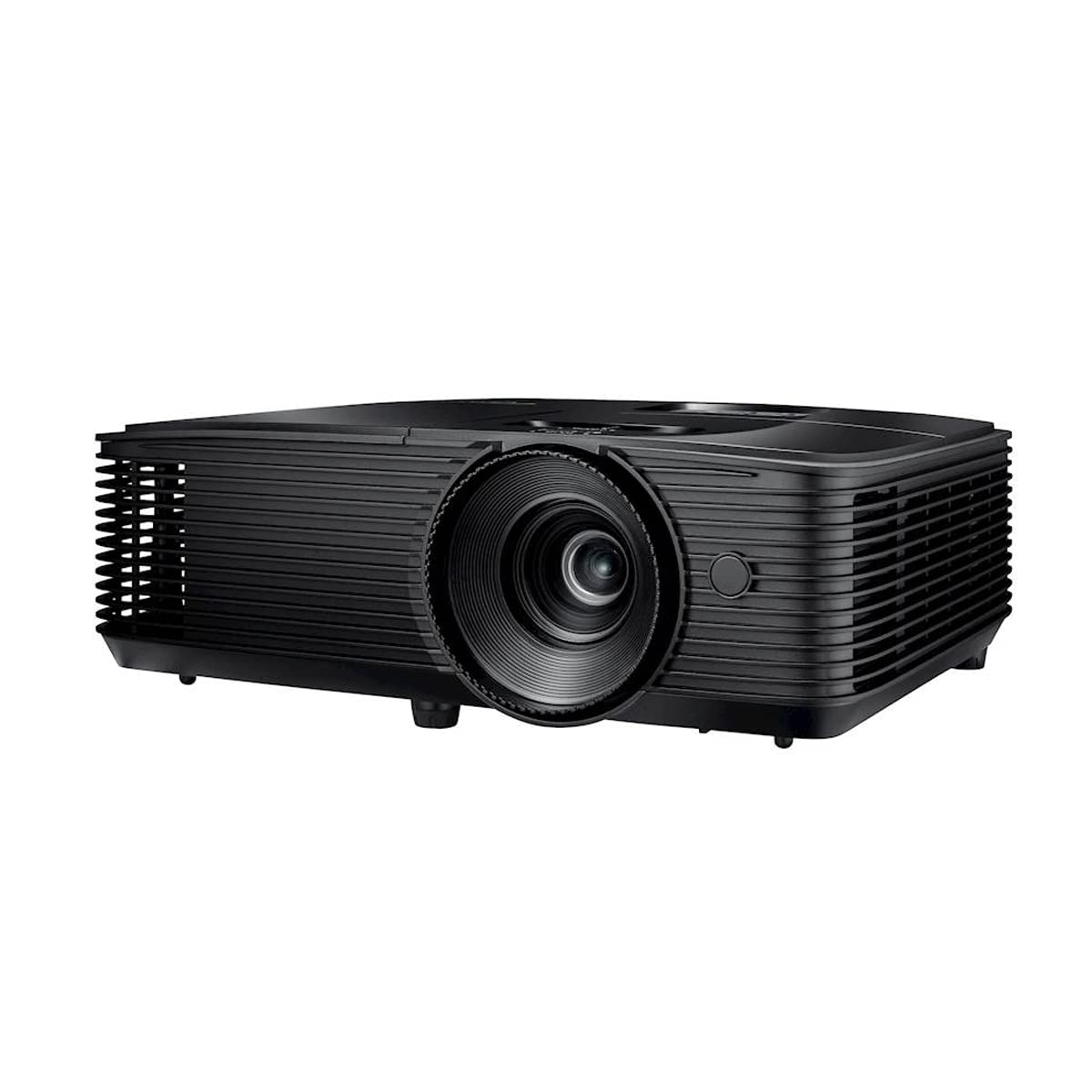


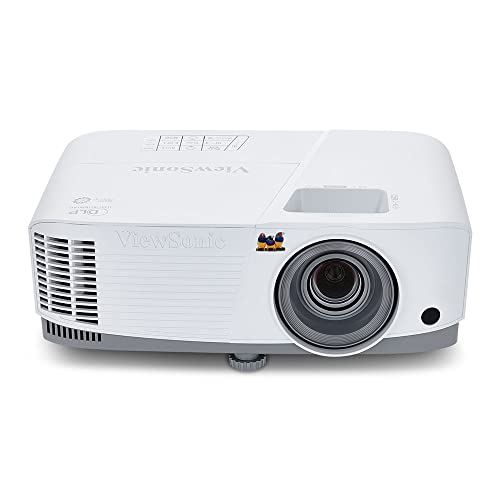
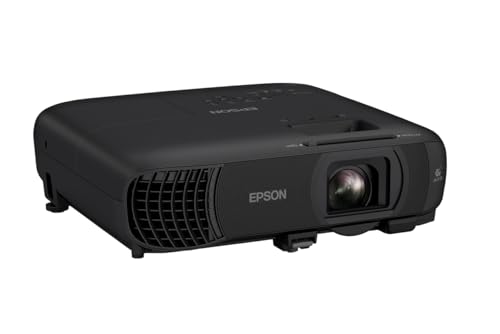
Who Should Buy Which Business Projectors?
Start with where and how often you present. A unit that lives in one room can be larger and brighter, while a traveling unit needs to be light and quick to position.
Presenters in a Fixed Meeting Room
You present in the same room each week, often to groups of eight or more. Choose a brighter model that can stay on a ceiling mount or rear shelf, because a fixed position removes daily aiming and focusing. Prioritize a zoom lens that fills your screen from that set distance.
Trainers and Consultants Who Travel
You present in client offices and hotel rooms where light and screen size change each time. Choose a compact model that fits in a carry bag, ideally about 2 to 5 pounds. Fast setup matters most, so look for simple focus controls and flexible correction for angled placement. A brighter rating also helps, because you cannot control the curtains in an unfamiliar room.
Small Teams Sharing One Flexible Space
You share one projector among a few people for standups, video calls and document reviews. Choose a model with several input types so different laptops connect without adapters piling up. Moderate brightness is usually enough in a small room with blinds. A clear menu and simple remote will save more time than extra picture modes.
Key Features to Compare
When you compare best business projectors on paper, work through these factors in order. Brightness and throw decide whether the image works in your room at all.
Brightness and Room Light
Brightness is listed in lumens, and you should look for an ANSI lumens figure. A dim room for small groups may work at about 2,500 to 3,000 lumens, while a lit meeting room usually needs about 3,500 to 4,500 lumens so white slides do not look gray. Choose for the brightest room you use, because a picture that washes out makes every other spec irrelevant.
Resolution and Text Clarity
Resolution describes how many pixels form the image, and it decides how sharp small text looks. WXGA at 1280 by 800 suits basic slides, while 1080p at 1920 by 1080 and WUXGA at 1920 by 1200 show spreadsheets with less strain. Read the native resolution, which is what the unit truly displays, rather than the highest signal it can accept. If your audience reads numbers from the back, native 1080p or higher is safer.
Throw Distance and Image Size
Throw ratio tells you how far the projector must sit from the screen. A standard throw model may need about 8 to 12 feet for a 100 inch image, while a short throw model can fill the same image from about 3 to 5 feet. Measure your room before you buy. A short throw unit also reduces shadows when a presenter stands near the screen.
Light Source and Image Technology
Most business models use LCD or DLP imaging, paired with either a lamp or a laser light source. LCD designs often show rich color at a given brightness, and our guide to the best lcd projectors for business explains that route in more depth. Lamps cost less but dim over time and need replacement. Laser sources usually last far longer and hold brightness well, though they cost more at the start.
Connections for Laptops and Calls
Check the ports against the laptops your team actually brings. One or two HDMI ports cover most modern machines, USB C with video support can carry picture in a single cable, and older rooms may still need VGA. Wireless casting helps guests share without passing a cable, and if that is your main need, see our guide to the best wireless projectors for business for the tradeoffs.
Placement Controls, Sound and Noise
Keystone correction squares the image when the projector sits at an angle, and lens shift moves the image without moving the unit. Optical zoom, often about 1.1x to 1.6x, lets you fine tune image size from a fixed spot. Built in speakers of about 5 to 16 watts handle speech in small rooms, but larger groups need an external speaker. Fan noise, often around 28 to 38 decibels in quiet modes, matters when the unit sits close to listeners.
Business Projectors for Specific Needs
Most first purchases fall into two patterns. A fixed room rewards brightness and a mount friendly lens, while mobile use rewards light weight and forgiving setup. If your work centers on formal slide decks, see our guide to the best projectors for business presentations for points specific to that setting.
Best Mobile Business Projectors for Travel and Client Visits
Mobile models trade some brightness and zoom range for a body you can carry all day. Look for a weight under about 5 pounds, a lens cover that protects the lens in a bag, and correction tools that square the image on an uneven table. Battery models exist, but run time falls as brightness rises, so a compact plug in model is the more reliable travel default. For tight offices, see our guide to the best small projectors for business as well.
If you split time between your office and the road, a midweight model can serve both roles. Park it on a cart and pack it when you travel. Readers weighing that shared role may also want our guide to the best portable business projectors.
Getting Started With Setup and First Use
Place the unit on a stable surface at the distance your throw calculation gave you, level it with the adjustable feet, and aim it at the center of the screen or a clean light wall.
Power on, set focus until slide text looks crisp at the far edge as well as the center, then use zoom and correction controls to square the image. Open a real spreadsheet as test material, since text reveals soft focus that a logo screen can hide. Set the picture mode to a presentation option rather than a vivid option, which often pushes color too hard for charts.
Common Mistakes to Avoid
- Judging brightness by a plain lumens claim instead of ANSI lumens leaves you with a picture that fades under room lights.
- Buying before you measure throw distance can leave you with an image that is too small or too large for your screen.
- Reading the accepted signal as native resolution leads to soft text even when the box mentions 4K input.
- Relying on heavy digital keystone correction shrinks the usable image and can soften fine lines in charts.
- Placing the projector where its vents are blocked causes heat buildup and can trigger a shutdown mid meeting.
Care and Maintenance for Business Projectors
Let the fan finish its cooling cycle before you unplug or pack the unit, because cutting power while the inside is still hot shortens light source life. Keep vents clear and wipe the case with a dry soft cloth. Clean or replace the air filter on the schedule the manual gives, since dust buildup raises heat and fan noise.
Use a lens cloth or blower for the lens and never press hard or use household cleaners on it. Store a traveling unit in a padded bag in a dry room rather than a hot car. If your model uses a lamp, note the lamp hours so a dimming picture does not surprise you before a major presentation.
FAQ
How many lumens do business projectors need for a lit meeting room?
Business projectors in a lit meeting room usually need about 3,500 to 4,500 ANSI lumens. The right figure rises with screen size, because the same light spreads over a larger area and looks dimmer. Dark blinds can lower the brightness you need. If your room has windows and no shades, consider a smaller image to keep slides readable.
What screen size works best for business projectors in a medium room?
A screen of about 100 to 120 inches measured diagonally works well for most medium meeting rooms. Viewers at the back should sit no farther than about six times the image height for detailed content like spreadsheets. Before mounting anything, project on the wall and read a real document from the farthest seat.
How long does a business projector lamp or laser source last?
A business projector lamp typically lasts about 4,000 to 10,000 hours depending on the brightness mode used, while laser sources are often rated around 20,000 hours or more. Running in a lower brightness eco mode can extend lamp life noticeably. Hours mark when brightness falls to about half, not a sudden failure point.
Is 4K resolution worth it for business projectors used for slides?
For typical slides and video calls, 4K resolution is rarely worth the added cost on business projectors. Most presentation text becomes readable at native 1080p or WUXGA on screens up to about 120 inches. The extra pixels help mainly with detailed design work or very large images viewed up close. Spend the difference on brightness first if your room has strong ambient light.
Can business projectors connect to a laptop without a cable?
Yes, many business projectors can receive a laptop screen wirelessly through built in casting or an optional wireless adapter. Wireless sharing suits guests, but a wired HDMI or USB C link is still more stable for long video playback. Keep a cable in the room as a backup so a network problem never delays a meeting.
The Bottom Line
For a first purchase, let your room decide. Match brightness to your light, throw to your distance and resolution to the smallest text your audience must read, then confirm the ports fit your laptops. Use the product table above to check those points.
Chosen that way, best business projectors stop being a list of confusing specs and become a tool your team sets up in minutes. Start simple and adjust only when a real need appears.


