
Best Bluetooth OBD2 Scanner for Torque Pro: A Buying Guide for 2026
Disclosure: We may earn a commission when you buy through links on this page, at no extra cost to you. As an Amazon Associate I earn from qualifying purchases. Learn more

Choose the best bluetooth obd2 scanner for torque pro by protocol coverage, pairing stability, live data speed and sleep mode.
A check engine light rarely explains itself, and paying a shop just to read the code can cost money before any repair starts. Choosing the best bluetooth obd2 scanner for torque pro lets your Android phone do that first check at home, showing fault codes, live sensor readings and readiness status in the app. This guide explains which adapter traits matter, and the comparison table below gathers the current options.
The adapter itself is only half of the setup, because Torque Pro can only display what the adapter can request and send quickly enough. Chip quality, protocol coverage and connection stability vary a lot between plugs that look identical in photos. The sections below match an adapter to your vehicle, your phone and how you plan to use live data.


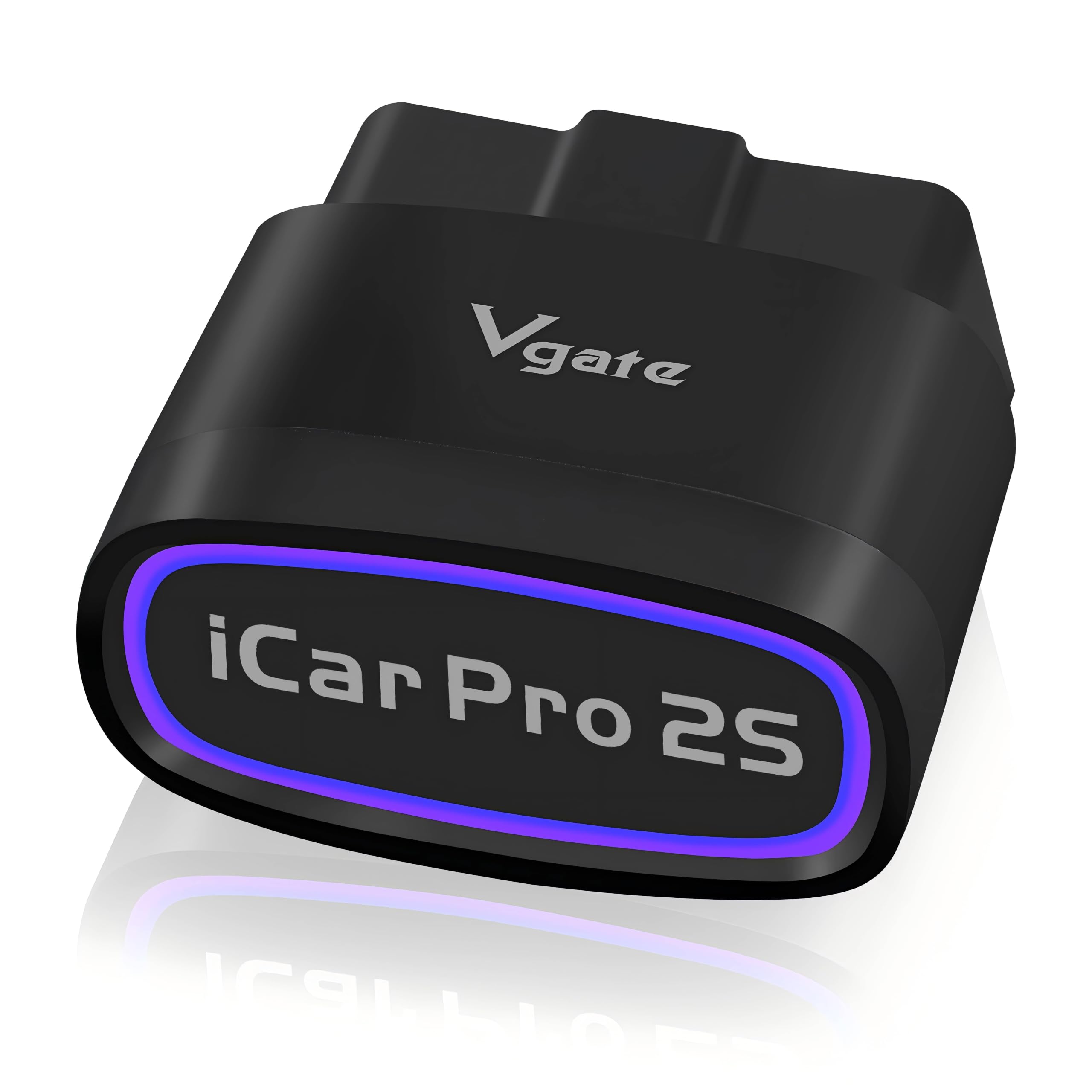

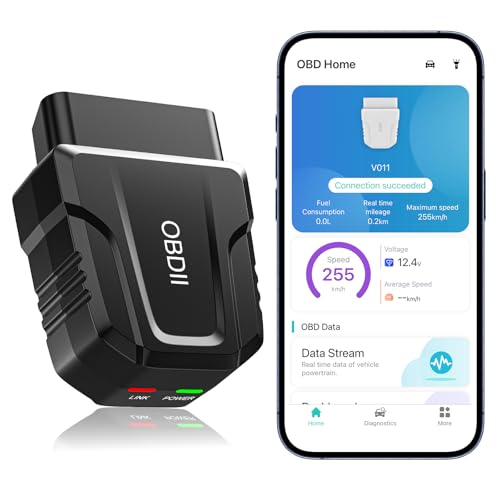

Who Should Buy a Bluetooth OBD2 Scanner for Torque Pro?
Torque Pro runs on Android, so every group below starts with an Android phone and a vehicle with an OBD2 port.
Android Owners Who Want Live Gauges While Driving
Torque Pro can turn your phone into a second dashboard with coolant temperature, intake temperature, fuel trim, boost where reported, and trip data logged along the way. A slow adapter makes needles sweep late and logs full of gaps, so budget for a faster plug and mount the phone where a glance is safe.
Home Mechanics Checking Fault Codes Before a Repair Visit
If you handle your own oil, brakes and filters, an adapter lets you read the stored code, note it, and look up likely causes before you order parts or book a shop. That habit separates a loose fuel cap from a failing sensor. You do not need the fastest hardware, since code reading happens while parked, but you do need an adapter that connects reliably every time.
Owners of an Older Second Vehicle Watching Inspection Readiness
A spare car, a truck used on weekends, or a teen driver runabout often sits long enough for small faults to go unnoticed. A compact adapter kept in the glove box lets you check codes and monitor status before inspection season. If your household also shops by phone platform, see our guide to the best obd2 bluetooth scanner for android.
Key Features to Compare in a Bluetooth OBD2 Scanner for Torque Pro
Listings for the best bluetooth obd2 scanner for torque pro tend to stress price, yet five practical traits decide whether Torque Pro feels responsive or frustrating.
OBD2 Protocol Coverage and Vehicle Compatibility
Every gasoline car and light truck sold in the United States from 1996 onward carries an OBD2 port, usually under the dash on the driver side, but makers used different protocols. Most vehicles from 2008 onward speak CAN, while older models may rely on J1850, ISO 9141 or KWP 2000. An adapter listing all five standard protocols covers the widest range of cars. Check your exact year and model, since a plug that speaks the wrong protocol pairs with your phone yet never reaches the engine computer.
Bluetooth Connection Type and Pairing Stability
Most Torque Pro setups use classic Bluetooth, which pairs through the Android Bluetooth settings with a simple code such as 1234 or 0000, then reconnects each time you open the app. Some newer adapters use low energy Bluetooth instead, so confirm the seller names Torque Pro as supported before ordering one of those. A stable link should hold for a full drive. An iPhone cannot run Torque Pro, so see our guide to the best bluetooth obd2 scanner for iphone if an Apple phone also needs access.
Live Data Speed and Custom PID Support
Torque Pro asks the adapter for each sensor value in turn, so the adapter sets the pace for the whole dashboard. Faster hardware reports several values per second, while bargain clones may update a busy gauge screen only once or twice a second, which makes boost and throttle traces look stepped. Keeping the gauge count modest improves the refresh on any adapter. Enthusiasts should also look for maker specific PID support, since data such as transmission temperature only appears when Torque Pro can request those extra channels.
Code Reading, Freeze Frame and Readiness Tools
An adapter and Torque Pro together should show stored and pending powertrain codes, let you clear a code after a repair, and display the freeze frame snapshot saved when the fault occurred. That snapshot records speed, load and temperature at the moment of failure, which points to conditions worth recreating on a test drive. The app also reports readiness monitors, the self checks a vehicle runs for emissions systems, so you can see which checks have completed since codes were last cleared.
Sleep Mode, Power Draw and Adapter Size
An OBD2 port stays powered even with the engine off, so an adapter that never sleeps draws a small current around the clock. Better designs drop into a low power sleep state and wake when you start the engine, and some add a power switch for cars that sit unused for weeks. Size matters too, because a tall plug can crowd your knees near the pedals. A short housing with clear indicator lights is easier to live with.
Types of Bluetooth OBD2 Scanners Worth Considering
Low Cost Adapters for Occasional Code Checks
The simplest adapters, often about $15 to $30, read and clear codes and show basic live values. That suits a driver who scans a car a few times a year. Quality varies widely at this level, so buy from a seller with easy returns. Drivers comparing plug styles can also see our guide to the best obd2 bluetooth adapter for torque pro.
Compact Adapters That Stay Plugged In
Short adapters sit close to the port trim, stay clear of your legs, and can remain in place for daily logging of commutes and fuel use. This style only makes sense with a genuine sleep mode. Choose one with a firm latch feel, because a loose plug leaves gaps in your logs.
Faster Adapters for Live Data and Logging
Adapters around $50 to $100 use quicker processors and better Bluetooth radios. The extra speed shows up as smooth gauges, denser logs and more channels at once. This is the sensible tier if you run custom PID sets, watch transmission or boost data closely, or track fuel trim changes while chasing an intermittent fault.
Common Mistakes to Avoid With a Bluetooth OBD2 Scanner
Most returns trace back to a short list of avoidable errors.
- Buying an adapter that pairs only inside its own maker app leaves Torque Pro unable to find the plug at all.
- Clearing a fault code before saving the freeze frame data erases clues a mechanic would need to find the cause.
- Leaving a basic adapter with no sleep mode plugged into a car parked for weeks can slowly drain a weak battery.
- Choosing the cheapest clone you can find makes live gauges lag seconds behind the engine and hides short faults.
- Ordering without checking protocol support for an older or imported vehicle can leave you with a plug that connects yet returns no data.
How to Make Your Bluetooth OBD2 Scanner Last Longer
These adapters have no moving parts, so care is mostly about clean contacts, gentle handling and sensible storage.
- Keep the vehicle port and the adapter pins clean and dry, and blow out dust with canned air rather than scraping the contacts.
- Pull the adapter straight out by its housing when you remove it, since rocking it bends pins and loosens the fit over time.
- Store a spare adapter in a small case in the glove box instead of on a hot dashboard, where summer heat ages the plastic and electronics.
- Update Torque Pro when updates appear, and check the maker page for adapter firmware updates where offered.
- Remove the adapter before jump starting or electrical repairs, since voltage spikes can damage small electronics.
Frequently Asked Questions About Bluetooth OBD2 Scanners for Torque Pro
Does Torque Pro Work With Every Bluetooth OBD2 Scanner?
No, Torque Pro does not work with every Bluetooth OBD2 scanner. Adapters locked to a maker app, and some low energy models the app cannot address, may fail to appear or connect without data. Look for Torque Pro named in the listing, pair the adapter on the day it arrives, and run a full scan plus a short drive inside the return window, so a faulty plug is easy to exchange.
Can a Bluetooth OBD2 Scanner for Torque Pro Read ABS and Airbag Codes?
Most adapters of this type read engine and emissions related powertrain codes only, not ABS or airbag systems. A few vehicles expose extra systems through maker specific channels or companion apps, but that access is the exception. If a brake or airbag warning light is on, treat the car as needing a professional scan soon, since those systems affect stopping and crash protection.
Why Does Torque Pro Connect to a Bluetooth OBD2 Scanner but Show No Live Data?
A connection with no data usually means the adapter paired fine but cannot agree on a protocol with the vehicle. Open the vehicle profile in Torque Pro, leave the protocol set to automatic, start the engine rather than resting at accessory power, and give the app a minute to cycle through options. If the screen stays blank, test the adapter in another car, since a result there tells you whether the plug or the first vehicle is at fault.
Does a Bluetooth OBD2 Scanner Need Mobile Data to Work With Torque Pro?
No mobile data is needed, because the adapter talks to your phone over a short local Bluetooth link and Torque Pro works offline once installed. That makes the setup useful in rural areas, parking structures and workshops with poor signal. Data or WiFi only matters for extras such as uploading trip logs, viewing maps with your route, or looking up a code definition on the web.
The Bottom Line
Start with protocol coverage for your exact vehicle, then weigh pairing stability and live data speed against how you plan to use the gauges. Match the adapter to the car first and to your dashboard ambitions second. For most Android drivers, the best bluetooth obd2 scanner for torque pro is the one Torque Pro finds every time you turn the key. Use the product table above to compare the current choices.


