
Best Bluetooth OBD2 Scanner for iPhone: A First Time Buyer's Guide for 2026
Disclosure: We may earn a commission when you buy through links on this page, at no extra cost to you. As an Amazon Associate I earn from qualifying purchases. Learn more

Compare the best bluetooth obd2 scanner for iphone by BLE support, app cost, vehicle coverage and scan depth.
A check engine light is less stressful when you can read the code yourself. The best bluetooth obd2 scanner for iphone is a small plug that sends car data to an app, so you can see what the car reports in plain language. This guide starts with the basics and uses the comparison table below to help you choose.
You may also see the phrase best obd2 scanner for iphone while you shop, and both searches lead to the same tool. What sets the iPhone versions apart is the wireless standard and the app, not the plug shape. The sections below cover those points, vehicle fit, scan depth and total cost.

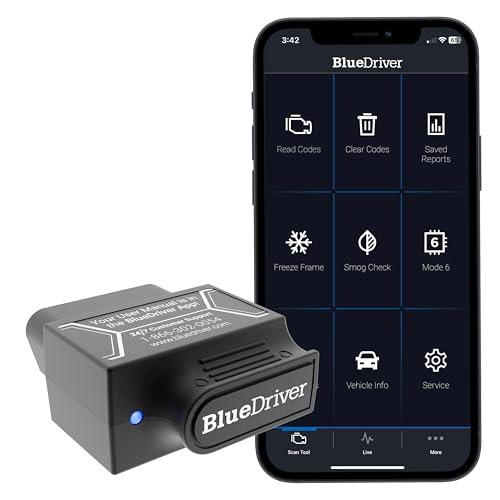


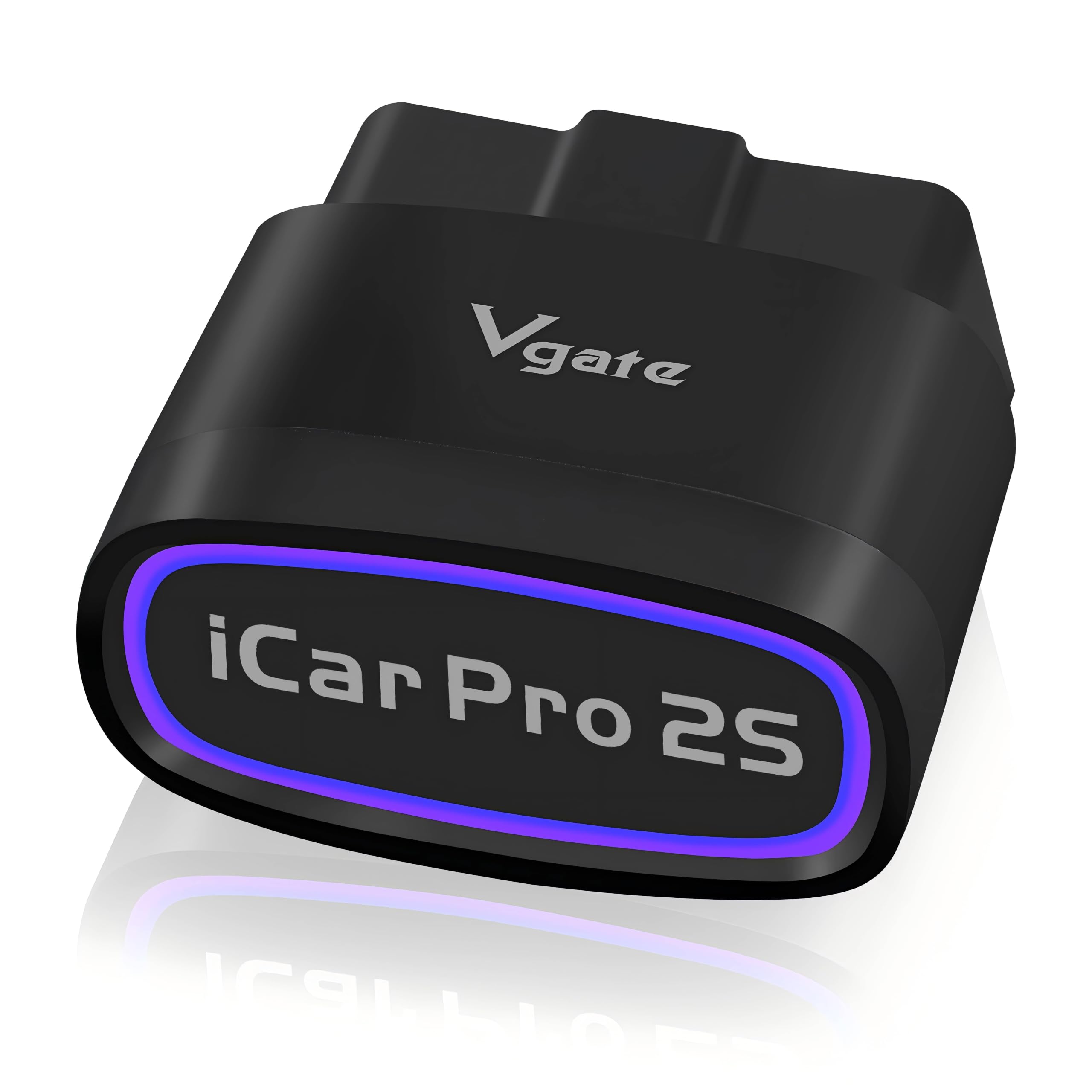

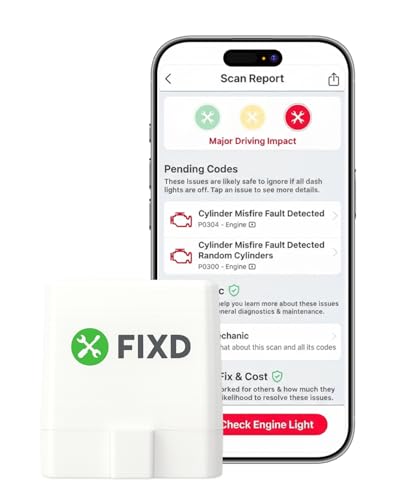


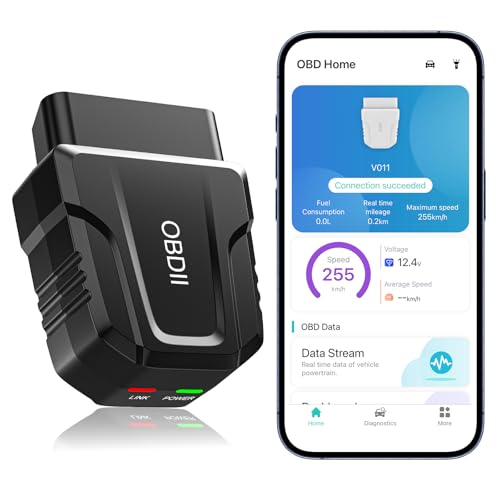
Bluetooth OBD2 Scanners 101: The Basics for iPhone Owners
Every car sold in the United States from 1996 onward has an OBD2 port, usually under the dashboard on the driver side. A scanner plugs into that 16 pin port and reads data the car computer collects, such as fault codes, engine speed and coolant temperature.
The Bluetooth link replaces a cable between the plug and your phone. The plug reads the car, the app shows the results, and many apps let you save a report for a mechanic. For the broader category without the iPhone focus, see our guide to the best bluetooth obd2 scanner. A code names the system at fault, though rarely the exact part.
Who Should Buy a Bluetooth OBD2 Scanner for iPhone?
Buyers differ in how deep they want to dig after the first code appears. Match yourself to one group below.
New Drivers Facing a First Check Engine Light
You want a calm answer to one question: whether the car needs a shop today or can wait until the weekend. A basic plug and a clear app are enough. Choose large code definitions, a simple dashboard and a report you can save, and skip logging tools.
Used Car Shoppers Checking a Car Before They Pay
You want to know whether a seller cleared codes just before your visit. Readiness monitors matter most, because monitors that still show incomplete suggest a recent clearing. Fast pairing helps too, since you may test two or three cars in one afternoon. Save a report for each car to compare at home.
Home Maintainers Who Track Their Own Service
You change your own oil, watch fuel use and like to spot small changes early. Live data, trip logs and export tools matter more than a bare code list. Choose an app that records coolant temperature, fuel trim and battery voltage over time. That history shows a shop when a fault appears.
Scanner Specs in Plain Terms: Bluetooth, Protocols and Apps
When you compare the best bluetooth obd2 scanner for iphone listings, six factors decide daily use. Check each one before price.
Bluetooth Low Energy and iPhone Pairing
Your iPhone needs a plug that uses Bluetooth Low Energy, often shortened to BLE. Apple does not let most classic Bluetooth plugs talk to iPhone apps, so a cheap plug that works with an Android phone may never connect to yours. BLE plugs pair inside the scanner app, not in the iOS Settings menu. If a listing never names BLE or iOS support, treat it as Android only.
App Support, App Cost and Updates
The app is the part you will actually look at, so its quality shapes the whole purchase. Check which apps the plug supports and what the full version costs, since some apps charge for advanced codes or extra vehicles. Add that cost to the plug price before you compare deals. Regular updates matter too, because iOS changes each year. For more, see our guide to the best obd2 scanner app for iphone.
Vehicle Compatibility and OBD2 Protocols
Gasoline cars sold in the United States from 1996 onward follow the OBD2 standard, but the plug still has to speak your car protocol. Most modern cars use a CAN protocol, while older models may use one of four earlier protocols, and good plugs support all five. Check the maker list for your brand and year. Electric cars are the main exception, since many report far less data.
What the Scanner Can Read: Codes, Live Data and Readiness
Every plug in this class reads and clears generic powertrain codes, shows freeze frame data saved when a fault set, and reports readiness monitors used in emissions tests. Live data adds changing values for speed, load and temperature as you drive. Deeper access to ABS, airbag and transmission codes is not part of the base standard, and depends on brand support in the app. If you need those systems, confirm your model is listed.
Connection Speed, Stability and Data Logging
A fast, stable link matters once you watch live data, because a slow plug refreshes gauges in jumps and can drop the connection mid drive. Quality chips send more readings per second and hold the link when the screen locks. Logging saves a full trip to a file you can review or send. If you chase an intermittent fault, value stability over a long feature list.
Housing, Power Draw and Brand Support
The plug lives in a footwell, so a short, sturdy housing that will not catch your shoe beats a long one with extra lights. Check sleep behavior too, because a plug left in the port draws a small current, and a good one drops to a very low draw when the car is off. A clear warranty and firmware updates round out the purchase.
Your First Scan: Plugging In, Pairing and Reading Codes
Setup takes about five minutes.
- Park, switch the engine off and find the port under the dashboard on the driver side.
- Push the plug in until it sits flush, then turn the ignition to the on position.
- Install the app the maker names, open it and let the app find the plug.
- Run your first scan and save the report before you clear anything.
Read the report with one rule in mind: a code points to a circuit or system, not always to a single part. An oxygen sensor code can come from the sensor, its wiring or an exhaust leak. Save the freeze frame data before clearing, because that snapshot is gone once you erase it. For brands aimed only at Apple users, see our guide to the best iphone obd2 scanner.
Rookie Mistakes to Avoid
Most returns trace back to early errors.
- Buying a classic Bluetooth plug for an iPhone leaves you with a device your apps cannot see.
- Ignoring the app subscription makes a cheap plug cost more over time than a pricier plug with a free app.
- Clearing a code before an emissions test resets readiness monitors and can make your car fail.
- Leaving a plug with no sleep mode in the port can drain a weak car battery.
- Treating one code as a firm diagnosis leads you to buy parts the car never needed.
- Scanning with the engine off can produce low voltage errors that vanish once the car runs.
Caring for Your Scanner and the OBD2 Port
These plugs ask for little care, but the port and pins benefit from simple habits. Pull the plug straight out by its body, never at an angle, and keep the connector free of dust and grit. If you leave the plug in place, check that it still sits fully seated, since a loose plug can drop the link.
Store a plug you remove in a small case so the pins stay clean and unbent. Keep the app and firmware current, and test pairing after a major iOS update, not on the day you need a scan. Unplug a scanner at once if its housing feels hot, and let a mechanic check the car first.
Bluetooth OBD2 Scanners: Your Questions Answered
What features matter most in bluetooth obd2 scanners for iphone owners?
BLE support matters most, because without it an iPhone app cannot connect at all. After that, look for code definitions in plain words, a dashboard you can read at a glance and a report you can save. One feature new buyers overlook is a VIN read, where the app pulls the vehicle number from the car itself, saving typing.
Will a bluetooth obd2 scanner for iPhone work with an older car?
Yes, it works with most older cars, as long as the car has an OBD2 port. Cars sold in the United States from 1996 onward have the port, and a plug that supports all five protocols covers early systems too. The main limit is data depth, since older cars report fewer live values. Cars built before the standard need a different tool built for their maker system.
Do I need professional installation for a bluetooth obd2 scanner for iPhone?
No, it needs no professional installation at all. The plug pushes into the port by hand and the app guides the first connection, so most owners finish in minutes. The one case that calls for help is a damaged or loose port. A shop can repair it, and forcing a plug into a bent port can break pins.
How long does a bluetooth obd2 scanner for iPhone usually last?
It usually lasts for years, because it has no battery to wear out and no moving parts. The weak point is software support, since a plug tied to an abandoned app can stop working after a phone update. Heat is the other risk, as a plug in a hot parked car ages faster. A second app adds a backup path.
Can a bluetooth obd2 scanner for iPhone share results with a mechanic?
Yes, most apps let you share a saved scan as a file, message or email from inside the app. Sharing the report before your visit lets the shop book enough time and line up likely parts. Send the freeze frame page too, because the stored speed and temperature help the mechanic repeat the problem. The report also serves as a record if the code returns.
Final Thoughts
Start with pairing, since BLE support decides whether the plug works with your phone at all. After that, weigh total cost with the app, the systems you want to read and the support behind the plug. Use the product table above to compare those points. When you shop for the best bluetooth obd2 scanner for iphone, choose the one whose app you will open with confidence.


