
Best Black & White Printers in 2026: Which Type Is Right for You?
Disclosure: We may earn a commission when you buy through links on this page, at no extra cost to you. As an Amazon Associate I earn from qualifying purchases. Learn more

Compare mono laser and inkjet printers by speed, running cost and paper handling, and choose a black and white printer for home or office before you buy.
A black and white printer is still the workhorse for documents, forms and school work, because mono printing is fast, cheap per page and easy to maintain. The best black & white printers include mono laser and mono inkjet models, and the right choice depends on volume, speed, paper handling and running cost rather than color features you may never use. This guide compares those practical factors.
Laser printers usually print text faster and cost less per page at higher volumes, while inkjet printers cost less upfront and handle occasional use well. The trap is judging only the purchase price: toner or ink, drum life and paper handling decide the real cost over a year or two. Think about how many pages you print each week, and whether you print mostly single sheets or multi page reports.



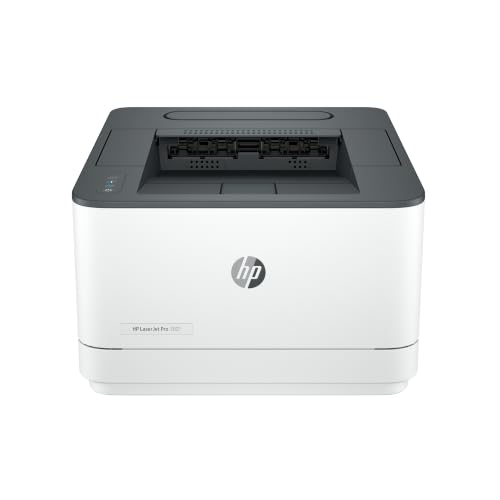

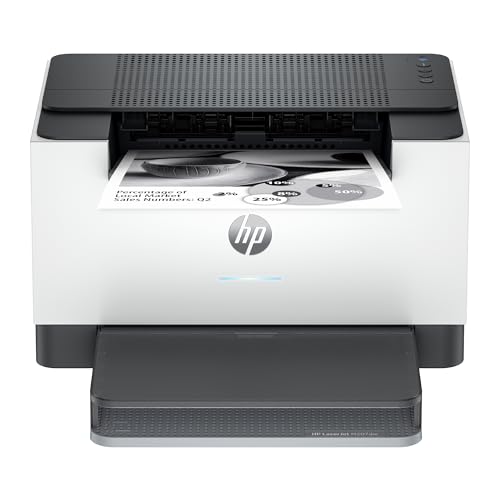

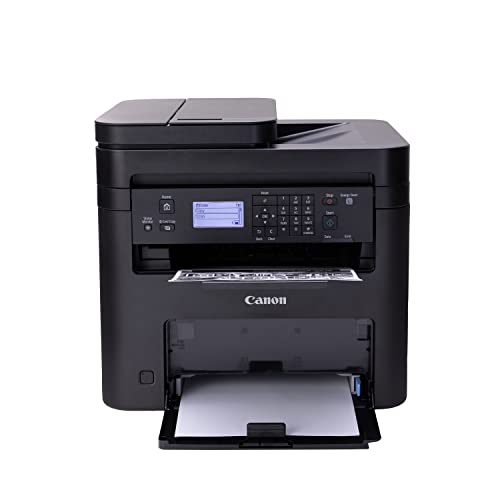
The comparison table below summarizes the main types side by side, and the sections that follow explain how to use it for your own routine.
Who Should Buy
Black and white printers suit home offices, students, small businesses and anyone who prints documents, invoices and forms often. They suit high volume text printing when a laser model is chosen. They are less suited to photo printing, color charts or design work, which need color printers, or to very occasional printing where a shared or shop printer may be cheaper.
Types Compared
Each type below suits a different routine, so read the trade offs rather than looking for a single winner for everyone.
Mono laser printers
Mono laser printers print sharp text quickly and cost less per page at volume. They suit offices and students with regular printing, though they are larger and cost more upfront.
Mono inkjet printers
Mono inkjet printers cost less to buy and suit light occasional printing. They can be slower for long documents, and ink can dry if the printer sits unused for weeks.
Multifunction mono printers
Multifunction models add scanning and copying to mono printing. They suit home offices that also scan forms and copy documents, though they take more desk space.
Compact mono printers
Compact mono printers suit small desks and dorm rooms with light printing. They often hold less paper and print slower, so they suit low volume users best.
Key Features to Compare
Use these features as a checklist when you compare models in the product table above, and note which ones matter most for your daily use.
Print speed and volume
Check pages per minute for text, and monthly duty guidance, against your real weekly volume. A slow printer frustrates during long reports, while an office model wastes space for light use.
Running cost per page
Compare toner or ink yield and drum cost, not only cartridge price. A cheap printer with costly cartridges can cost more within a year of regular printing.
Paper handling
Check tray capacity, duplex printing and envelope handling. A small tray means frequent refills, while automatic duplex saves paper on long documents.
Connectivity
WiFi, USB and mobile printing options matter in shared homes and offices. Check that the printer works with your devices and operating systems before buying.
Size and noise
Measure desk space and consider noise in a home office or bedroom. Laser printers warm up and print with fan noise, while inkjets are quieter but slower.
How to Choose
When choosing the best black & white printers, estimate weekly pages first, then choose laser for regular volume and inkjet for light occasional use. Compare the comparison table above, and check cartridge yield and drum life in the total cost. Place the printer on a stable surface with ventilation, keep paper dry, and update drivers from the maker site rather than unknown sources.
If you print mostly text, our guide to the best black & white laser printers goes deeper on toner cost and duplex printing. A shorter overview is in the guide to the best black and white printers, and photo printing is covered in the guide to the best printers for black and white photos.
Common Mistakes to Avoid
Judging only purchase price
A low cost printer with expensive cartridges can cost more over a year. Compare total cost for your page volume, including toner, ink and drums.
Ignoring paper capacity
A tiny tray means constant refills during long documents. Match tray size to your usual print jobs, and consider a second tray for offices.
Forgetting connectivity needs
A printer that cannot connect to your phone or laptop easily will frustrate daily use. Confirm WiFi, mobile and operating system support before buying.
Planning for Everyday Use
Keep the printer clean, remove paper dust from trays, and store spare cartridges in a cool dry place. Print a test page now and then if use is light, so ink does not dry and mechanisms stay free. Replace toner or ink promptly when print fades, and recycle used cartridges where local programs exist.
A Final Check Before You Buy
Before you order, confirm the printer works with your operating system and phone, check that the toner or ink you will need is easy to buy, and read the warranty and return terms. Measure the desk space, including room to open the paper tray and the toner door.
Finally, compare the yield of the starter cartridge, since many printers ship with a partly filled one. A model with a smaller starter cartridge can need a refill within weeks, which changes the real first year cost.
Getting the Most From Your Choice
Running cost is easier to judge when you track pages for a month, noting how many documents you print, how often you print in duplex, and how quickly a cartridge empties. A simple tally, even on paper beside the printer, reveals whether a high yield cartridge saves money or whether your volume is too low to justify it. It also shows whether duplex printing and draft mode for internal papers could cut paper and toner use without affecting important documents, which often matters more than a small difference in purchase price.
Placement also affects daily satisfaction, since a printer tucked in a cramped corner is harder to load, clear and maintain than one with space around it. Leave room to open trays fully, reach the rear for jam clearing, and replace cartridges without moving furniture, and keep spare paper dry and flat nearby. Update drivers only from the maker site, and test printing from each device you use, including phones and laptops, before you rely on the printer for an urgent document. A printer that is easy to reach and easy to feed stays useful, while a hard to reach printer becomes a source of small daily friction.
Frequently Asked Questions
Is laser or inkjet better for black and white printing?
Laser usually wins for regular text volume, with faster printing and lower cost per page. Inkjet suits light occasional printing and lower upfront cost, though ink can dry during long idle periods.
How do I lower printing costs?
Use duplex printing, draft mode for internal documents, and high yield cartridges when volume justifies them. Track pages per cartridge to see real cost, rather than guessing from cartridge price alone.
Do I need a multifunction printer?
A multifunction model helps if you scan and copy often, since it replaces separate devices. If you only print, a single function printer is simpler, smaller and often cheaper.
Why is my print faded or streaky?
Low toner or ink, a dirty drum or a clogged nozzle can cause fading and streaks. Check levels, run a cleaning cycle if offered, and replace consumables that are past their rated life.
Can a mono printer print photos?
A mono printer can print grayscale images, but it cannot reproduce color photos. For color photos and design work, a color printer or a print shop gives far better results.
Final Thoughts
Pick a mono printer by weekly volume, running cost and paper handling, not by color features you will not use. Compare the product table above, check cartridge yields honestly, and place the printer where it is easy to load and maintain. best black & white printers should make document printing boringly reliable, which is exactly what a good office printer should do.


