
Best Bluetooth Speakers for MacBook Pro 2026: Latency, Ports and Sound
Disclosure: We may earn a commission when you buy through links on this page, at no extra cost to you. As an Amazon Associate I earn from qualifying purchases. Learn more

How to pick the best bluetooth speakers for macbook pro: latency, connections, desk fit and sound for work and play.
A MacBook Pro has some of the best laptop speakers around, yet they still cannot fill a room, handle a party or give a film the weight of a real cabinet. The best bluetooth speakers for macbook pro extend the laptop with fuller sound, pair quickly and stay in sync with the screen, which matters for editing, calls and entertainment.
This guide explains what matters when you pair a speaker with a MacBook Pro, from codecs and latency to ports and desk fit. Use the product table to compare options once you know where the speaker will sit.
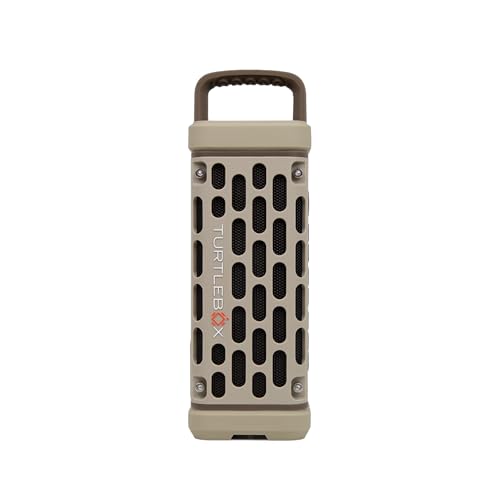


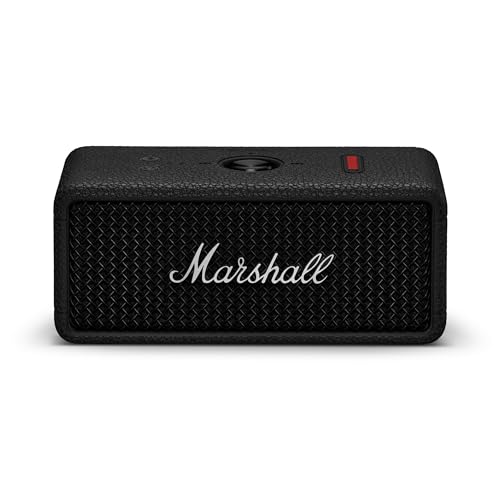
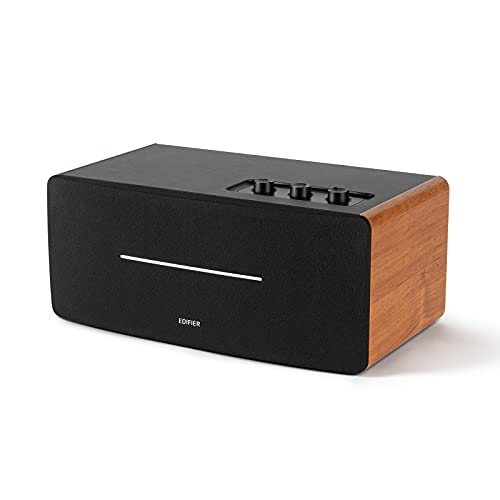


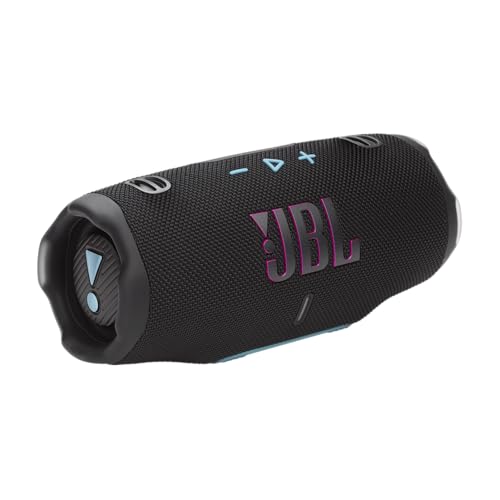

Bluetooth, Codecs and Apple Support
A MacBook Pro supports Bluetooth with the AAC codec, which suits most speakers and keeps streamed music clear. It also supports newer Bluetooth versions, so a speaker with Bluetooth 5.0 or newer connects quickly and holds the link. AirPlay support on a speaker is a bonus if you want to stream over Wi-Fi.
If you do video or audio work, a wired connection avoids Bluetooth delay completely. A speaker with an aux or USB input gives you that option without buying a separate adapter.
Latency for Video and Editing
Bluetooth adds a small delay that is invisible for music but obvious on video. Editors will want a wired connection or a very low latency mode. For everyday film watching, macOS compensates for most delay, but a lip sync mismatch is still possible with some speakers.
Test with a talking head clip. If lips and sound are out of step, switch to a cable or try a speaker that is known for low latency.
Desk Speakers and Portable Speakers
A desk speaker is compact, plugs into the mains or USB, and sits beside the laptop. It is the best choice for a fixed workspace. A portable speaker has a battery and moves between rooms, so it suits a laptop that travels.
A stereo pair gives the widest image for editing and film. A single speaker is simpler and cheaper, and most people will find it enough for music and calls.
Microphones and Calls
The MacBook Pro microphone array is excellent, so you rarely need a speaker microphone. If you take calls on the speaker, make sure the Mac is using the right input and output. Mute the speaker microphone to avoid echo.
A speaker with echo cancelling is useful for conference calls in a shared room.
Placement on a Desk
Place the speaker beside or slightly behind the laptop, at ear height if possible. Keep it off the keyboard tray and away from the screen's lower edge, where reflections can blur voices. A small stand improves clarity.
For small desks, see our guide to the best tiny bluetooth speakers.
Power and Ports
A MacBook Pro has USB C ports that can power some small speakers. Check the port budget when you use an external monitor, a hard drive and a speaker. A speaker with its own power supply avoids drawing from the laptop battery.
A USB C cable that carries both power and audio is neat, but not all speakers support it. Check the specifications.
Everyday Habits That Keep Sound Reliable
Pair the speaker once, then leave it alone. macOS remembers paired devices and reconnects when both are awake. If you move between a desk and a travel setup, name the output in the sound menu so that you can switch quickly with the volume keys.
Keep macOS and the speaker firmware up to date, because Bluetooth fixes often arrive in updates. If audio crackles, check for interference from USB 3 hubs and docks, which can cause noise near the Bluetooth antenna. Moving the hub a few inches away often solves it.
Use the Audio MIDI Setup tool if you want to combine outputs or change sample rates. For plain listening, the defaults are fine. Set a sensible volume limit, because a MacBook Pro can drive some speakers very loud.
Example Setups for Work, Study and Entertainment
For remote work, a compact desk speaker with a clear midrange and a good microphone makes calls easier. For study, a quiet speaker with clean sound at low volume keeps the room calm. For entertainment, a larger speaker or a pair gives films and music more presence.
For creative work, a wired connection and flat tuning make mixing and editing more accurate. For travel, a rugged portable speaker survives the bag and pairs quickly in a hotel room.
Many MacBook owners end up with one speaker for desk use and a portable model for the rest. Both can share the same family if you want to link them later.
Comparing the Best Bluetooth Speakers for Macbook Pro in the Product Table
Start with how you use the speaker: desk, travel or both. Then compare connections, size and sound. Read return terms and check that the speaker works with macOS before you commit.
A speaker that pairs quickly and reconnects every morning is worth more than a long feature list.
Frequently Asked Questions
Does the MacBook Pro support aptX or LDAC?
No. It uses AAC and SBC. The difference is small on most speakers.
Can I use a speaker with the lid closed?
Yes, if you use an external display and the Mac stays awake. Check the sleep settings.
Why does my speaker disconnect when the Mac sleeps?
Many speakers lose the link when the Mac sleeps. A reconnect may be needed. Updating macOS and the speaker firmware helps.
Is a wired connection better?
For editing and video, yes. For music, Bluetooth is fine.
Can I use two speakers?
Some speakers pair with each other. The Mac connects to one of them.
Final Thoughts
Choosing the best bluetooth speakers for macbook pro depends on how you work: a desk, a travel bag or both. Focus on latency, connections and sound that suits your content. Use the product table to compare options and read return terms. A speaker that reconnects reliably and sounds clear at moderate volume will improve every day with your laptop.


