
Best Home Black and White Printer: A Buying Guide
Disclosure: We may earn a commission when you buy through links on this page, at no extra cost to you. As an Amazon Associate I earn from qualifying purchases. Learn more
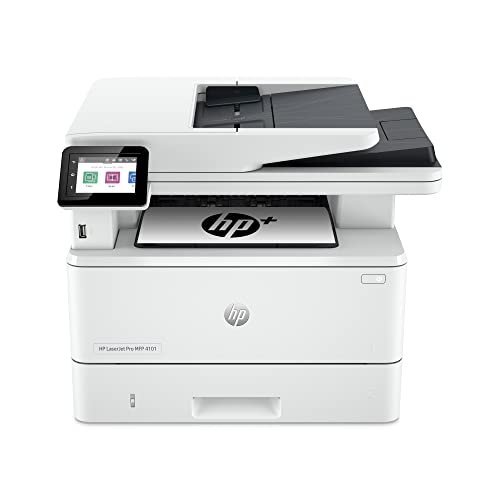
If your home printer only sees action a few times a week for tax forms, school permission slips, or a lease agreement, color is probably the least useful thing it does. Finding the best home black and white printer usually comes down to a different set of questions than a general all-purpose printer: how fast it prints a stack of pages, how much a fresh cartridge actually costs per page, and whether skipping color saves you money without costing you convenience. This guide walks through what actually matters when you're picking a monochrome printer for home document use, so you can compare models with the right criteria instead of guessing from a spec sheet.
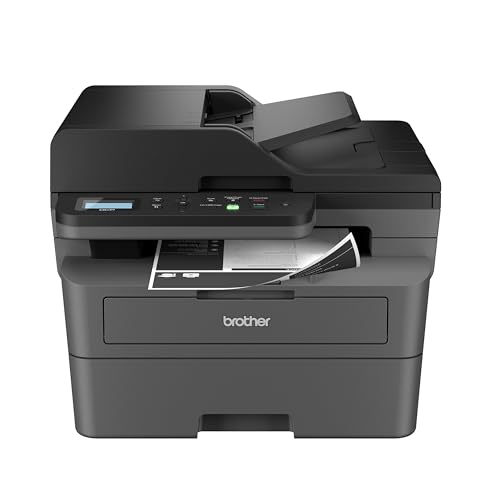

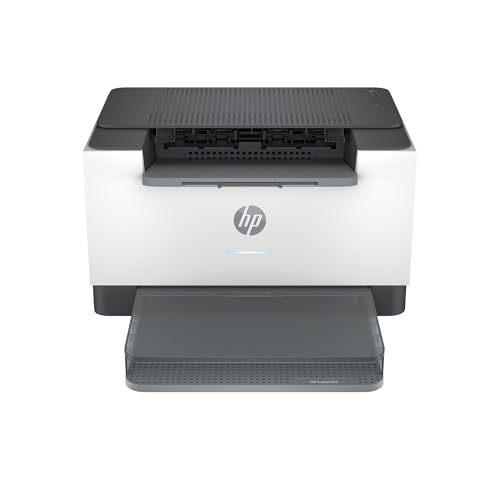

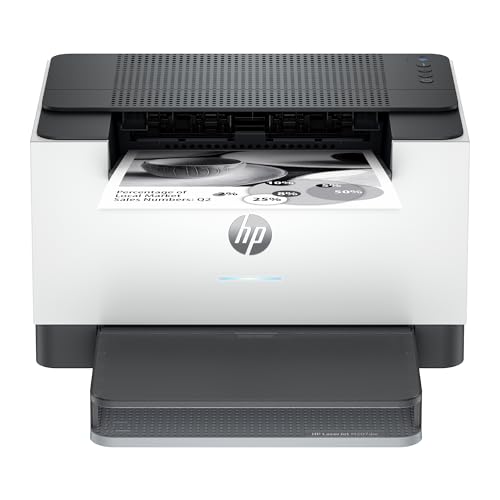
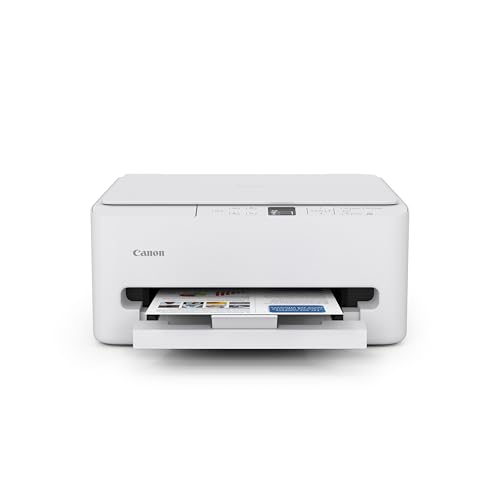
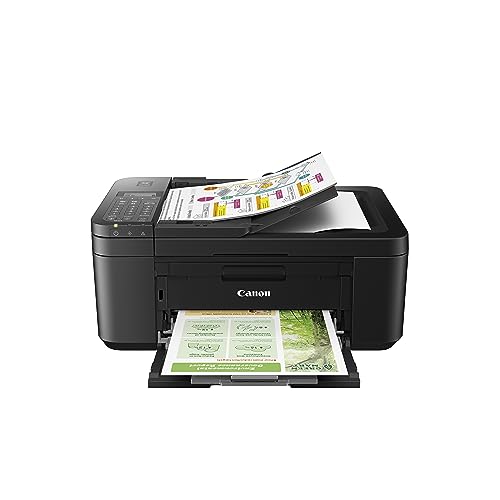

Why a Dedicated Black and White Laser Printer Beats a Multifunction Color Unit for Documents
Most home printers sold today are color inkjets by default, which makes a dedicated monochrome laser printer feel like a niche choice. For text-heavy printing, it's actually the more practical one. Laser printers fuse toner powder onto paper using heat, rather than spraying liquid ink through tiny nozzles. That difference in mechanism is the whole reason black and white laser units hold up better for the kind of printing most households actually do.
How Laser Printing Actually Works for Text
Toner sits as a dry powder inside a sealed cartridge until it's fused to the page, so it doesn't evaporate, separate, or dry out sitting idle. That makes laser printing naturally suited to sharp black text, since the toner produces crisp, consistent edges on letters and numbers print after print, whether you used the printer yesterday or last month.
Why Inkjets Struggle With Occasional, Text-Only Use
Liquid ink cartridges dry out at the print head when they sit unused for a few weeks, which is exactly the printing pattern in most homes. Many inkjet printers respond by running an automatic cleaning cycle that burns through ink just to keep the nozzles clear, even if you never printed a single page in color. If your printing is bursty rather than daily, that's ink and money spent solving a problem a laser printer doesn't have.
Print Speed and Page Yield: What the Numbers Actually Mean for a Home Office
Print speed on a spec sheet looks like a simple number, but the way it plays out at home depends on what you're actually printing.
Pages Per Minute for Real-World Home Use
Most home-oriented black and white laser printers land somewhere in the 20 to 30 pages-per-minute range. For single-page prints like a shipping label or a form, that speed barely registers. It matters more when you're printing a 15-page report or a packet of school worksheets, where the gap between a 20 ppm and a 30 ppm printer becomes a real difference in how long you're standing at the tray.
First Page Out Time and Why It Matters More Than Top Speed
Laser printers need a brief warm-up to fuse the first page, so the "first page out" time, often just a few seconds, matters more for everyday convenience than the rated top speed. If you mostly print one or two pages at a time, a printer with a fast first-page time will feel snappier day to day than one that's only optimized for long print runs.
The Real Cost of Toner Versus Ink for Everyday Printing
Sticker price on a printer tells you almost nothing about what it will cost to run. The number that actually matters is cost per page.
Cost Per Page: The Metric That Actually Matters
Cost per page is simply the price of a replacement cartridge divided by how many pages it's rated to print. A toner cartridge might cost more upfront than an ink cartridge, but because it's rated for hundreds or even thousands of pages instead of a couple hundred, the effective cost per page for black and white laser printing is typically a fraction of what comparable inkjet printing costs. Look for the manufacturer's page-yield rating, then divide the cartridge price by that number before comparing two printers.
Toner Cartridge Versus Drum Unit (They're Not the Same Thing)
Toner cartridges and drum units get confused often, but they're separate parts with very different lifespans. The toner cartridge holds the powder that actually forms the print and gets replaced regularly as it empties. The drum unit is the component that transfers that toner onto the page, and it's built to last through several toner cartridges before it needs swapping. Knowing which one you're buying replacements for helps you avoid overpaying for a part you don't actually need yet.
Deciding If You Ever Need Color at Home
This is the real fork in the road for anyone shopping for the best home black and white printer, and it's worth being honest with yourself about it. If your printing is mostly forms, contracts, resumes, homework, or shipping labels, color adds cost without adding value, since text documents look identical in black and white. A color printer also means managing three or four separate cartridges instead of one, and running out of a single color can stop a print job even when you only needed black text. On the other hand, if you regularly print photos, colorful school projects, or graphics-heavy documents, a black and white printer will leave you reaching for a print shop or a second device, and a general home printer that handles both text and the occasional color job may fit your household better. The honest test is to think back over your last few months of printing: if color rarely or never showed up, a dedicated black and white printer is the more efficient choice.
Features Worth Paying For: Duplex, Wireless, and Scan/Copy
Once you've settled on monochrome laser, a handful of features separate a genuinely useful home printer from a bare-bones one. Automatic duplex printing, meaning it prints both sides of the page without you flipping paper manually, cuts paper use roughly in half for reports and forms and is worth prioritizing if you print multi-page documents often. Pairing that habit with paper chosen for everyday document printing also helps prevent jams when you're feeding a laser printer sheet after sheet. Wireless or mobile printing support lets everyone in the house send a document without plugging in a cable, which matters more the more devices share the printer. Finally, decide whether you actually need scan and copy functions bundled in. An all-in-one laser printer is convenient if you regularly need to scan paperwork or make quick copies, but a print-only model is usually smaller, cheaper, and just as reliable if scanning isn't part of your routine.
Frequently Asked Questions
What's actually different about printing in black and white vs color on a home printer?
A black and white printer only uses one toner or ink supply, so every print comes out in shades of gray regardless of the source file's colors. A color printer uses three or four separate cartridges to reproduce full-color images, which adds cost and complexity that text documents don't need.
Is a monochrome laser printer cheaper to run long-term than an inkjet?
For most home use, yes. Toner cartridges cost more upfront but print far more pages per cartridge, which usually brings the cost per page down well below what a comparable inkjet costs to run, especially once you factor in ink wasted on cleaning cycles.
How many pages per minute is normal for a home black and white printer?
Most home-focused black and white laser printers print in the 20 to 30 pages-per-minute range. That's plenty for typical household document printing, though heavier users printing long reports regularly may want to look toward the higher end of that range.
How long does toner typically last before it needs replacing?
It depends entirely on how much you print and the cartridge's rated page yield, but for a household printing a modest number of pages per week, a single toner cartridge can often last many months to well over a year before it needs replacing.
Do I need a color printer at home, or is black and white enough?
If your printing is mostly text documents, forms, and paperwork, black and white is enough for the vast majority of households. Color only becomes worth the added cost if you regularly print photos or color graphics at home.
Can a black and white laser printer still scan and copy?
Yes, plenty of black and white laser printers are sold as all-in-one units that scan and copy in addition to printing. If you need those functions, just confirm the specific model includes them, since print-only versions are also common.
Is duplex printing worth it for a home printer?
For anyone who regularly prints multi-page documents, automatic duplex printing is worth having. It cuts paper use significantly and saves you the hassle of manually flipping pages to print on both sides.
The Bottom Line on Going Black and White
A dedicated black and white printer isn't a downgrade for most home offices, it's simply matched to what people actually print. Once you weigh cost per page over sticker price, check that the speed fits how you print in bulk, and confirm you're genuinely not missing color, a monochrome laser printer tends to be the lower-hassle, lower-cost choice for everyday home office printer needs. That combination of low running cost, dependable speed, and no unnecessary color tax is what makes a monochrome laser model the best home black and white printer pick for most households.