
Best Black & White Laser Printers: A Clear Buying Guide for 2026
Disclosure: We may earn a commission when you buy through links on this page, at no extra cost to you. As an Amazon Associate I earn from qualifying purchases. Learn more

Learn how to choose black and white laser printers by print speed, running cost and paper handling, for crisp text at home or in a small office.
Choosing best black & white laser printers is straightforward once you focus on text quality, running cost, and paper handling rather than on color features you may never use. Mono laser printers produce sharp text, handle large document runs well, and usually cost less to run per page than inkjet models for text heavy work.
This guide explains print speed, toner cost, duplex printing, and connectivity in plain language, so you can match a printer to home study, a home office, or a small team. A basic model suits occasional printing, while a faster model with a larger paper tray suits a busy desk that prints every day.


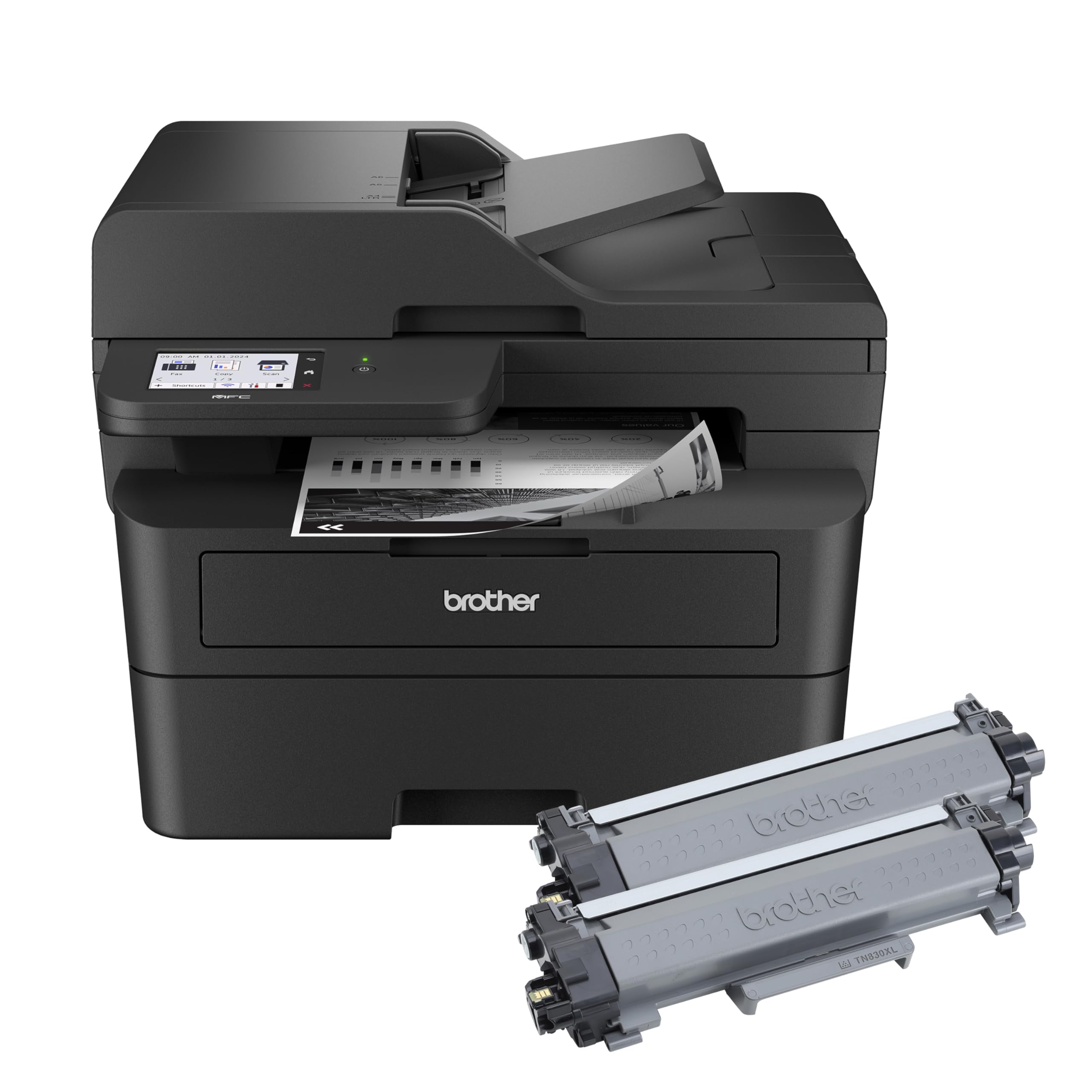


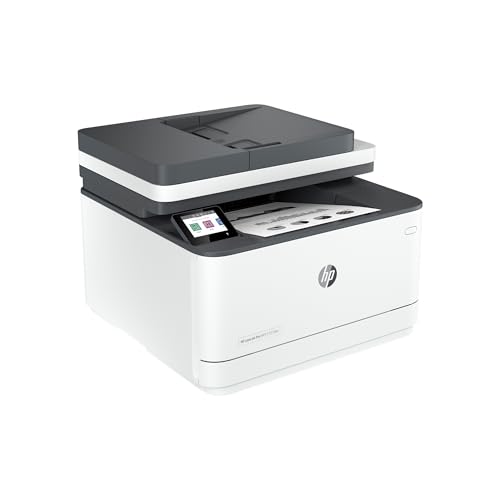
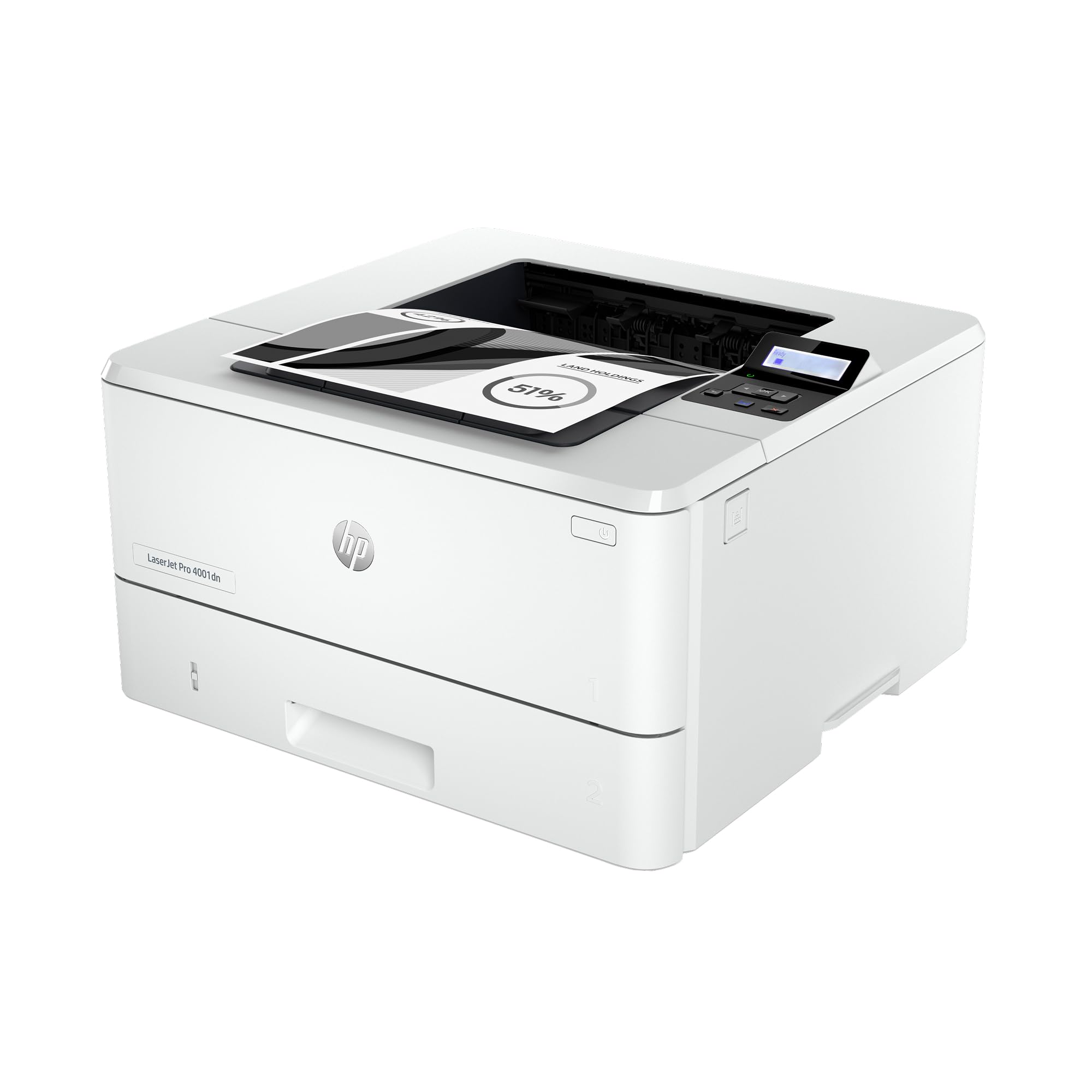
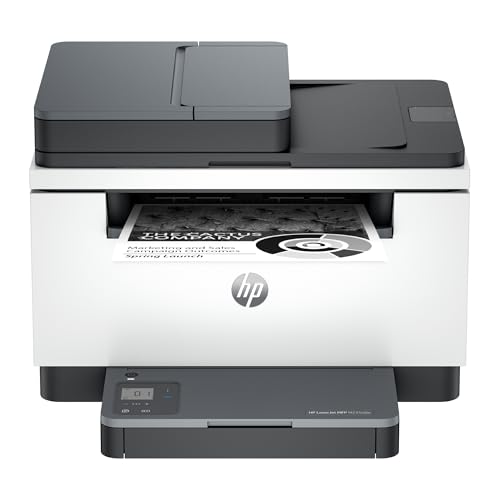
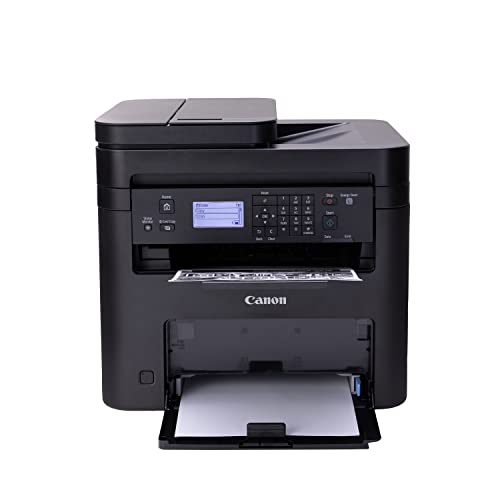
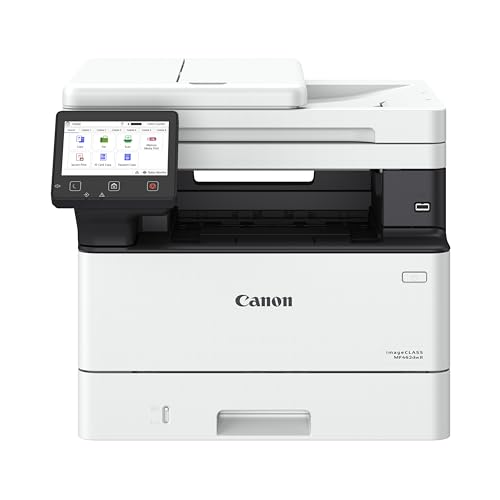
The comparison table below gives a quick overview of the main choices.
Who Should Buy Black and White Laser Printers
Mono laser printers suit anyone who prints mostly text, from students and home workers to small offices that produce reports, forms, and invoices. They also suit households that print in bursts, because laser toner does not dry out between jobs the way ink can.
A mono laser printer is a weaker fit if you regularly print color photos, school projects with color charts, or design work that needs accurate color. In that case, a color printer or a separate photo printing route will serve you better, even if text costs a little more.
Types Compared
Compact mono printers
Compact mono printers suit a small desk, a bedroom study, or a home office with limited space. They print sharp text at a reasonable speed and usually cost less upfront than larger office models.
Compact models often have smaller paper trays and slower speeds under heavy load. If you print hundreds of pages in one session, a larger model with a bigger tray will save refills and waiting time.
Office mono printers
Office mono printers handle higher monthly volumes, faster speeds, and larger paper trays. They suit a shared desk or a small team where several people print throughout the day.
Office models cost more upfront and take more desk space, so they are overkill for occasional home printing. Buy this level only if your monthly page count genuinely justifies faster speed and larger capacity.
Multifunction mono printers
Multifunction mono printers add scanning and copying to printing, which suits a home office that handles forms and documents. A single device can replace a separate scanner and copier, saving space and cables.
Extra functions add complexity and cost, and a fault in one function can affect the whole device. If you rarely scan or copy, a print only model is simpler and often cheaper to run.
Key Features to Check
Print speed and resolution
Print speed, shown in pages per minute, matters most for long documents and busy desks. Resolution affects text sharpness, but most mono lasers already produce crisp text at standard settings. Focus on real world speed for your document length rather than on a headline speed measured on short test pages.
Toner cost per page
Toner cost per page is the most important long term cost, because a cheap printer with expensive toner can cost more over time than a pricier printer with efficient cartridges. Check cartridge yield and price together, and consider high yield cartridges if you print often. Third party toner may save money but can affect warranty and print quality, so weigh that trade off carefully.
Duplex and paper handling
Automatic duplex printing saves paper and suits double sided reports and booklets. Paper tray size matters for long runs, because a small tray means frequent refills during a large job. Check supported paper sizes and weights if you print envelopes, labels, or thicker paper.
Connectivity
Wifi, ethernet, and USB options affect how easily household or office members can print. Wifi printing suits phones and laptops, while ethernet suits a fixed office desk with a stable network. Check mobile printing support if you often print from a phone or tablet.
Common Mistakes to Avoid
A common mistake is choosing a printer by upfront price alone and then paying high toner costs for years. Another is buying a large office printer for occasional home use, where a compact model would be cheaper and easier to place. Compare toner cost per page first, then match speed and tray size to your real monthly volume.
Budget and Long Term Value
The best black & white laser printers range from about $100 for a compact model to about $400 for a faster office or multifunction model. A mid priced model with reasonable toner costs often gives the best value for regular text printing. Add spare toner, paper, and any needed cables to your budget, and check warranty terms before ordering.
Planning Before You Order
Estimate your monthly page count and the largest document you print in one session, because those numbers set speed and tray needs. Measure desk space and check power and network access at the printer location. Keep the printer where paper loading and toner changes are easy, rather than squeezed into a tight corner.
Care and Upkeep
Keep the printer firmware and drivers updated, because updates can fix connectivity issues and improve reliability. Clean paper dust from trays and rollers as advised by the maker, and store paper flat in a dry place to reduce jams. Check toner levels before a large print job, so a cartridge does not run out halfway through an important document.
A Final Check Before You Order
Before ordering, confirm the printer supports your operating systems and mobile devices, and check that duplex, paper sizes, and network options match your needs. Measure the space, including room to open trays and access the toner door. A printer that fits the desk and the workflow will cause far fewer daily frustrations than a slightly cheaper model that does not.
Related Guides to Explore
For a wider look at mono printing options, see the guide to best black and white printers.
For the full laser printer buying guide in more detail, see the guide to best black and white laser printers.
For printing black and white photos with care, see the guide to best printers for black and white photos.
For general mono printing advice beyond laser models, see the guide to best printers for black and white printing.
Frequently Asked Questions
Are laser printers better than inkjet printers for text?
For text heavy printing, laser printers usually give sharper text, faster speeds, and lower cost per page than inkjet models. Toner does not dry out during idle periods, which suits occasional printing. Inkjet printers remain better for color photos and low volume color work.
How much does it cost to print a page?
Cost per page depends on cartridge price divided by page yield, so check both numbers together. A high yield cartridge often lowers cost per page even though it costs more upfront. Your real cost also depends on coverage, because dense documents use more toner than light text pages.
Do I need duplex printing?
Duplex printing saves paper and suits reports, booklets, and long documents that you file or share. If you mostly print single sided forms or short notes, manual duplex or single sided printing may be enough. Automatic duplex is worth paying for when double sided printing is a daily habit.
Can a mono laser printer scan and copy?
Only multifunction models can scan and copy, while print only models cannot. If you handle forms, ID copies, or signed documents often, a multifunction model saves space and setup. If you rarely scan, a print only model is simpler and often more reliable for its single job.
How long does toner last?
Toner cartridge life depends on page yield and how much toner each page uses, not on time alone. A cartridge rated for a thousand pages may last months for light use or weeks for heavy office use. Store spare toner in a cool, dry place and shake a low cartridge gently only if the maker advises it.
What paper weight can a mono laser printer handle?
Most mono laser printers handle standard office paper easily, and many handle heavier paper and card up to a stated maximum. Check the maker specification for maximum paper weight and for envelope and label support before buying. Using paper heavier than advised can cause jams and wear, so match paper choice to the printer guidance for special jobs.
Final Thoughts
Choosing best black & white laser printers comes down to sharp text, low toner cost per page, and paper handling that fits your volume. A well matched mono laser printer keeps text printing fast, affordable, and hassle free for years.
Keep a spare toner cartridge for busy periods, because running out mid job is far more disruptive than the cost of holding one spare.
Print quality also depends on paper choice, because smooth office paper gives crisper text than rough recycled paper in some printers. Try your usual paper with a sample document before committing to a large paper order, and check margins and font clarity at your normal print settings. Small paper and setting tests prevent a whole ream of disappointing prints later.
Use the product table above to compare the main choices side by side before you order.


