
Best Black and White Laser Printers: Matching the Right Model to Your Routine for 2026
Disclosure: We may earn a commission when you buy through links on this page, at no extra cost to you. As an Amazon Associate I earn from qualifying purchases. Learn more

Learn how to match black and white laser printers to your daily routine, with guidance on speed, toner value, paper trays and home office setup.
Matching the best black and white laser printers to your routine matters more than chasing the fastest model, because a printer that fits your daily habits feels effortless while an oversized model gathers dust. Think about how often you print, what you print, and who else shares the printer before you compare specifications.
This guide walks through routine based choices, from a quiet study desk to a busy shared office, so you can pick the speed, capacity, and features that serve your real workload. The product table below gives a quick overview of the main choices.
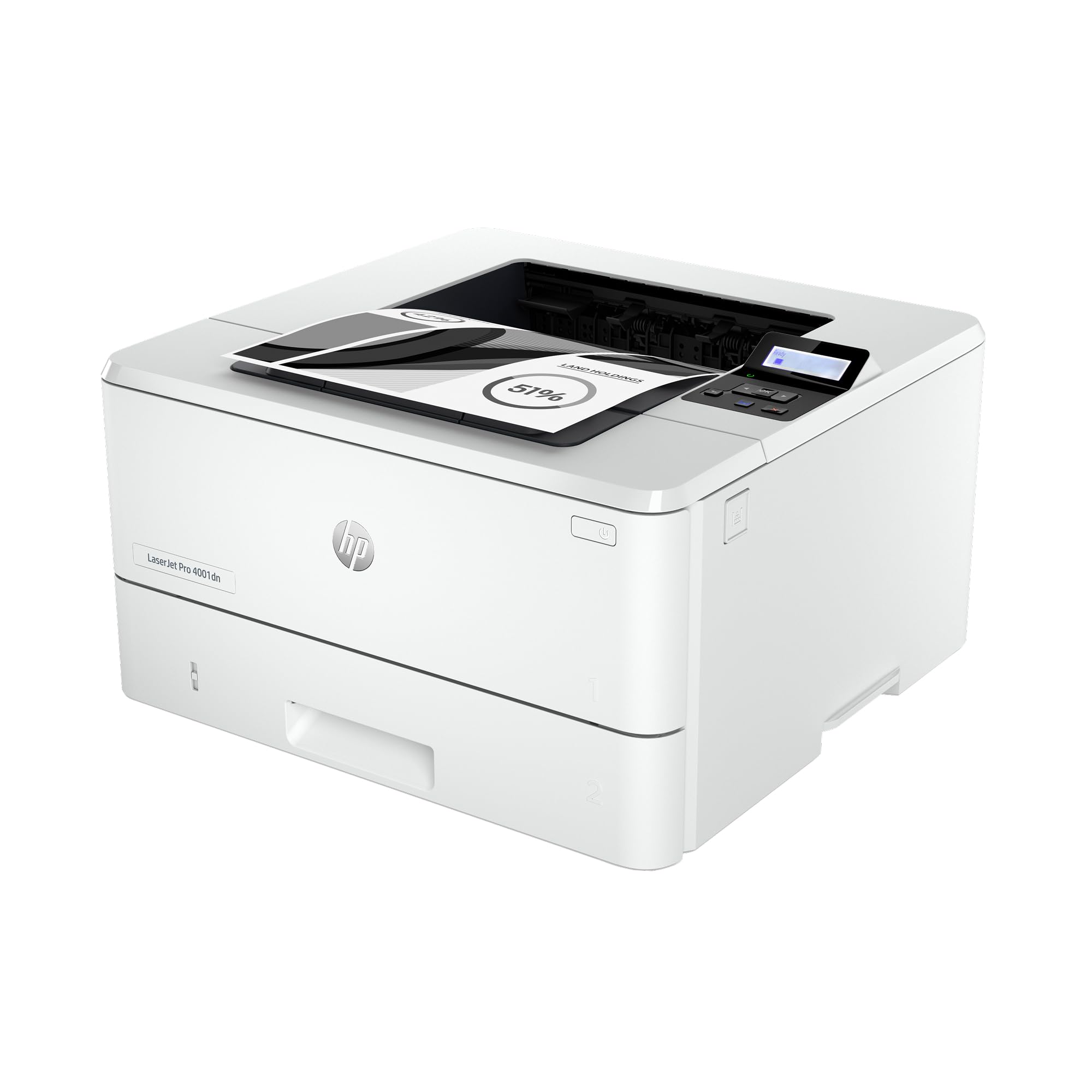
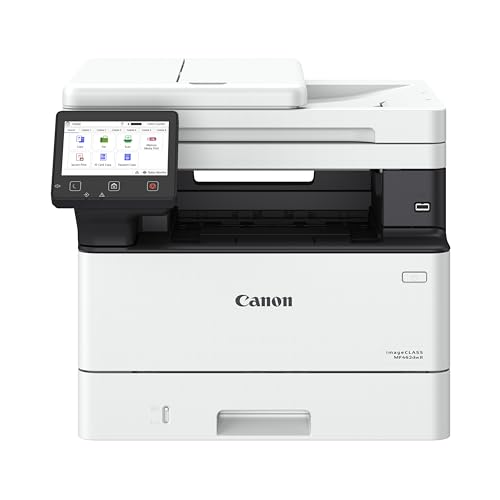
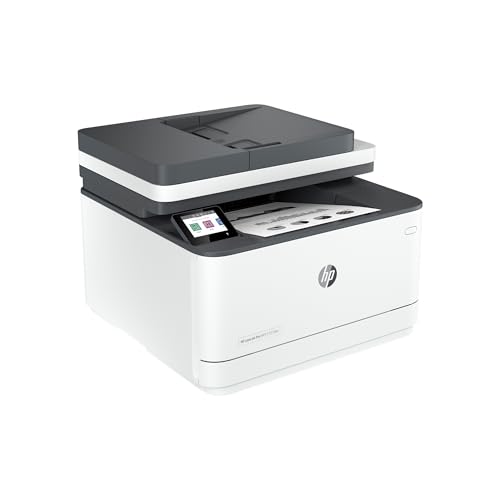

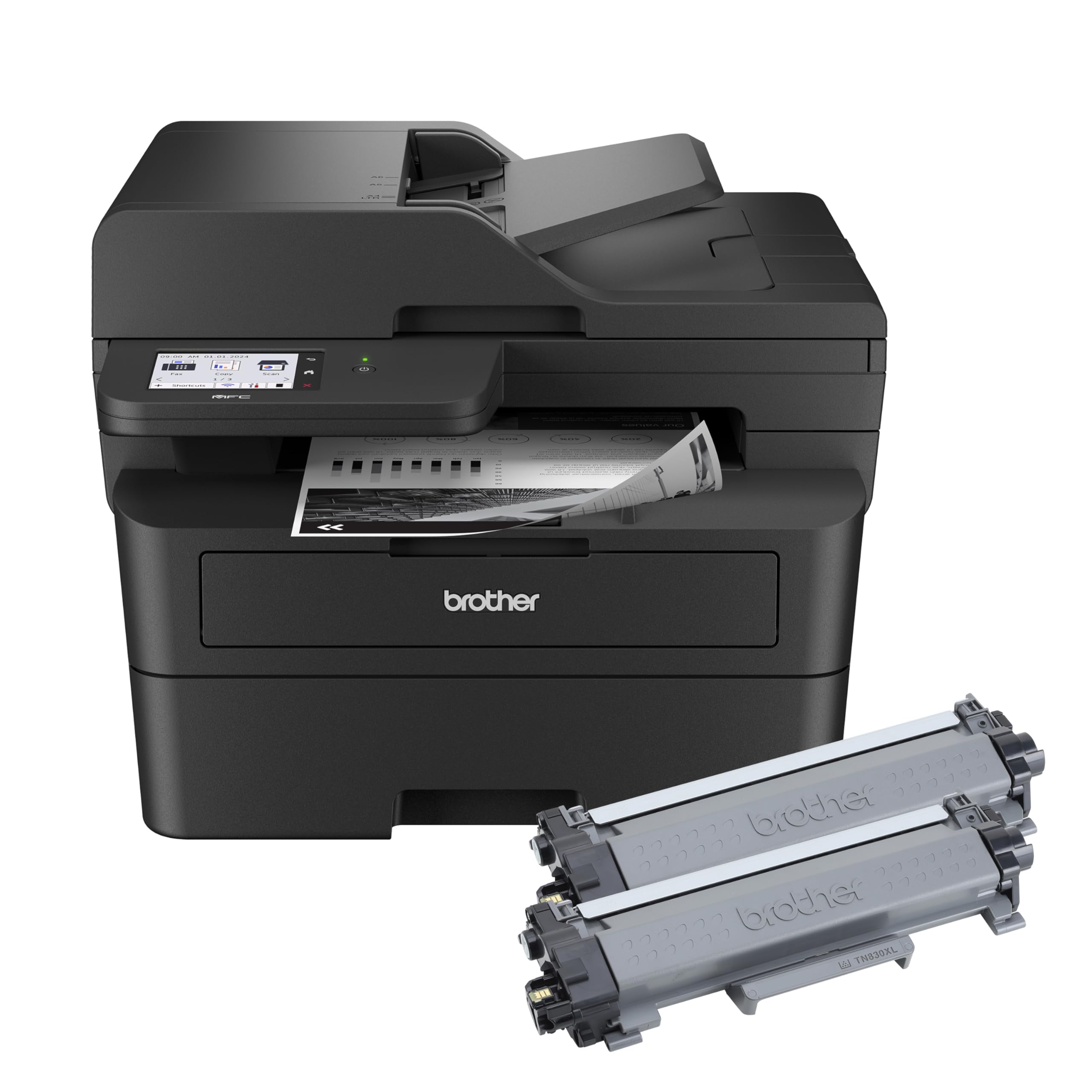




Who Should Buy a Black and White Laser Printer?
Mono laser printers suit students with regular assignments, home workers with daily reports, and small teams that print forms and invoices. They also suit families that print schoolwork and documents in bursts, because toner stays ready between jobs.
A mono laser printer is a weaker fit for a household that prints color photos, art projects, or color heavy schoolwork every week. In that case, keep a color option for those jobs and use a mono laser for the bulk of text printing, rather than forcing one device to do everything poorly.
Types of Black and White Laser Printers Compared
For Light Routines
Light routine printers suit occasional printing, short documents, and a single user. They are compact, quiet, and affordable. They can feel slow during a large report, so allow extra time for big jobs or choose a slightly faster model as a buffer.
For Daily Home Office Routines
These printers balance speed, tray size, and duplex printing for regular work. They suit a desk that prints reports, contracts, and notes every day, often from more than one device. Place the printer where you can load paper and change toner easily, and keep a spare cartridge ready for busy weeks.
For Shared Routines
Shared printers suit households or small teams where several people print throughout the day. Larger trays, faster speeds, and network printing reduce waiting and refill stops. Set up each device once, including Wi-Fi or network access and drivers, so daily printing stays smooth.
Key Features to Check
Speed in Real Use
Real world speed depends on document length, duplex settings, and warm up time, not only on a headline pages per minute figure. A printer that wakes quickly suits short, frequent jobs, while a fast engine suits long runs. Think about your typical job size when you compare speeds.
Toner Value Over Time
Toner value is best judged by cost per page, which combines cartridge price and yield. High yield cartridges often suit daily routines, while standard cartridges suit light use. Track your page count for a month before you decide whether a high yield cartridge really saves money.
Paper Trays and Handling
Tray capacity should cover your largest single job without a refill in the middle. A second tray or a manual feed slot helps if you also print envelopes or labels. Check the maximum paper weight, because thick paper and card need a printer that handles them without jamming.
Noise and Placement
Noise matters in a shared home, especially for early morning or late night printing. Quieter models suit a bedroom study or a living area desk, while a louder office model suits a separate workroom. Keep airflow around the printer and keep paper dry to reduce jams.
A few extra checks help at the shortlist stage. Look at the rated monthly duty cycle against your real volume, because a printer rated for far more than you print will cost more than it needs to, while one rated below your volume will wear quickly. Check whether the starter toner that ships with the printer is a full cartridge or a smaller sample, since some models include a short life cartridge that needs replacing within a few months. Finally, read how the maker handles drum replacement, because on some models the drum is built into the toner and on others it is a separate part with its own cost.
Common Mistakes to Avoid
- Buying for a rare peak job, such as one annual report, and living with an oversized printer all year.
- Ignoring toner cost until the first replacement cartridge arrives.
- Skipping duplex printing, which saves paper on every long document.
- Placing the printer where the Wi-Fi signal is weak, which causes failed prints.
Match the printer to your typical week, not your busiest day, and check toner prices before you order.
Budget and Long Term Value
Mono laser printers for routine use range from about $100 for a light model to about $450 for a faster shared model. A mid priced daily model with efficient toner often gives the best long term value. Budget for paper, a spare toner cartridge, and a surge protected power outlet if your workroom lacks one.
Planning Before You Order
Log your printing for two weeks, noting page counts, document types, and who prints. That log will tell you whether you need speed, tray size, duplex, or multifunction features. Measure your desk, check Wi-Fi strength at the printer spot, and confirm return terms so you can test real printing before committing.
Care and Upkeep
Clean the printer exterior and paper path regularly, and keep the area free of dust and paper scraps. Replace toner promptly when print fades, and recycle used cartridges through a maker or retailer program where available. Store spare paper in its wrapper until use, because damp paper jams more often and prints less crisply.
Related guides cover the best black and white laser printers from another angle, the wider best black and white printers, and the best printers for black and white printing.
Frequently Asked Questions
How do I estimate my monthly printing volume?
Count pages printed over two typical weeks, then double the total for a monthly estimate. Include schoolwork, work documents, and forms, but exclude rare one off jobs. A realistic figure helps you choose speed, tray size, and toner yield without overspending.
Is a multifunction printer worth it for a home office?
A multifunction printer is worth it if you scan or copy documents at least weekly, because it saves space and setup compared with separate devices. If you scan rarely, a print only model plus a phone scanning app may be simpler and cheaper.
Why does my printer pause between jobs?
Pauses often come from warm up time, duplex flipping, or network delays rather than a fault. A printer in power saving mode takes longer to wake, so adjust sleep settings if you print often. Keep drivers updated and use a stable Wi-Fi or wired connection.
Can I print from a phone to a mono laser printer?
Most modern mono laser printers support mobile printing over Wi-Fi. Check the maker app and your phone system before you buy, because support varies by model. A wired Ethernet option gives a reliable fallback for a fixed desk.
How can I reduce paper jams?
Use dry, flat paper stored away from humidity, and load the tray to the marked level without overfilling. Match paper weight to the printer guidance, and clear small jams promptly rather than forcing paper through.
Should I leave my printer on or turn it off?
Most modern laser printers use a low power sleep mode that wakes quickly, so leaving the printer in sleep mode suits frequent printing. If you print only weekly, switching off between jobs is reasonable.
Final Thoughts
Choose speed and capacity for your typical week, check toner cost per page, and place the printer where daily use stays easy. Compare the main choices in the product table above, and the best black and white laser printers for you will be the ones that keep printing simple, affordable, and reliable.


