
Best Battery Security Cameras for Home 2026: Placement, Storage and Battery
Disclosure: We may earn a commission when you buy through links on this page, at no extra cost to you. As an Amazon Associate I earn from qualifying purchases. Learn more

Best battery security cameras for home: compare video quality, night vision, storage and battery life.
Protecting a home no longer needs a drill or an electrician. Battery security cameras mount with a few screws, connect to your Wi-Fi and send clips to your phone. The best battery security cameras for home use cover your entrances, keep their charge for weeks or months and do not flood your phone with alerts about leaves and passing cars.
The product table above lists battery cameras for outdoor entrances and for indoor rooms. Use the sections below to decide where to place them and which features to prioritize. Use these checks whenever you compare the best battery security cameras for home options in the table.


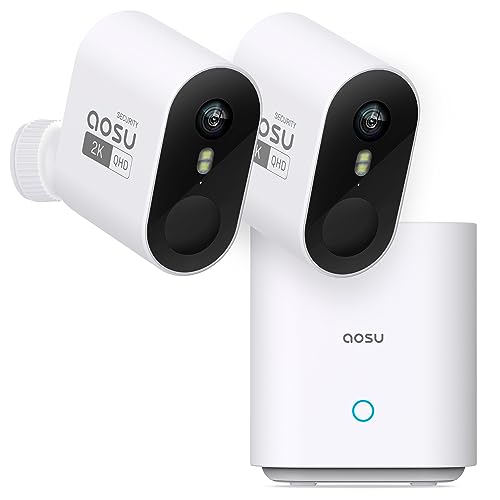




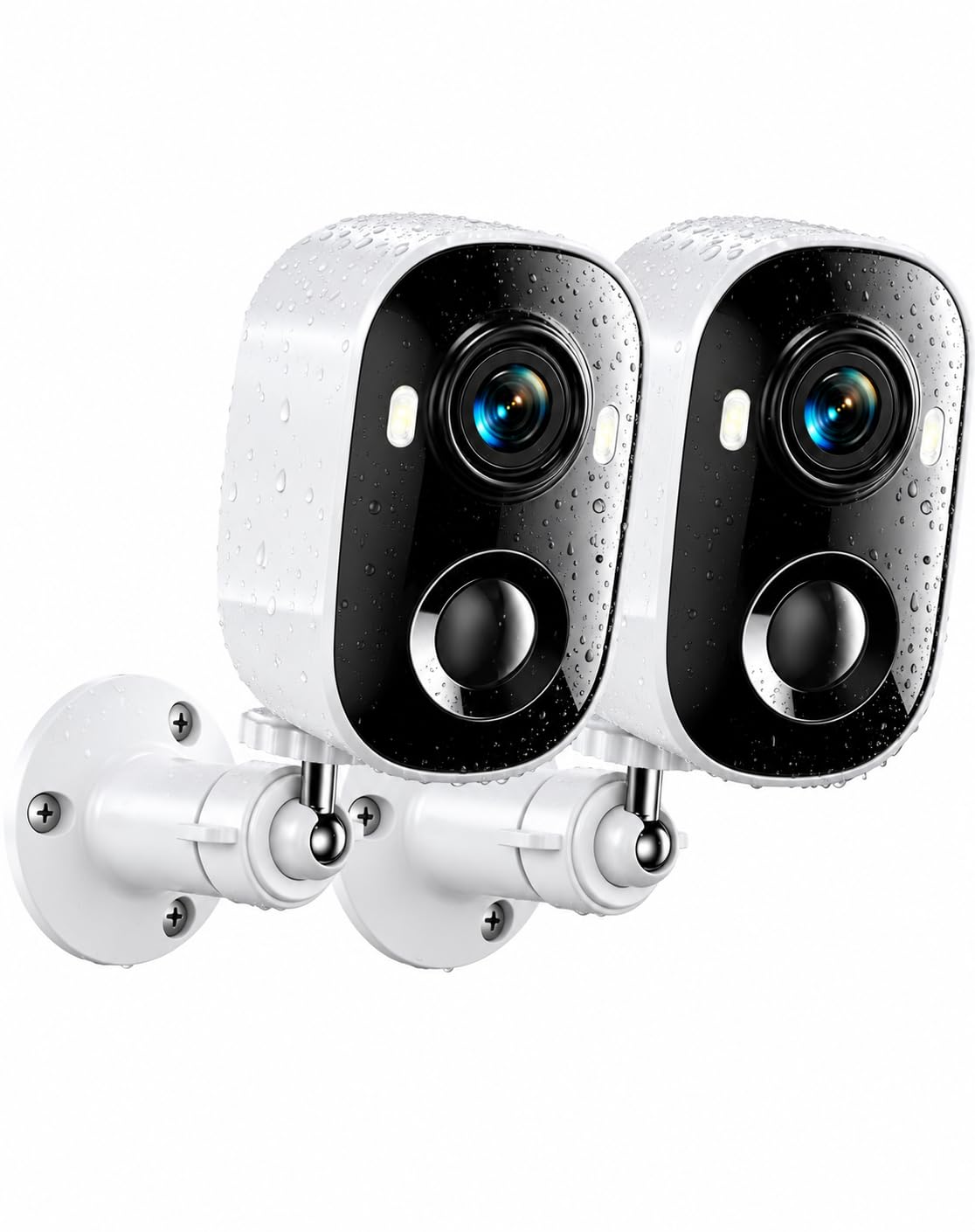

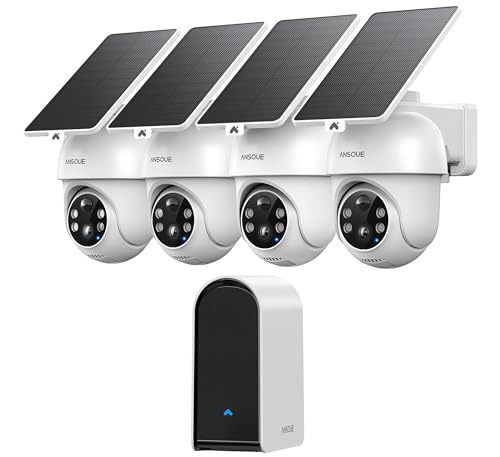
Where Home Cameras Do the Most Good
- Front door: the most common entry point and package location.
- Back door and patio: often hidden from the street.
- Garage and side entrances: less visible, and often used by burglars.
- Driveway: to see cars and visitors.
- Indoors: hallway, living room or nursery where privacy rules allow.
Types of Battery Cameras for Home Use
Outdoor weatherproof cameras
Built with weather resistant housings and infrared night vision, these cameras suit doors, yards and garages. Look for an IP65 or higher rating.
Indoor cameras
Smaller and often with a pan and tilt head, indoor models watch rooms. Some include a privacy shutter. Battery power is useful when an outlet is not in the right place.
Solar cameras
A small solar panel trickle charges the battery, which is ideal for a sunny wall. In shady spots, expect less benefit.
Camera kits
Kits with two to four cameras and a base station cost less per camera and put recording in a single hub.
Key Features to Compare
Video quality
1080p works for general coverage. 2K gives more detail for faces and license plates. Higher resolution uses more storage and battery.
Battery life
Quoted life of three to six months assumes a few events per day. Busy areas shorten it. Look for removable or easily rechargeable batteries.
Night vision
Infrared gives black and white video. A spotlight enables color but uses more power. Starlight sensors capture color in low light without a visible beam.
Detection and alerts
Person detection, activity zones and adjustable sensitivity reduce false alarms. Package alerts help for doorsteps.
Storage
Local storage on a microSD card or hub avoids monthly fees. Cloud storage adds backup and smarter alerts. Many families use a mix.
Two way audio and siren
Two way talk lets you speak to visitors, and a siren can scare away intruders.
Placement and Setup Checklist
- Mount cameras about eight to ten feet high, angled down.
- Avoid pointing at the sun or reflective windows.
- Check Wi-Fi at the mounting spot before drilling.
- Draw activity zones that exclude the street.
- Set a strong password and turn on two factor authentication.
- Check the camera's view at night as well as by day.
Privacy and Courtesy
Point cameras at your own property and avoid capturing your neighbor's windows and yard. Be careful with indoor cameras in private spaces, and use the privacy shutter or schedule features when you are at home. Rules about audio recording vary by state, so check local laws. If you have guests, tell them about indoor cameras.
Care and Maintenance
Wipe the lens regularly, check the mount and the seals each season and charge the battery before it runs out. In cold weather, battery life drops, so keep a spare. Update firmware to get security fixes, and review who has access to your account every few months.
Common Mistakes to Avoid
- Placing a camera where Wi-Fi is weak.
- Mounting too high or too low.
- Setting alerts to maximum sensitivity.
- Ignoring the subscription cost of cloud features.
Frequently Asked Questions
How often do I charge the battery?
From every few weeks to every six months, depending on activity.
Do these cameras work without Wi-Fi?
Most need Wi-Fi for live view and alerts. Some record locally without it.
Will a camera deter burglars?
Visible cameras and signs can discourage opportunists, though they are not a guarantee.
Do I need a subscription?
Not always. Local storage is often enough.
Building a Home Camera Plan
Start small. Put one camera on the front door, watch how the alerts behave for a week and adjust zones and sensitivity. Then add the back door or the driveway. A typical house is well covered with three to five cameras: front, back, a side entrance and the garage, plus one indoors if you want to see pets or children. Using one brand throughout keeps everything in a single app, which makes reviewing clips quick.
If you travel often, consider cameras that send a short video clip with each alert and let you talk through the camera. A neighbor with access to your app can help during trips, as long as you share access carefully.
Weather, Temperature and Battery Life
Cold weather reduces battery capacity. In freezing winters, expect shorter run times, and choose cameras with a stated low temperature rating. Heat is also hard on batteries, so avoid mounting cameras against sun baked walls. A small overhang protects the camera from rain and from direct sun. If a spot is hard to reach, pick a solar camera or one with a very long battery life, so you are not climbing a ladder often.
Home Hubs and Smart Home Links
Some camera systems use a base station that plugs into your router. The base station provides a stronger connection, local storage and sometimes a siren. Others connect straight to Wi-Fi, which is simpler but relies more on signal strength. If you use a smart speaker or a smart display, check for compatibility, which can let you view your camera on a screen with a voice command.
What to Spend
Basic single cameras start at about $30 to $60 and suit a first purchase. Mid range cameras and kits, $100 to $300, add better video, battery life and detection. Premium systems cost more but bring features such as local hubs and advanced alerts. Remember to include the cost of any cloud plan you want, as well as spare batteries or a solar panel.
Final Thoughts
Start with the entrances, choose a camera that fits the weather and Wi-Fi at each spot and set up alerts that you will actually read. The best battery security cameras for home give you clear clips and peace of mind without wiring. Compare the models in the product table, and see the guide to the best battery powered home security cameras for related options.


