
Best Battery Powered CCTV Cameras 2026: Placement, Storage and Battery
Disclosure: We may earn a commission when you buy through links on this page, at no extra cost to you. As an Amazon Associate I earn from qualifying purchases. Learn more

Best battery powered cctv cameras: compare resolution, night vision, storage and battery life, then place them where they matter.
CCTV used to mean a recorder in a closet and a bundle of cables running through the attic. Battery powered cameras remove most of that work: you mount the camera, connect it to Wi-Fi or a small hub and watch clips on your phone. The best battery powered cctv cameras keep their charge for months, record in clear detail and send alerts that are worth reading.
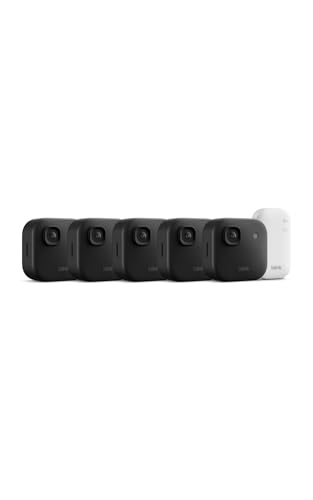
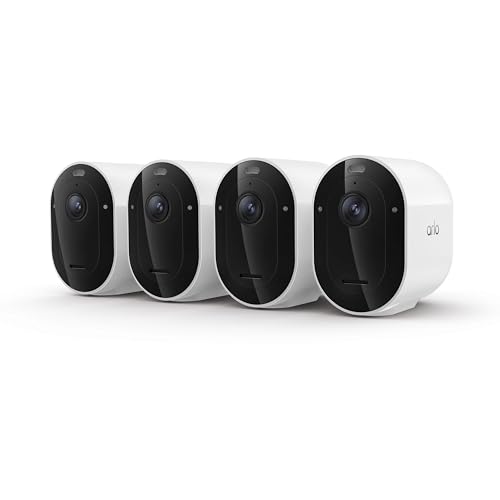
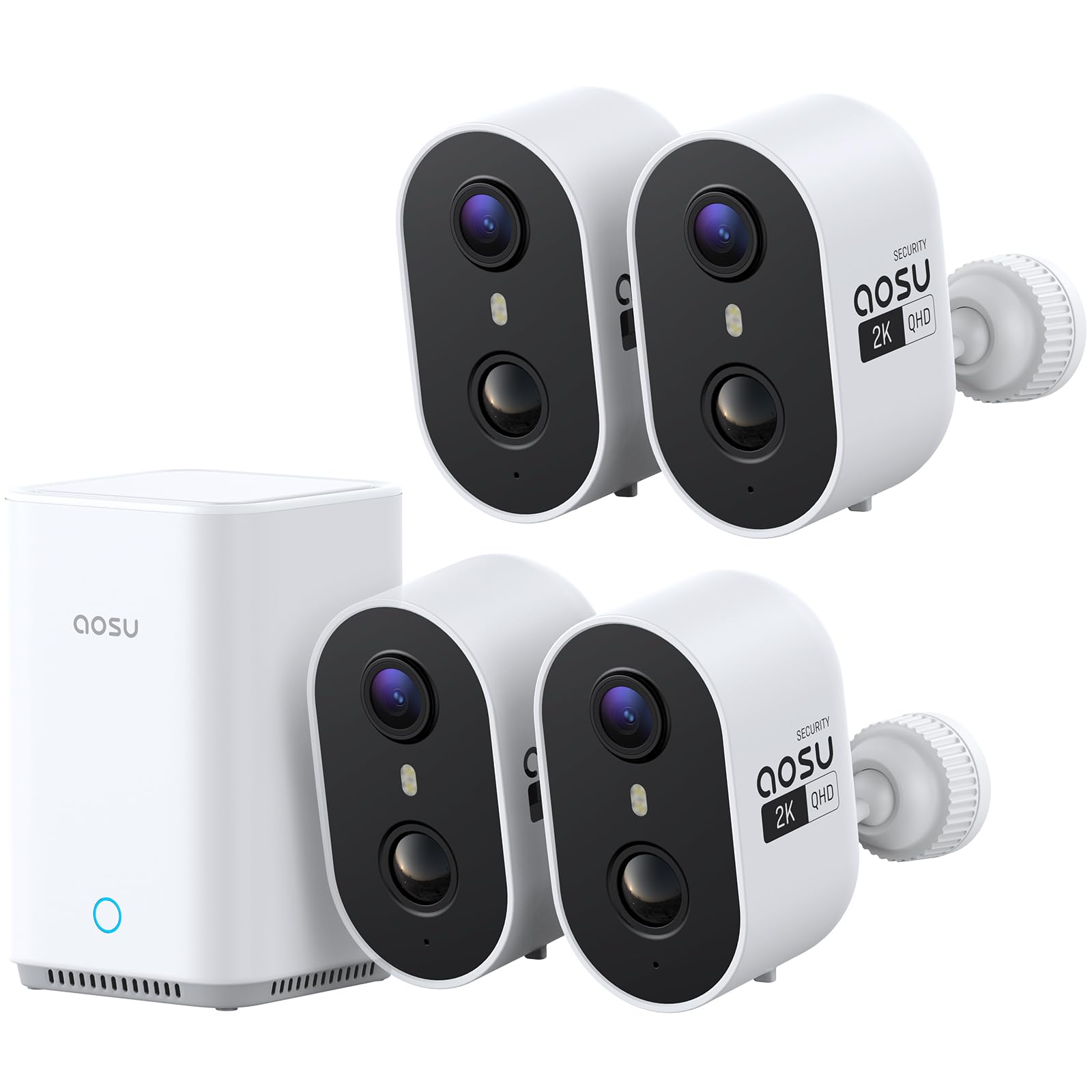
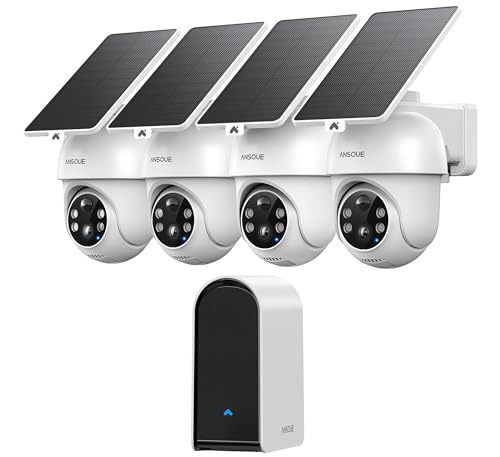
The product table above compares battery cameras for outdoor and indoor use. Use the sections below to understand how they differ from wired systems and how to place and set them up. Use these checks whenever you compare the best battery powered cctv cameras options in the table.


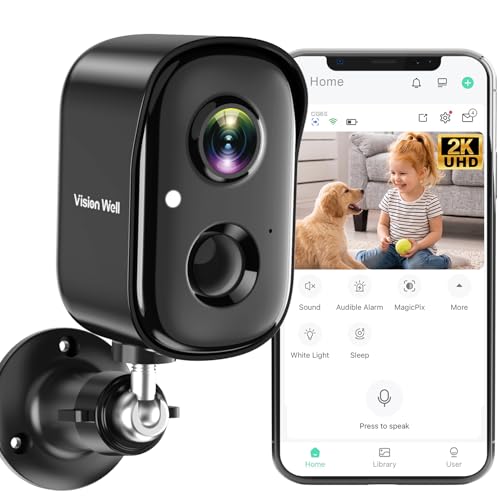


How Battery CCTV Cameras Differ From Wired Systems
A traditional CCTV system powers each camera over a cable and records continuously to a box. A battery camera sleeps until motion wakes it, records a short clip, sends an alert and goes back to sleep. That approach saves power, but it means the camera does not record every second. For doors, driveways and yards, clips of the event are usually enough. For a cash register or a spot that needs round the clock video, a wired camera is a better fit.
Who Should Choose Battery Powered Cameras
- Renters who cannot drill through walls or run cable.
- Owners of detached garages, sheds or gates far from an outlet.
- Small businesses that need quick coverage of a door or yard.
- Anyone who wants to start with one camera and add more later.
Key Features to Compare
Video resolution and field of view
Full HD (1080p) is the minimum for readable faces at porch distance. 2K adds detail. A field of view of 120 to 160 degrees suits entrances, while narrower lenses can capture more detail in a small area.
Battery life
Quoted life of several months assumes a few clips per day. A busy street or a high sensitivity setting can cut it to weeks. Removable batteries are easy to swap, while solar panels extend time between charges when the camera sits in sun.
Night vision
Infrared night vision produces black and white video. A built in spotlight allows color at night but uses more battery and announces the camera. Starlight sensors give color in low light without a visible beam.
Motion detection and alerts
Person detection reduces false alerts from trees and passing cars. Activity zones let you mask the street. Adjustable sensitivity and cooldown time help to balance coverage and battery life.
Storage and subscriptions
Local storage on a microSD card or a base station has no monthly fee. Cloud storage keeps clips if the camera is stolen and often enables smarter alerts, usually for a monthly or annual fee. Many people use both.
Weather rating and mounting
IP65 or higher is enough for rain and dust. Look for a mount that allows angle adjustment and an anti theft screw if the camera is within reach.
How to Place and Install a Battery CCTV Camera
Mount the camera eight to ten feet high, angled down, so it sees faces but is hard to reach. Cover the entrances to your property first: the front door, the back door and any ground floor window or garage side door. Avoid pointing directly at the sun or at a busy street. Check the Wi-Fi signal at the mounting spot with your phone before drilling holes. If the signal is weak, add a range extender or choose a model with its own base station.
Keep the lens clean and check that there is nothing between the camera and the zone you want to protect, such as a hanging plant that triggers false alerts.
Privacy and Legal Notes
Point cameras at your own property and avoid recording neighbors' windows or yards. Many states restrict recording audio of conversations, so check local rules before enabling sound. Post a notice if you are recording customers or visitors at a business. Use a strong, unique password and two factor authentication to protect the account.
Common Mistakes to Avoid
- Mounting too high, so faces are small and detection becomes inaccurate.
- Leaving sensitivity at maximum, which drains the battery and fills storage with useless clips.
- Ignoring Wi-Fi strength at the mounting spot.
- Using a battery camera where continuous recording is needed.
Frequently Asked Questions
Do battery CCTV cameras need Wi-Fi?
Most do for live view and alerts. Some record to a local card without a connection, but you lose notifications until they reconnect.
How often do I recharge?
From every few weeks to every few months, depending on activity, settings and weather.
Is a subscription required?
Usually not. Basic features and local recording work without one, while extended cloud history and advanced detection are paid extras.
Can battery cameras work in winter?
Cold temperatures reduce battery capacity, and some models use lithium cells designed for cold weather. Check the operating temperature range.
Choosing Between Single Cameras and Kits
Kits bundle two to four cameras with a hub, which lowers the price per camera and lets every unit share one account and one storage plan. Single cameras suit a first purchase or a small property with one trouble spot. If you think you may expand, choose a brand that keeps the same app and hub across its range, so adding a camera later does not mean a second system.
Check whether the hub requires an outlet and a network cable. A hub with its own storage keeps clips at home and can keep recording if your internet connection drops.
Setting Up Alerts That You Will Actually Read
Too many alerts teach you to ignore all of them. Start with person detection only, add vehicle or package alerts for the driveway, and draw activity zones that exclude the sidewalk. Use schedules to switch indoor cameras off when you are home. Review the first week of clips and adjust sensitivity, so the alerts you receive are the ones that matter. Check notifications by walking in front of the camera and confirming that your phone alerts you quickly.
Final Thoughts
Start with the spots you most want to see, then choose resolution, night vision and storage to match. The best battery powered cctv cameras give you reliable clips and alerts with little maintenance and no wiring. Compare the models in the product table, and for related reading see the guide to the best battery powered outdoor security cameras.


