
Best Battery Operated Wireless Security Cameras of 2026: Complete Buying Guide
Disclosure: We may earn a commission when you buy through links on this page, at no extra cost to you. As an Amazon Associate I earn from qualifying purchases. Learn more

Best battery operated wireless security cameras compared by battery life, video clarity, detection, storage and weather rating, so you can choose with confidence.
A camera that needs no power cable can watch a gate, a porch, or a back door that a wired model could never reach. The trade off is that battery life, WiFi strength, and storage now matter as much as picture quality. Choosing the best battery operated wireless security cameras for your home means matching those limits to the spot you want to cover, and the comparison table below lays the options side by side.
This guide walks through who benefits most, the features that change daily use, and the forms these cameras take, plus mistakes to avoid.
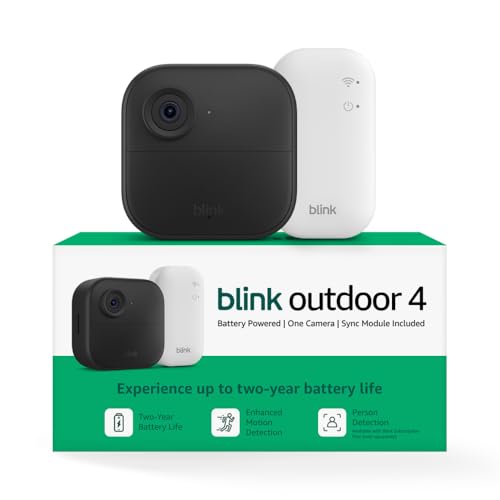
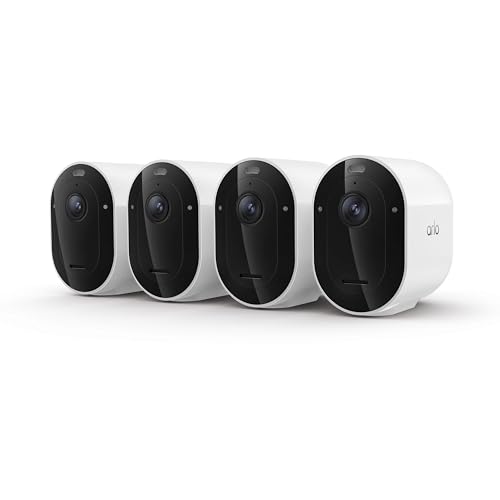
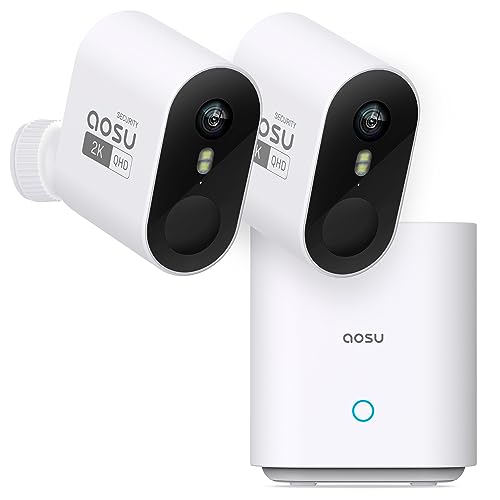
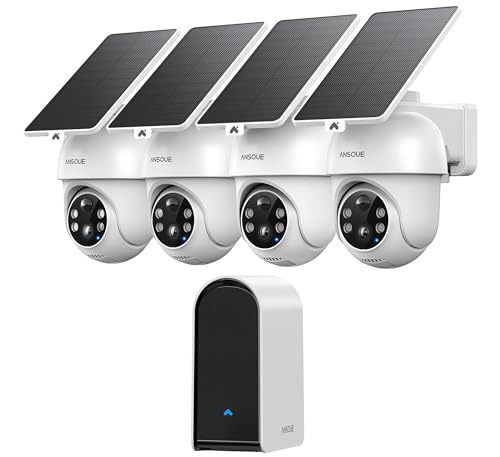



Who Should Buy a Battery Powered Wireless Camera?
The three groups below gain the most from freedom from wiring, for different reasons.
Renters Who Cannot Run Cable
If your lease bars drilling through exterior walls or adding new wiring, a battery camera solves the problem with a small bracket and a few screws. You can cover an entry door or a parking spot, then take the camera with you when you move. Favor a removable battery pack, since charging indoors is easier than reaching an outlet near the door.
Homeowners With Hard to Reach Outdoor Spots
A detached garage, a garden gate, or a side yard often sits far from any outlet, and trenching cable to it costs more than the camera. A weather rated battery model covers that gap, and a solar panel can stretch time between charges in a sunny position. For placement ideas, see our guide to the best wireless battery operated outdoor security cameras.
Families Adding One Room at a Time
Many households start with a single camera over the front steps and add more later. Battery models make that approach simple, since each new camera needs only a charged pack and a WiFi signal. Start with the busiest entry, then decide where a second camera earns its place.
Key Features to Compare
When you compare the best battery operated wireless security cameras for a given spot, six factors decide how each model performs once it is on the wall.
Image Detail and the Width of the Wireless Camera View
Resolution tells you how much detail the camera records, and field of view tells you how wide an area one camera can cover. A 2K image usually gives clear faces at porch distance, while 4K adds detail at a real cost in battery use and storage space. A field of view of about 130 to 160 degrees suits most entries, since a wider lens spreads pixels over more space and makes distant faces smaller. Choose width for open yards and sharper coverage for a doorway.
Battery Life and Charging Options
Manufacturers quote battery life in months, but that figure assumes only a handful of clips each day. A busy street can cut it to weeks, since every recording wakes the sensor, the lens, and the radio. Removable packs are the easiest to live with, because you swap in a spare instead of taking the camera down. For a deeper look at charge cycles, see our guide to the best battery life for wireless security cameras.
Night Vision for Clear After Dark Clips
Most battery cameras use infrared light that you cannot see, producing black and white clips that keep faces readable at modest range. Models with a small spotlight record color at night, which helps you describe clothing or a vehicle, but the light announces the camera and drains the battery faster. A starlight sensor sits between the two, gathering more light without a visible beam. A lit porch needs little help, while a dark side yard benefits from the stronger option.
Smart Detection and Alert Zones
Basic motion sensing reacts to anything that moves, including trees, shadows, and passing headlights, and each false alert still costs battery. Person detection uses software to tell a visitor from a swaying branch, and some plans add package and vehicle recognition. Activity zones let you draw the area that matters, such as the walkway, and ignore the street beyond it. If your camera faces a busy road, accurate person detection is the feature most worth paying for.
Storage: Local Cards and Cloud Plans
Local storage on a microSD card or a home hub keeps clips in your house, with no monthly fee, but the card leaves with the camera if it is stolen. Cloud storage keeps a rolling copy online, so clips survive even when the camera does not, for a fee. Many buyers use both: a card for backup and a short cloud plan for the front door. Check the card size limit first.
Weather Rating, Two Way Audio, and Privacy
An IP65 rating means the housing resists dust and water jets, which covers rain and garden spray for most outdoor spots. Two way audio lets you speak through the camera, useful for directing a delivery driver or greeting a child at the door. Privacy deserves equal attention: look for encryption in transit, two factor authentication, and a clear policy on how long clips are kept.
Types of Battery Operated Wireless Cameras
Pick the form that fits the job first.
Video Doorbells for the Front Entry
Video doorbells combine a camera, a chime button, and two way audio in one narrow unit at your main door. They record visitors and packages at close range and suit homes where most activity happens at one entry. Their fixed view covers a porch well but misses a wide yard.
Battery Powered Spot Cameras for Yards and Gates
The standard spot camera is a compact unit on an adjustable mount, aimed wherever you point it. It is the most flexible form, working above a driveway, inside a garage, or on a fence post, and it is the form where careful aiming matters most.
Indoor Cameras for Rooms and Hallways
Indoor models drop the weather sealing and often add a privacy shutter that covers the lens on a schedule. They suit a living room, a hallway, or an entry from inside the glass. Battery power helps where an outlet is badly placed, though spots near outlets may not need it.
Baby Monitors Built on Camera Platforms
Some brands sell a nursery version with sound alerts, room temperature readings, and a dedicated parent screen. It works like an indoor model, but its alert tuning favors crying and movement in a crib over general motion. Choose this form only for a nursery.
Common Mistakes to Avoid
Most disappointment comes from placement and settings.
- Mounting the camera above 10 feet, so faces appear small and detection works poorly.
- Pointing the camera straight at a busy street, so passing traffic drains the battery within weeks.
- Ignoring WiFi strength at the mounting spot, so clips upload slowly or drop out when they matter.
- Leaving motion sensitivity at its highest setting, so wind blown plants fill storage with useless clips.
- Skipping two factor authentication, so a reused password from another site can expose your feeds.
- Forgetting to check local rules on audio recording, so recorded conversations break a law in your state.
How to Make Your Battery Operated Wireless Security Camera Last Longer
A few habits extend both the charge and the working life of the camera. Mount it about 8 to 10 feet high, angled down, so it sees faces while staying out of easy reach. Keep the lens out of direct sun glare, which washes out clips and heats the housing. Shorten clip length and trim alert zones, since fewer recordings mean fewer charges. Wipe the lens, check seals each season, and charge packs indoors in cold weather. Update firmware when prompted. If you compare simpler models, see our guide to the best battery operated security cameras.
Frequently Asked Questions
How much storage do battery operated wireless security cameras need?
Most homes do well with 32 to 128 gigabytes on a local card or about 30 days of cloud history. The right amount depends on clip length and daily activity rather than on camera count alone. A quiet back door may keep months of clips on a small card, while a front door facing a sidewalk can roll over the same card in weeks. Turn on overwrite so new clips replace the oldest.
Can battery operated wireless security cameras work without WiFi?
Yes, some models record to a local card or hub without WiFi, but you lose live viewing, phone alerts, and cloud backup until a connection returns. A few cameras accept a cellular plan for sites with no broadband, such as a vacant lot, at a higher monthly cost. For most homes, treat WiFi as required and check signal strength at the mounting spot before you install anything.
Are wired or battery wireless security cameras more reliable?
Wired cameras are more reliable for nonstop recording, since they never sleep to save power and never need charging. Battery models record in short clips when they sense motion, so a brief event at the edge of the detection range can be missed. That gap is acceptable for entries and yards, where events last several seconds. For any spot that needs a continuous record, choose a wired design.
Are battery operated wireless security cameras easy to hack?
No well maintained camera is easy to hack, and most breaches trace back to weak or reused passwords rather than to the camera itself. Use a unique password, turn on two factor authentication, and keep firmware current so known flaws get patched. Place indoor cameras where a feed would reveal the least, and use a privacy shutter in bedrooms. Review signed in devices every few months.
Do battery operated wireless security cameras need a subscription?
No, a subscription is optional on most models, and local recording works without one. The fee usually buys longer cloud history, person and package detection, and rich alerts with a preview image. Without a plan, some brands limit you to live viewing and basic motion alerts, so read the free tier terms before you buy. Run one busy camera on a plan and keep the rest local.
Our Verdict
Start with the position, then choose the camera. Battery life, detection accuracy, and storage style decide how the best battery operated wireless security cameras serve you far more than a small gap in resolution. Pick a form that fits the spot and set alert zones on day one. Return to the product table above and match each option against this guide.


