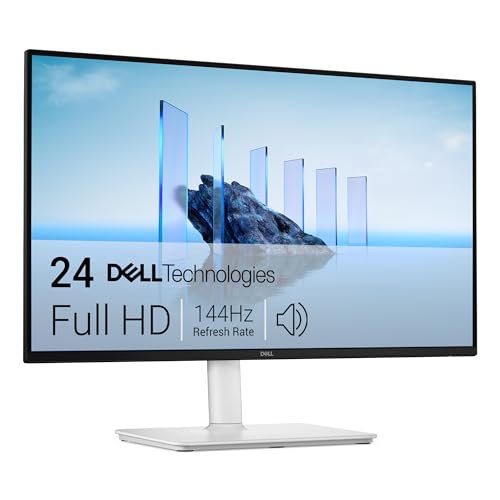
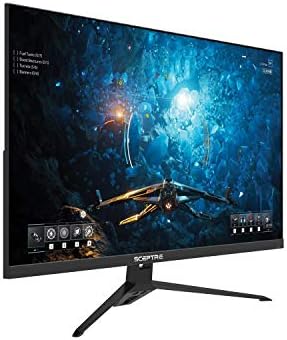
Best Bargain Computer Monitors 2026: What Matters Most
Disclosure: We may earn a commission when you buy through links on this page, at no extra cost to you. As an Amazon Associate I earn from qualifying purchases. Learn more

Learn how panel type, size, refresh rate and ports separate the best bargain computer monitors from cheap screens that disappoint.
A low price only helps if the screen stays clear, comfortable and useful for years. The best bargain computer monitors save money on extras you may never touch, not on panel quality, ports or a stand you can live with. This guide turns that idea into a simple checklist you can apply to any listing before you order.
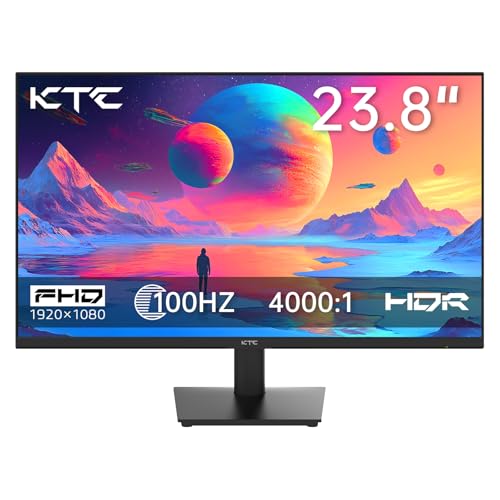
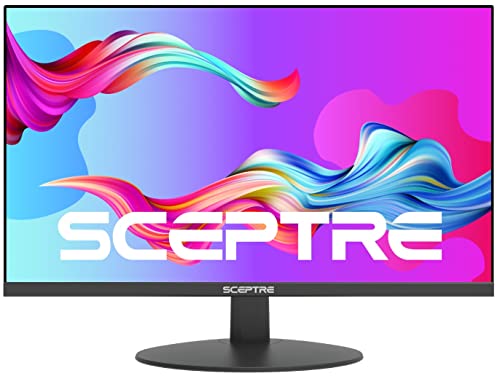
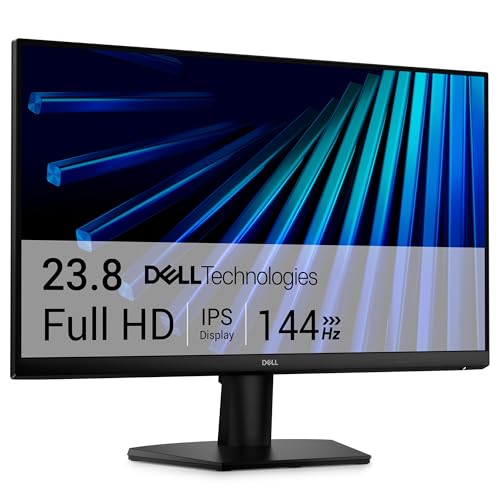
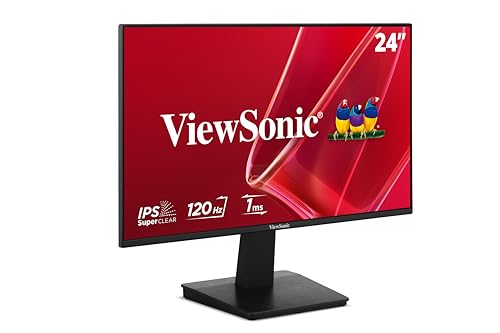
Start with your main task, your desk depth and the ports on your computer. Those three facts narrow the field faster than any sale badge. Then work through the comparison table below and mark each model against the points that follow.
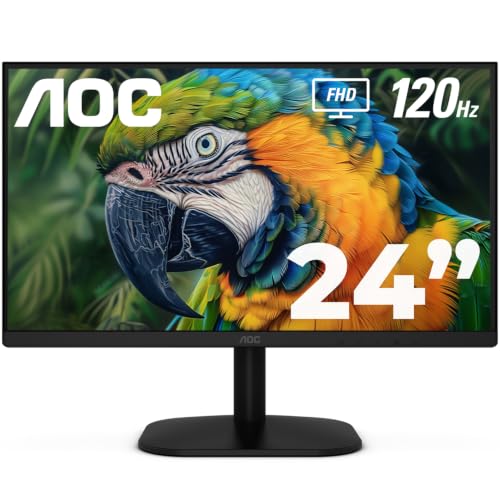


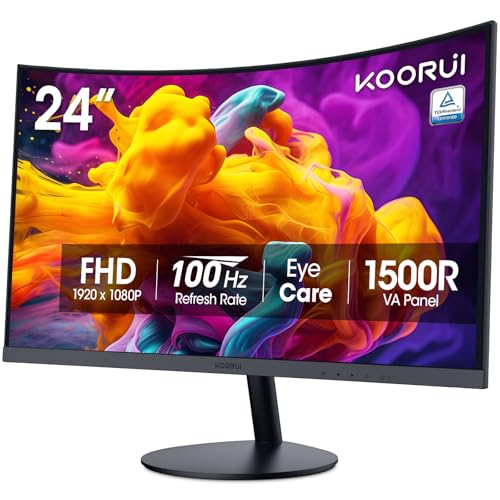
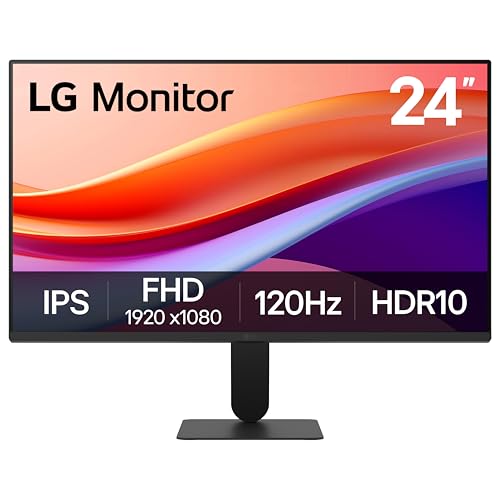

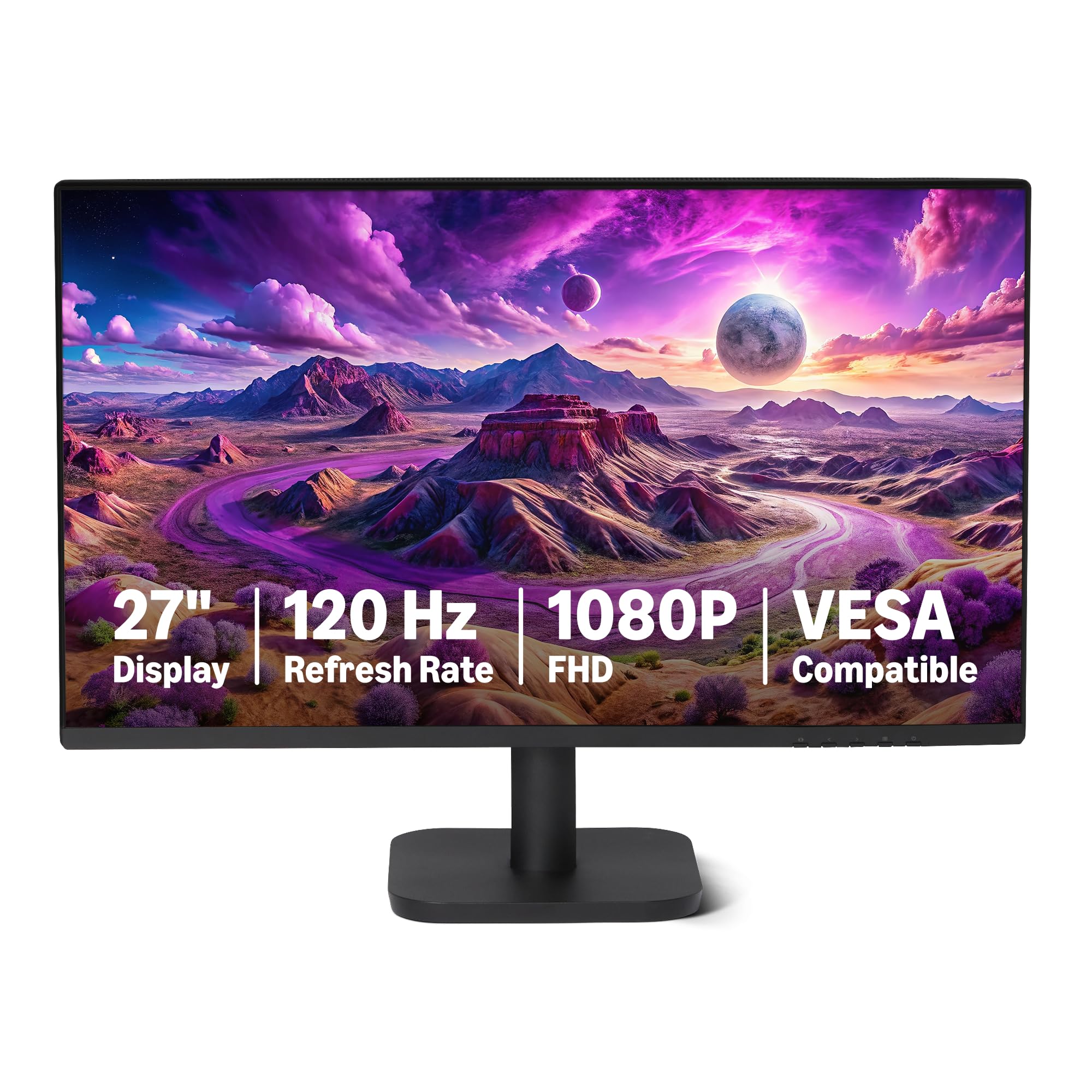
Who Should Buy a Bargain Computer Monitor?
Budget displays suit more buyers than you might expect, as long as the savings come from the right places. Match your group below first.
Office and Study Users Who Read All Day
You need sharp text, steady brightness and a stand that puts the top of the screen near eye level. A 24 inch or 27 inch IPS panel at 1080p or 1440p covers documents, mail and video calls well. Spend on height adjustment before you spend on speakers or extra lighting effects, because posture affects every hour you sit at the desk.
Casual Gamers Who Want Smoother Play for Less
You play often enough to notice tearing and blur, but you do not need flagship speed. Look for 144Hz or higher, a low response time and adaptive sync that matches your graphics card. If faster play matters more than office comfort, see our guide to the best computer monitors for gaming before you settle on a basic 60Hz panel.
Upgraders Adding a Second Screen
You already own one monitor and want more room for chat, notes or a spreadsheet beside your main window. Match the size and resolution of your current screen so windows stay the same scale as you drag them across. For a screen you carry between rooms, see our guide to the best portable computer monitors instead.
Key Features to Compare
When you shop for best bargain computer monitors, compare them in this order, so a striking discount cannot hide a weak panel or a missing port. Each factor below explains what it is, how it changes daily use and where the sensible budget choice sits.
Panel Technology and Viewing Angles
IPS panels hold color and brightness well at an angle, which suits shared desks and dual screen setups. VA panels give deeper contrast for films, but color can shift more at wide angles and motion can look softer. OLED looks superb, with true blacks and fast response, yet it rarely counts as a bargain and needs care to limit burn in risk. For most budget buyers, IPS is the safest choice.
Resolution and Screen Size for Your Desk
Resolution sets how sharp text and images look at a given size. At 24 inches, 1080p looks clean for office work, while 27 inches suits 1440p better because the same pixels spread over a larger area look softer. A 4K panel shines at 27 inches or larger for photo work, but it costs more and asks more of your graphics card. Ultrawide displays help side by side documents, though they take more desk space.
Refresh Rate, Response Time and Adaptive Sync
Refresh rate, measured in hertz, is how often the image updates each second, and 60Hz still serves office work well. Steps up to 100Hz, 144Hz or 165Hz make scrolling and games feel smoother, and consoles that support 120Hz need a monitor that accepts that signal. Response time affects blur behind moving objects, so treat maker claims with care and value adaptive sync more, because it reduces tearing when frame rates vary during play.
Ports, Cables and Sound
Count the ports before you count the savings. Most buyers need at least one HDMI input and one DisplayPort input, plus the correct cable in the box. USB C with video input suits laptops because one cable can carry the picture and reduce clutter. HDMI 2.1 belongs mainly to high refresh 4K gaming, so do not pay extra for it on a basic office screen. Built in speakers suit calls, but rarely replace desk speakers.
Stand, VESA Mounting and Ergonomics
A stand that only tilts forces you to stack books under a screen that sits too low. Height adjustment is the feature bargain lines cut first, so check for it by name in the spec list. A VESA mount pattern, often 100 by 100 mm, lets you add an arm later and recover that adjustment. Also check swivel for shared desks and pivot only if you read long documents or code in a tall layout.
Brightness, Color and HDR Claims
Brightness around 250 to 350 nits suits most indoor desks, and a matte finish helps near windows. Wide color coverage matters for photo work, while basic sRGB coverage is enough for office tasks and casual play. HDR labels on low price monitors deserve doubt, because real HDR needs strong local dimming and high peak brightness that bargain panels seldom have. Treat HDR as a bonus, never as the reason to buy.
Quick Buyer Checklist Before You Order
Run these questions on any model that catches your eye, including the wider group covered in our guide to the best bargain monitors. A good bargain should pass nearly every line.
- Does the panel type suit your main task and your viewing angle?
- Does the size and resolution pair keep text sharp at your sitting distance?
- Does the refresh rate match your computer, console and graphics card?
- Are the ports you need present, and is the right cable in the box?
- Can the stand adjust for height, or does the screen accept a VESA mount?
- Is brightness high enough for your room, with a matte finish if you face windows?
- Does the warranty last at least one year, with clear terms for dead pixels?
- Would you still call it good value at its full price, without the sale badge?
Common Mistakes to Avoid
Most regret with budget displays comes from avoidable errors.
- Buying a 27 inch 1080p screen for text work leaves letters soft and forces you to sit farther back.
- Chasing the lowest price with a tilt only stand leads to neck strain and a costly mount purchase later.
- Trusting a bold HDR label on a dim panel sets you up for washed out films and disappointment.
- Forgetting to count ports means a new laptop may need an adapter before the screen works at all.
- Ignoring the dead pixel policy can leave you stuck with a bright dot in the middle of the screen.
- Skipping the return window check makes a panel with poor uniformity hard to send back.
Setup and Care Tips for a Bargain Monitor
Set the picture mode to a standard or sRGB option rather than a vivid store mode, which pushes color past natural levels. Set brightness so white areas feel like paper in your room light, and raise the screen so your eyes meet the top third. Check for dead pixels during the first days, while returns stay simple.
Clean the screen only when it is off and cool, using a dry microfiber cloth with light pressure. For marks, dampen the cloth with plain water and never spray liquid onto the panel. Dust the back vents now and then so heat can escape. If you choose OLED, run its built in pixel refresh as the maker directs.
Computer Monitors: Your Questions Answered
Is IPS or OLED better for a bargain computer monitor?
IPS is the better bargain choice for most desks. It costs far less, resists burn in worries during long office days and holds color well for shared viewing. OLED wins on contrast and motion clarity, but its price pushes it out of bargain territory. One extra point in favor of IPS is service life under static toolbars, which stay on screen for hours in office apps.
What size bargain computer monitor should you get for a small desk?
A 24 inch monitor suits most small desks. It leaves room for a keyboard, a notebook and speakers while keeping the whole screen in view from about 2 feet away. Measure the stand footprint, not just the panel, because wide feet can crowd a shallow desk. If your desk is under 24 inches deep, a mount arm can free the space the stand would take.
Does refresh rate matter for bargain monitors used only for office work?
Yes, refresh rate matters a little even without games. A step from 60Hz to 100Hz makes scrolling through long documents and moving windows feel calmer, and many readers find that easier on the eyes over a full day. It will not sharpen text, though. If your budget forces a choice, put resolution and stand height first, then take extra hertz as a welcome bonus.
How long does a bargain computer monitor usually last?
A bargain computer monitor usually lasts about five to seven years of daily use. Backlights slowly dim over time, so a screen that starts near the low end of brightness may feel tired sooner. You can stretch its life by lowering brightness when the room is dark and by keeping vents clear. A longer warranty is worth a small premium for a screen you plan to keep as a second display later.
Is 4K worth it on a bargain computer monitor?
4K is worth it only if your work rewards very sharp detail. Photo editing, design and packed spreadsheets gain the most, while mail and web pages gain little over 1440p at the same size. Remember that 4K also needs scaling settings in your system, which can make older apps look small or soft. For a strict budget, a good 1440p panel with a height adjustable stand is often the smarter spend.
The Bottom Line
Protect three things and let the rest go: a panel that suits your task, a size and resolution pair that keeps text sharp, and a stand or mount that sets the screen at the right height. Use the product table above to check your shortlist against those points.
When you judge best bargain computer monitors by that order, a low price becomes real value instead of a compromise you notice every day. Check the spec sheet before the box arrives, and the saving should still look smart a year from now.