Best Bedroom Monitors in 2026: A Calm Guide to Size, Comfort and Sound
Disclosure: We may earn a commission when you buy through links on this page, at no extra cost to you. As an Amazon Associate I earn from qualifying purchases. Learn more
Compare bedroom monitors by size, panel, brightness and sound, with guidance on viewing distance, eye comfort, mounting and price for a small room.
A bedroom screen has a harder job than an office screen. It may sit on a small desk for work by day, then serve for streaming or console play from the bed at night, without filling the room with glare or loud sound. The best bedroom monitors balance size, gentle brightness and quiet audio for that double duty. Use the comparison table below to match each type to your room.
Start with two facts you can measure today. Note the distance from your seat or pillow to the screen, and how dark the room is at night. Those answers shape every choice that follows, and they matter more in a bedroom than raw speed.


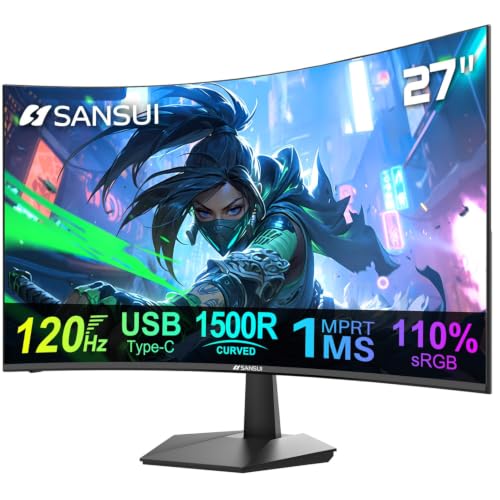
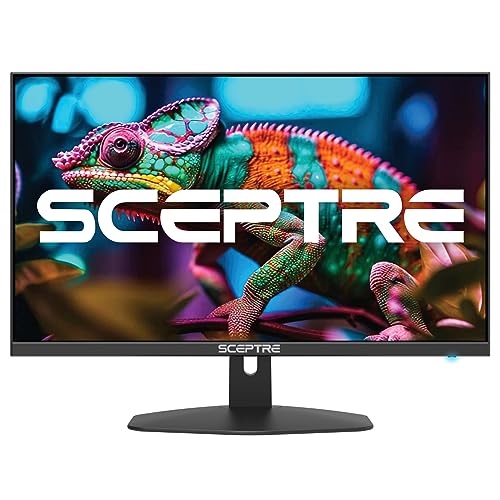
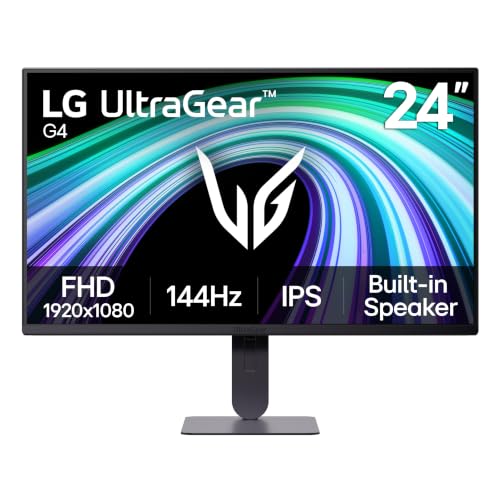

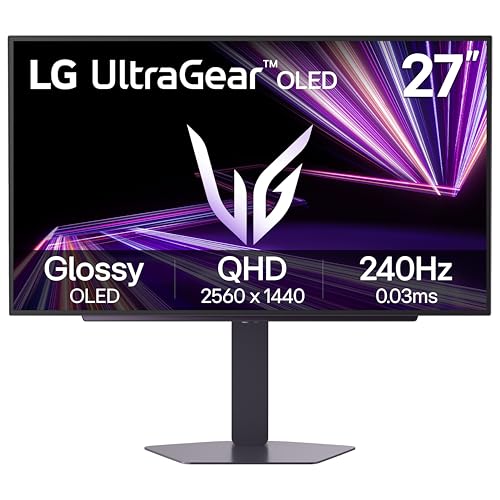
Who Should Buy a Bedroom Monitor for Their Routine?
Bedroom setups fall into a few clear patterns. Find the one closest to your week.
Students and Renters With One Small Desk
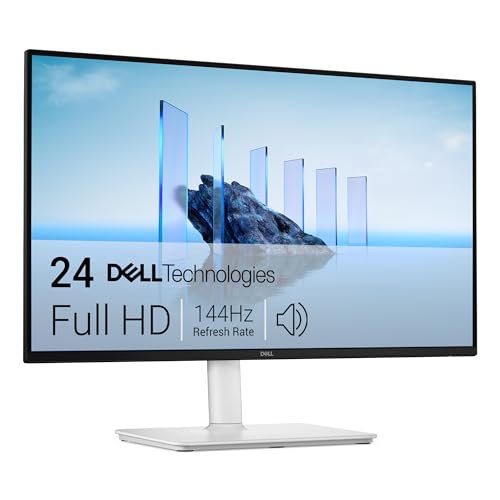
You study, write and stream at the same desk, often where space is tight. A 24 inch or 27 inch screen leaves room for books and a lamp, and a slim stand helps more than a wide one. Choose a headphone jack and modest speakers, so late viewing stays quiet for housemates.
Viewers Who Watch From the Bed
You sit three to eight feet from the screen, so size and viewing angle decide comfort more than fine detail does. A 27 inch to 32 inch screen that stays clear from an angle suits pillows and shared viewing. Look for brightness you can lower at night without washing out dark scenes, and plan your source as a streaming stick or console you already own.
Console and PC Players in the Bedroom
You play after work or study, often in dim light near others who sleep early. Prioritize fast response, adaptive sync and a refresh rate your console or PC can actually use. A matte screen helps if a lamp sits behind you. If your room doubles as a studio corner, see our guide to the best monitors for bedroom studio for layouts that mix gear with a bed.
Key Features to Compare
Work through these factors in order when you compare best bedroom monitors side by side. Size and distance come first, because a screen that fits the room makes every other feature easier to judge.
Screen Size Matched to Viewing Distance
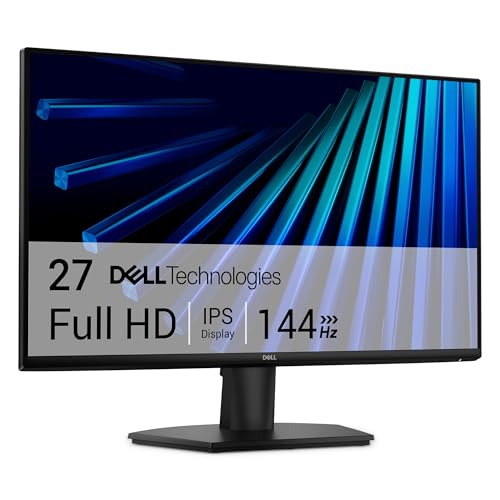
At a desk distance of about two feet, a 24 inch to 27 inch screen fills your view without constant head turns. From the bed at five to eight feet, a 27 inch screen can feel small for films, while a 32 inch screen reads subtitles with less strain. Measure from your eyes to the screen position, not wall to wall. If two distances matter, favor the one used for your longest sessions.
Panel Type for Dark Room Viewing
IPS panels hold color and clarity from an angle, which suits sitting up in bed or sharing the screen. VA panels give deeper contrast, so dark film scenes look richer at night, though detail shifts more off center. OLED panels give the strongest contrast and very fast response, but they cost more and need care with static images. For most bedrooms, IPS is the safe choice, and VA suits film fans.
Resolution and Sharpness at Your Distance
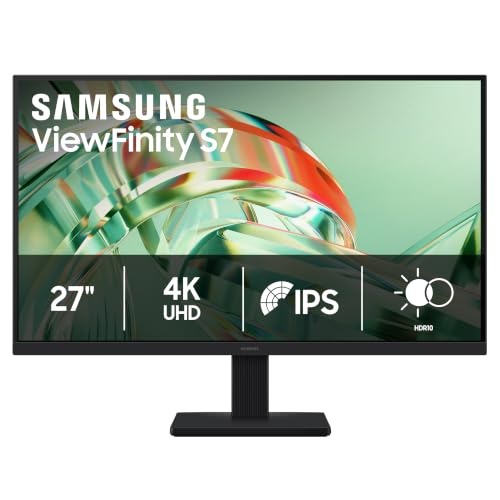
Resolution should follow size and distance rather than a wish for the highest number. At 24 inches, 1080p looks clean at a desk. At 27 inches, 1440p gives crisper text and still runs well on current consoles. 4K earns its cost mainly at 32 inches, or when you sit close and edit photos. From a bed several feet away, the jump to 4K is hard to see, so spend that money on panel quality instead.
Brightness Range and Eye Comfort at Night
A bedroom screen needs to go dim as well as bright. Look for low minimum brightness, a flicker free backlight and a low blue light mode you can switch on quickly. A matte finish spreads reflections from a bedside lamp instead of mirroring it. By day, about 250 to 350 nits suits most rooms with curtains. At night, lower brightness until whites feel calm, because an over bright panel is a common cause of tired eyes in bed.
Refresh Rate, Response Time and Adaptive Sync
Refresh rate tells you how often the image updates each second, shown in Hz. A 60Hz screen suits films, study and casual play. A 120Hz or 144Hz screen makes games feel smoother and more direct, and adaptive sync such as FreeSync or G Sync reduces tearing when frame rates vary. Response time near 1 to 5 ms helps fast motion stay clear. If you never game, spend this budget on a better panel instead.
Sound, Ports and Mounting for a Small Room
Built in monitor speakers are usually small, so judge them for news and dialogue rather than film impact. A headphone jack matters more in a shared home, since you can listen at your own level without disturbing anyone. Check for at least two HDMI ports if a console and a laptop both stay connected, plus USB C for one cable laptop use. A VESA mount pattern lets you use a wall bracket or arm and free desk space.
Types of Bedroom Monitors Compared
Most bedroom screens fall into three groups, matched to main use and room layout below.
Compact Displays for Desk First Bedrooms
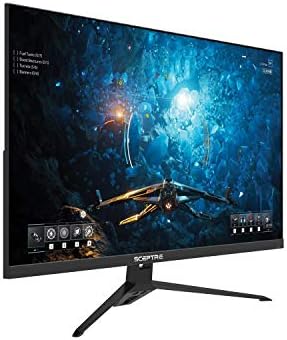
These 24 inch to 27 inch models focus on clear text and lower prices, often about $120 to $250. They suit study, office work and streaming at a desk, and their stands fit narrow furniture. The trade off is scale from the bed, where films feel less immersive.
Gaming Displays for Console and PC Play
Gaming displays add higher refresh rates, adaptive sync and fast response, usually at 27 inches and 1440p, for about $250 to $500. They suit players who split time between a desk chair and the bed. Sound is often weak, so plan on headphones. If gaming is your main reason to buy, see our guide to the best gaming monitors.
Large and Ultrawide Displays for Work and Films
A 32 inch screen suits viewing from the bed and split screen work, while an ultrawide model gives extra width for documents. Expect about $300 to $700, plus a deeper desk or a wall mount. These screens can dominate a small room, so measure surface depth first.
Common Mistakes to Avoid
These errors are easy to make in a room that serves for sleep, work and viewing.
- Buying a 32 inch screen for a shallow desk leaves you sitting too close, so text feels huge and neck strain follows.
- Choosing a glossy screen opposite a window fills daytime viewing with reflections you cannot move away from.
- Ignoring minimum brightness leaves you with a panel that still glares at night, even at its lowest setting.
- Relying on small built in speakers for films in a shared home leads to raised volume that disturbs others.
- Skipping the VESA pattern check means a planned wall mount may not fit, so the screen stays on crowded furniture.
- Paying for 4K at 24 inches wastes budget, because the extra detail is too fine to see at normal desk distance.
Care and Maintenance for a Bedroom Screen
Dust gathers fast in bedrooms, since bedding sheds fibers. Wipe the screen weekly with a dry microfiber cloth, using light pressure and no sprays on the panel. For marks, dampen the cloth slightly with water, wipe once, then dry the area.
Turn the panel off when you fall asleep with content paused, since a static image left for hours is hard on any display and worst for OLED. Keep back vents clear of pillows or curtains, and check cables every few months. If you are furnishing the whole room, see our guide to the best bedroom sets, and see our guide to the best quality monitors as a final cross check.
FAQ
Is 4K worth it on a bedroom monitor?
4K is worth it on a bedroom monitor only at 32 inches, or when you sit close for photo editing. From a bed five feet away, most viewers cannot tell 4K from 1440p at 27 inches in films. Use subtitle size as a test. If you already enlarge subtitles, choose the larger screen first.
How long does a bedroom monitor usually last?
A bedroom monitor usually lasts about five to eight years of daily use before brightness fades or ports fall behind your devices. Backlights dim slowly, so a screen that once felt bright at half power may later need near full power. Low night brightness and clear vents slow that fade.
Does refresh rate matter for bedroom viewing without gaming?
No, refresh rate matters little for bedroom viewing without gaming, because films and shows use low frame rates that a 60Hz screen handles well. Your money works harder on panel contrast and brightness range. One exception is sports through a console app, where a 120Hz screen can make fast pans look steadier.
What size bedroom monitor should I get for a small room?
For a small room, choose a 24 inch bedroom monitor for desk only use, or 27 inches if you also watch from the bed. Tape the screen outline where it will sit before you buy, then view it from both spots. The test also shows whether a larger screen would block a door or storage.
Should I choose IPS or OLED for a bedroom monitor?
Choose IPS for most bedroom monitors, and choose OLED only if dark film scenes are your top priority. IPS costs less, handles bright rooms well and carries no worry about static images during study sessions. OLED adds perfect blacks for night films, but a paused menu left on screen while you sleep is a real risk.
The Bottom Line
Measure your viewing distance first, then pick size and panel to fit it, and only then compare speed and extras. A wide brightness range, a matte finish and quiet listening shape comfort more than headline specs. Use the product table above to confirm size, ports and price.
When you shop for best bedroom monitors with distance, darkness and shared space in mind, the right screen is one you can work at by day and relax with at night, without glare, clutter or noise.