Best Auto Scanner: A First Time Buyer's Guide for 2026
Disclosure: We may earn a commission when you buy through links on this page, at no extra cost to you. As an Amazon Associate I earn from qualifying purchases. Learn more
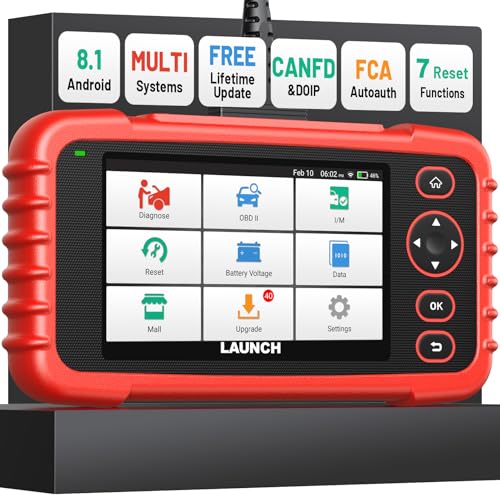
New to scanning your own car? This first time buyer guide explains the best auto scanner basics, compatibility, live data and the mistakes to skip.
A warning light on the dash leaves most owners guessing, and guessing gets expensive when a shop visit starts with paid diagnostic time. A home scanner turns that guess into a code you can read yourself in about five minutes. This guide walks first time buyers through choosing the best auto scanner for their own car, starting with plain language basics and ending with the checks that matter before money changes hands.
You will learn what the tool actually reports, why one scanner can read far more on one car than on another, and where the honest limits sit. The product table lines up the main options side by side, and the sections after it explain compatibility, live data, build quality and support in the order a new buyer should weigh them.
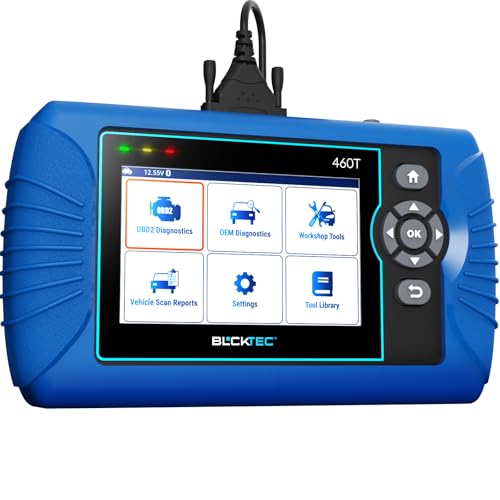
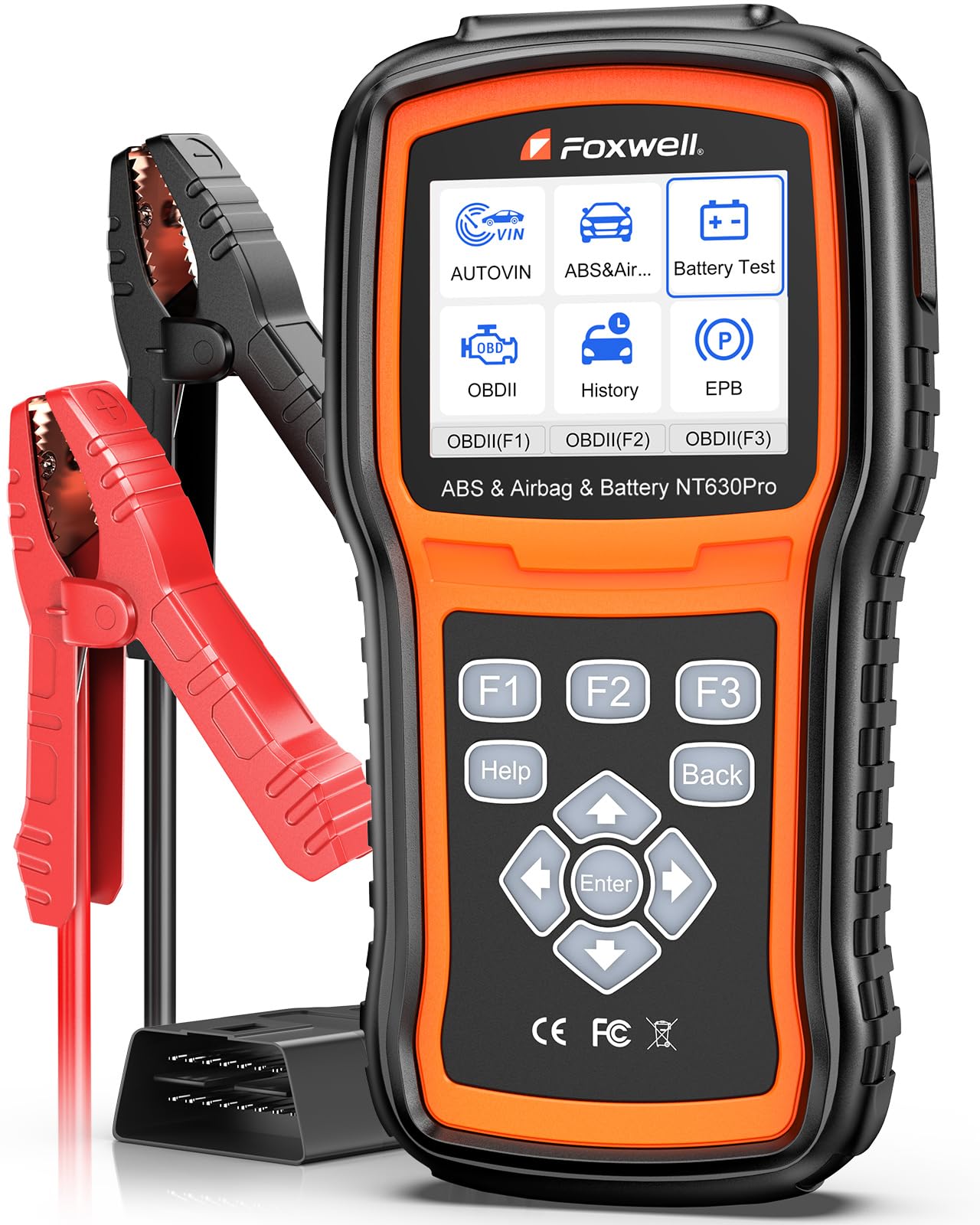


How to Choose the Best Auto Scanner: The Basics
An auto scanner is a small tool that plugs into a socket under your dashboard, usually just left of the steering column. That socket is called the OBD2 port, and it connects the tool to the computers that run your engine and other systems. Your car watches itself constantly while you drive, and when a reading drifts outside the range the computer expects, it stores a trouble code and often turns on the check engine light. The scanner simply opens a window into reports the car already keeps.
The names on the boxes cause most of the confusion for new buyers. The simplest tools are code readers, which read and clear engine codes and do little else, and guides to the best auto code scanner cover that entry level shelf in detail. A scanner usually adds live sensor readings and more systems, while a dongle style tool skips the screen and sends everything to an app on your phone. All three plug into the same port, so the difference is depth, not fit. For a wider look at plug-in tools, see our OBD2 diagnostic scanners guide.
A single scan can show several kinds of information. Stored codes are faults the computer has confirmed, pending codes are faults it has seen once and is still watching, and readiness monitors are self checks the car runs on its own emissions systems. Knowing which kind you are looking at keeps a first scan calm, because a pending code is a hint, not a verdict.
One more basic is worth knowing before you shop. The code itself is a short string of letters and numbers, and the plain English description beside it comes from a library built into the tool. Cheap tools sometimes ship with thin libraries that describe a code in a vague line, while better ones explain it in a full sentence and note the system it belongs to. When two scanners read the same car, the code they report is identical; only the explanation differs.
Key Specs Explained in Plain English
Buyer ratings deserve a word before the specs. Roundups of the best rated scanners can show which units owners found painless to live with, and that comfort signal is worth something. It cannot tell you whether a tool covers your car, though, so treat scores as a tiebreaker and work through the five checks below first.
Vehicle Compatibility
Start here, before features, because compatibility decides everything else. Makers publish coverage lists, but those lists are broad claims written for whole model families, and the same scanner may open every system on one car while reading only engine codes on another. Check your exact car, its year range and its engine against the maker's list, and look for your model named directly rather than a promise that all cars are covered. The port itself has been standard on gasoline cars sold in the United States since the mid 1990s, with diesel and some imports following later, so an older or imported car deserves an extra check of the protocols the tool supports.
Build Quality and Weather Resistance
A scanner lives a rough life in glove boxes, door pockets and cold garages, so build quality matters more than the spec sheet suggests. Look for a cable with strain relief where it meets the plug, connector pins that sit straight and firm, and buttons you can work with gloves on. Screens that stay readable in bright daylight help when you are scanning in a driveway at noon. Weather resistance claims on these tools are modest, and a sealed case matters less than honest drop resistance, because the common accident is a fall onto concrete, not rain.
Warranty and Brand Support
A scanner is software as much as hardware, which makes the maker behind it part of the purchase. Warranty length varies from a year to several years, and update policy varies even more, from free updates for the life of the tool to a paid plan after the first year. Check whether updates need a computer, whether the maker publishes a phone number or only a web form, and whether the coverage list for your car is still being maintained. A tool that stops receiving updates slowly loses ground as newer cars arrive.
Plugging In and Ease of Use
There is no installation in the workshop sense, because every scanner here is plug and play. You find the port, push the connector in, turn the key, and follow the menu. The real ease questions are smaller: how deep the menus bury common jobs, whether the wording on screen is plain or technical, and whether the first update is a five minute task or an evening project. If a tool needs an account or an app, set that up at home before you are standing in a driveway with a warning light on.
Features and Extras
The feature that changes what a scanner can do is live data. A stored code is a complaint recorded after the fact, while live data lets you watch values move as the engine runs, such as coolant temperature climbing or an oxygen sensor switching back and forth. Freeze frame data, readiness checks and battery voltage readings round out a useful set, and a dedicated guide to the best auto scanner with live data goes deeper on stream counts and graphing. Extra lights, cases and adapters are pleasant, but they should never outrank coverage for your car.
Rookie Mistakes to Avoid
Most first time disappointments with a scanner trace back to the same handful of habits, and none of them require a bigger budget to fix. They come from treating the tool as an answer machine instead of a reporting tool, or from shopping for features before fit. The five below are the ones that cost new owners money or evidence.
- Buying by the label on the box. Near identical tools are sold as a code reader, a scanner, or under combined labels like the best auto code reader scanner, so compare the function list rather than the name.
- Skipping the coverage check. A scanner that cannot reach the systems on your car is the wrong scanner at any price.
- Ordering a part the moment a code appears. The code also covers the wiring and connectors on that circuit, which fail at least as often as the part itself.
- Clearing codes before writing them down. Clearing wipes the recorded snapshot a mechanic would want, and the light returns anyway if the fault is still there.
- Paying for workshop depth you will never open. Extra systems and service functions only help if your car and your skills actually reach them.
Getting Started: Setup and First Use
Your first scan takes about five minutes. Park on level ground, switch the engine off, find the port under the dash, and plug the tool in until it seats firmly. Turn the key to the on position without starting the engine, unless the tool asks for a running engine, then choose the read codes option and let the scan finish. Write down every code and its short description before you touch anything else.
Read that first result honestly. A code names the system or circuit whose readings fell outside the expected range, and it does not name the failed part. The cause could be the sensor itself, its wiring, a corroded connector, or a mechanical problem the sensor is reacting to.
The freeze frame snapshot stored with the code, showing engine speed, temperature and load at the moment the fault set, is often the most useful clue on the screen. Remember too that the car can only report what its sensors can see, so a worn part with no sensor watching it can cause symptoms with no code stored at all.
Because clearing a code erases that freeze frame evidence along with it, treat clearing as the last step, never the first. Clearing repairs nothing by itself. Once a genuine repair is done, clear the code and drive normally so the car can run its monitors again and confirm the fault has stayed away.
Auto Scanners: Your Questions Answered
Does an auto scanner need professional installation?
No, an auto scanner needs no professional installation, because it plugs into a port designed for exactly this tool. The one chore that surprises new owners is digital rather than mechanical: some tools ask for a one time registration or an app account before the first scan works. Do that setup at home on your own WiFi, and keep the password somewhere you can find it when an update is due.
Will an auto scanner work on any car?
An auto scanner will work on any car with the standard port, which covers gasoline cars sold in the United States since the mid 1990s and most later diesels. What varies is depth rather than fit. Hybrid and electric models carry extra systems that many basic tools cannot open, so the coverage check matters even more there, and a tool that reads a family sedan deeply may read a hybrid only at engine level.
Can an auto scanner tell me exactly which part has failed?
No, an auto scanner reports which system or circuit produced readings outside the expected range, and several different failures can produce the same report. Use the result to sort the job instead. A code that matches something you can verify yourself, like a loose fuel cap behind an evaporative code, is a driveway check. Anything pointing at brakes, steering or airbags belongs with a professional, whatever the code says.
How long does an auto scanner last?
The hardware in an auto scanner usually lasts for many years, because there is little inside to wear out. The parts that actually fail are the cable, which frays where it bends, and the connector pins, which loosen after heavy use. The slower limit is software: coverage lists age as new models arrive, so a tool from a maker that still publishes updates will stay useful far longer than one that was abandoned.
The Bottom Line
For a first purchase, three checks carry the decision. Confirm the coverage list names your exact car, decide whether you want live data or only code reading, and pick a maker that still supports its tools with updates. Everything else, from screen size to carrying cases, is comfort. Match those three and the best auto scanner for your driveway is the one you will still be using years from now, so compare the options in the product table above against your own car before you order.