Best Auto Code Scanner: A 2026 Checklist Before You Buy
Disclosure: We may earn a commission when you buy through links on this page, at no extra cost to you. As an Amazon Associate I earn from qualifying purchases. Learn more
Use this checklist to choose the best auto code scanner for your car: port compatibility, live data, app or standalone tools, updates and price bands.
A warning light on the dash sends most drivers straight to a shop, yet the first step is simple: read the code the car has already stored. Shopping for the best auto code scanner goes better with a checklist than with a spec sheet, because the classes differ in what they reveal, not just in price. Run through compatibility, reading depth, tool format, and update support in that order, and the right class usually picks itself.
One honest point belongs at the start. A scanner reads codes, and a code names the system or circuit that reported a problem, not the part that failed. The same code can come from several causes, so the tool starts the investigation rather than finishing it. The comparison table below lines up the main classes side by side so you can match them against the checklist as you read.



The Checklist, Step by Step
Step 1: Confirm the Port and the Protocol
Compatibility comes first, because a scanner that cannot talk to your car is worthless at any price. Nearly every modern car carries the standard OBD2 diagnostic port, a sixteen pin socket usually tucked under the dash on the driver side. Cars built before that standard became universal may use a maker specific connector or offer no port at all, so very old vehicles need a different approach. Check the port location in your owner manual and confirm the tool lists your car brand and fuel type before ordering.
Step 2: Separate Plain Code Reading From Live Data
The simplest tools read stored engine codes and clear them, and for a single warning light that may be enough. Stronger classes add freeze frame data, a snapshot of speed, temperature, and load recorded at the moment the code was set. Live data goes further and streams sensor readings while the engine runs, which helps you watch a value misbehave instead of guessing from a static code. Readiness monitors are the third level, showing whether the car has completed the self checks that an emissions inspection looks for.
Step 3: Choose Between a Phone App Tool and a Standalone Unit
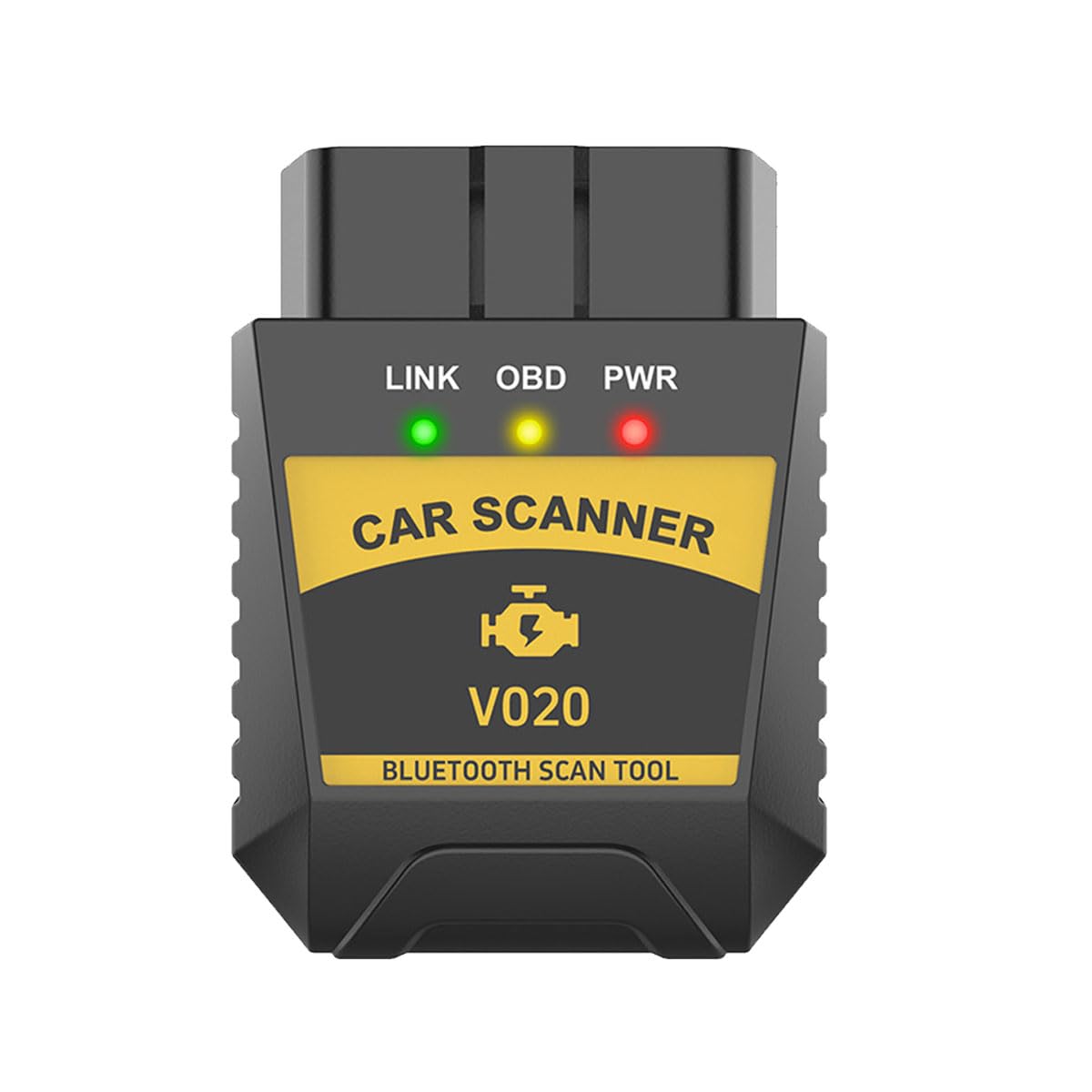
App based tools pair a small plug in adapter with your phone, so the screen is excellent and the hardware stays cheap. The catch is that some apps charge a yearly fee for the features shown on the box, and the tool stops working if the app is abandoned. A standalone unit carries its own screen and buttons, works with greasy hands, and never asks for a subscription. Drivers who scan once or twice a year often prefer the standalone route, while app tools suit anyone who likes graphs and saved reports.
Step 4: Check Update Support and Language Options
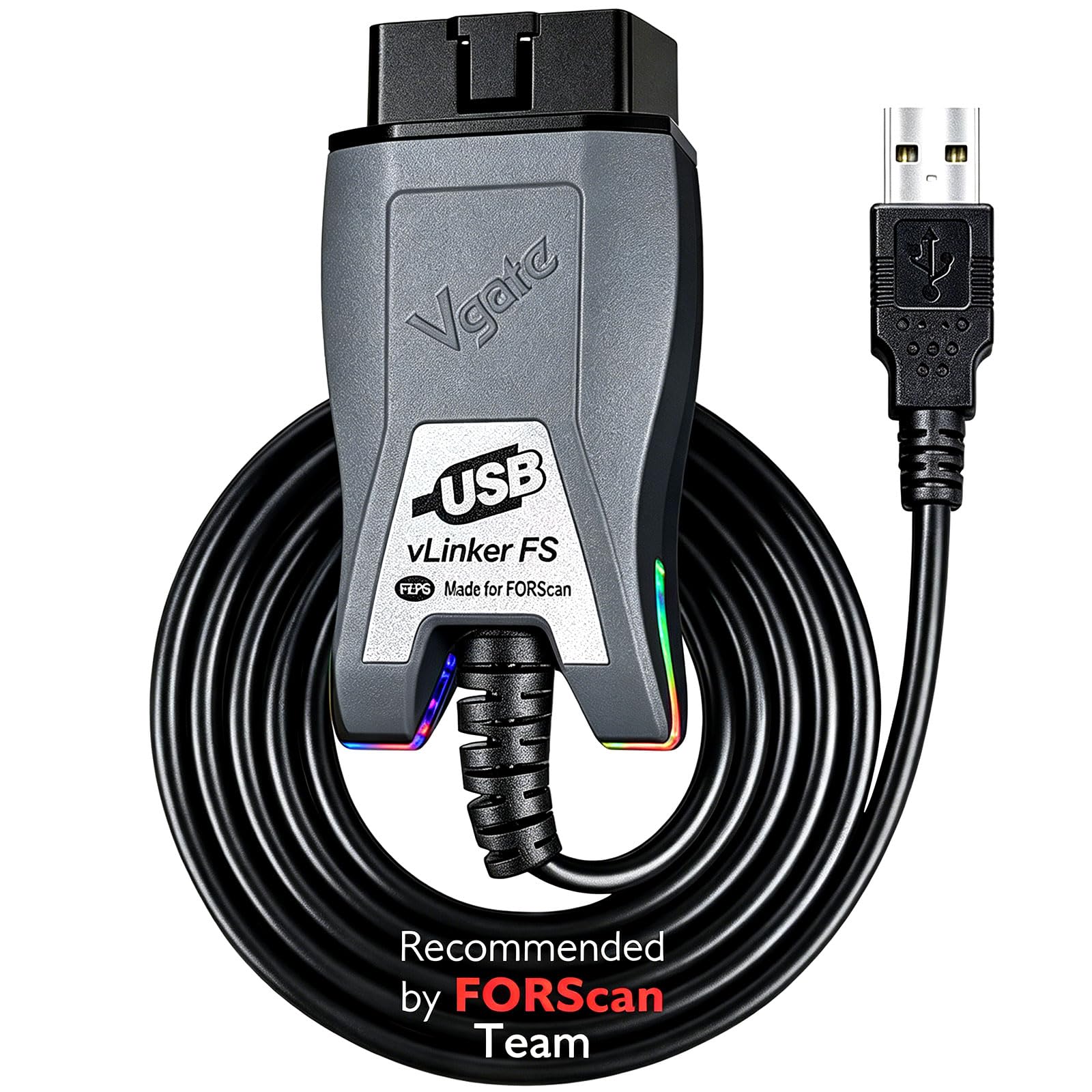
Code definitions grow as new models arrive, so a tool that can be updated stays useful longer than one frozen at the factory. Look for a stated update path, whether through a computer download or directly over WiFi, and note whether updates are free or paid after the first year. Language support matters more than buyers expect, because a code description you cannot read clearly is only half a diagnosis. Maker support counts too: a real support page and a printed manual signal a tool that will still be documented in five years.
Step 5: Look at Build, Cable Length, and Warranty
A scanner lives in glove boxes and tool drawers, so build quality decides whether it survives to its second warning light. A cable that is too short forces you to crouch by the door sill while reading the screen, and a stiff connector strains the port every time it is used. Daylight readability matters because most scanning happens in a bright driveway, not a dim garage. A warranty of at least one year is a fair floor, and longer cover usually tracks with better internal parts.
Scanner Classes and What They Cost
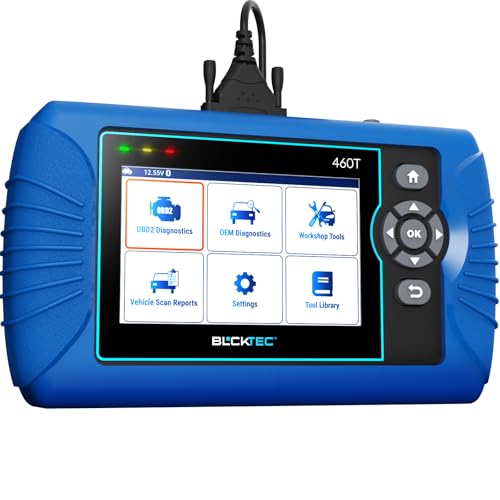
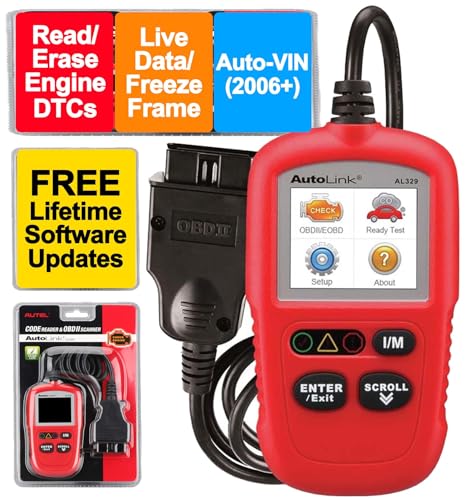
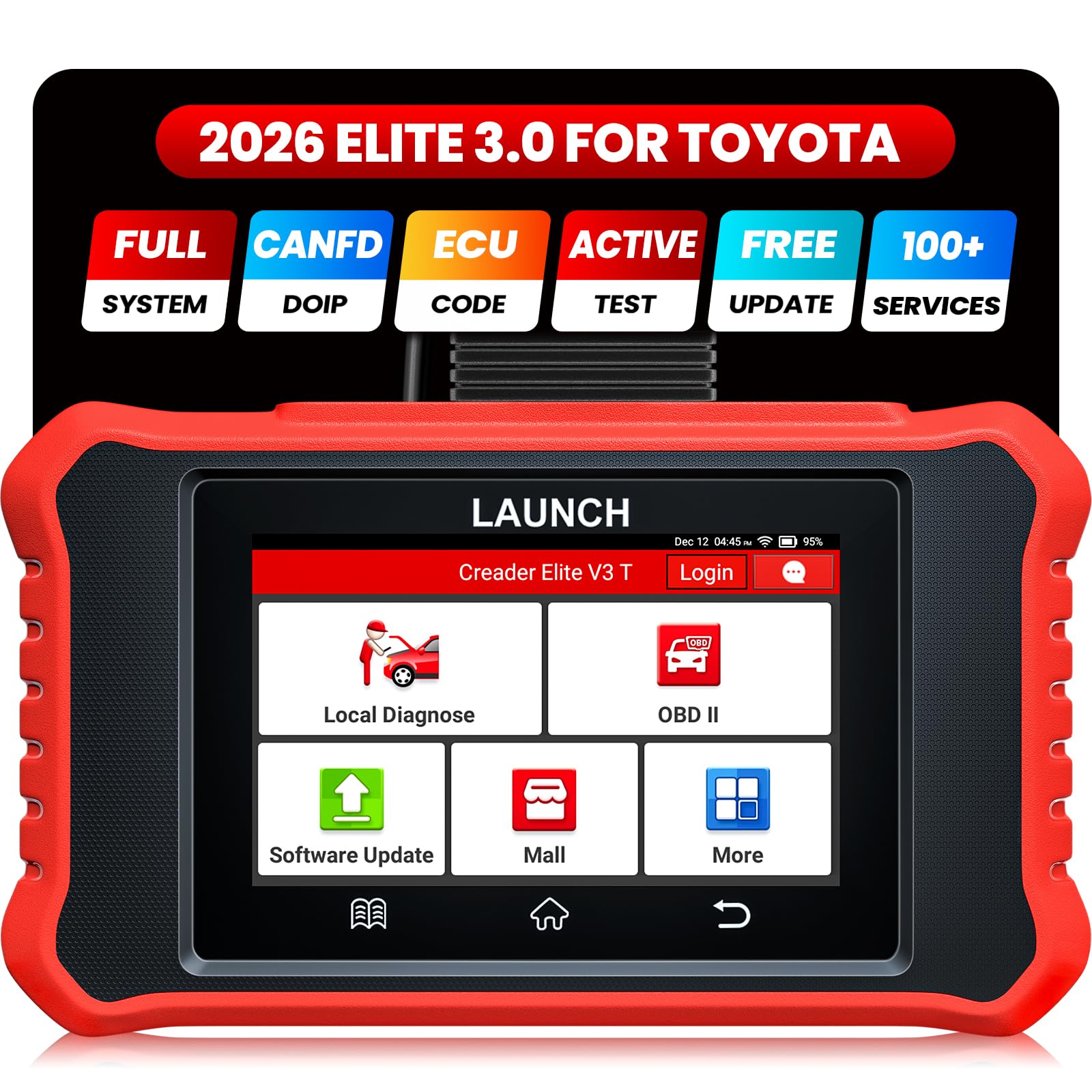
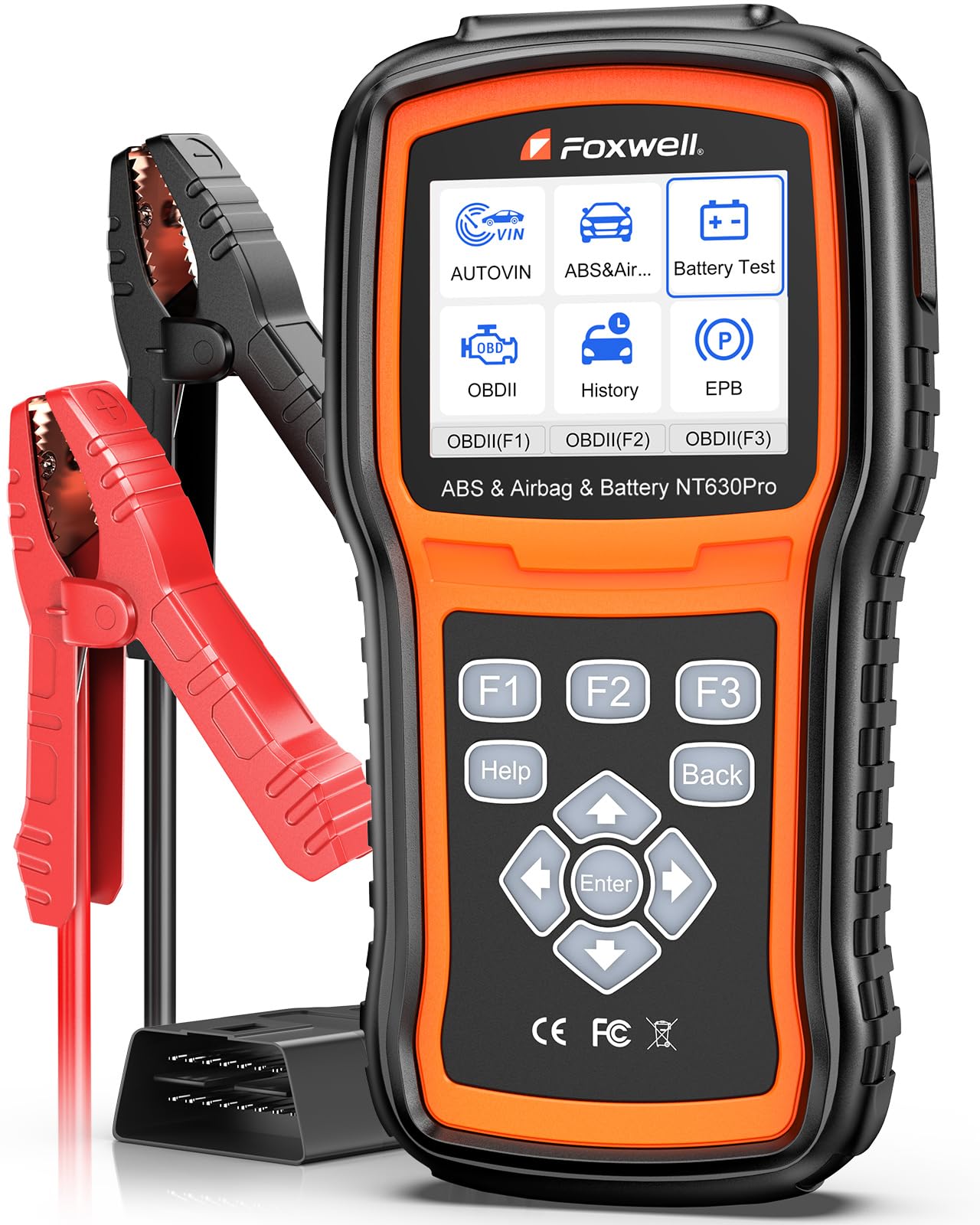
The classes below cover nearly everything sold to home users. The product table above shows current examples in each class, and the summaries here explain where each one stops being enough. Readers comparing names will notice that a simple best auto code reader and a full scan tool sit at opposite ends of this range, even though shops use the words loosely.
| Class | What It Does | Main Limit | Typical Price |
|---|---|---|---|
| Basic code reader | Reads and clears engine codes, shows code definitions | No live data or freeze frame detail | about $20 to $40 |
| App based adapter | Codes plus graphs and reports through a phone app | Needs a phone; some apps charge yearly | about $25 to $60 |
| Standalone midrange tool | Live data, freeze frame, readiness monitors, larger screen | Maker specific systems often cost extra | about $60 to $150 |
| Enhanced system tool | Adds transmission, brake, and airbag system coverage | More menus to learn and higher price | about $150 to $400 |
Basic readers answer one question well: which code is stored right now. That makes them a sensible glove box tool for older cars that trip a light once a year. Anyone who wants to watch a sensor behave in real time needs the live data of the midrange class, a difference our guide to the best code scanner categories explains from the software side. Enhanced tools earn their price only when a household runs several cars or tackles brake and airbag warnings at home.
One factor cuts across every class: how the tool connects. Corded tools draw power from the car itself, so they are always ready in the glove box and never need charging before a roadside check. Wireless adapters and rechargeable units remove the cable from your lap, but a flat internal battery or a dropped Bluetooth pairing can stop a session at the worst moment. Frequent scanners tend to accept the cable as the price of reliability. Occasional users who prefer working from the driver seat with a phone often accept the charging habit instead.
A Quick Buyer Checklist
Answer these questions before you pay. Three or more no answers in the first four rows means you are looking at the wrong class.
- Does the tool list my car brand, model years, and fuel type as supported?
- Does it show freeze frame data, or only the code number itself?
- Can it display live data while the engine runs?
- Does it report readiness monitors for emissions inspections?
- Are software updates free, and for how long?
- If it uses a phone app, is any yearly fee stated clearly before purchase?
- Is the cable long enough to sit in the driver seat while scanning?
- Does the warranty run at least one year with a reachable support page?
Red Flags to Watch For
- Claims of instant diagnosis. Any listing that promises the tool will pinpoint the failed part is overselling; codes point to systems, not parts.
- No stated compatibility list. A scanner sold without a coverage list is asking you to gamble on the port protocols.
- Hidden app fees. Adapter prices look low until the app charges every year for features printed on the box.
- Clearing sold as repairing. Marketing that treats code clearing as a fix misunderstands what the tool does, as explained below.
- No update path. A tool that can never be updated ages out as newer cars arrive in the household.
Using the Tool Safely and Reading Results Honestly
Scanning is light work, but it still happens around a running engine and hot parts. Park on level ground, set the parking brake, and follow the maker instructions for your tool about ignition and engine state, since some checks run with the engine off and others with it idling. Keep the cable clear of belts and fans, and never work under a car that is supported only by a jack; scanning never requires going under the car at all. If a repair does, use proper stands or leave the job to a shop.
Clearing a code deserves a clear warning: it does not repair anything. The light goes out because the stored report is erased, and the fault usually returns once the car runs the same self check again. Worse, clearing wipes the freeze frame snapshot and resets the readiness monitors, which erases evidence a mechanic could have used and can make the car fail an inspection until the drive cycles complete.
Note the code and its freeze frame data first, and treat clearing as the last step after a repair, not the first step of one. Drivers who want broader coverage than engine codes can compare the wider best auto scanner class before deciding how much tool they need.
Frequently Asked Questions
Does a trouble code name the exact part that failed?
No. A code identifies the system or circuit that reported a value outside its expected range, and several different faults can set the same code. A sensor reading can be wrong because the sensor failed, because the wiring to it is damaged, or because the part it watches is genuinely misbehaving. Treat the code as the first clue in a short investigation, and use live data, freeze frame readings, and basic checks to narrow the cause before buying any parts.
Is it safe to clear a code and keep driving?
Clearing a code is safe for the car, but it repairs nothing and the light normally returns when the fault is detected again. Clearing also erases the freeze frame evidence and resets the readiness monitors, so a mechanic loses useful information and an emissions inspection may refuse the car until the self checks finish. Some warnings, such as those tied to brakes or overheating, should never be cleared and ignored. Write the code down first, then decide whether the cause needs attention now.
Can a scanner check a used car before I buy it?
Yes, and this is one of the most valuable uses for a home scanner. Beyond stored codes, look for pending codes that have not yet lit the warning light, and check the readiness monitors. A car whose monitors all show incomplete may have had its codes cleared very recently to hide a fault before the sale. Scanning takes a few minutes with the seller present, and our guide to choosing a best car code scanner covers the features that help most with this job.
Do scanners need professional installation?
No. Even the best auto code scanners are plug in tools: you locate the diagnostic port under the dash, push the connector in, and follow the on screen steps for your car. There is no wiring to cut, no permanent fitting, and nothing to remove when you sell the car.
The only setup some tools need is a first software update or a language choice. If a seller describes installation as a service, that is a charge for thirty seconds of work.
Will a scanner work on a very old car?
It depends on the car. Vehicles built after the OBD2 standard became universal carry the standard port and work with any tool on this page. Older cars used maker specific connectors and protocols, and some need a brand specific adapter or a period correct tool instead. A few very old models offer only flashing light codes read through the dash.
Check the build year against the tool coverage list, and expect basic code reading rather than live data on the earliest supported cars.
Wrapping Up
Work through the checklist in order and the choice narrows quickly: confirm the port and protocols, decide how much reading depth you need beyond plain codes, then pick the app or standalone format that fits how you work. Update support and a clear warranty separate the tools that last from the ones that age out. The best auto code scanner for you is the class that answers your questions honestly without promising a diagnosis it cannot give, so compare your answers against the product table above and buy the simplest tool that covers your cars.