
Best Backup Cameras for Trucks in 2026: Which Type Is Right for You?
Disclosure: We may earn a commission when you buy through links on this page, at no extra cost to you. As an Amazon Associate I earn from qualifying purchases. Learn more
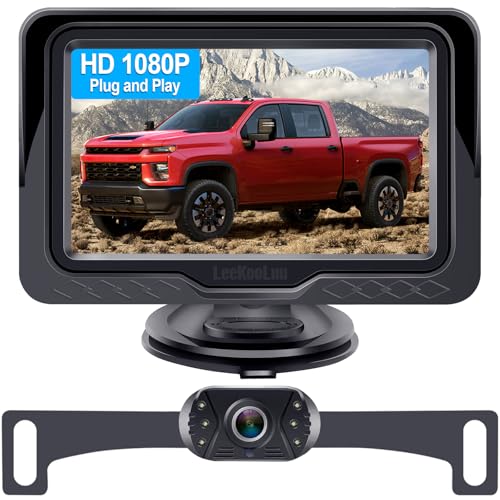
The best backup cameras for trucks differ by mount, signal, and screen. Compare wired, wireless, and hitch view types to match your truck.
Backing up a truck is harder than backing up a car, because the bed, the tailgate, and any trailer block the view behind you in ways a mirror cannot fix. The best backup cameras for trucks give you a clear view of what sits directly behind the bumper, help you line up a trailer hitch, and make tight parking far less stressful. Use the product table to compare options, and the type comparison below to see how the main camera types differ before you choose one for your truck.
This guide compares real backup camera types for trucks rather than general purpose cameras, and it covers the details that matter on a truck: mounting position, wired versus wireless signal, screen options, night vision, and weather resistance. Prices here are approximate, and no camera replaces careful mirror checks and a walk around the truck when people, pets, or obstacles may be nearby.
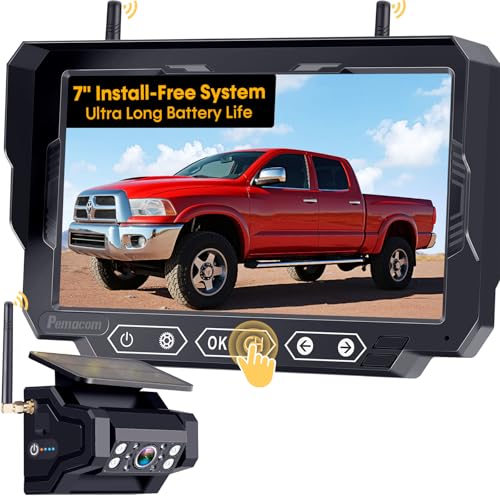


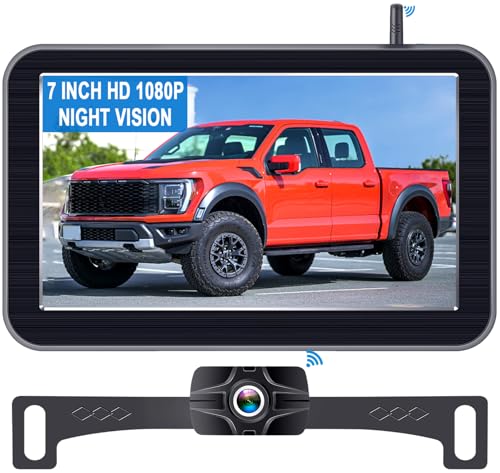

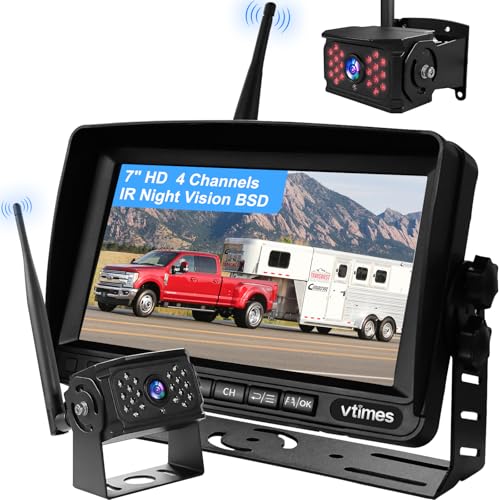
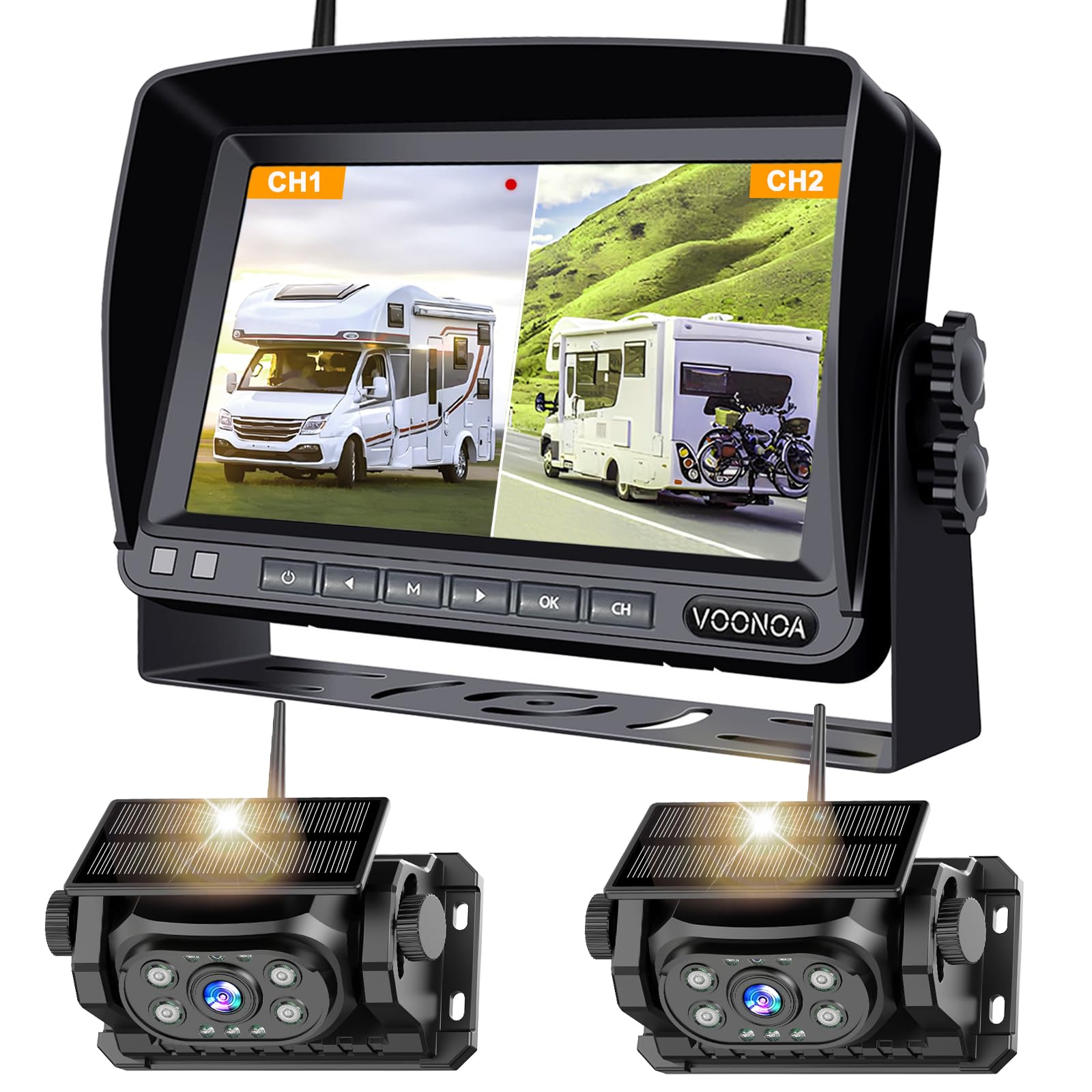

Best Backup Cameras for Trucks: Types Compared
Truck backup cameras differ mainly in where they mount and how the video reaches the screen. The mounting spot decides what you see, while the signal type decides how much wiring work the install needs. The table below summarizes the trade offs, and the sections after it explain each type in turn so you can match one to your truck and your habits. Car systems work on similar ideas, as our guide to the best backup cameras for cars shows, but truck fit and cable length change the choice.
| Type | Best For | Pros | Cons | Typical Price |
|---|---|---|---|---|
| License plate mount | Simple installs | Easy to fit, no drilling | Narrow view, plate light glare | About $40 to $120 |
| Tailgate handle mount | Factory style view | Centered high view, tidy look | Handle specific fit, more work | About $80 to $200 |
| Bumper or surface mount | Flexible placement | Fits many bumpers, sturdy | May need drilling, low angle | About $50 to $150 |
| Wireless system | Quick installs | Little wiring, easy transfer | Signal interference possible | About $80 to $250 |
| Trailer and hitch view | Towing and hitching | Close hitch view, trailer ready | Extra camera or switching needed | About $100 to $300 |
License Plate Mount Cameras
License plate cameras bolt onto the plate frame and suit drivers who want a quick install with no drilling. The view sits low and centered, which is good for judging distance to a curb or a parking line but less good for seeing over a trailer tongue. Some units share the plate light circuit for power, so check whether your plate light still shines evenly after fitting. This type is a sensible first choice for a daily driver that rarely tows.
Tailgate Handle Mount Cameras
Tailgate handle cameras replace or sit inside the tailgate handle and give a higher, centered view that feels closest to a factory system. The higher angle shows more of the ground behind the truck and makes hitching easier than a low plate camera does. Fit is handle specific, so confirm compatibility with your truck year and trim before ordering, and expect a longer install than a plate mount.
Drivers who want a tidy look and a strong all round view often prefer this type. For pickup specific fit advice, see our guide to the best backup cameras for pickup trucks.
Bumper and Surface Mount Cameras
Surface mount cameras attach to the bumper or another flat spot and suit trucks where a plate or handle mount does not fit well. You can place the camera where it gives the clearest view, and the mount is usually sturdy once fitted. The trade off is that fitting may need drilling, and a low bumper position can limit how far behind the truck you see. This type works well for work trucks and older models with simple bumpers.
Wireless Camera Systems
Wireless systems send video from the camera to the screen by radio, which cuts most of the long cable run through the truck. That makes them attractive for drivers who want a faster install or who move the system between vehicles. The risk is interference from other electronics and a signal that weakens over a long truck or through metal, so check the stated range for a truck length rather than a car length. A wireless system still needs power at the camera, usually from a reverse light circuit.
Trailer and Hitch View Cameras
Hitch view cameras aim close to the hitch ball so you can line up a trailer without a spotter. Some systems add a second camera at the rear of the trailer, which helps when reversing a long trailer but adds cost and switching complexity. If you tow often, a hitch view is worth more than a slightly wider parking view, because hitching is where most slow, fiddly reversing happens. Pair it with guide lines on screen if your system offers them, since they make small steering corrections easier to judge.
Wired Versus Wireless: Which Should You Choose?
Wired systems give the most stable picture, since the video travels through a cable instead of through the air. They suit drivers who tow, drive long trucks, or want a camera that works the same way every time. The cost is install time, because the cable must run from the rear of the truck to the cab without pinching or chafing.
Wireless systems win on install speed and flexibility, but they can suffer interference near other electronics and may lag slightly. Choose wired for reliability and wireless for convenience, and do not expect a wireless system to match a wired picture in every location. For a cable free install, see our guide to the best wireless backup cameras for trucks.
How to Choose the Right Backup Camera
Once you know the type, the details below decide whether a camera will actually help you day to day. Judge each one against your truck, your towing habits, and the places you park, rather than chasing the highest numbers on the box. For a broader look at vehicle cameras, see our guide to the best vehicle backup cameras.
View Angle and Guide Lines
A wide view shows more of what sits beside the bumper, which helps in parking lots, but a very wide view can make distances look farther than they are. Guide lines on screen help you judge where the truck will go, and adjustable lines are more useful than fixed ones when you change trailers. Check the view in daylight and at dusk if you can, since a camera that looks fine in bright light may wash out in low light. The goal is a view you trust, not the widest view on paper.
Night Vision and Low Light
Night vision decides whether the camera helps after dark, when reversing is hardest. Infrared lights built around the lens brighten the area just behind the truck, while a sensitive sensor keeps the image usable in dim street light. Check how the camera handles headlights from behind, since glare can wash out the picture at the moment you need it most. If you often reverse at night or in unlit yards, put night performance near the top of your list.
Screen Options
The screen matters as much as the camera, because a dim or tiny display wastes a good picture. Options include a dash mounted monitor, a mirror display that replaces or overlays the rear view mirror, and a connection to an existing truck display where supported. A dash monitor is the simplest to fit, while a mirror display keeps the dash tidy but can be harder to read in bright sun. Pick a screen size you can read at a glance without leaning forward, and mount it where it does not block your view of the road.
Weather Resistance and Build
A truck camera lives outdoors in rain, dust, road salt, and vibration, so build quality is not a luxury. Look for a sealed housing and a stated weather resistance rating, and check that the mount holds firm on rough roads. Cables and connectors deserve the same attention, since a corroded connector ends more systems than a failed camera does. Rinse off mud and salt occasionally, and inspect the lens for cracks after off road use or a knock from loading.
Features That Matter for Trucks
Trucks need a longer cable run, a view that clears the tailgate, and a signal strong enough for the full vehicle length, so truck specific fit matters more than generic specs. A camera made for a car may come with a cable too short for a crew cab with a long bed, and a wireless unit rated for a car may struggle across a long truck. Check cable length, wireless range, and mounting fit for your exact truck size before you buy, and confirm the camera works with your trailer wiring if you tow.
Picking the Right Backup Cameras for Different Uses
Different jobs call for different strengths, and the sections below narrow the choice for three common truck uses. Use them to adjust the general advice above rather than as separate shopping lists.
Best Affordable Backup Cameras for Truck
For a tight budget, prioritize a clear daytime picture, a sturdy mount, and a screen you can read, and skip trailer cameras and fancy displays. A simple wired plate or surface mount system often gives the best value, since it avoids wireless interference and keeps the install straightforward. Spend the savings on a proper install, with cables routed safely and connectors sealed, because a well fitted basic system beats a costly system fitted badly.
Best Cameras for My Truck
For a single truck that you drive daily, match the camera to your truck size, bed length, and trim, and favor a centered high view from a tailgate handle or a well placed surface mount. Daily drivers benefit most from a stable wired signal, a screen that is easy to glance at, and night vision that works in your usual parking spots. Think about how you actually reverse, including trailers, tight garages, and dark yards, and let those moments set the priorities.
Best Backup Cameras for Trucks to Hitch
For hitching, a close hitch view matters more than a wide parking view, so favor a camera aimed at the hitch ball with guide lines you can adjust. A second trailer camera helps when reversing a long trailer, but it adds switching and cost, so weigh it against how often you tow. Practice with the camera in an open lot before you hitch for real, since judging distance on screen takes a little getting used to even with a good view.
How to Make Your Backup Camera Last Longer
Clean the lens with a soft cloth, not your shirt, since grit on fabric can scratch the lens over time. Keep connectors sealed and check them after winter, when road salt speeds up corrosion. Route cables away from sharp edges and moving parts such as the tailgate hinge, and secure any slack so it cannot snag. Park habits help too: a camera that is never knocked by loading lasts longer than one that takes regular bumps from cargo.
Backup Cameras: Your Questions Answered
What features matter most in backup cameras for trucks?
Mounting fit, a stable signal over the full truck length, and a readable screen matter most, followed by night vision and weather sealing. A camera that fits your truck and shows a clear picture every time beats one with extra features that work only sometimes. Start with your truck size and towing habits, then check cable length or wireless range, and treat resolution as a secondary point once those basics are covered.
Which is better for low light?
A camera with a sensitive sensor and built in infrared lights usually performs best after dark, since it brightens the area just behind the truck without blinding the sensor. A wide aperture style lens design also helps, but the sensor and lighting matter more than any single number. If night reversing is common for you, favor a system known for low light performance over one that only shines in daylight, and try it at dusk before relying on it.
What specs matter most for beginners?
Beginners should focus on view angle, guide lines, and screen readability rather than on resolution or frame rate figures. A moderate view with adjustable guide lines is easier to learn than an extreme wide view that distorts distance. A simple wired system with a clear install guide also removes a common source of frustration. Once you are used to reversing on screen, you will know which extra features, if any, are worth adding.
Is a smartphone enough instead?
A phone can show a camera picture, but a dedicated screen is faster to glance at and does not tie up your phone during a maneuver. Phones also struggle with glare, mounting, and staying charged through a long reversing session. A phone based system can work as a low cost trial, yet most drivers who reverse daily prefer a fixed screen that is always in the same place. Consider a phone system only if you reverse rarely and already own a sturdy mount.
Do I need a camera that works with my trailer?
You need trailer compatibility if you tow regularly, since a rear truck camera alone cannot show what sits behind a long trailer. Some systems switch between a truck camera and a trailer camera, while others add a separate display input for the trailer view. Check connector types and cable length for your trailer before buying, and confirm the system switches views without a complicated menu. For occasional towing, a good hitch view camera may be enough on its own.
The Bottom Line
Start with your truck size and your towing habits, then pick the mount and signal type that fit them. A stable wired system with a clear screen suits most drivers, while wireless suits quick installs and hitch views suit frequent towers. Review the product table, check fit and cable length for your exact truck, and remember that the camera assists your mirrors and your own checks rather than replacing them. The best backup cameras for trucks for you are the ones that show a trustworthy picture every time you shift into reverse.

