
Best Audio Quality 2026: How to Judge Sound Before You Buy
Disclosure: We may earn a commission when you buy through links on this page, at no extra cost to you. As an Amazon Associate I earn from qualifying purchases. Learn more
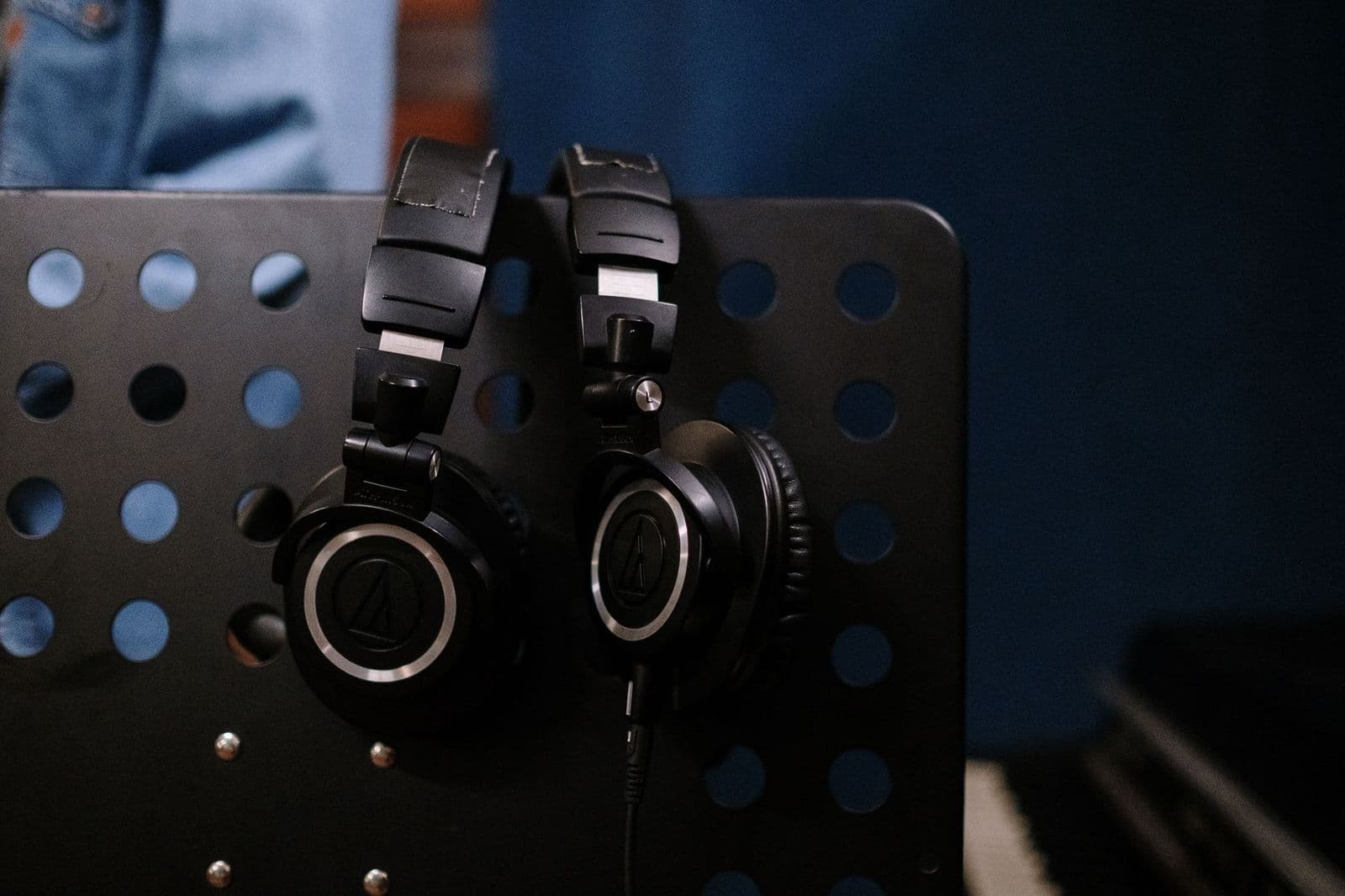
Audio quality depends on source, gear, and room. Learn where to spend first and how to judge sound by ear.
Searching for the best audio quality usually means one question: how do you get sound that is clear, natural, and enjoyable? Audio quality is not a single product or a single number. It comes from the recording, the file or stream, the player, the amplifier, the speakers or headphones, and the room or ears at the end of the chain.
This guide explains what each link does, which upgrades are worth paying for, and how to check quality by ear before you buy. For gear, see our guides to the best audio quality speakers and the best audio headsets.
What Audio Quality Really Means
Good audio quality has four traits: clarity, balance, low distortion, and a sense of space. Clarity means you can pick out words and instruments. Balance means no range of sound dominates. Low distortion means the sound stays clean at normal volume. Space is the feeling that instruments sit in front of you instead of inside your head.
Because these traits depend on the whole chain, the weakest link sets the limit. A great speaker cannot fix a muddy recording, and a great file sounds poor on tiny speakers.
Source Files and Streaming
Start at the source. Low bitrate streams and heavily compressed files lose detail, especially in cymbals and quiet passages. Use the highest quality setting in your streaming app, or play lossless files if you keep a library. Check that no volume leveling or equalizer is changing the sound without your knowing it.
Players, DACs, and Amplifiers
A phone or computer already contains a decent converter for most headphones. A separate DAC or amplifier helps when your headphones are hard to drive, when the built in output is noisy, or when you want more volume headroom. Powered speakers include an amplifier, while passive speakers need an amplifier or receiver that matches their power needs.
Speakers, Headphones, and Monitors
This is the part you hear most. Bookshelf speakers suit desks and small rooms, towers fill larger rooms, and headphones give detail without room problems. Studio monitors are tuned to be flat, which shows flaws in recordings but can sound plain at first. Our guide to the best audio monitors explains that style.
Room and Placement
The room shapes sound as much as the gear. Speakers near walls gain bass and lose clarity, and bare rooms add echo. Place speakers at ear height, angle them toward your seat, and move them in small steps while a familiar song plays. Soft furniture and rugs help.
How to Judge Sound Before You Buy
- Use tracks you know well, with voices, acoustic instruments, and some bass.
- Match volume when comparing, since louder usually sounds better at first.
- Listen for natural voices, tight bass, and highs that are clear without harshness.
- Take breaks. Tired ears judge poorly.
- Check return terms so you can listen at home.
Headphones vs. Speakers
Headphones give more detail for the money, and they avoid room problems, which makes them a strong choice for apartments and late night listening. Speakers give scale and a natural sense of space, and they are more comfortable over long sessions. Many listeners use both: speakers for shared listening and headphones for focus.
If you choose headphones, pay attention to fit and comfort, since a pair that sounds great but hurts after an hour will not get used. Closed back models block noise and suit commutes, while open back models sound more spacious at home but leak sound.
Calls, Streaming, and Everyday Audio
For calls and meetings, clarity of voice matters more than bass. A headset with a good microphone helps both sides hear you. For streaming video, speakers or a soundbar with dialogue enhancement make speech easier to follow. For music, choose gear tuned for balance rather than bass emphasis, and use the equalizer sparingly.
Bluetooth is convenient and sounds good enough for most listening, but a wired connection avoids delay and usually keeps more detail. If you watch video over Bluetooth speakers, check that the picture and sound stay in sync.
Where to Spend First
Spend in this order: a better speaker or headphone first, then placement and room, then source quality, then a DAC or amplifier. Cables matter little beyond sound construction and the right length. Avoid paying for expensive accessories before you have fixed the basics.
Common Audio Problems and Quick Fixes
Thin, quiet sound often means a phase problem: check that both speakers are wired the same way, positive to positive and negative to negative. Muffled sound can come from a low bitrate stream, a loudness or bass boost setting, or speakers placed behind furniture. Buzzing usually points to a ground loop or a poor cable, so try another outlet or a different cable before replacing gear.
If voices sound hollow, move the speakers away from walls and check the equalizer. If one side is louder, check the balance setting and the distance from each speaker to your seat. Small fixes like these cost nothing and often change the sound more than a new purchase.
Finally, give your ears time. A new set of speakers or headphones can sound different from what you are used to, and it often takes a few days to judge them fairly.
Hearing and Volume Safety
Good audio quality should never require high volume. Loud listening for long periods can damage hearing, so keep the volume at a level where you can still hold a conversation. If sound seems muffled or you hear ringing after listening, take a break and consider a hearing check. Clear, balanced gear lets you hear detail at lower volume, which is easier on your ears.
Common Mistakes
- Judging sound by loudness alone.
- Ignoring the quality of the stream or file.
- Putting speakers in corners without testing other positions.
- Chasing one number, such as wattage, instead of listening.
- Buying costly cables or accessories before fixing room and placement.
Frequently Asked Questions
What matters most for audio quality?
The whole chain matters, from source file to speaker to room. Balance your budget across all of it, and remember that good placement costs nothing.
Do expensive speakers always sound better?
Not always. Price buys better materials and engineering, but tuning and room fit decide whether you enjoy the result.
How important are wireless codecs?
Codecs decide how much detail survives a wireless link. Better codecs help with high quality streams, but the difference is small on already compressed music.
Can an equalizer fix poor sound?
An equalizer can tame a peak or lift dialogue, but it cannot fix distortion or a badly designed enclosure. Use small adjustments.
Is lossless audio worth it?
If you have revealing speakers or headphones and a good source, lossless can sound more detailed. On small speakers or in noisy places, the difference is hard to hear.
Final Thoughts
Getting the best audio quality is about balance across source, gear, and room, not about one expensive part. Start with a good speaker or headphone, set it up well, and use a quality source. Then upgrade the weakest link you can actually hear.


