
Best and Most Affordable Laptops for Students: Every Type Explained Side by Side for 2026
Disclosure: We may earn a commission when you buy through links on this page, at no extra cost to you. As an Amazon Associate I earn from qualifying purchases. Learn more

Compare the best and most affordable laptops for students by type, budget, battery life, and course needs with a clear checklist for choosing well.
Student laptops come in so many shapes that the choice can feel confusing before classes even start. This guide compares each type clearly, so you can match the best and most affordable laptops for students to your course, your commute, and your budget instead of guessing from a spec list.
You will find the main types explained side by side first, then a direct comparison between full laptops and tablets, then the features that matter most for study. Start with the comparison table below, note the type that fits your routine, and read the matching sections in detail.
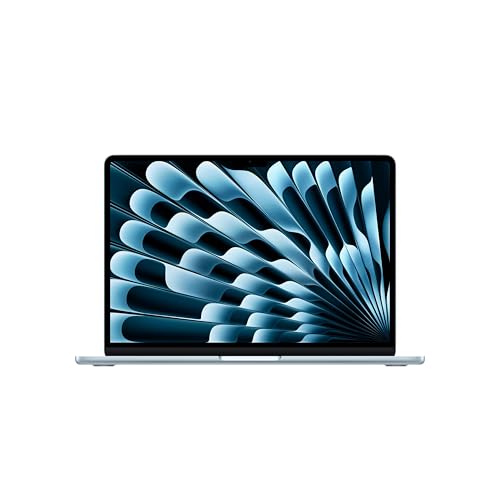

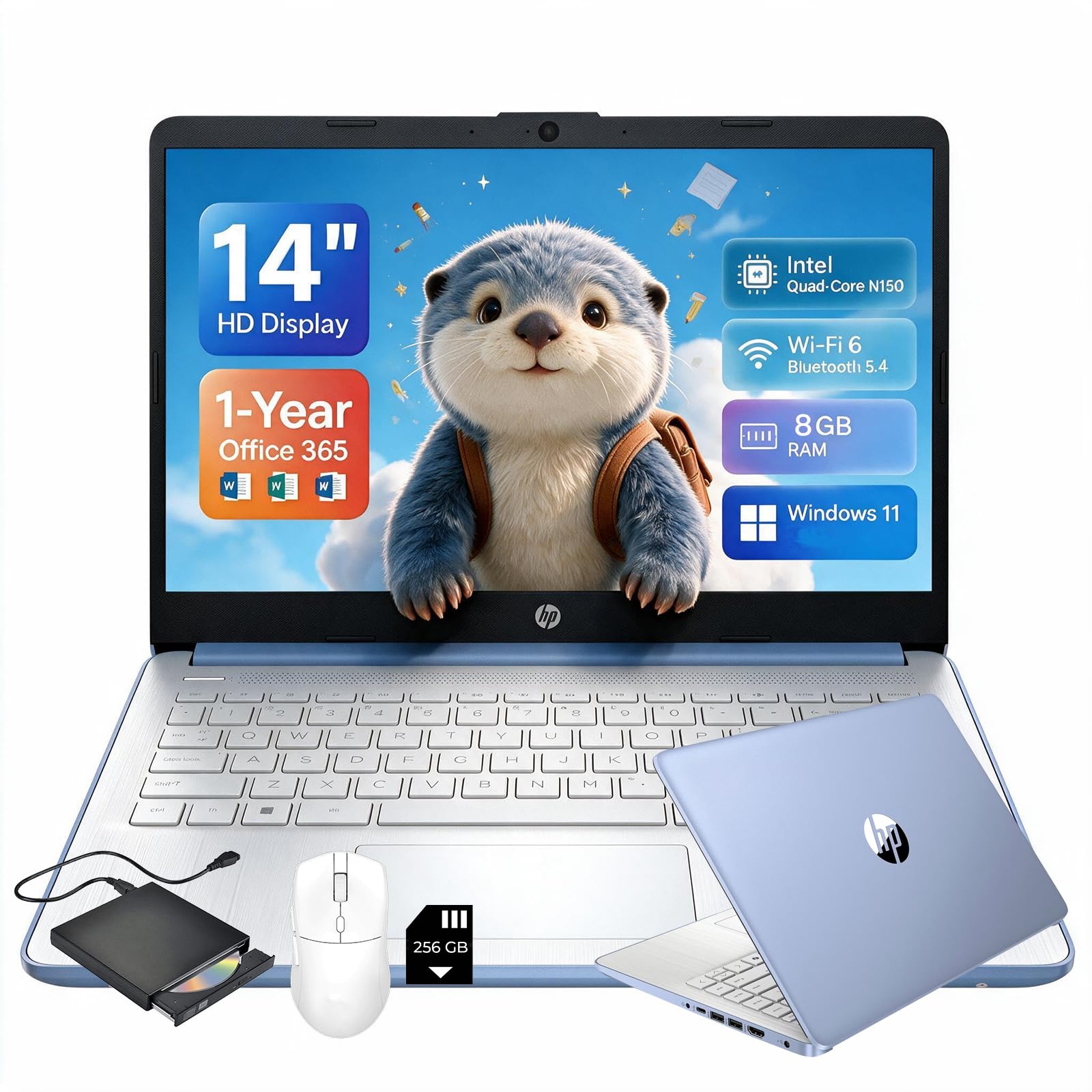

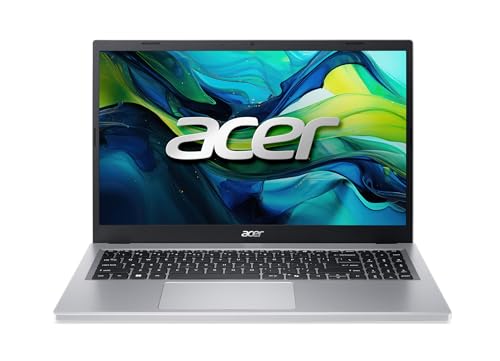
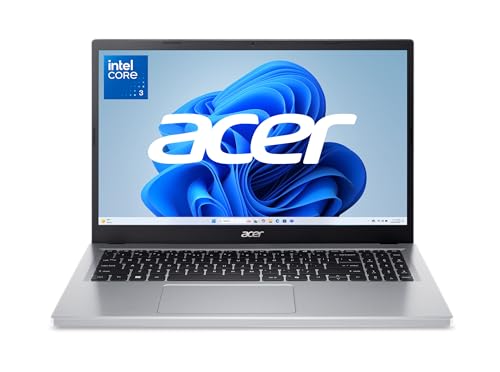
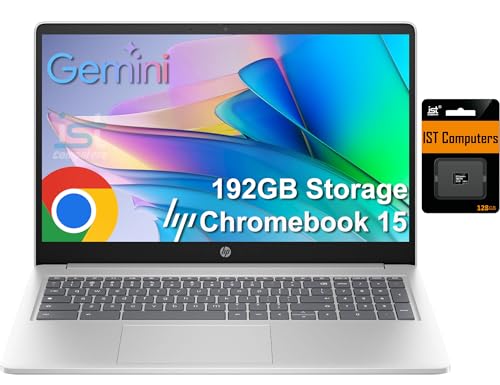
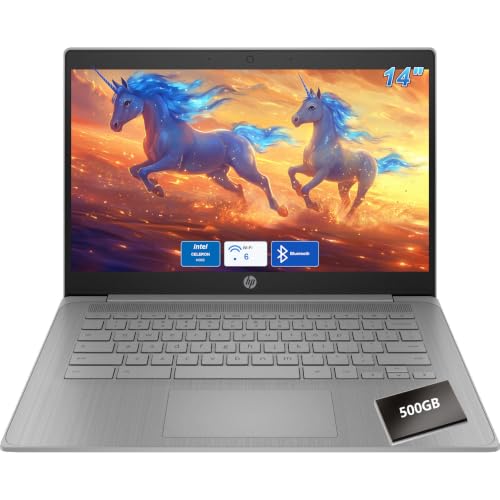

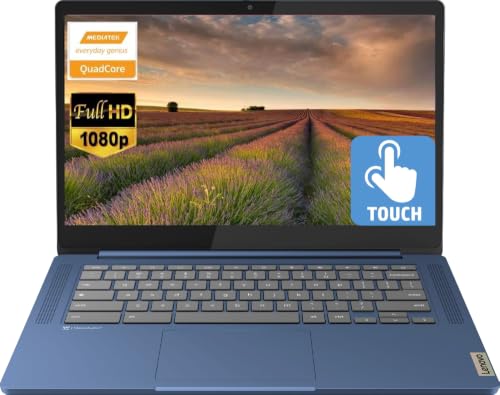
Types of the Best and Most Affordable Laptops for Students Compared
Four types cover almost every student need. Budget laptops are full Windows machines at the lowest prices, usually around $300 to $500, with plastic builds and basic screens. Tablets start around $200 to $400 before you add a keyboard, and shine for reading and notes. Ultraportables cost more, often around $600 to $1,000, but repay you with low weight and long battery life. Chromebooks sit around $250 to $450 and trade app freedom for simplicity and strong battery life. The sections below explain who each type serves best.
Budget Laptops
A budget laptop is a complete Windows computer at a student friendly price. It runs the full versions of office software, browsers with many tabs, and the specialist apps some courses require, all without workarounds. The trade offs are a heavier plastic body, a dimmer screen, and slower parts that feel the strain after three or four years. Choose this type if your course needs specific Windows software, if you type long essays daily, or if this will be your only computer. It is the safest default when you cannot confirm what your classes demand in advance.
Tablets
A tablet is a touch screen device that runs mobile apps, often with an optional pen and keyboard cover. It is excellent for reading course materials, marking up lecture slides, watching recorded classes, and taking handwritten notes that stay searchable. The limits appear with long essays, complex spreadsheets, and software that only exists for Windows or macOS. Many students use a tablet as a second device beside a laptop rather than as their main machine. Choose one first only if your course is reading and note heavy, and your school provides computers for heavier tasks.
Ultraportables
An ultraportable is a thin and light laptop, usually under 3 lb, built for people who carry it all day. You pay more for that low weight, but you also gain a brighter screen, a metal body, faster parts, and battery life that can cover a full day of classes. Students who move between lectures, libraries, and part time jobs feel this difference every single day. Choose an ultraportable if your budget stretches to around $700 or more and you expect to keep the same laptop for a whole degree. It is the type least likely to be replaced early.
Chromebooks
A Chromebook runs ChromeOS and centers everything on the browser and web apps. It starts fast, updates quietly, resists most malware, and often lasts ten hours or more on a charge, which suits school days perfectly. The catch is software: if a course needs a specific Windows program, a Chromebook cannot install it, though many schools now teach through web tools. Choose a Chromebook for writing, research, and online classes on a tight budget. If you also want a general view of low price options, our guide to the best and affordable laptops covers the wider market.
Budget Laptops vs Tablets: Which Should You Choose?
Compare these two on five points. For typing, a budget laptop wins easily because a real keyboard and trackpad come in the box. For reading and handwritten notes, a tablet with a pen feels more natural and lighter in the hand. For software, the laptop runs everything, while the tablet depends on app versions that may lack features. For battery life, tablets often last longer per charge. For total cost, the laptop usually wins once you price a tablet plus its keyboard and pen. So choose the laptop as your main device, and add a tablet later only if note taking by hand is central to your course.
How to Choose the Right Student Laptop
What Students Should Look For
Start with the basics that shape every study day: a screen of at least 13 inches for split screen reading and writing, a weight you can carry across campus without thinking about it, and a keyboard that feels comfortable during long essays. Battery life of eight hours or more frees you from outlet hunting in lecture halls. Check that the laptop has USB C charging if possible, because sharing a charger type with your phone simplifies your bag. Finally, confirm your course software list before buying, since one required program can rule out an entire type.
What You Can Realistically Get on a Budget
Around $300 to $450, expect a basic processor, 8 GB of RAM, a 256 GB solid state drive, and a screen that is fine indoors but not bright. Around $500 to $700, you gain 16 GB of RAM, a better display, and a sturdier body. What you give up at the lowest prices is speed with many tabs open and long term headroom. Do not cut corners on storage below 256 GB, because course files, photos, and app updates fill small drives quickly and slow the whole machine down. Students on the tightest budgets can also check our guide to the best affordable hp laptops for students for brand focused value options.
Processor and Performance Tier
For essays, research, and video calls, any current entry level processor feels fast enough, and you should spend limited money on RAM and storage instead. Students in design, data, or engineering courses need a stronger tier with more cores, because their software renders, compiles, and calculates for minutes at a time. If your syllabus mentions CAD, large datasets, or video editing, our guide to the best affordable laptops for engineering students explains the higher requirements in detail. For general degrees, a mid range processor with 16 GB of RAM is the balanced choice that lasts.
Operating System (Windows, macOS, ChromeOS, Android, iPadOS)
Your operating system should match both your course software and the phone in your pocket. Windows runs the widest range of programs and suits most degrees. macOS fits students already using an iPhone who value long battery life and strong build quality, at a higher price. ChromeOS is the simplest and cheapest route for web based study. Android and iPadOS belong to tablets, where app choice is wide but some desktop class tools are missing. When in doubt, check your university guidance pages, because many departments publish a recommended system for their software.
Graphics (Integrated vs Dedicated GPU)
Integrated graphics handle essays, streaming, light photo edits, and casual games without trouble, and they keep laptops cheaper, thinner, and quieter. A dedicated graphics card matters for 3D design, architecture models, video editing with heavy effects, and serious gaming in your free time. It also adds cost, weight, heat, and fan noise, so buy it only when your course or hobby truly needs it. Nursing and health students, for example, rarely need one, and our guide to the best affordable laptops for nursing students shows how their budget is better spent on battery life and a light build.
How to Make Your Student Laptop Last Longer
Treat your laptop well and it can cover a whole degree. Keep the operating system and firmware updated so security and battery improvements arrive on time. Avoid running at 100% charge all the time if a charge limit setting exists, because a battery held near the middle ages more slowly. Use a padded sleeve when commuting, since most student laptop damage happens in bags, not on desks. One more know how tip: back up your coursework to cloud storage weekly, because a lost or broken laptop near exams is a crisis only when the files exist nowhere else.
Student Laptops: Your Questions Answered
What makes student laptops different from regular laptops?
Student laptops are chosen for light weight, long battery life, durability, and a price that fits a tight budget, rather than for maximum power. They also favor good keyboards and webcams for essays and online classes. A regular home laptop can be heavier and plugged in most of the time, while a student machine travels daily and must survive bags, cafés, and shared houses. That is why the same budget buys more study comfort when you shop with student priorities in mind from the start.
Is a Chromebook enough for school?
A Chromebook is enough for school when your work lives in the browser: documents, slides, research, email, and video calls. It is not enough when a course requires specific Windows or macOS software, offline tools, or heavy creative apps. Many schools publish a list of required programs, so check it before you decide. If everything you need has a web version you already use, a Chromebook saves money and gives excellent battery life. If one required program lacks a web version, choose a Windows laptop instead.
How long should a student laptop last?
A student laptop should last about four years, matching a typical degree. Budget models may feel slow in year three if they start with only 8 GB of RAM and a small drive, so buying a little headroom early extends useful life more cheaply than replacing the whole machine. Ultraportables and mid range models age best because their screens, batteries, and builds stay pleasant. Keep storage below about 85% full and replace the battery if it fades, and most laptops will finish your course with you.
Is a dedicated GPU worth it for students?
A dedicated graphics card is worth it only for students whose courses or hobbies demand it, such as 3D design, engineering models, or video production. For essays, research, coding, and presentations, integrated graphics are plenty and leave budget for RAM and a better screen. A graphics card also makes the laptop heavier and louder, which works against daily carrying. University students who are unsure can check our guide to the best affordable laptops for uni students for course by course guidance before spending extra.
Should I buy a laptop or a tablet?
Buy a laptop first, because it handles every kind of coursework, from long essays to specialist software, without workarounds. A tablet is a great second device for reading and handwritten notes, but as an only device it can leave you stuck when a class needs a full program or a precise file format. If your budget forces one choice, the laptop is the safer one. You can always add a modest tablet in a later term once you know your note taking style.
Wrapping Up
Choose the type first, then protect the essentials: enough RAM, at least 256 GB of storage, and battery life that covers your longest day. Compare the shortlisted models in the product table above, and you will land on the best and most affordable laptops for students for your course without overspending on power you will never use.


