
Best Affordable HP Laptops for Students: Buying Guide for 2026
Disclosure: We may earn a commission when you buy through links on this page, at no extra cost to you. As an Amazon Associate I earn from qualifying purchases. Learn more

A plain guide to the best affordable hp laptops for students: weight, battery, memory, and Chromebook or Windows.
A student laptop needs to be light enough to carry, dependable through a full day of classes, and affordable enough that a spilled drink is not a disaster. If you are comparing best affordable hp laptops for students, the choices that matter are weight, battery life, memory, and whether a Chromebook or a Windows laptop suits your courses. This guide explains each in plain terms and shows how to read the comparison table below.
Affordable HP laptops for students cost from around $230 for a Chromebook to $700 for a stronger Windows model. Most students do well between $300 and $600.

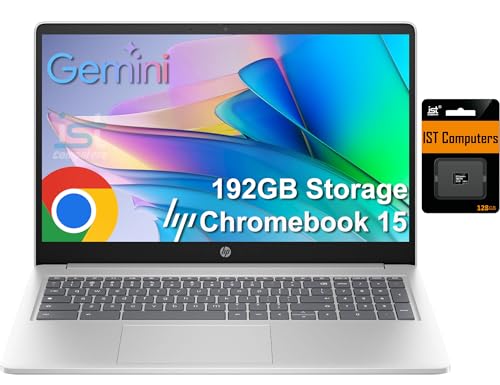
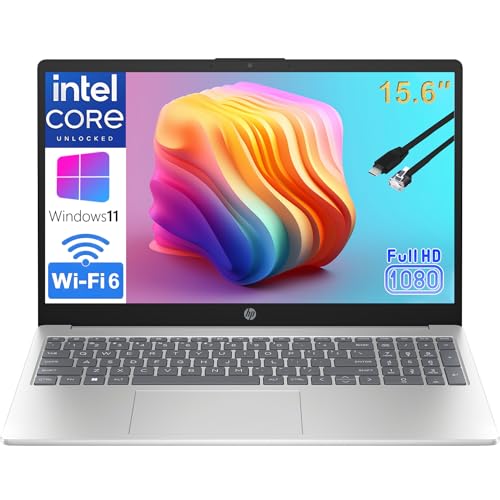

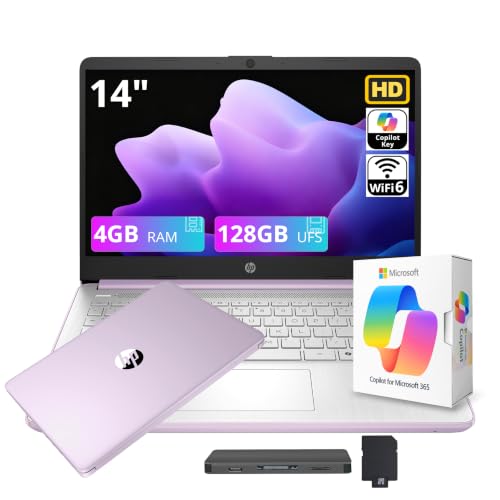
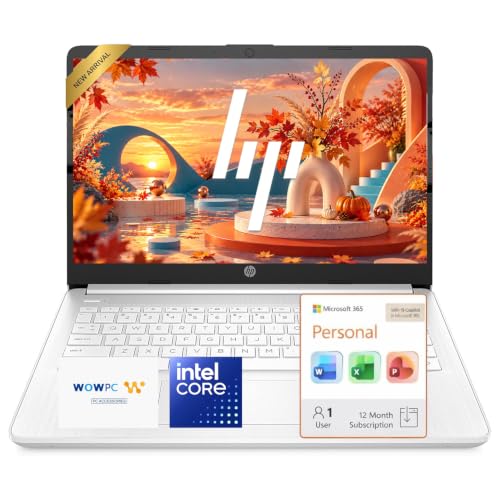
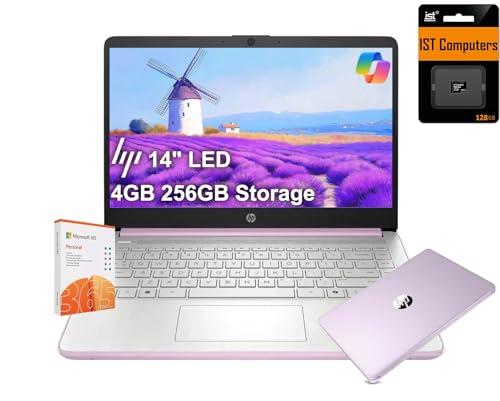

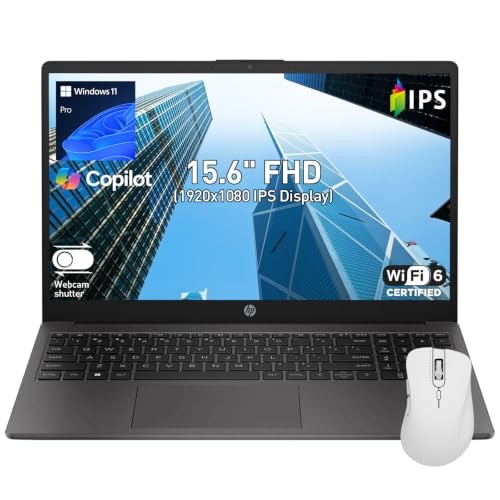
Chromebook or Windows Laptop
A Chromebook starts quickly, is secure, and suits web based work such as documents, research, and video calls. Many schools use Google tools that run well on one. A Windows laptop runs desktop software such as full Microsoft Office, design programs, and statistical tools, so it is the safer choice for courses that need specific programs. Check your school's requirements before you buy.
Key Specs for Students
Processor and Memory
A Core i3, Ryzen 3, or Intel N series processor is enough for notes, web, and streaming. Choose a Ryzen 5 or Core i5 if you plan to run heavier software. Memory of 8 GB is a good target, since 4 GB can feel slow with many tabs open.
Storage
256 GB of solid state storage is usually enough if you use cloud storage for files. Choose 512 GB if you keep videos and large projects on the laptop.
Battery Life and Weight
Look for a laptop that lasts a school day, about eight hours or more, and weighs under four pounds. A 14 inch model is easier to carry, and a 15 inch model gives a larger screen for reading and splitting windows.
Screen and Keyboard
A full HD screen is easier on the eyes during long reading and writing sessions. A comfortable keyboard matters for essays, and a good webcam and microphone help for online classes.
Durability and Repairs
Choose a sturdy case, and consider a sleeve or a padded backpack. Check the warranty, and think about accidental damage coverage if you move around a lot.
What You Can Realistically Get on a Budget
Around $230 to $360 buys an HP Chromebook or a basic 14 inch Windows laptop that handles notes, browsing, and video calls. Around $400 to $700 buys a 15 inch Windows laptop with a faster processor, 8 to 16 GB of memory, and a full HD screen. Do not expect gaming performance or premium builds at these prices. For other brands, see our guide to the best affordable laptops for students.
Choosing by Field of Study
Humanities and business students can use a light 14 inch laptop or Chromebook. Science and engineering students may need stronger processors and more memory, and some programs need Windows software. Design and media students should choose a better screen and more storage. For specialized needs, see our guide to the best hp laptops for engineering students.
Software and Classroom Needs
Before you buy, check what your school or program requires. Many schools provide Microsoft Office or Google Workspace for free, and some courses need specific programs such as statistical software, design tools, or coding environments. A Windows laptop can run most of these. A Chromebook runs web versions and Android apps, which is enough for many classes, but not for every desktop program. Ask your instructor or the school IT page if you are unsure.
Online Classes and Study Habits
If classes are online, a good webcam, a clear microphone, and a reliable Wi-Fi connection matter more than raw speed. A headset improves call quality for little money. Pair the laptop with a simple stand and external keyboard if you study at a desk, since long sessions on a laptop keyboard can tire your wrists. Use cloud storage to keep assignments safe, and turn on automatic backup.
Common Mistakes to Avoid
- Choosing a Chromebook without checking course software requirements.
- Buying 4 GB of memory to save money, then finding the laptop too slow.
- Ignoring weight, which matters when you carry the laptop every day.
- Forgetting a charger, a sleeve, and a backup plan for files.
- Buying from an unknown seller with no clear returns.
Setup and Care
Sign in with your school account, install updates, and set up cloud backup before the first week of classes. Keep the laptop in a padded sleeve, avoid drinks near the keyboard, and charge it overnight rather than during class. Back up important files to the cloud or a drive.
Before You Buy
Look up the exact model number to confirm the processor, memory, storage, and screen, since HP sells many variants with similar names. Check which operating system is included and whether your school offers student discounts or software licenses. Buy from a seller with clear returns, and keep the box for the first few weeks.
Think about accessories as well. A padded sleeve, a spare charger for your backpack, and a wireless mouse make daily use easier. If you share the laptop for family use, set up separate user accounts and install a reliable backup so schoolwork stays safe. A small budget for these extras improves the whole experience.
Finally, plan for repairs and replacement. Know where the nearest HP service option is, read the warranty terms, and consider accidental damage coverage if you carry the laptop daily. Replacing a cracked screen can cost nearly as much as a new budget laptop, so cover and care are worth considering from the start.
Frequently Asked Questions
Is a Chromebook good enough for a student?
Often yes. It handles web based work well. Choose Windows if your courses need desktop programs.
How much memory does a student need?
8 GB is a good target. Choose 16 GB for heavy multitasking or programming.
What screen size is best?
14 inches balances weight and comfort. 15 inches gives more room for reading and split screens.
How long should a student laptop last?
Four years is a good target, enough for a degree. Good care extends its life.
Do I need a touchscreen?
Not usually. It adds cost, and most students do fine with a regular screen.
Final Thoughts
Decide between Chromebook and Windows, then check memory, battery life, and weight. Use the product table above to compare current models, and see our guide to the best hp laptops for students for more ideas. With the right pick, best affordable hp laptops for students will carry you through classes and late night study sessions.


