
Best Audio Laptops: Budget, Midrange, and Premium Guide for 2026
Disclosure: We may earn a commission when you buy through links on this page, at no extra cost to you. As an Amazon Associate I earn from qualifying purchases. Learn more

Compare the best audio laptops by processor, RAM, storage, and speaker quality, with clear budget guidance to help you choose with confidence.
Laptop prices for audio work stretch from a few hundred dollars to several thousand, and the spec sheets rarely tell you where the money actually helps your sound. A fast processor matters for large projects, but fan noise, speaker quality, and port choice matter every single day. This guide to the best audio laptops shows you what each budget level really delivers.
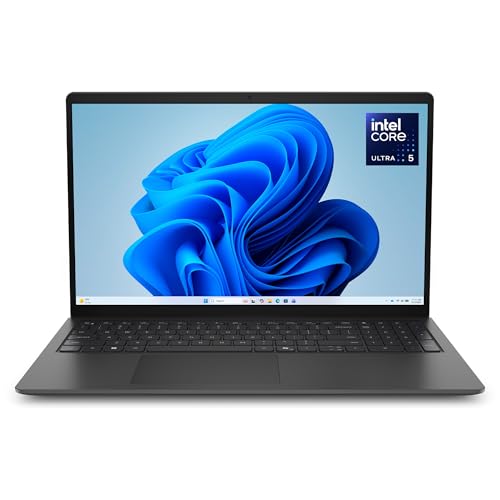
You will see which upgrades change your daily work and which ones you can safely skip. Start with the product table below, then use the price tier sections to match a laptop to your recording, editing, or listening routine.
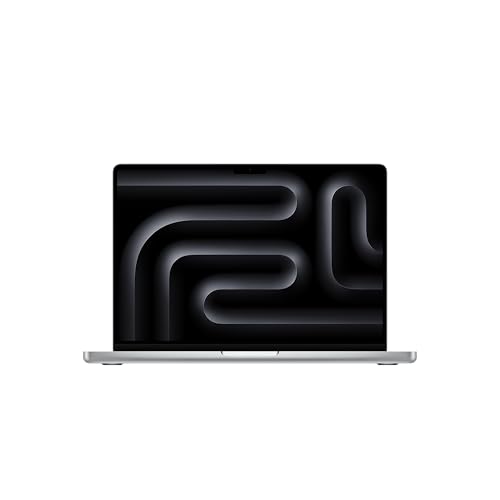
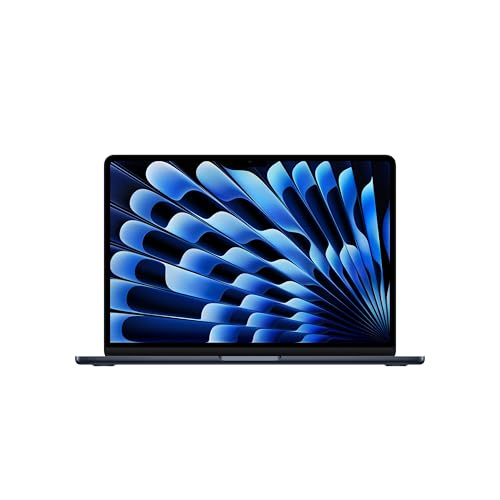




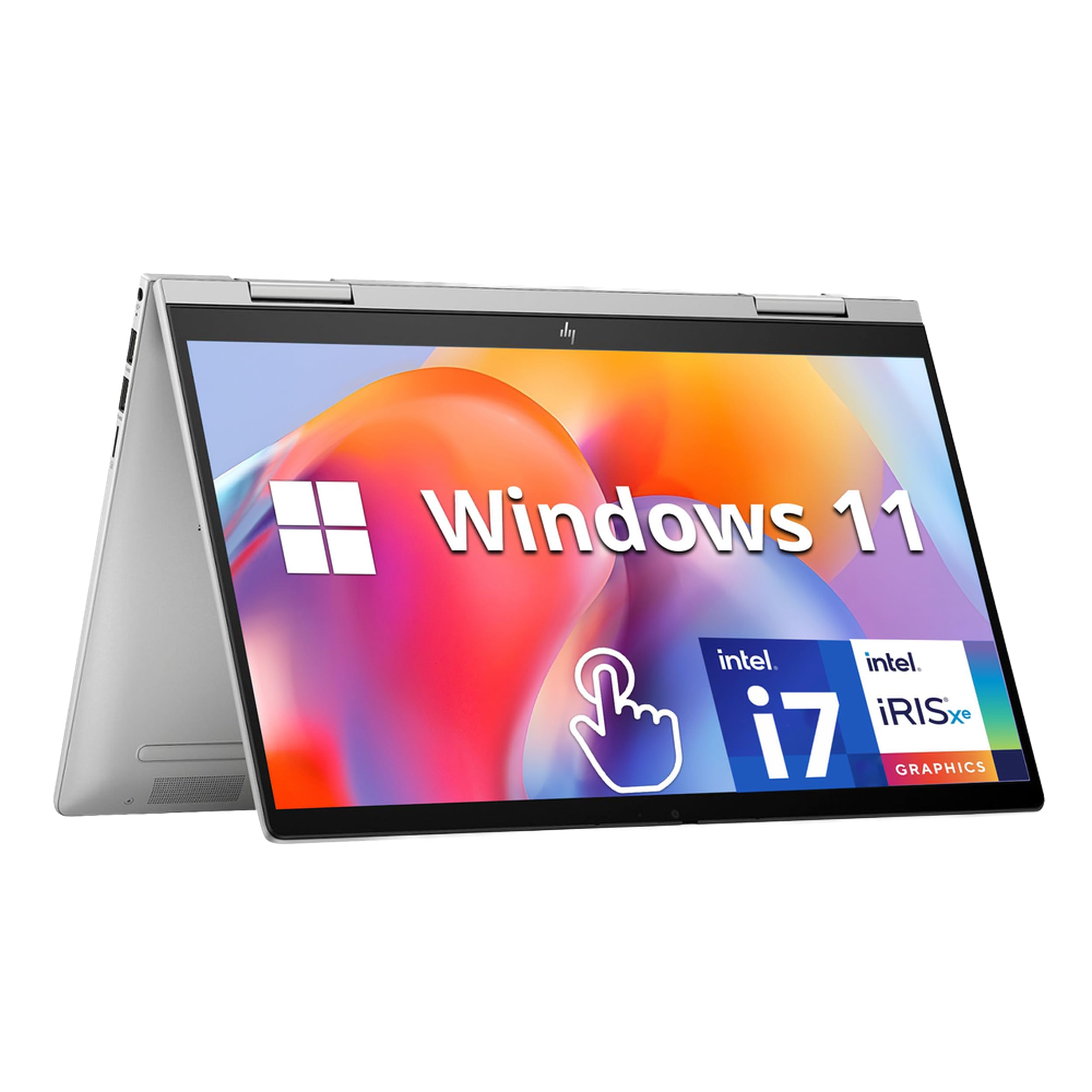
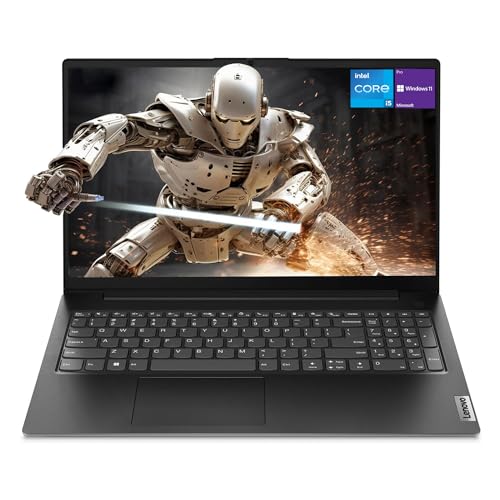

Three Budget Paths at a Glance
Think of the market as three paths rather than a single ladder. Each path below describes what that spending level generally gives you for audio work, so you can compare any model in the product table above against a clear standard.
The Budget Path
Budget laptops around $400 to $700 suit listening, simple recording, podcast editing, and small music projects. You typically get a capable mid level processor, 8GB or 16GB of RAM, and a solid state drive that keeps loading times short. Speakers are usually adequate for voice and casual listening rather than detailed mixing. The main limit is headroom, because large projects with many effects will push these machines hard.
The Midrange Path
Midrange laptops around $700 to $1,300 are the sweet spot for most creators. You gain a stronger processor, 16GB of RAM as standard, quieter cooling, and better built in speakers and microphones. Screens improve too, which helps during long editing sessions. This path handles multitrack recording and moderate video work comfortably. For many buyers comparing the best laptops for audio production, this tier offers the best balance of power and price.
The Premium Path
Premium laptops above $1,300 add processing headroom, larger and faster storage, excellent displays, and the quietest cooling systems. That quiet operation matters when you record in the same room as the laptop. You also get stronger cases, better keyboards, and longer support for software updates. The trade off is simple, because you pay a lot for gains that only heavy projects and daily professional use will fully reward.
What Your Money Gets You at Each Price Tier
Budget Tier: What to Expect
At the budget tier, put your money into RAM and storage before anything else. A laptop with 16GB of RAM and a 512GB solid state drive will feel better for audio work than a faster processor paired with only 8GB. Expect plastic cases, average speakers, and fans you can hear under load. Battery life is often good because the hardware uses less power. This tier works well for students, podcasters, and anyone learning a digital audio workstation for the first time.
Midrange Tier: The Sweet Spot for Most Buyers
Midrange models step up in every area that affects daily comfort. Cooling gets quieter, displays get brighter and more accurate, and ports usually include USB C plus a headphone jack and often an SD card slot. Speakers sound fuller, which makes quick reference checks more reliable. You also see better trackpads and backlit keyboards. If you record and edit several times a week, this tier will serve you well for years without feeling like a compromise.
Premium Tier: When Spending More Pays Off
Premium pricing buys silence, speed, and screen quality. Large projects open fast, exports finish quickly, and fans stay quiet during recording takes. Displays with wide color coverage help if you edit video alongside audio. Cases made from aluminum resist daily travel wear. Spend at this level if audio work is your job, if you run many virtual instruments at once, or if you keep a laptop for five years or more. Listeners focused only on playback rarely need this tier.
Features Worth Paying For and Ones to Skip
Processor and Performance Tier
The processor sets your ceiling for track counts and effects. Current mid level chips from the major makers handle typical recording and mixing with ease. Step up a tier if you use many virtual instruments, large sample libraries, or heavy restoration tools that clean up noisy recordings. Single core speed still matters for live monitoring with low delay, so a newer efficient chip often beats an older power hungry one. You can skip the very top processor options unless your projects regularly use dozens of tracks.
RAM and Storage
Treat 16GB of RAM as the practical minimum for serious audio work, and choose 32GB if you load large sample libraries. Storage fills faster than most buyers expect, because recorded takes, samples, and video files are large. A 512GB drive is a workable start, and 1TB gives you breathing room. External drives help, but your active project should live on the internal drive for the fastest and quietest performance. Our guide to the best laptops for audio recording covers drive speed and session backup habits in more detail.
Weight and Portability
Weight decides whether the laptop actually travels with you. Models under 3 lb suit students and field recordists who move daily, while 4 lb models are fine for a home studio desk. Remember to count the charger, which can add noticeable weight with larger adapters. A slightly heavier laptop with quieter cooling may serve a home studio better than an ultralight model whose fans spin up during every take.
Keyboard, Trackpad, and Build
You will touch the keyboard and trackpad for hours, so comfort is not a luxury. Look for keys with clear travel, a trackpad that tracks smoothly for precise edits, and a case that does not flex when you type. Aluminum cases usually feel firmer and handle heat well. If you type lyrics, notes, and metadata all day, test the keyboard layout if you can, especially the placement of function keys used by your editing software.
Speakers, Ports, and Audio Outputs
Built in speakers will never replace studio monitors, but good ones make reference checks and casual listening far more useful. A clean headphone output with low noise matters even more, because hiss in the output hides detail in quiet passages. Check for a headphone jack, enough USB ports for your interface and controller, and an HDMI port if you use an external screen. Buyers who mostly edit on headphones may also want to compare the best laptops for audio editing for screen and port trade offs.
Long Term Costs to Factor In
The purchase price is only part of the cost. Budget for an audio interface if you record with microphones, a pair of closed back headphones for tracking, and backup storage for your projects. Software subscriptions for your workstation and effects can add a steady yearly cost. A longer warranty or accidental damage cover may be worth it for a laptop that travels. Finally, plan for a battery replacement after several years if you use the machine daily, and keep your project files backed up in two places so a single failure never costs you finished work.
Audio Laptops: Your Questions Answered
How long should an audio laptop last?
A well chosen audio laptop should last four to six years for recording and editing work. Processor power ages slowly for audio, so RAM and storage limits usually end the useful life first. Choosing 16GB or more of RAM and a larger drive at purchase extends that life. Battery health will fade sooner, but a battery replacement can restore daily portability at modest cost.
Should I buy a laptop or a tablet for audio work?
Buy a laptop if you record multitrack sessions, use desktop class software, or connect an audio interface and controller at the same time. Tablets suit sketching ideas, simple voice recording, and playback. The deciding factor is software, because most full featured workstations and plug in collections still run best on a laptop operating system with a full file system and standard USB ports.
Is a dedicated GPU worth it for an audio laptop?
A dedicated graphics processor is rarely worth paying for if your work is audio only. Integrated graphics handle editing software, meters, and waveforms without trouble. Pay for graphics power only if you also edit video, stream with visual effects, or play games on the same machine. Otherwise, spend that money on RAM, storage, or a quieter cooling system instead.
Is a Chromebook enough for school audio work?
A Chromebook is enough only for basic listening, web based recording tools, and simple voice projects. Most desktop audio software and hardware interfaces do not support it fully, which limits class assignments that need multitrack editing or specific plug ins. If your course lists required software, check its operating system support first. For general study plus audio, a Windows or Mac laptop gives you far fewer surprises.
How much RAM do I need in an audio laptop?
You need 16GB for comfortable multitrack recording and mixing, and 8GB only works for light podcast or voice work. Choose 32GB if you use large orchestral or drum sample libraries that load many sounds at once. RAM cannot be upgraded on many current laptops, so this decision matters at purchase. When in doubt, prioritize RAM over a small processor step up. Engineering focused readers can also see the best laptops for audio engineering for higher end requirements, and those comparing thin everyday models can check the best notebook laptops as well.
The Bottom Line
Match the tier to your workload, protect your budget for RAM and quiet cooling, and check the headphone output and ports before you fall for a bright screen. Most creators will be happiest in the midrange, while heavy professional projects justify premium spending. Look back at the product table above with those priorities set, and choose the best audio laptops option that fits how you actually record, edit, and listen.


