
Best Affordable Laptops for Engineering Students 2026
Disclosure: We may earn a commission when you buy through links on this page, at no extra cost to you. As an Amazon Associate I earn from qualifying purchases. Learn more

Compare the best affordable laptops for engineering students by CPU, RAM, and graphics for CAD, coding, and simulation work on a student budget.
Engineering coursework is tougher on a laptop than most majors. You may run CAD, simulation tools, MATLAB, programming environments, and a pile of PDFs at the same time, often for hours between classes. This guide helps you find the best affordable laptops for engineering students by explaining which specs protect you from slow rendering and dead batteries in the middle of a lab day.
The product table below lists current options. Use the sections here to check the specs against your department's software list before you buy.






What Engineering Software Asks For
Different branches lean on different tools. Mechanical and civil students often use CAD programs that like a strong processor, plenty of memory, and sometimes a dedicated graphics chip. Electrical and computer engineering students run circuit simulation, programming tools, and sometimes virtual machines, which love RAM and fast storage. Chemical and industrial students lean on spreadsheets, MATLAB, and modeling tools.
Because requirements vary, the best first step is to check your program's recommended specifications. Many schools publish them, and some offer lab access that can lighten what your personal laptop must do.
How to Choose the Best Affordable Laptops for Engineering Students
Processor
Choose a recent Intel Core i5 or i7, or an AMD Ryzen 5 or 7. Engineering tasks use several cores, and a stronger processor shortens simulation and rendering times. Avoid entry level chips if you will run CAD.
Memory
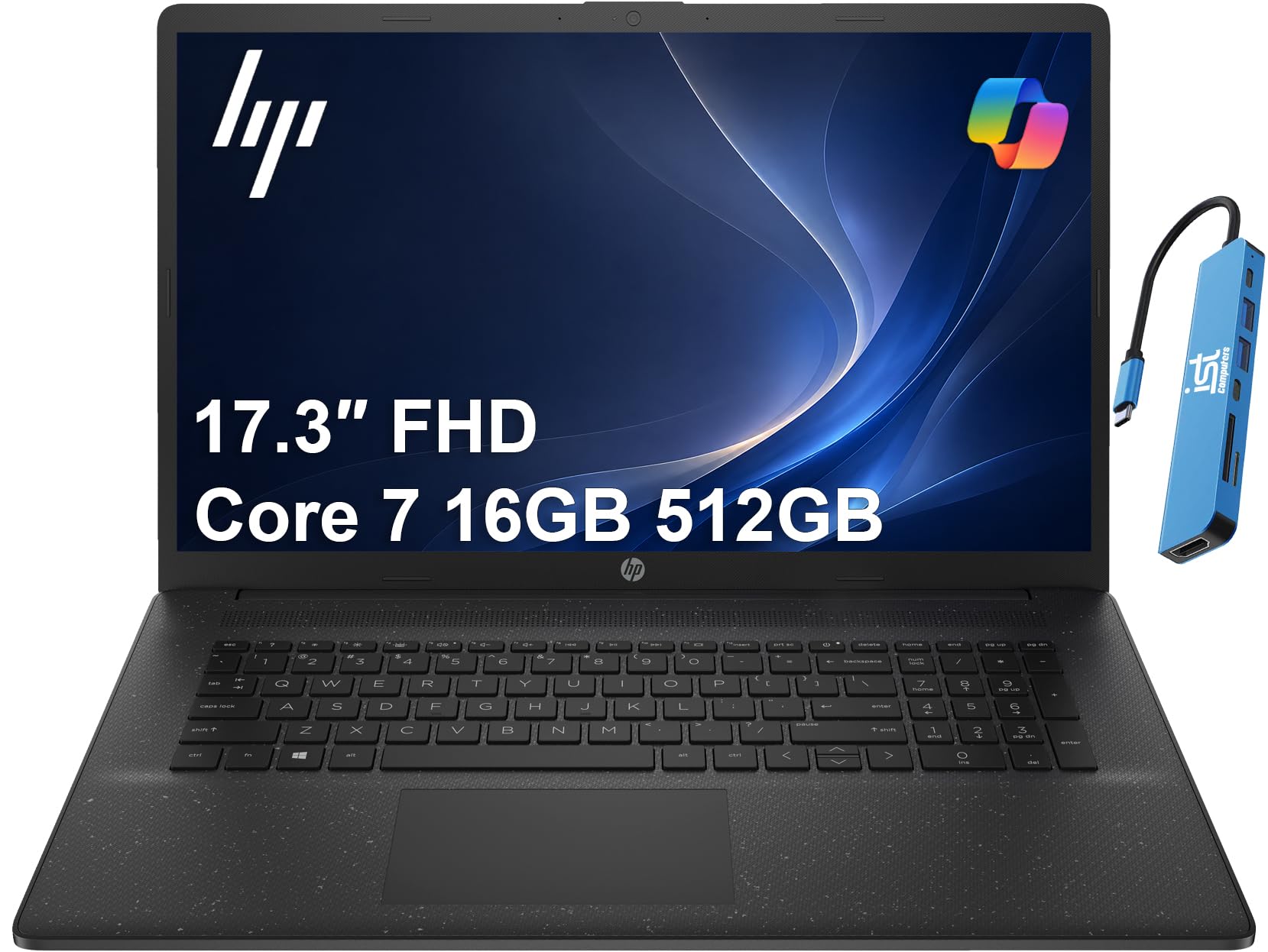
Sixteen gigabytes of RAM is the practical target. Eight gigabytes will struggle with CAD, virtual machines, and many open tabs. Because many affordable laptops cannot be upgraded later, buy enough memory now.
Graphics
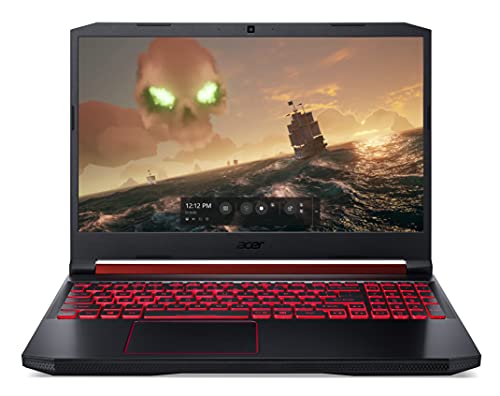
If your courses use 3D CAD or simulation, a dedicated graphics chip helps. Entry cards such as a GTX 1650 or RTX 3050 class chip are common in affordable gaming style laptops. For programming and spreadsheets, integrated graphics are enough.
Storage
An SSD of 512 GB holds the operating system, large software packages, and project files. Engineering software installs can take tens of gigabytes each, so a 256 GB drive fills quickly.
Battery, Weight, and Screen
Between classes, a battery that lasts six hours or more and a weight under four to five pounds make a difference. Gaming style laptops have stronger specs but heavier builds and shorter battery life. A full HD screen with good brightness is easier on the eyes during long study sessions.
Types of Laptops for Engineering Students
| Type | Best for | Trade off |
|---|---|---|
| Thin and light laptop | Programming, spreadsheets, and note taking | Limited graphics for CAD |
| Entry gaming laptop | CAD, simulation, and rendering | Heavy, with shorter battery life |
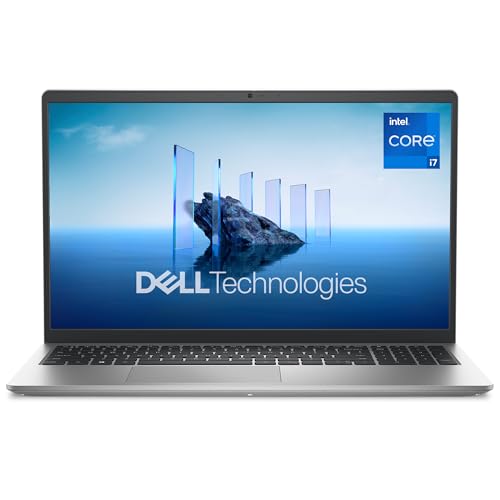
| Mainstream 15 inch laptop | General coursework on a tight budget | Average cooling and screens |
| Chromebook | Web based coursework only | Cannot run most engineering software |
Budget around $600 to $900 for a solid general laptop, and $800 to $1,100 for a model with dedicated graphics.
Mistakes to Avoid
- Buying without checking the software list. A laptop that cannot run your required program is useless however cheap it is.
- Choosing a Chromebook. Most engineering tools need Windows, and some need a powerful processor.
- Ignoring cooling. Long simulations make weak cooling throttle performance.
- Skipping a backup plan. Project files are valuable, so keep copies on a cloud drive or an external drive.
Getting Ready for the Semester
Install the required software early, before deadlines pile up, and open a large sample file to see how the laptop copes. Many schools offer student licenses, so check before paying for anything. Keep your drivers updated, and use a cooling pad if the laptop runs hot during long jobs.
Carry a compact charger and a sleeve, and keep the laptop on a hard surface so the vents stay clear. Try your external monitor and ports in the first week so there are no surprises on presentation day.
What Your Money Gets You
Around $500 to $700
This tier suits programming, MATLAB, spreadsheets, and general coursework. Expect a recent processor, 8 GB or 16 GB of RAM, and a 512 GB SSD. It is not ideal for heavy CAD, so check your course requirements first.
Around $700 to $1,000
The middle tier brings 16 GB of RAM, stronger processors, and in many cases an entry dedicated graphics chip. That makes CAD, simulation, and light rendering practical. Gaming style models in this range offer the most performance per dollar, with the trade off of weight.
Around $1,000 and above
Premium models add better cooling, sharper screens, lighter builds, and longer battery life. They suit students who carry the laptop all day or run demanding software, but they stretch a student budget.
Operating System and Software Support
Many engineering programs rely on Windows only software, including CAD tools, circuit simulators, and lab applications. Windows laptops are the safest choice if your department publishes a software list. Some tools offer Mac versions, but check carefully before you buy, because workarounds like virtual machines add cost and complexity.
Remote desktop access to a school lab can fill gaps for demanding programs. If your university offers it, you can run heavy software on a campus machine from a lighter laptop, which lets a modest laptop do more than its specifications suggest.
Battery and Portability
Engineering students spend long days on campus, moving between lectures, labs, and the library. Aim for a battery that can last six hours of mixed use and a charger that is easy to carry. Gaming style laptops with dedicated graphics typically last three to five hours, so plan to charge during the day.
Frequently Asked Questions
Do I need a dedicated graphics card?
Only if your courses use 3D CAD, rendering, or GPU based simulation. For programming, spreadsheets, and documents, integrated graphics are enough.
How much RAM do engineering students need?
Sixteen gigabytes covers most coursework, including CAD and virtual machines. Heavy simulation work may benefit from 32 GB, but it adds cost.
Can a Mac work for engineering?
Some engineering programs rely on Windows only software. Check with your department before you choose a Mac, because some CAD tools do not run natively.
How do I make a student laptop last four years?
Buy enough memory and storage from the start, keep vents clean, and use a protective sleeve. Avoid keeping the laptop plugged in at full charge all the time if a charge limit is available.
Should I buy a gaming laptop for engineering?
It can be a smart choice for CAD heavy majors because it offers strong specs at a fair price. The trade off is weight and battery life, so weigh them against your daily routine.
Final Thoughts
Check your software requirements, then prioritize the processor, 16 GB of RAM, and an SSD, adding dedicated graphics only if your courses need it. Compare the models in the product table above and pick the best affordable laptops for engineering students that suits your major. For more help, see the guides to the best affordable laptops for students and the best affordable engineering laptops.


