
Best AMD Motherboards with Wifi: Our 2026 Checklist and Buying Guide
Disclosure: We may earn a commission when you buy through links on this page, at no extra cost to you. As an Amazon Associate I earn from qualifying purchases. Learn more

Choose the best amd motherboards with wifi using this checklist on WiFi standards, antennas, chipset tiers, power delivery, and cooling for your build.
A board with built in WiFi saves you a cable run, an adapter card, and a slot, but only when the wireless hardware is current and the antennas are placed well. This guide gives you a clear checklist for judging the best amd motherboards with wifi, covering the wireless standard, chipset, power delivery, and cooling in plain terms. You will also see the price tiers, so you know what paying more actually adds.
Keep the comparison table below open as you read and test each board against the same lines. A board that passes on wireless but fails on power delivery is still the wrong board.

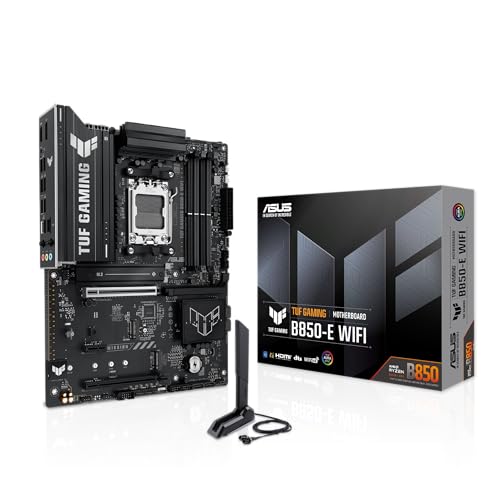

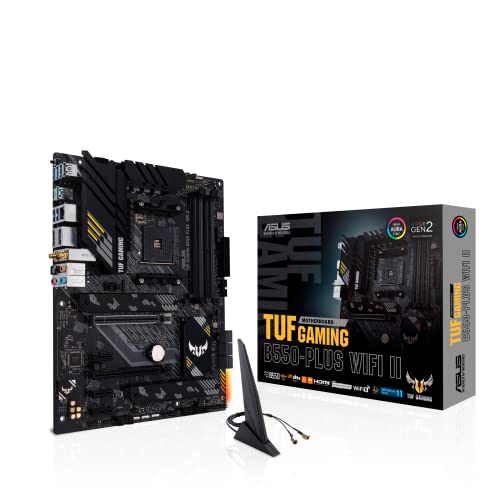


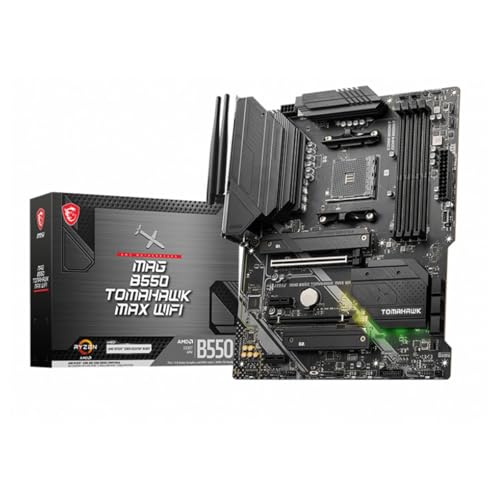
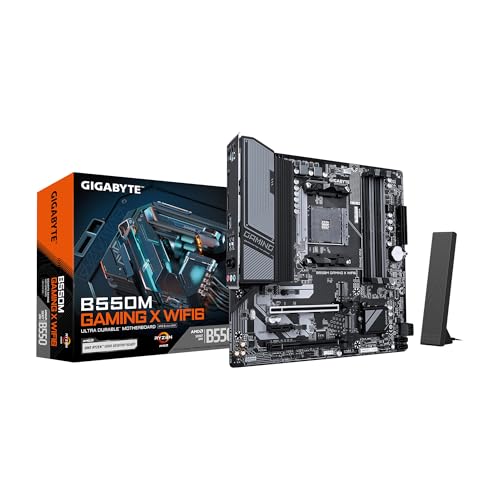
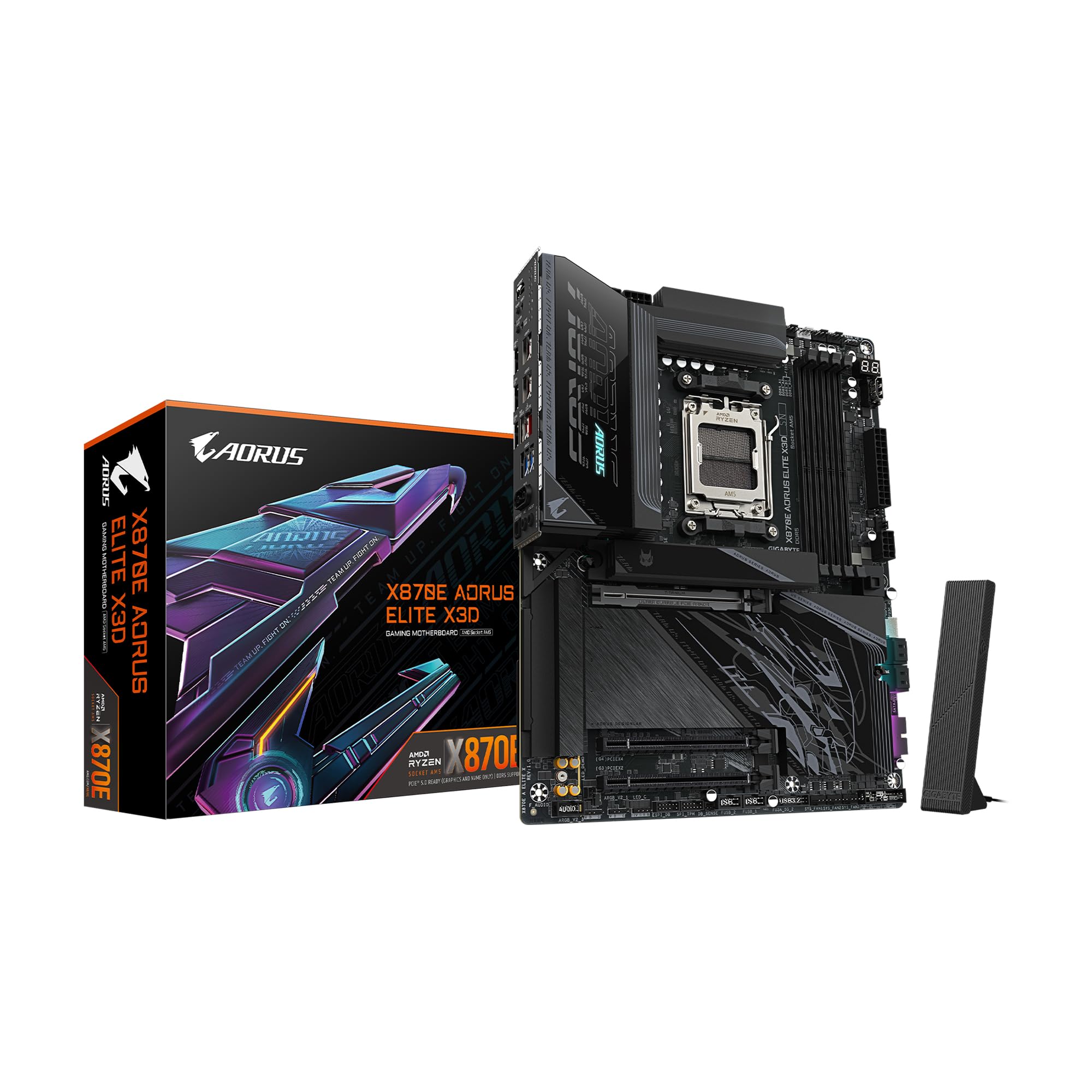
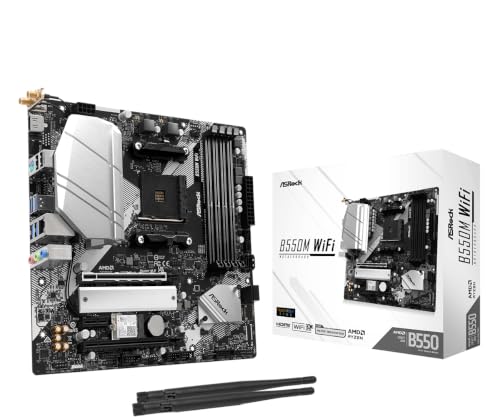
How We Evaluate AMD Motherboards
Why Choose an AMD Motherboard With Wifi
Built in WiFi suits rooms far from the router, rental homes where drilling for cable runs is off limits, and clean desk setups with few wires. It also adds Bluetooth for controllers, headsets, and mice without a dongle. The limits are real too: a wired link still wins on raw stability for competitive play and large local transfers. If your desk sits near the router, a wired board plus a cable may serve you better for less money, which is why our general guide to the best amd motherboards remains worth a look.
CPU and GPU Pairing
WiFi adds nothing to frame rates, so pair the chip and card to your screen exactly as you would on a wired board. A six or eight core Ryzen with a midrange card is the classic 1440p pairing, while budget 1080p builds run happily on lower tiers. Make sure the wireless card does not sit where a thick graphics card will block its antennas or crowd its cables. Boards that place the WiFi module near the rear ports with external antennas avoid most of these fit problems.
Power Supply Quality
Wireless hardware draws little power, so your power supply choice follows the processor and graphics card as usual. An 80 Plus Gold unit with clear headroom above your total draw keeps voltage steady during long gaming or work sessions, and steady power also helps wireless stability more than most people expect. Random disconnects blamed on WiFi sometimes trace back to a weak or aging power supply. Buy quality once, around 650 watts for most single card builds, and remove a whole class of odd faults.
Warranty, Support, and Build Quality
Check for a warranty of about three years and, just as important, current wireless driver support on the maker site, because WiFi drivers decide whether new router features work well. Build quality signs include antennas that screw on firmly, a reinforced main graphics slot, and a module that sits under a proper shield rather than dangling on a bracket. Good cable management room in the case still matters, since antenna leads are short and need a clean path to the rear panel. Keep the antenna pair in the box with the manual so they never get lost in a move.
Cooling and Thermals
The WiFi module adds a small amount of heat near the rear of the board, and a hot case makes wireless dropouts more likely on marginal hardware. Keep at least one intake and one exhaust fan, and avoid sealing the PC inside a closed cabinet. For the processor, air cooling suits most Ryzen chips, while an AIO cooler can help in compact cases with limited airflow. What matters most is steady airflow across the whole board, which also keeps the VRM and storage drives in their comfort zone.
Case Size, Airflow, and Aesthetics
Pick the board size your case supports: ATX for room and slots, micro ATX for value, and ITX for small form factor PCs where every board with WiFi earns its keep because spare slots do not exist. Compact builders should compare our guide to the best amd itx motherboards, since nearly all small boards include wireless. RGB lighting and white color schemes are taste, not quality, though themed builders can browse our guide to the best white amd motherboards for matched looks. Antennas on a rear desk edge get a clearer signal than antennas tucked behind a metal case under a desk.
What Each Price Tier Delivers
Budget Wireless Boards
At the budget end, generally under $150, WiFi usually means an older or entry wireless standard and a B550 chipset, which is fine for browsing, streaming, and casual gaming. Antennas may be simple fixed sticks rather than a movable base, so router distance matters more. Power delivery suits mainstream chips at stock settings. This tier makes sense when the PC lives in a bedroom or dorm and a cable run is simply not possible, and its limits are honest ones you can plan around.
Midrange Wireless Boards
The midrange, roughly about $150 to $250, is where WiFi 6 or WiFi 6E becomes common alongside stronger VRMs, a second NVMe slot, and better audio. A movable antenna base that sits on the desk improves signal in tricky rooms, and Bluetooth versions are newer too. Most buyers should land here, because the wireless hardware will stay current for the life of the PC. Pair this tier with any Ryzen chip from the mainstream to the flagship and it will not hold the system back.
Premium Wireless Boards
Premium boards above about $250 add the newest WiFi standards, faster wired networking as a backup, extra NVMe slots, and power stages built for sustained flagship loads. They suit creators moving large files, streamers who want wired and wireless options, and high end 4K builds in rooms where cables cannot go. The gains are convenience and capacity, not gaming speed. Buy this tier when you can point to the exact feature you need, and let the product table above confirm the price gap is worth it to you.
Quick Buyer Checklist
- Is the wireless standard at least WiFi 6, and does it match what your router can offer?
- Do the antennas move or sit on a base, so you can place them for a clear signal?
- Does Bluetooth come included, at a version that suits your controllers and audio gear?
- Does the chipset and VRM suit your exact Ryzen chip at full load?
- Are there enough NVMe and USB options for your drives and desk gear?
- Are current WiFi drivers listed on the maker support page for your operating system?
- Does the board size fit your case with room for your graphics card and fans?
Red Flags to Watch For
- Unnamed wireless hardware. A listing that says only WiFi ready or fast wireless without naming the standard is hiding old parts.
- No antennas in the box. Some cheap listings treat antennas as extras, and a board without them performs poorly.
- Stale driver pages. If the newest wireless driver is years old, expect trouble with newer routers and operating systems.
- Weak power delivery with premium wireless. A board that spends its budget on radios while skimping on the VRM serves neither gamers nor workers well.
- Vague slot sharing notes. If using the second drive slot disables other ports without clear notes, read the manual before money changes hands.
Tips to Get the Most From Your AMD Motherboard
Once you have picked from the best amd motherboards with wifi, place the antennas upright and apart, ideally on the desk rather than behind the case, and rerun your router placement test after any room change. Clean dust filters and fans every three months, update GPU drivers and BIOS carefully one change at a time, and monitor temps with free tools in the first week. If WiFi speeds disappoint, test a wired link once to learn whether the board, the router, or the room is the real limit. Background on the platform itself sits in our guide to the best motherboards with wifi and our guide to the best motherboards for amd processors.
FAQs
Is WiFi 6E or WiFi 7 worth it on an AMD board?
It is worth it if your router supports the same standard, since the benefit appears only when both ends match. WiFi 6 is plenty for streaming and gaming on most home networks. Choose WiFi 7 mainly when you buy a premium board and plan to upgrade your router soon.
Does built in WiFi work as well as a wired link?
For most uses, yes. Streaming, browsing, downloads and online games run fine on a strong signal. A wired connection still wins on latency stability and large local transfers, which is why many boards include 2.5G Ethernet alongside WiFi.
Can I add WiFi to a board that does not have it?
Yes, with a PCIe card or a USB adapter. A card uses a slot and adds antenna cables, while a board with built in WiFi keeps the build cleaner and often includes Bluetooth as well.
Why is my WiFi slow on a new AMD board?
Check that the antennas are attached and placed on the desk, install the latest wireless driver from the maker site, and confirm your router uses the same band. If speeds stay low, try a wired link once to learn whether the board, router or room is the limit.
Do all AMD boards with WiFi include Bluetooth?
Nearly all do, because the wireless module covers both. Check the Bluetooth version if you plan to use controllers or headphones, and make sure the antennas that come in the box are connected.
Final Thoughts
Put the wireless standard and antenna design first, then confirm the chipset, power delivery, and slot layout suit your chip and drives, in that order. Midrange boards give most buyers current WiFi and strong all round hardware, while budget and premium tiers serve clear narrow needs. Compare your short list with the product table above, and the best amd motherboards with wifi for your room and router will be easy to spot.


