Best AMD ITX Motherboards: How to Choose for a Compact Build
Disclosure: We may earn a commission when you buy through links on this page, at no extra cost to you. As an Amazon Associate I earn from qualifying purchases. Learn more

Compact Ryzen builders can compare the best AMD ITX motherboards by socket, power design, storage, ports and case fit.
The best amd itx motherboards let you build a small Ryzen PC without giving up fast memory, M.2 storage or a full-speed graphics slot. The catch is that a mini-ITX board packs everything into a 6.7 inch square, so socket, cooling space and ports need more care than on a full-size board. Use the product table to compare current boards, then use this guide to narrow the shortlist.
Most choices come down to three questions: which Ryzen chip you own or plan to buy, how big your case and cooler are, and how many drives and USB devices you connect. Answer those first and the long list shrinks fast.


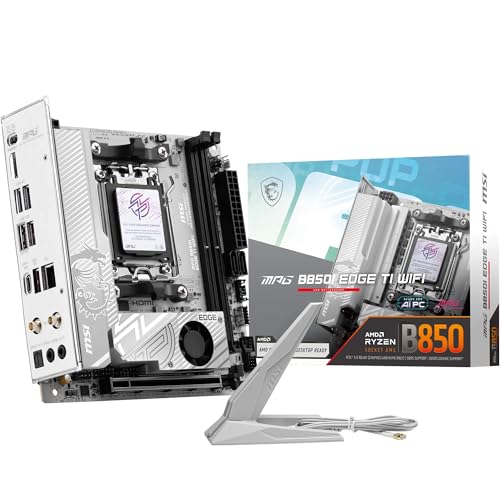
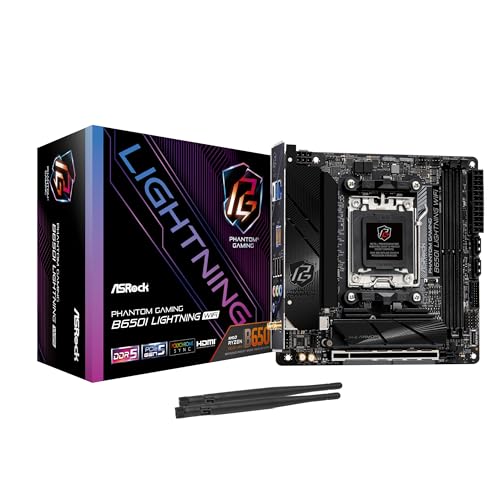
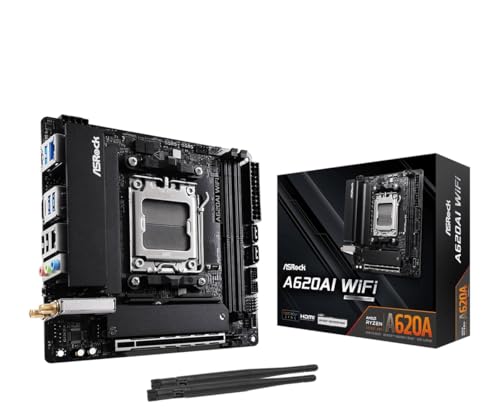


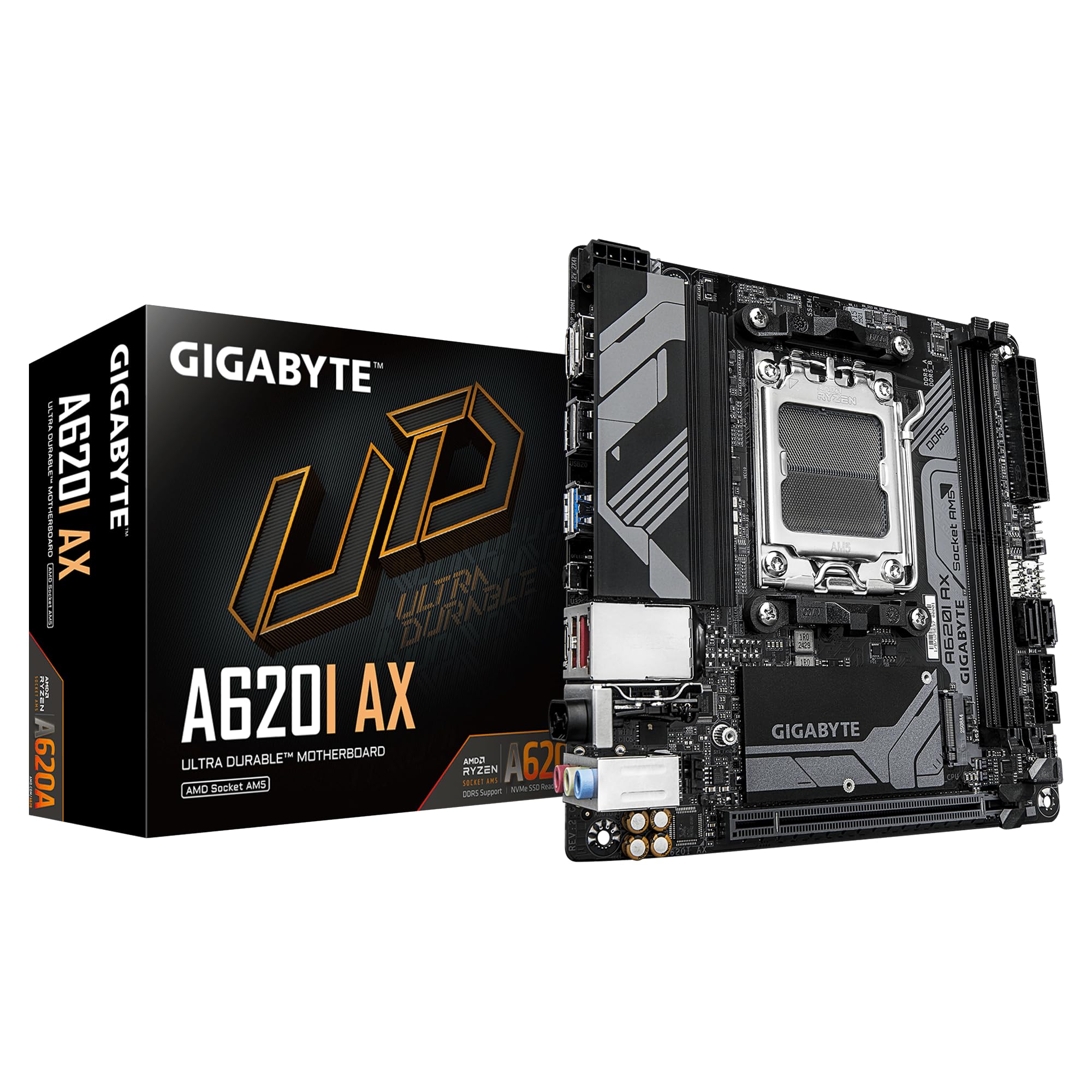


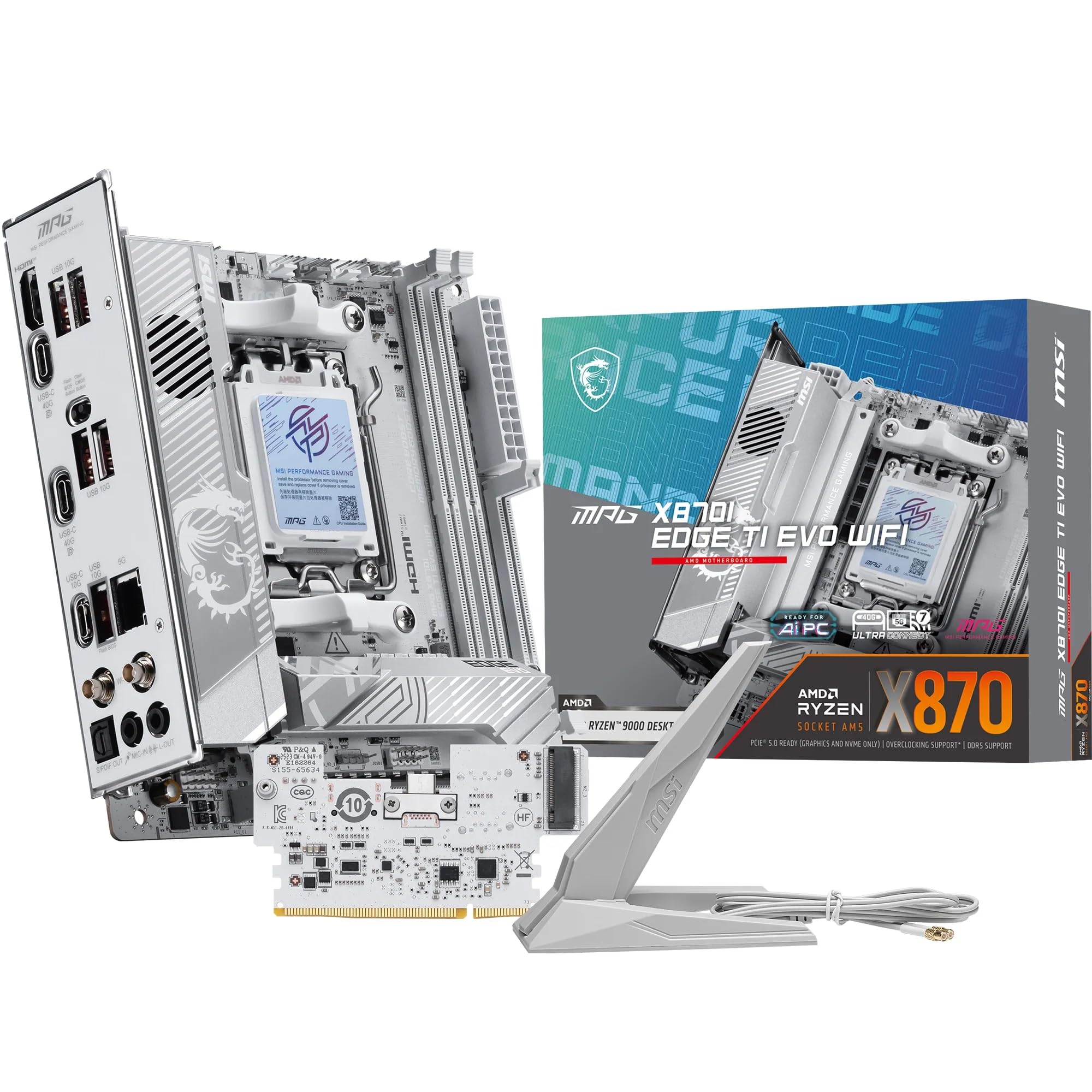
Who Should Buy an AMD ITX Motherboard
An ITX board suits builders who want a compact desktop for a desk, a living room or a small apartment. It also suits anyone building a quiet home server or a portable LAN box that still needs real desktop performance.
If you want several expansion cards, more than two memory slots or plenty of SATA ports, a micro-ATX board is easier and often cheaper. ITX rewards careful planning and costs a little more per feature, so choose it because size matters to you.
Key Features to Compare
- Socket and chipset: AM5 boards (A620, B650, B850, X870) take Ryzen 7000, 8000G and 9000 chips with DDR5. AM4 boards (A520, B550) take Ryzen 3000 and 5000 chips with DDR4 and cost less. Check the maker's CPU support list for your exact processor.
- Power delivery: Compact boards use small heatsinks on the voltage regulators. A Ryzen 7 or Ryzen 9 chip under long loads benefits from a stronger design, while a Ryzen 5 runs fine on an entry board.
- Memory: ITX boards have two slots. Plan for 32 GB or 64 GB in two modules and check the supported speeds.
- Storage: Look for two M.2 slots if you want a second drive, and count SATA ports if you reuse hard drives or SSDs.
- Ports and wireless: Most ITX boards include Wi-Fi and Bluetooth because a small case rarely has room for a card. Check for 2.5G Ethernet, USB-C and enough rear USB ports.
- BIOS update support: Some boards need a BIOS update before a newer chip will boot. Look for a BIOS flashback button if you are not sure.
For nearby comparisons, see best itx motherboards, best mini itx motherboards and best amd motherboards.
AM5 or AM4 for a Compact Build
AM5 is the better long-term pick. It supports DDR5, PCIe 5.0 on many boards and newer Ryzen generations, and it keeps upgrade options open. AM4 still makes sense when you already own DDR4 memory and a Ryzen 5000 chip, because a B550 or A520 ITX board lets you reuse both and keeps the total cost low.
Within AM5, B650 and B850 boards cover most builders. X870 adds extra USB4 and connectivity for a higher price. A620 trims overclocking and some features, which is fine for a basic office or media PC.
Fit, Cooling and Case Clearance
Mini-ITX is a standard size, so any ITX board fits any ITX case in terms of mounting holes. The tight spots are cooler height, graphics card length and power supply type. Many small cases need an SFX power supply and a low-profile or short tower cooler.
Compare the board's M.2 position as well. Drives placed under the graphics card run warmer, and some boards put a drive on the back, which needs case clearance. Choose a board with M.2 heatsinks, or plan for airflow across the drive area.
Build Tips for Small Cases
Install the processor, cooler and memory, and attach the M.2 drive before putting the board in the case, since space is limited afterward. Update the BIOS first when the board is new and your chip is recent.
Set fan curves in the BIOS for quiet idle behavior and stronger cooling under load. Watch processor and drive temperatures during the first long gaming or rendering session, and clean dust filters regularly.
Common Mistakes to Avoid
- Buying an AM5 board for a Ryzen 5000 chip, or the reverse. Sockets are not interchangeable.
- Skipping the case and cooler measurements until after the board arrives.
- Choosing a board with weak power delivery for a high-core-count Ryzen chip.
- Forgetting that ITX boards have only one PCIe slot, so a capture card or extra network card may not fit alongside a graphics card.
- Ignoring the BIOS version, which can leave a new chip unable to start.
Matching Boards to Ryzen Chips and Budgets
For a Ryzen 5 or an 8000G chip with built-in graphics, an A620 or B650 ITX board is plenty, and it leaves more of the budget for the case, memory and storage. For a Ryzen 7 used in gaming, a B650 or B850 board with a solid power design and two M.2 slots is the usual sweet spot.
Ryzen 9 chips and long rendering or compiling sessions reward a stronger board, usually in the B850 or X870 range, because the voltage regulators stay cooler under sustained load. If your chip is older, an AM4 B550 board remains a sensible, lower-cost option, especially when you already own DDR4 memory.
Whatever the budget, keep a small reserve for a compatible cooler and an SFX power supply, since those two parts often cost more than expected in a compact build.
Frequently Asked Questions
Can an AMD ITX motherboard handle a high-end Ryzen chip?
Yes, many AM5 ITX boards support Ryzen 7 and Ryzen 9 chips. Look for a stronger power design and good heatsinks, and make sure your case airflow keeps the chip cool.
Is ITX harder to build than a larger PC?
It is a little slower because space is tight and cable routing takes planning, but the parts are the same. Build the core components outside the case first and the process is straightforward.
Do ITX boards run hotter?
They can, because airflow is limited and parts sit close together. A fitted cooler, clean filters and sensible fan curves keep temperatures in a safe range.
How many drives can an ITX board hold?
Most offer one or two M.2 slots and two to four SATA ports. If you need more storage, plan on larger drives or external storage.
Do I need Wi-Fi on the board?
Most ITX boards include it, which saves a slot. If you use wired Ethernet only, Wi-Fi is a free extra. For a living room PC, good wireless support is a practical daily benefit.
Choosing the Best AMD ITX Motherboards
Match the socket to your processor first, then check cooler and graphics card clearance for your case, then compare storage and ports. Use the product table to weigh boards at your budget and pick the one that fits your build without stretching the case.
The best amd itx motherboards are the ones that suit your chip, your case and your daily use, not simply the ones with the longest feature list. Take the time to verify fit and you will end up with a small PC that runs well for years.