
Best All Around Printers For Home 2026: A Buying Guide
Disclosure: We may earn a commission when you buy through links on this page, at no extra cost to you. As an Amazon Associate I earn from qualifying purchases. Learn more
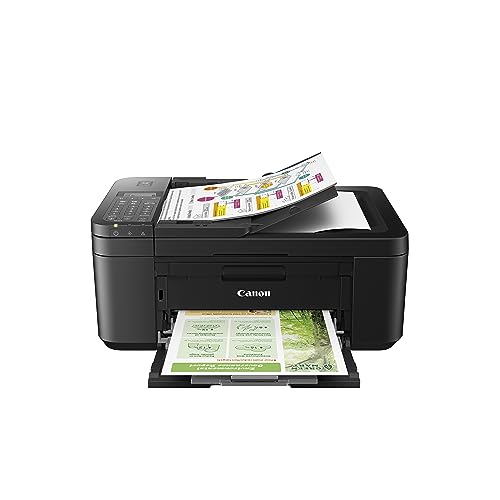
A home printer should handle school work, forms, and photos. Compare print quality, ink cost, connections, and scanning in one guide before you buy.
The best all around printers for home handle school work, forms, shipping labels and the occasional photo without costing a fortune in ink. Most households print a few pages a week with the odd burst before a deadline, so reliability and running cost matter more than top speed.
This guide explains the printer types, the features that decide daily satisfaction and the mistakes that lead to regret. Use the product table to compare current options.


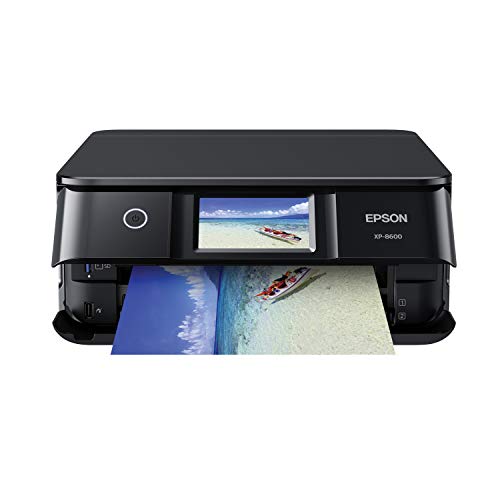



Which Type of Home Printer Fits You
Inkjet all-in-one printers
Inkjets print documents and color photos well and suit homes that print a mix of both at low to moderate volume. Their weakness is ink cost with small cartridges and print heads that can clog if the machine sits unused for weeks.
Ink tank printers
Tank models cost more up front but cut color page costs sharply, which suits families that print regularly in color. Check refill prices before you buy.
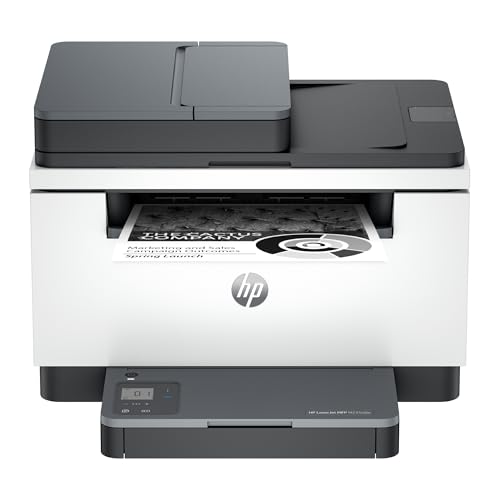
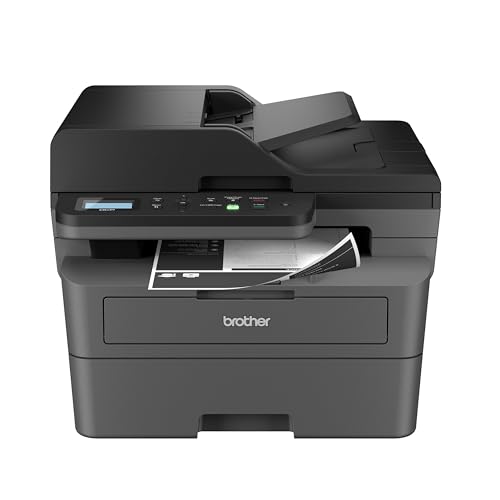
Monochrome laser printers
Laser printers give crisp text, fast output and low cost per page for black-and-white work, and the toner does not dry out between uses. Photos are weaker, and color laser models cost more.
Key Features to Compare
Print, scan and copy in one unit
A multifunction unit saves desk space and lets you scan school forms and copy documents without a separate device. An automatic document feeder helps when you scan multi-page paperwork.
Ink cost and page yield
Check the cost per page for black and color, because cheap printers often carry the highest supply costs over time. Estimate your real monthly pages before choosing; most people underestimate.
Connection and app support
Wi-Fi printing from a phone and a laptop matters in a shared home, while a USB port helps when the network drops. Look for support for your phone's printing system.
Print quality
Crisp text matters for forms and school work, while accurate color matters if you print photos more than a few times a year. Automatic two-sided printing saves paper.
Choosing Size and Placement
Measure your shelf or desk with the paper tray open, and leave room behind for cables and ventilation. Printers with a document feeder need headroom to lift the scanner lid. Think about noise if the printer will sit in a bedroom or study, and about who will use it most; simple controls help a household with children.
Price, Care and Everyday Value
Home printers typically cost about $60 to $400. A budget inkjet serves light use, a midrange all-in-one adds duplex printing and a feeder, and a laser pays off for text-heavy homes. Supply costs often exceed the purchase price within two years.
Print a page every week or two on an inkjet to keep ink flowing, store paper flat and dry, and update the printer software when prompted. Check returns, warranty length and what the warranty covers before you order.
Common Mistakes to Avoid
- Buying on the shelf price and ignoring ink or toner cost.
- Choosing a photo printer when you print mostly documents.
- Skipping the size check for your desk or shelf.
- Paying for features such as fax that you will not use.
- Letting an inkjet sit unused for weeks.
Related Guides
For more buying advice, see best computer printers for home, best quality photo printers for home, best picture printers for home and best mfp printers for home.
Frequently Asked Questions
Is inkjet or laser better for home?
Laser is cheaper per page for black-and-white text, while inkjet or tank models handle color and photos better. Choose by what you print most.
Are ink tank printers worth it?
Yes if you print regularly, especially in color. If you print only a few pages a month, a basic laser may cost less overall.
How much should I spend?
Most households find a good printer between $80 and $300. Add the cost of supplies to your budget.
Do I need a scanner?
A scanner is useful for school forms and receipts, so an all-in-one is usually the practical choice.
How do I stop ink drying out?
Print a color page every week or two and keep the printer powered down with its normal shutdown routine.
Final Thoughts
The best all around printers for home match your real print volume, offer scanning and wireless printing and keep supply costs low. Compare your shortlist in the product table, then check size, warranty and return terms before you order.
Choose for the pages you actually print, and the printer will serve your household for years.


