
Best All Around Printers in 2026: Which Type Is Right for You?
Disclosure: We may earn a commission when you buy through links on this page, at no extra cost to you. As an Amazon Associate I earn from qualifying purchases. Learn more
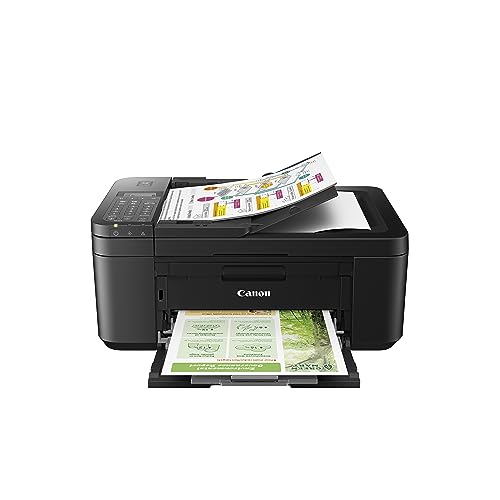
Compare types to find the best all around printers for your home, with guidance on cost per page, speed, size, noise, and ongoing ink costs.
The best all around printers print crisp documents, scan and copy paperwork and handle the odd photo, all at a running cost you can live with. Printer types differ sharply in supply cost and upkeep, so comparing the types first clears up most of the confusion.
This guide explains what each type does well, what it costs to run and who should skip it. Use the product table to compare current options.


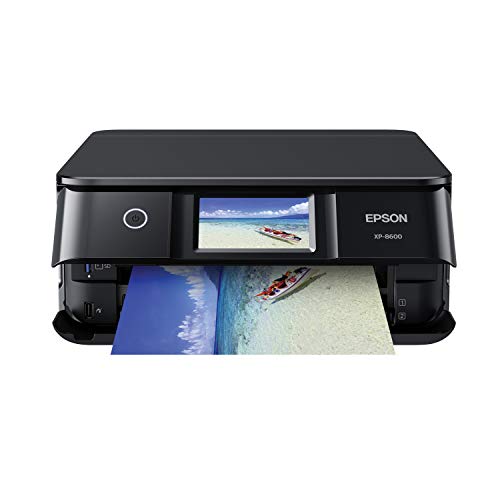
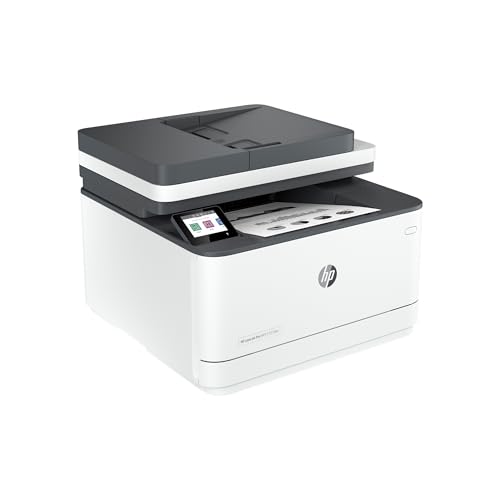



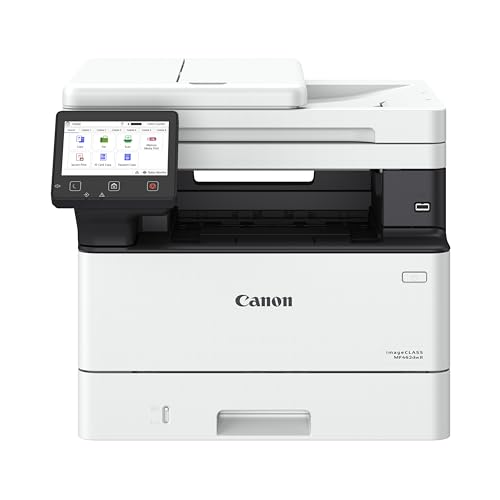

Types of Printers Compared
Inkjet models often start under $100, capable all-in-one models run about $150 to $400, and laser printers run from about $140 to $500. Running costs, not shelf prices, decide long-term value.
Inkjet printers
Inkjets spray tiny droplets of ink onto paper, which makes them versatile for text, graphics and photos on many paper types. They suit homes that print a mix of documents and color pages at low to moderate volume. Their weakness is ink cost with small cartridges and print heads that can clog when the machine sits unused.
Choose an inkjet if color quality matters and your volume is modest. For home-focused context, see our guide to the best computer printers for home.
Ink tank printers
Tank printers cost more up front but can cut color page costs dramatically for regular users. They suit families and home offices that print weekly.
Laser printers
Laser printers use toner and excel at crisp text, fast output and low cost per page for black-and-white volume. Color lasers cost more, and photos are weaker. Toner does not dry out, which suits people who print in bursts.
All-in-one printers
All-in-one printers combine printing with scanning, copying and sometimes fax. Many add an automatic document feeder, duplex printing, Wi-Fi and phone printing. They suit home offices that sign forms, scan receipts and copy IDs. The trade-off is size and complexity.
How to Choose the Right All Around Printer
Cost per page
Cost per page is the supply cost divided by the pages a cartridge or tank can produce. Cartridge models look cheap on the shelf and expensive over a school year. Estimate your real monthly pages for one honest week, including surprises, and multiply.
Print speed
Speed is measured in pages per minute, and first-page-out time matters for short jobs. Around 10 to 20 pages per minute is ample for most homes.
Print quality
Laser printers deliver the sharpest text, while inkjet and tank models handle color better. If print quality is your top concern, see our guide to the best quality printers.
Footprint and noise
Measure your shelf or desk with the paper tray open, and leave space behind for cables. Models with feeders need headroom. Laser fans and inkjet carriage movement sound different, which matters in small apartments.
Picking by Use
Your main use should have the final vote. Photo lovers need strong color and borderless paper support, as covered in our guide to the best printers for pictures. Document-heavy homes need a feeder, duplex printing and cheap text pages. For low total cost, a tank all-in-one usually wins for families that print weekly, and a basic laser wins for text-only homes that print in bursts.
Care and Maintenance Tips
- Print a color page weekly with inkjet models to help prevent clogs.
- Use genuine ink or reputable alternatives that match your model, and keep paper dry and flat.
- Clean paper feed rollers gently when misfeeds start, and update firmware through the maker support page.
- Keep the printer on a stable, level surface away from direct heat.
Common Mistakes to Avoid
- Buying for a rare task and paying for it every week.
- Ignoring supply cost when comparing prices.
- Choosing a photo printer for a document household.
- Skipping the size check.
Frequently Asked Questions
What does cost per page mean?
It is the supply cost for one printed page, found by dividing cartridge or tank cost by its rated page yield. Dense photos cost far more per page than light text.
Inkjet or laser: which is cheaper long term?
Laser is usually cheaper for high-volume black-and-white text, while tank inkjet is usually cheaper for mixed color use. Estimate your page count and color share first.
Are ink tank printers worth it?
They are worth it if you print regularly, especially in color. If you print only a few pages monthly, a basic laser may serve you better.
Do I need an all-in-one?
If you scan or copy even occasionally, yes. A separate scanner takes more space and money.
The Bottom Line
Decide what you print first, then weigh running cost and footprint before speed claims. Use the product table to compare finalists, and choose among the best all around printers for your real volume, not an imagined one.
Check warranty and return terms before you order.


