Best Affordable Wifi Thermostat: A Complete Buying Guide for 2026
Disclosure: We may earn a commission when you buy through links on this page, at no extra cost to you. As an Amazon Associate I earn from qualifying purchases. Learn more
Use this buying guide to choose the best affordable wifi thermostat, comparing compatibility, scheduling, sensors, and app control before you buy.
A thermostat that ignores your routine wastes energy every day, heating and cooling an empty house. A wifi model fixes that by letting you adjust the temperature from your phone, set smarter schedules, and get alerts when something goes wrong. The good news is that the core features no longer cost a premium.
This guide explains how to choose a best affordable wifi thermostat that actually fits your heating and cooling system, because compatibility, not features, is where most buyers go wrong. Check the comparison table below for the price landscape, then work through the checks that follow.


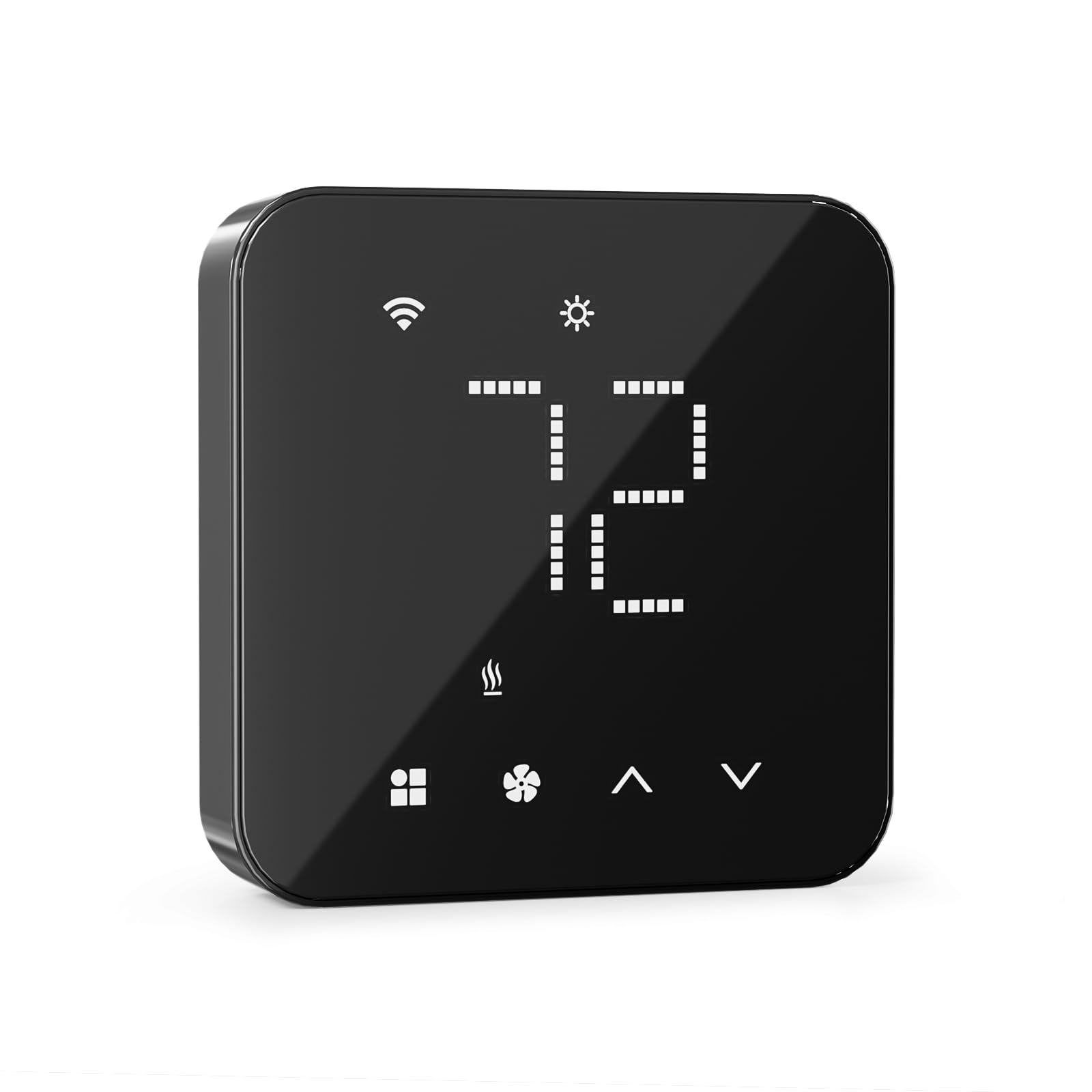

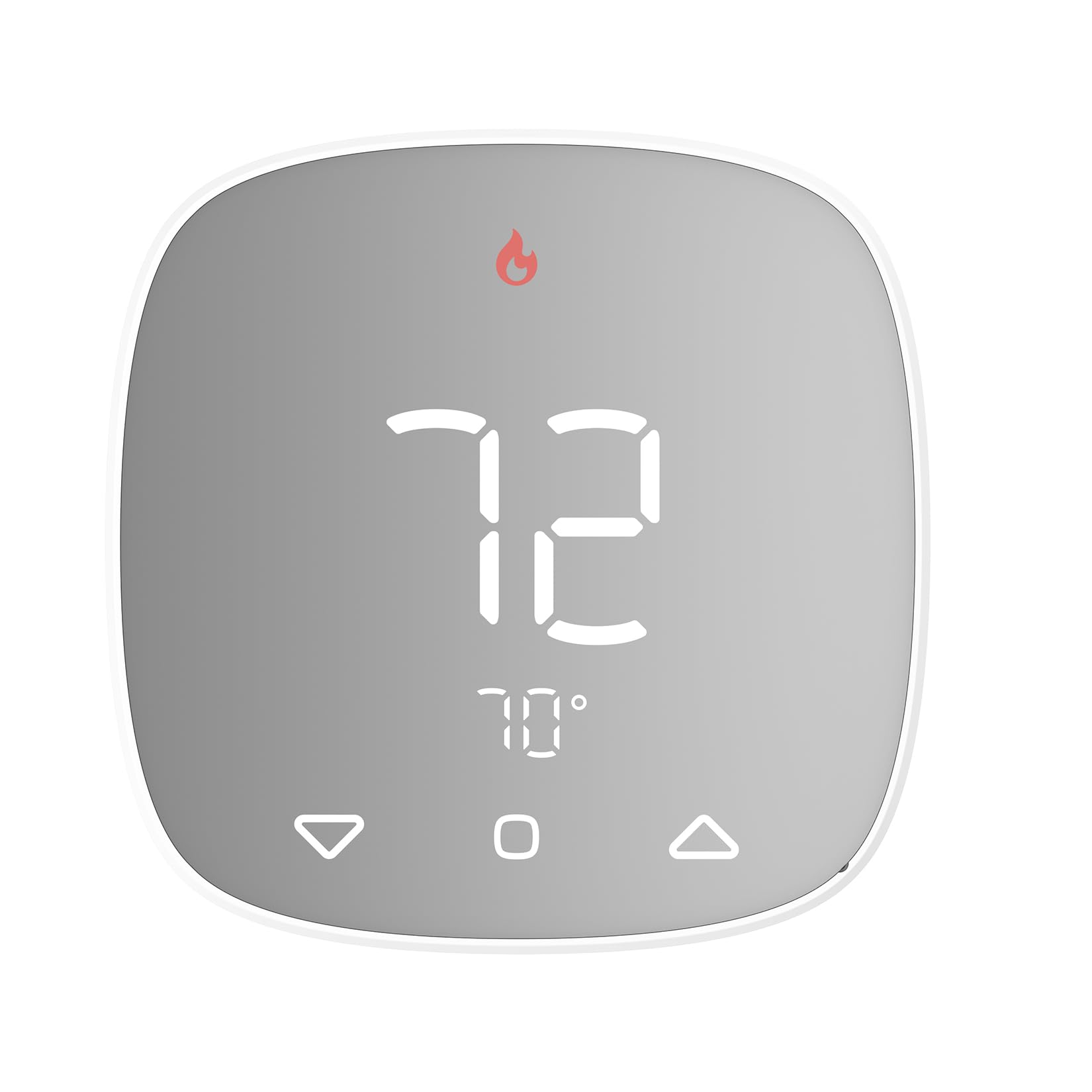

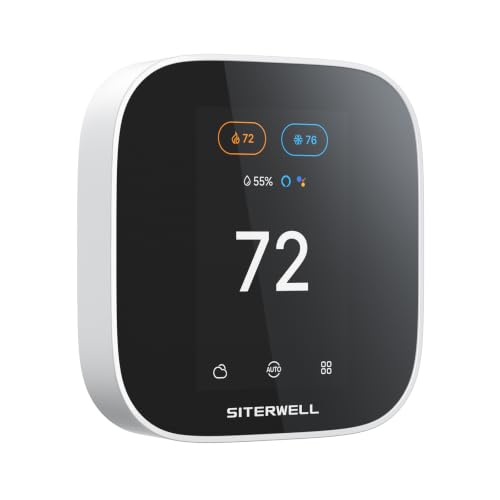
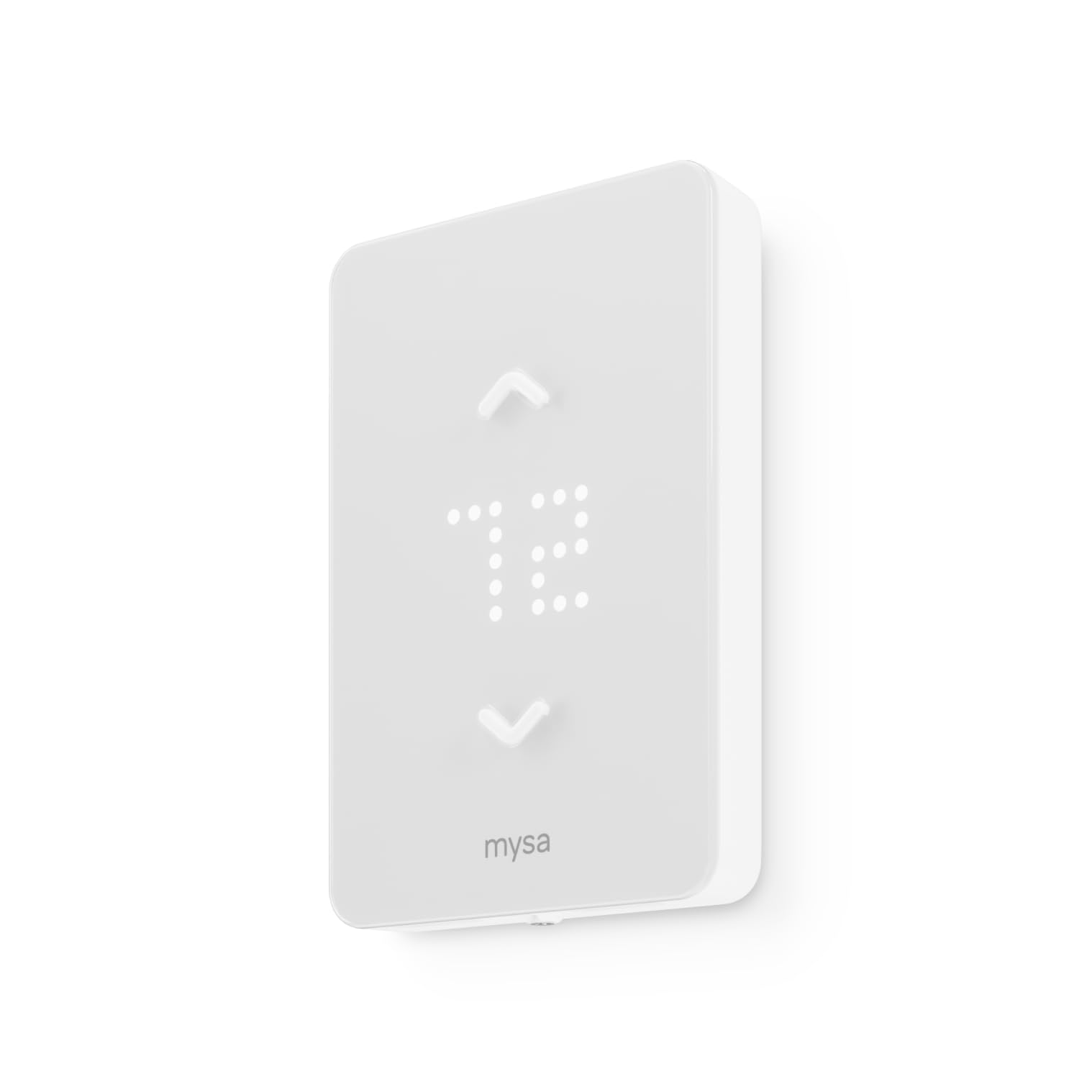
Three Budget Tiers at a Glance
What the Entry Tier Delivers
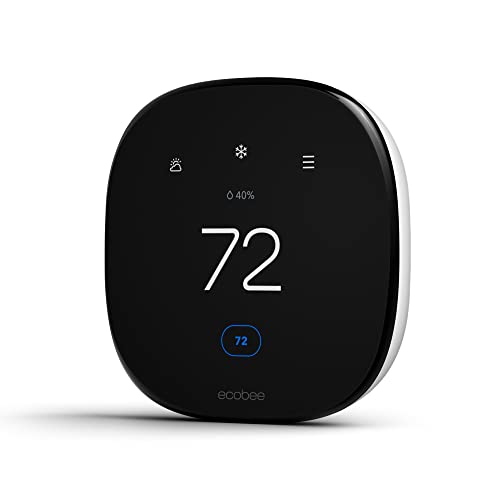
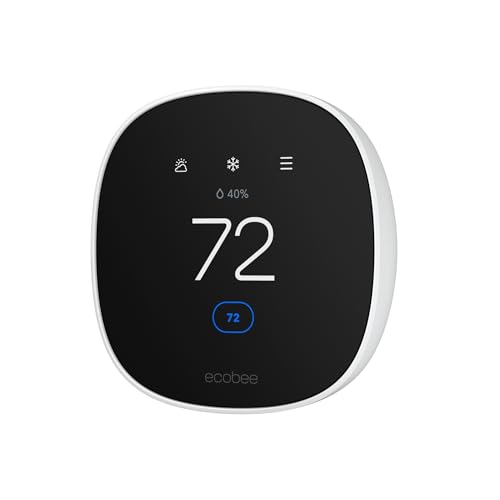
Around $60 to $100 buys a straightforward wifi thermostat with app control, weekly scheduling, and voice assistant support. This tier suits apartments and smaller homes with a single heating and cooling system and simple wiring. Expect a modest display, plastic housing, and energy reports that stay basic. The honest limitation is guidance: the thermostat follows the schedule you set and does little thinking on its own. For many households, that is genuinely enough, and the savings against higher tiers are real money.
What the Mid Tier Adds
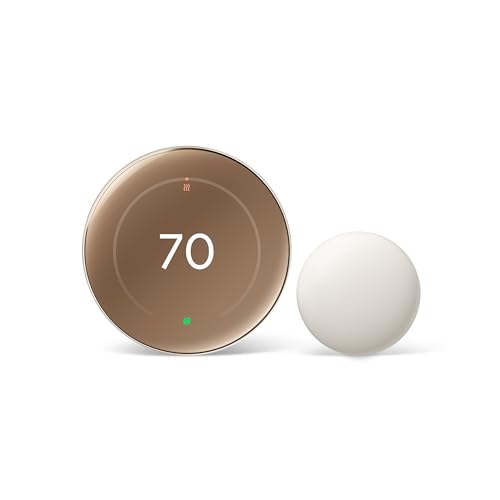
Around $100 to $170 adds learning features that build a schedule from your adjustments, brighter color touchscreens, and better energy reports that estimate savings. Geofencing appears at this level, using your phone location to ease the temperature back when the house empties. Compatibility also widens, with support for more heat pump and multistage systems. The limitation is that learning takes a week or two to settle, and households with irregular routines may prefer to program manually anyway.
What the Upgrade Tier Adds
Around $170 to $250 buys remote room sensors, premium materials, and the most polished apps. Room sensors matter because the hallway where most thermostats sit is rarely the room you care about, and averaging temperatures across rooms ends the fight between a hot bedroom and a cold living room. You also get detailed air quality and humidity displays on some models. The limitation is value: if your home has even temperatures already, the upgrade tier solves a problem you do not have.
How to Choose the Best Wifi Thermostats: Buying Guide
Work through these checks in order and you will narrow the field fast. Compatibility comes first, because the smartest best affordable wifi thermostat is worthless if it cannot run your system.
What You Can Realistically Get on a Budget
Budget wifi thermostats deliver the features that save the most money: remote control, flexible scheduling, and usage alerts. What gets trimmed is sensor coverage, screen quality, and the depth of energy reporting. Do not save money by accepting vague system compatibility, because a thermostat that short cycles your furnace costs far more than the price gap. Around $100 is the sweet spot where compatibility lists grow long and apps feel finished rather than basic.
Home Size and System Coverage
One thermostat controls one zone, so home size matters through zoning rather than square footage alone. Large or two story homes often have uneven temperatures that a single hallway sensor cannot fix, which is where remote sensors earn their cost. Count your zones before you shop: each zone needs its own thermostat. Homes with one system and open layouts do fine with a single unit, while sprawling floor plans benefit from sensor support even on a budget model.
Energy Efficiency and Operating Cost
Look for ENERGY STAR certification, which signals the thermostat meets set standards for scheduling accuracy and energy reporting. The thermostat itself draws only a few watts, so running cost is about the heating and cooling it controls. Sensible setbacks, such as lowering heat by a few degrees overnight and while you are out, are where the savings live. Avoid extreme setbacks with heat pumps, because recovery can trigger costly auxiliary heat that wipes out the gain.
Compatibility and Wiring
Pull your old thermostat off its base plate and photograph the wires before you buy anything. Most wifi models need a common wire, called the C wire, for steady power. If you lack one, some models include a power adapter kit, and others draw power in ways that can cause odd system behavior, so read the maker compatibility checker carefully. Confirm support for your exact setup, whether that is a furnace with air conditioning, a heat pump, or a multistage system, and note that line voltage systems for baseboard heaters need a different class of thermostat entirely.
Safety Features
Good thermostats protect the equipment as well as the house. Look for compressor delay protection, which prevents rapid restarts that strain air conditioners, and for temperature alerts that warn you by phone if the house drops toward freezing or climbs dangerously high. Freeze protection matters most for vacation homes and cold climates, where a failed furnace can burst pipes. Confirm the thermostat carries a recognized safety listing such as UL or ETL, and keep your heating system on its own maintenance schedule regardless of smart alerts.
Display, App, and Voice Control
You will touch the app far more than the wall unit, so judge the app by its scheduling screen and alert settings. A clear display that wakes as you approach is pleasant but secondary. Voice control through common assistants is standard at every tier and handy for quick changes. Check whether key features sit behind a subscription, because a few brands charge for advanced reports. A thermostat should keep working on its last schedule if your internet drops, and any model worth buying does.
Installation and Placement
Most owners install a wifi thermostat in about 30 to 45 minutes with a screwdriver, after switching off power to the heating system at the breaker. Label every wire before disconnecting it. Placement follows the old thermostat location in most homes, which is fine if that spot is on an interior wall away from direct sun, drafts, and heat sources. A thermostat in sunlight reads high and short cycles the cooling. If you are comparing whole system categories, our guide to the best affordable thermostat covers non connected models and when they make more sense.
Types of Wifi Thermostats
Programmable Wifi Models
These follow schedules you set in the app, with remote changes whenever plans shift. They are predictable, cheaper, and ideal for households with regular work and sleep routines. The weakness is discipline: a schedule nobody updates slowly drifts away from real life.
Learning Models
Learning thermostats watch your adjustments for a week or two and build the schedule themselves, then keep refining it. They suit busy homes where manual programming never happens. The trade off is price and a short period of odd temperatures while the model learns your habits.
Models With Remote Sensors
These pair the wall unit with small wireless sensors placed in bedrooms or offices, heating and cooling for the rooms you actually occupy. They fix hot and cold spots better than any schedule can. Extra sensors add cost, so start with one for the bedroom and expand only if the problem persists. Shoppers who want the strongest rated options in this class can compare notes with our guide to the best rated wifi thermostat.
How to Make Your Wifi Thermostat Last Longer
- Keep the firmware updated. Updates fix bugs and security issues, and most models install them automatically overnight.
- Clean the sensor area gently. Dust on the vents of the unit can skew temperature readings, so a soft brush every few months helps accuracy.
- Service the heating and cooling system yearly. The thermostat only reports what the system does, and a neglected furnace makes smart control pointless.
- Protect your wifi network. A strong password and a router within decent range keep the connection stable and secure.
- Check the app after power outages. Confirm schedules and settings survived, especially before a trip away from home.
Brand loyal shoppers often narrow the field early, and our guide to the best honeywell wifi thermostat explains what that long running brand does well at each price. If scheduling depth is your priority, our guide to the best wifi programmable thermostat compares program options in detail.
FAQs
How do I know a wifi thermostat fits my heating system?
Check the wires behind your current thermostat and run them through the maker online compatibility checker before buying. Most gas, oil, and electric forced air systems are supported. Heat pumps, multistage systems, and systems without a C wire need closer attention. Line voltage baseboard heating is the common exception and needs a thermostat built for that wiring.
Do wifi thermostats really work?
Yes, they work by giving your existing system better instructions. Remote control, accurate schedules, and alerts prevent the two big wastes: conditioning an empty house and discovering a failure days late. The thermostat cannot fix an undersized furnace or leaky ducts, so set expectations on comfort and convenience rather than miracles. Households with steady routines see the clearest gains.
Is a wifi thermostat expensive to run?
No, the thermostat itself uses only a few watts, costing pennies a month. Its effect on your bill runs the other way, because better scheduling reduces heating and cooling hours. Savings vary widely with climate and habits, and the biggest wins come from honest setback temperatures while you sleep or work away from home.
Do I need a C wire for a wifi thermostat?
Most models need a C wire to power the screen and radio reliably. If your wiring lacks one, look for a model with an included power adapter kit, or have an electrician or heating technician add the wire during a service visit. Battery only wifi models exist but need battery changes and can drop offline at the worst times, so a powered setup is the better long term choice.
Where is the best place to put a wifi thermostat?
Mount it on an interior wall in a central, regularly used room, about five feet above the floor. Keep it out of direct sunlight and away from drafts, exterior doors, kitchens, and supply vents, all of which distort its reading. In most homes the existing thermostat location already meets these rules, which makes swapping simple.
The Bottom Line
Confirm wiring compatibility first, choose scheduling you will actually maintain, and add remote sensors only if your rooms run at different temperatures. Follow that order and the best affordable wifi thermostat for your home becomes an easy pick from the product table above, with years of lower effort comfort ahead.