Best Alexa Enabled Thermostat: Our 2026 Checklist for Voice Control
Disclosure: We may earn a commission when you buy through links on this page, at no extra cost to you. As an Amazon Associate I earn from qualifying purchases. Learn more
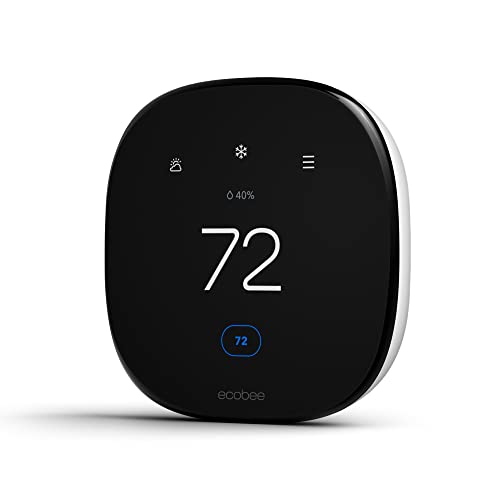
Choose the best alexa enabled thermostat by comparing voice control, wiring, sensors and schedules with a simple checklist.
A thermostat that listens sounds simple, yet the models on sale differ a lot in wiring needs, sensor support, and how well voice control actually works day to day. This guide gives you a clear checklist for choosing the best alexa enabled thermostat for your home, based on evaluation criteria rather than brand hype. You will learn which features change your comfort and your energy bill, and which ones are mostly decoration.
Use the checklist below as you compare models in the product table, and you will quickly spot which models fit your heating and cooling system. If your home uses a different voice setup, our guide to the best thermostat alexa covers the wider category in more depth.
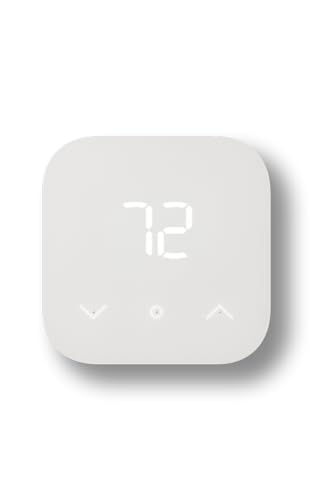
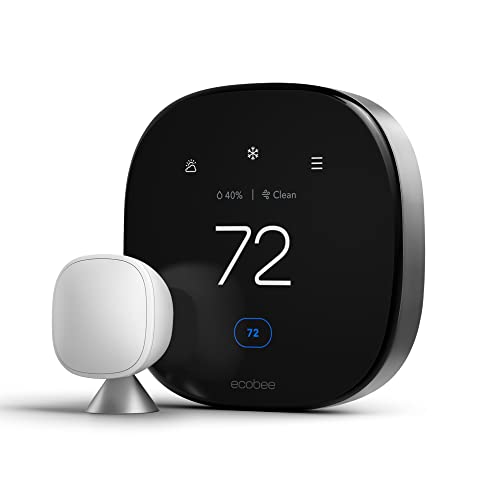
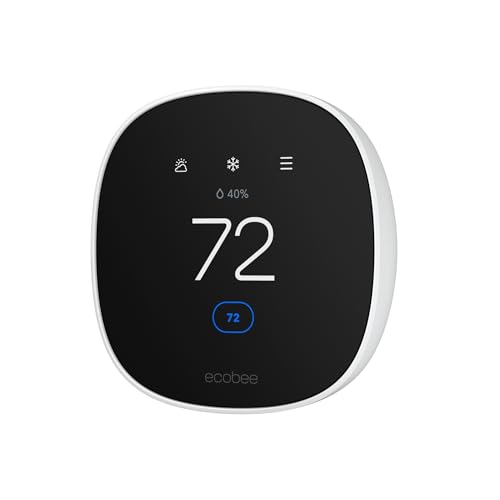

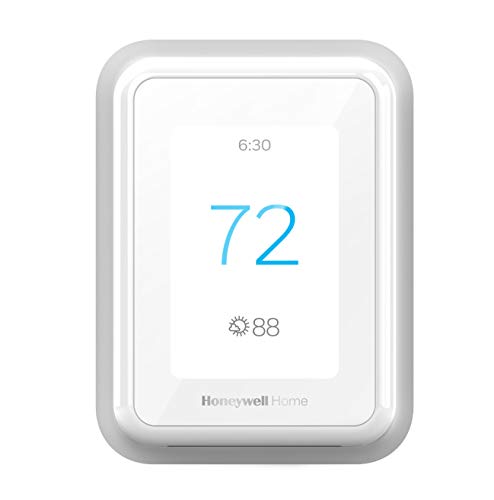


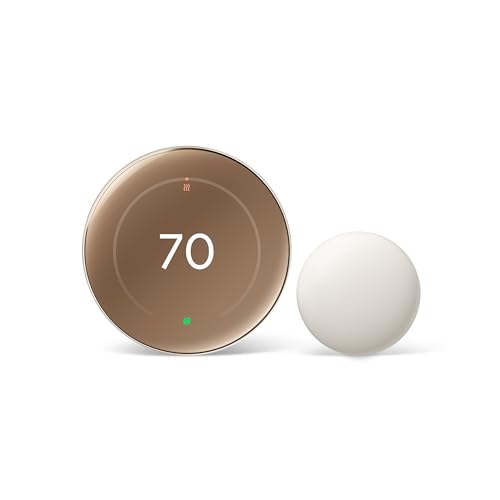

How to Evaluate Alexa Enabled Thermostats
Score every model against the same criteria: system compatibility, voice reliability, sensor quality, safety, ease of installation, and long term cost. A model earns a strong score only when it performs well on the basics first. Fancy screens cannot make up for dropped voice commands, confusing schedules, or a thermostat that cannot run your furnace safely.
Home Size and Coverage
One thermostat controls one heating and cooling zone, so the size of your home matters less than the number of zones you have. A small apartment with a single system needs only one unit, while a large house with separate upstairs and downstairs systems needs one per zone. For single zone homes with hot and cold spots, look for support for wireless room sensors. Those sensors let the thermostat average temperatures across rooms instead of trusting the hallway alone, which is where most thermostats sit.
Smart Controls and Sensors
Good voice control means you can change the temperature, ask for the current reading, and switch modes without repeating yourself or shouting across the room. Check that the Alexa skill is published by the thermostat maker and that it supports your exact needs, such as heat pump mode or fan control. In the app, you want clear schedules, geofencing that uses your phone location to save energy when you leave, and learning features you can turn off. Occupancy and humidity sensors add real value because they react to the home you actually live in.
Safety Features
A thermostat is a low voltage control, but it still guards your home. Look for high and low temperature alerts that message your phone if the house gets dangerously cold or hot, which protects pipes and pets. Freeze protection, equipment protection delays that keep your compressor from restarting too fast, and a lockout that stops guests or kids from changing settings all count as strong safety signs. Models should carry a recognized electrical listing such as UL or ETL. If wiring feels unclear at any point, stop and hire a licensed heating and cooling technician rather than guessing.
Installation and Placement
Most smart thermostats need a common wire, often called a C wire, to power the screen and WiFi radio. Check your current wiring before you buy, because a home without a C wire needs an adapter kit or a model that includes one. Always switch off power to your heating and cooling system at the breaker before removing the old unit, and photograph the wire labels before you disconnect anything. Placement matters too. An interior wall away from direct sun, drafts, supply vents, and heat sources gives honest readings and steadier comfort.
Noise Level and Sleep Mode
Thermostats are nearly silent, but some models make a small relay click when they call for heat or cooling, and a bright screen can light up a bedroom hallway at night. If your thermostat will sit near a bedroom, look for a display that dims after dark, wakes only when you approach, and offers a night schedule that holds a steady sleep temperature. A model with a quiet relay and a simple screen lock will disturb light sleepers far less than one that glows and clicks through the night.
Filter Reminders and Running Costs
The thermostat itself uses very little power, so the real running costs sit in your heating and cooling system and its air filter. Many models track filter life and remind you when a change is due, and a clean filter helps airflow and efficiency. Standard filters cost only a few dollars each, while larger media filters cost more and last longer. When you compare models, also check for any subscription fee for advanced reports or extra room sensors, since those add to the true yearly cost of ownership.
How Price Tiers Compare
Instead of chasing a single winner, match your budget to the tier that fits your system. Each tier below describes what your money generally buys, so you can judge any model in the product table against the same standard.
The Balanced Tier for Most Homes
Mid range models, often around $130 to $250, suit most homes best. You generally get reliable Alexa voice control, a color screen, room sensor support, geofencing, and clear energy reports in the app. Wiring support is broad, and most kits include labels and a trim plate for a clean wall finish. For a deeper look at voice first models in this range, see our guide to the best smart thermostat alexa and compare its criteria with your own list. The main trade off at this tier is a smaller screen and fewer finish choices.
The Value Tier
Budget models, often under $100, cover the essentials: voice control through Alexa, basic schedules, and app control from your phone. They work well for apartments, rentals where the landlord allows a swap, and simple single stage systems. Expect a plainer display, no room sensor in the box, and fewer alerts. Support can also be thinner, so check the warranty length and update policy before you buy. If your system is simple and your main goal is saying a temperature instead of walking to the wall, this tier delivers honest value.
The Premium Tier
Premium models, often about $250 to $350, add larger glass screens, built in Alexa speakers on some designs, air quality or humidity displays, and support for more sensor types and complex systems. They suit homes with heat pumps, dual fuel setups, or whole home humidifiers that need careful control. You also tend to get longer warranties and faster support. The trade off is price and complexity. If your system is basic, the extra features may sit unused, so buy this tier for capability you will actually switch on.
Quick Buyer Checklist
Run through these questions before you order, and answer each one honestly for your own home.
- Does the model support my system type, such as furnace, boiler, or heat pump?
- Do I have a C wire, or does the box include an adapter for homes without one?
- Can Alexa change the temperature, mode, and fan by voice without extra steps?
- Does it support room sensors for the rooms that feel too hot or too cold?
- Are temperature alerts and a screen lock included for safety?
- Is the app free, or do key reports sit behind a subscription?
- Does the warranty last at least two years?
Red Flags to Watch For
Some warning signs should send you back to the product table for another look. Vague compatibility lists that never name your system type are a problem, because a wrong match can leave you without heat. Missing electrical certification, a warranty of only a few months, and an app with no recent updates all suggest weak support. Be wary of listings that promise huge energy savings with no explanation of how, and of voice features that need a separate hub the listing barely mentions. If you want a unit that leans on your home network more than the Alexa skill, our guide to the best wifi enabled thermostat explains what to check.
Care and Maintenance Tips
Once a year, gently vacuum dust from the thermostat vents and wipe the screen with a dry cloth so the sensors read the room correctly. Change your system air filter on the schedule your thermostat suggests, and keep supply vents open and unblocked so airflow stays even. After any power outage, confirm the time, schedule, and WiFi connection are back to normal. Keep the firmware updated through the app, because updates often fix voice and connectivity bugs.
FAQs
What thermostat coverage does my home need?
You need one thermostat for each heating and cooling zone in your home, not one per room. Most single system homes need just one unit, plus optional room sensors for problem rooms. Homes with separate systems for different floors need a thermostat on each system. A quick way to check is to count the thermostats you have now, because each one marks a zone that needs its own control.
Do Alexa enabled thermostats really work with voice control?
Yes, they work well for everyday commands like raising the temperature, asking for the indoor reading, or switching from heating to cooling. You will still use the app for detailed schedules and settings, since long menus are awkward by voice. Reliability depends on a stable WiFi signal near the thermostat, so a weak router signal is the most common cause of missed commands. Keep your Alexa speaker in the rooms where you spend the most time for the best results.
How often should I replace my HVAC filter?
Most homes should replace a standard one inch filter every one to three months, depending on pets, dust, and how often the system runs. Thicker media filters can last six to twelve months. A thermostat with filter tracking bases its reminder on run time rather than the calendar, which is more accurate. A clogged filter makes your system work harder, so set the reminder and keep one spare filter on hand.
Is an Alexa enabled thermostat expensive to run all day?
No, the thermostat itself draws only a few watts, similar to a small night light. Your real cost is the heating and cooling it controls, and smart schedules usually lower that cost by easing temperatures back while you sleep or are away. Watch your first two energy bills after installation to confirm the savings pattern. If bills rise, check for a schedule conflict or a sensor placed in a hot spot that keeps the system running.
Where is the best place to install a thermostat?
Install it on an interior wall in a central room, about five feet above the floor, away from windows, doors, lamps, and supply vents. Sunlight on the unit or a draft behind the wall can trick it into heating or cooling at the wrong times. If your current location is poor, a model with wireless room sensors can correct the readings without new wiring. Our guide to the best alexa compatible thermostat covers sensor placement in more detail.
Final Thoughts
Compatibility comes first, voice reliability second, and sensors third. Confirm your wiring and system type, choose the tier that matches your home, and the rest is fine tuning. The best alexa enabled thermostat for you is the one that fits your system today and still feels simple a year from now. Compare your finalists in the product table, check the C wire question one last time, and order with confidence.