
Best Affordable Monitor Speakers 2026: Guide
Disclosure: We may earn a commission when you buy through links on this page, at no extra cost to you. As an Amazon Associate I earn from qualifying purchases. Learn more

Compare affordable monitor speakers for home studios: sound accuracy, size, connections, and room setup tips for creators. Read the full guide before you buy.
Monitor speakers are built to reveal what a recording actually sounds like, not to flatter it. The best affordable monitor speakers bring that honesty within a modest budget, which matters for home producers, podcasters, and anyone mixing music in a small room. This guide explains how to judge them without a treated studio.
The comparison table below shows options side by side, but room size and listening distance matter as much as any spec. Nearfield monitors are designed for close listening at a desk, so a huge speaker in a tiny room will overwhelm it. Start with your room, your desk, and what you produce, then narrow by sound and connections.
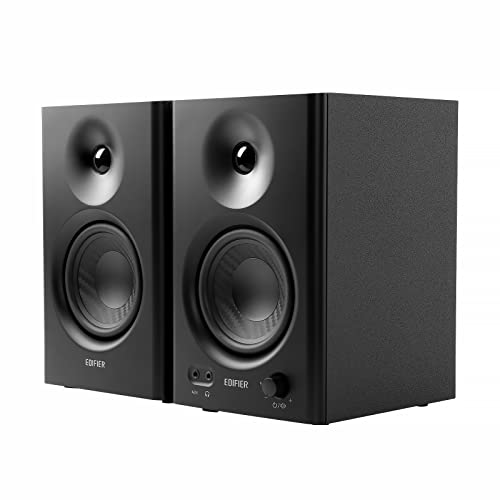


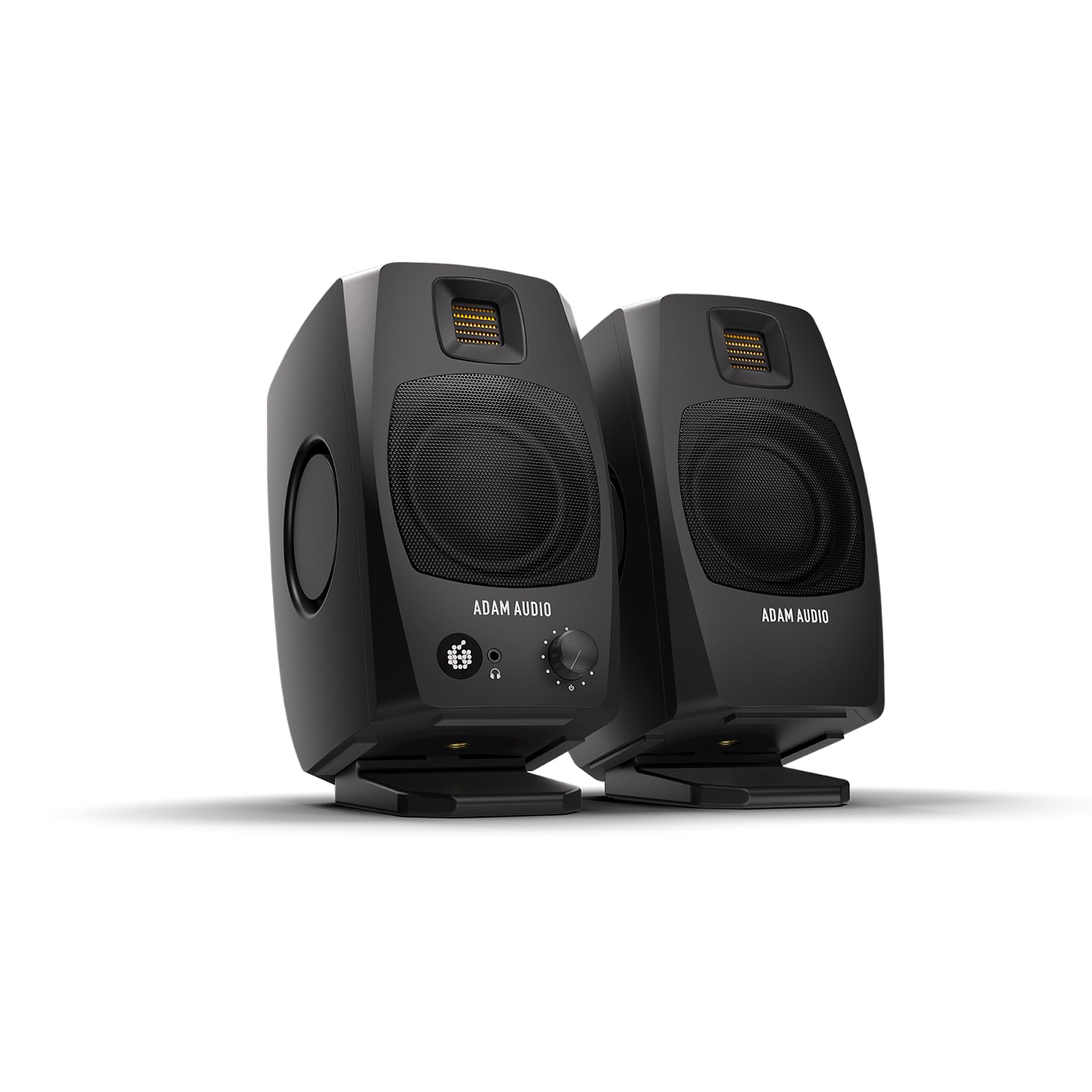


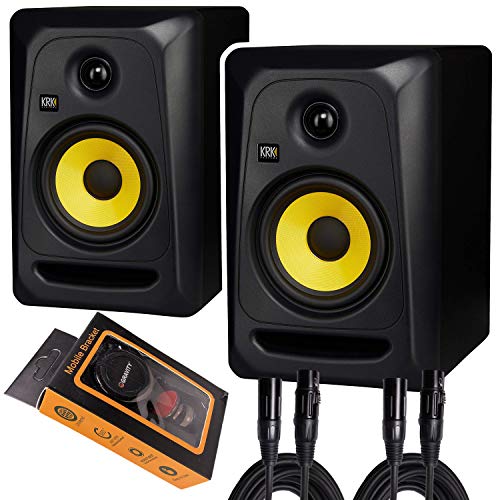
Who Should Buy Affordable Monitors
Affordable monitors suit home music producers, podcast editors, and video creators who need to hear mixes accurately. They also suit listeners who prefer honest sound over boosted bass. If you only want background music, a regular speaker may be simpler and cheaper, but if you mix or edit, monitors earn their keep quickly.
- Home music producers and beat makers
- Podcast and video editors
- Listeners who value accurate sound
Sound Accuracy, Size, and Bass
Accuracy is the point of a monitor. A flat response reveals harsh vocals, muddy bass, and masking problems that a flattering speaker hides. At a budget price, expect some compromise: smaller woofers give less deep bass, and cheaper tweeters can sound sharp. Listen for clarity in voices and detail in quiet passages, not just loudness.
Size should match the room. A 5 inch woofer suits most desks and small rooms, while larger woofers suit bigger spaces but need distance to blend properly. If bass feels thin, a subwoofer later is an option, but first try placement: moving speakers away from walls and corners often tightens bass more than buying new gear.
Connections, Controls, and Placement
Check inputs before buying: balanced TRS or XLR inputs reduce hum with audio interfaces, while RCA inputs suit simpler setups. Front volume and tone controls are handy on a desk, and a headphone output on an interface matters more than one on the speaker. Note whether each speaker is powered, since most budget monitors are, and each needs a power socket.
Placement transforms sound. Put monitors at ear height, angle them toward you in an equilateral triangle, and keep them away from walls where possible. A desk against a wall boosts bass unevenly, so pull speakers forward or use foam pads to reduce vibration. Small placement changes often beat expensive upgrades.
Common Mistakes to Avoid
A common mistake is buying the largest speaker available for a small room, then fighting boomy bass. Another is judging monitors by how exciting they sound in a shop, since an exciting speaker often hides mix problems. A third is skipping setup: monitors placed flat on a desk, pushed against a wall, and unlevelled will sound poor whatever you paid.
Do not ignore hearing health either. Mixing at high volume for hours tires ears and skews judgement, so work at moderate levels and take breaks. If you notice ringing or muffled hearing after sessions, lower the volume and rest your ears. Accurate monitoring at sensible levels protects both your mixes and your hearing.
Everyday Use and Getting Better Mixes
Reference your mixes on other systems: headphones, a car stereo, and a phone speaker reveal problems monitors miss. Keep a playlist of well known tracks to compare, and check your mix at low volume, where balance problems stand out. Take breaks, since tired ears make poor decisions, and revisit a mix the next day with fresh ears.
Keep cables tidy and labelled, and protect speakers from knocks and dust. If a speaker buzzes or distorts, check cables and inputs before assuming it is broken, since most faults are connection related. A calm, consistent setup helps you learn your monitors, and familiarity is what turns affordable speakers into reliable tools.
Related guides cover nearby speaker needs. Compare studio focused models in best affordable studio monitor speakers, the general monitor range in best monitor speakers, and everyday options in best affordable speakers.
Learning Your Monitors With Reference Tracks
Every monitor pair has a character, and learning it takes deliberate listening. Build a reference playlist of ten tracks you know intimately across genres, and listen to them on your monitors, on headphones, and in a car. Note what your monitors emphasise or hide: a bass light pair, for example, tempts you to add too much low end.
Mix at consistent, moderate volume. Loud monitoring flatters bass and hides balance problems, while very quiet monitoring reveals them but tires concentration. Find a level where you can talk comfortably over the music, and return to it each session. Check your mix at low volume before finishing, since problems that survive quiet listening usually survive everywhere.
Treat your room cheaply before buying new gear. A bookshelf, a rug, and curtains break up reflections in a small room, and moving your desk away from a corner reduces bass buildup. You do not need a professional studio to mix well, but you do need a room that does not lie to you. Small, free changes often beat expensive ones.
Setting Up a Small Home Studio
A small home studio needs a consistent listening position more than expensive treatment. Put your desk against the shorter wall of a rectangular room where possible, since that reduces bass buildup, and sit centred between the speakers at a consistent distance. Mark your chair position with tape on the floor until the habit forms, since moving even a foot changes what you hear.
Keep the desk surface clear around the speakers, since clutter reflects sound unevenly. A monitor stand or isolation pad raises tweeters to ear level and reduces desk vibration, which tightens bass noticeably. Close the door during critical listening to reduce household noise, and mix at the same time of day when possible, since ear fatigue varies across the day.
Protecting Your Hearing While Mixing
Hearing protection is part of monitoring, not an afterthought. Mix at moderate levels, take a ten minute break every hour, and avoid long sessions at high volume, since ear fatigue skews mix decisions long before damage becomes obvious. If you notice ringing after a session, rest your ears for a full day and lower your usual level next time. Use closed back headphones for late night checks rather than turning monitors up, and keep a sound level app handy to learn what your normal level actually measures. Good mixes come from fresh, healthy ears, and no speaker upgrade compensates for tired hearing.
Frequently Asked Questions
What is the difference between monitors and regular speakers?
Monitor speakers aim for a flat, honest sound that reveals mix problems, while regular speakers often boost bass and treble to sound pleasing. For listening, either can work, but for mixing, editing, or producing, monitors help you hear what is really in the recording. That honesty can sound less exciting at first, but it leads to mixes that translate well elsewhere.
What size monitor do I need for a small room?
A 5 inch woofer suits most small rooms and desks, giving enough bass without overwhelming the space. Larger woofers need more distance and room to sound balanced, and can cause boomy bass in tight spaces. If your room is very small, a 4 or 5 inch monitor plus careful placement beats a larger speaker fighting the room.
Do I need an audio interface for monitors?
An audio interface is recommended, since it gives clean balanced outputs, a volume control, and a headphone output for late sessions. Some monitors accept RCA from a computer directly, but an interface reduces noise and hum, especially with longer cables. A basic interface is affordable and improves any monitor setup noticeably.
How should I place monitor speakers?
Place monitors at ear height, angled toward you so you and the two speakers form an equilateral triangle, with tweeters at ear level. Keep them away from walls and corners where possible, and use isolation pads to reduce desk vibration. Symmetry matters: if one speaker sits in a corner and the other does not, bass will sound uneven.
Do affordable monitors need a subwoofer?
Not necessarily. Most affordable monitors cover enough bass for mixing pop, rock, and speech, especially in a small room. A subwoofer helps for bass heavy genres and film work, but it adds setup complexity and can muddy the sound if poorly placed. Start without one, learn your monitors, and add a sub only if low end detail is genuinely missing.
Final Thoughts
The product table above narrows the options, but your room decides. The right pair of best affordable monitor speakers sounds honest at your desk, fits your space, and connects cleanly to your setup. Prioritise placement and listening distance over size alone.
Learn your monitors by mixing, referencing elsewhere, and resting your ears. Affordable monitors, well placed, can carry a home studio a long way.


