Best Affordable Laser Printers: Types and Running Costs Explained 2026
Disclosure: We may earn a commission when you buy through links on this page, at no extra cost to you. As an Amazon Associate I earn from qualifying purchases. Learn more

Best affordable laser printers: Laser, ink tank and all in one printers compared by cost per page, speed and duplex printing.
Printer shopping confuses people because machines that look alike solve different problems. A laser printer, an ink tank model, and an all in one unit can sit at the same price while costing wildly different amounts to run. This guide compares the types plainly, so the difference is clear before you pay for the wrong strengths.
The best affordable laser printers earn that label on total cost, not shelf price: crisp text, steady speed, and toner that lasts through thousands of pages. Use the comparison table below to see the main types, then read on for the checks that separate a bargain from a burden.



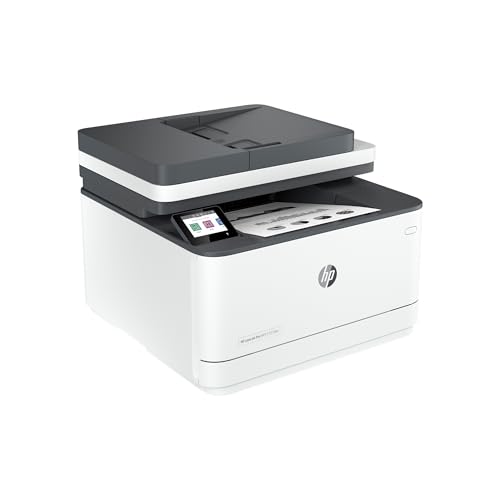
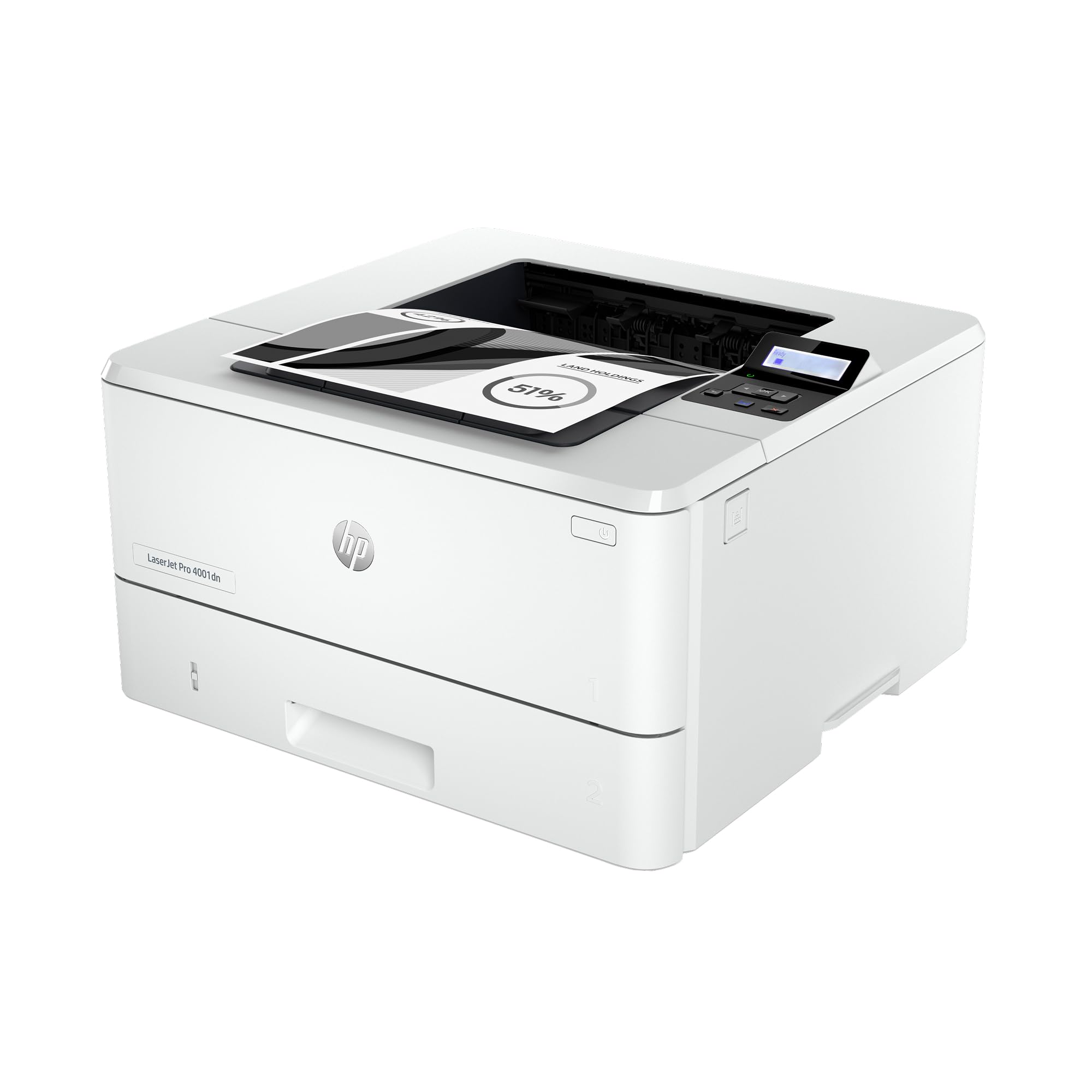

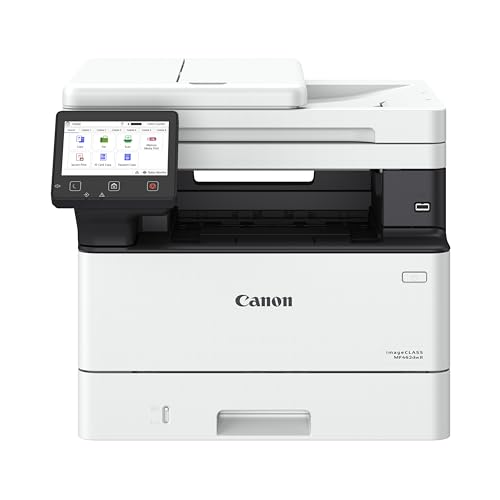

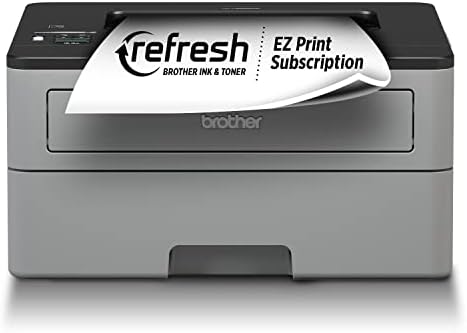
How Laser Printers Compare to Other Options
Laser printers use toner powder fused onto paper by heat, which is why their text looks sharp and their pages resist smudging. The two comparisons below cover the alternatives most buyers weigh against them. Judge each by what you print most weeks, not by the one unusual job you print once a year.
Laser Printers vs Ink Tank (Supertank) Printers
Laser printers win on text speed, sharpness, and patience. Toner does not dry out, so a laser machine can sit idle for weeks and print the next page perfectly, and cost per page stays low for text heavy work. Ink tank printers win on color running costs and photo friendly output, because their bottled ink is cheap and their color quality on plain and glossy paper is strong.
Choose laser if you print documents, forms, and schoolwork in bursts and hate clogged nozzles. Choose an ink tank if you print color pages constantly and can print often enough to keep ink flowing. Households that print a mix should count pages honestly: a mostly text household usually spends less with laser, a mostly color household with a tank. More on that trade off appears in our guide to the best printers with affordable ink.
Laser Printers vs All in One Printers
All in one describes a feature set, not a print technology: it means the machine also scans and copies, and sometimes faxes. Many laser models are all in one units, and many inkjet models are too. A print only laser costs less and suits people who scan rarely or use a phone app for the odd form. An all in one laser adds a flatbed and often an automatic document feeder, which earns its keep in home offices.
Decide by your scanning habits. Weekly scanning of contracts, receipts, or homework justifies the all in one premium and a document feeder. Rare scanning does not. Either way, the laser engine underneath is what decides your text quality and running costs, so choose the engine first and the extras second.
Who Should Choose Laser Printers?
Home office workers, students, teachers, and small teams who print text in volume are the natural fit. Laser output looks professional on plain paper, handles duplex jobs quickly, and shrugs off idle weeks between print runs. Families printing homework, tickets, and forms benefit from the same reliability.
Who should choose something else? Photographers and artists who need rich color on glossy paper will be happier with an ink based machine. Very light users who print a page a month may pay less overall with a basic inkjet, if they accept cartridge costs. And anyone whose main need is color marketing material in small batches should compare color laser running costs carefully before committing. A wider view of printer categories sits in our guide to the best affordable printers.
How to Choose the Right Laser Printer
Paper Handling and Duplex
Check the paper tray capacity first, because refilling a small tray during a long job gets old fast. A tray holding around 150 to 250 sheets suits most homes and small offices. Automatic duplex, meaning two sided printing without feeding pages back in, saves paper and time on reports and drafts. If you scan or copy stacks, look for an automatic document feeder as well. Also confirm the printer accepts the paper weights you use, such as labels or card stock, through a manual feed slot.
Print Speed
Speed is quoted in pages per minute, and around 20 to 35 pages per minute covers most affordable models. That figure usually reflects simple text pages after the first one appears, so also value a fast first page out time if you print many short jobs. Speed matters most when you print long documents often. For one or two pages at a time, warm up time and reliability matter more than the headline rate. Do not pay a premium for speed your routine will never use.
Printer Type (Inkjet, Laser and Tank)
Step back and confirm the category before comparing models. Inkjet suits photos and mixed color at low volume. Laser suits text volume, speed, and idle tolerance. Tank printers suit constant color printing with very low ink costs. Naming your category first prevents the common mistake of comparing a document machine against a photo machine on price alone. Category guidance for laser models specifically appears in our guide to the best laser printers.
What You Can Realistically Get on a Budget
Around $100 to $200, expect a monochrome laser with WiFi, duplex on better models, and compact size. Around $200 to $350, you can add color output, an all in one scanner, a larger tray, or faster speeds. What gets cut at the lowest prices is tray size, display quality, and starter toner capacity. Do not save money by choosing a model with unusually costly toner cartridges, because a cheap machine with pricey toner becomes the most expensive option within a year or two.
Picking the Right Laser Printers for Different Uses
Most buyers should pick monochrome for documents and color only when color pages are a weekly reality. Small offices should favor a document feeder and a larger tray. Homes with many devices should confirm AirPrint and simple WiFi setup so phones and tablets print without fuss.
Best Affordable Laser Printers for Photography: Which Type Works Best
If you are searching for best affordable laser printers for photography, be honest about the limits first. Laser color looks clean for proofs, contact sheets, and documents with images, but it cannot match ink based photo output on glossy paper. The criteria that matter are color consistency, fine detail at high resolution settings, and paper handling for heavier stock. Many photographers therefore use a laser for paperwork and an ink machine for final prints. Color laser options are compared in our guide to the best color laser printers.
Setup and Care Tips
Place the printer where air can circulate, because laser machines vent warm air and fine particles during long jobs, and keep it away from sleeping areas for heavy use. Use genuine toner or a reputable compatible brand, since poor toner can leak and damage the drum. Keep paper dry and fan each stack before loading to reduce jams. Print a test page monthly if the machine sits idle, mainly to confirm everything still feeds cleanly, and update the firmware when the maker releases fixes. Shake a low toner cartridge gently side to side to squeeze out extra pages before replacing it.
Laser Printers: Your Questions Answered
Inkjet or laser: which is cheaper long term?
Laser is usually cheaper long term for text heavy printing, because toner yields thousands of pages and never dries out in storage. Inkjet can be cheaper for low volume color, and ink tank models beat both on color running costs. The deciding habit is idle time: if your printer rests for weeks, laser avoids the wasted ink that cleaning cycles consume.
What does cost per page mean?
Cost per page is the cartridge price divided by its rated page yield, and it tells you what each printed page really costs in toner or ink. A $60 cartridge rated at 3,000 pages costs about two cents per page. Compare this figure, not the shelf price, across models. One caution: yields assume light coverage, so graphics heavy pages use more toner than the estimate.
Are ink tank printers worth it?
Yes, if you print color often enough to use the ink before it ages and you value very low refill costs. They are less attractive for text only homes that print in bursts, where laser speed and idle tolerance win. Also weigh the slower print speeds of many tank models, because cheap pages that arrive slowly can frustrate a busy office.
Our Verdict
Choose the engine first, then paper handling, then cost per page. Monochrome laser covers most homes and small offices, color laser suits document color, and tank or inkjet machines serve photo and constant color needs better. Compare your shortlist with the product table above, and pick the best affordable laser printers whose running costs stay kind long after the purchase price is forgotten.