
Best All Purpose Printers 2026: First Time Buyer Guide
Disclosure: We may earn a commission when you buy through links on this page, at no extra cost to you. As an Amazon Associate I earn from qualifying purchases. Learn more
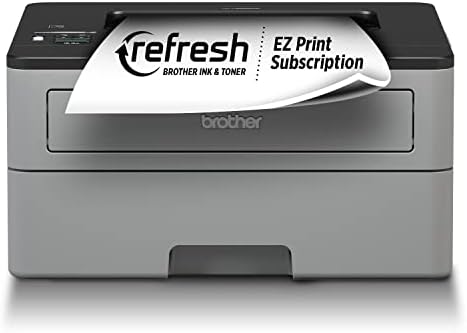
An all purpose printer should handle documents, school work and occasional photos. Learn print quality, ink costs and connectivity before your first purchase.
Most homes do not need a photo lab or a print shop. They need a printer that handles school worksheets, shipping labels, tax forms and the occasional photo without constant babysitting. The best all purpose printers do exactly that, and the choice comes down to three things: the kind of ink or toner, the running cost per page, and how easily the machine connects to your devices.
This guide compares the main printer types, explains the costs that matter after the purchase, and lists the features that save the most time. Use the product table above to check current options against your own habits.



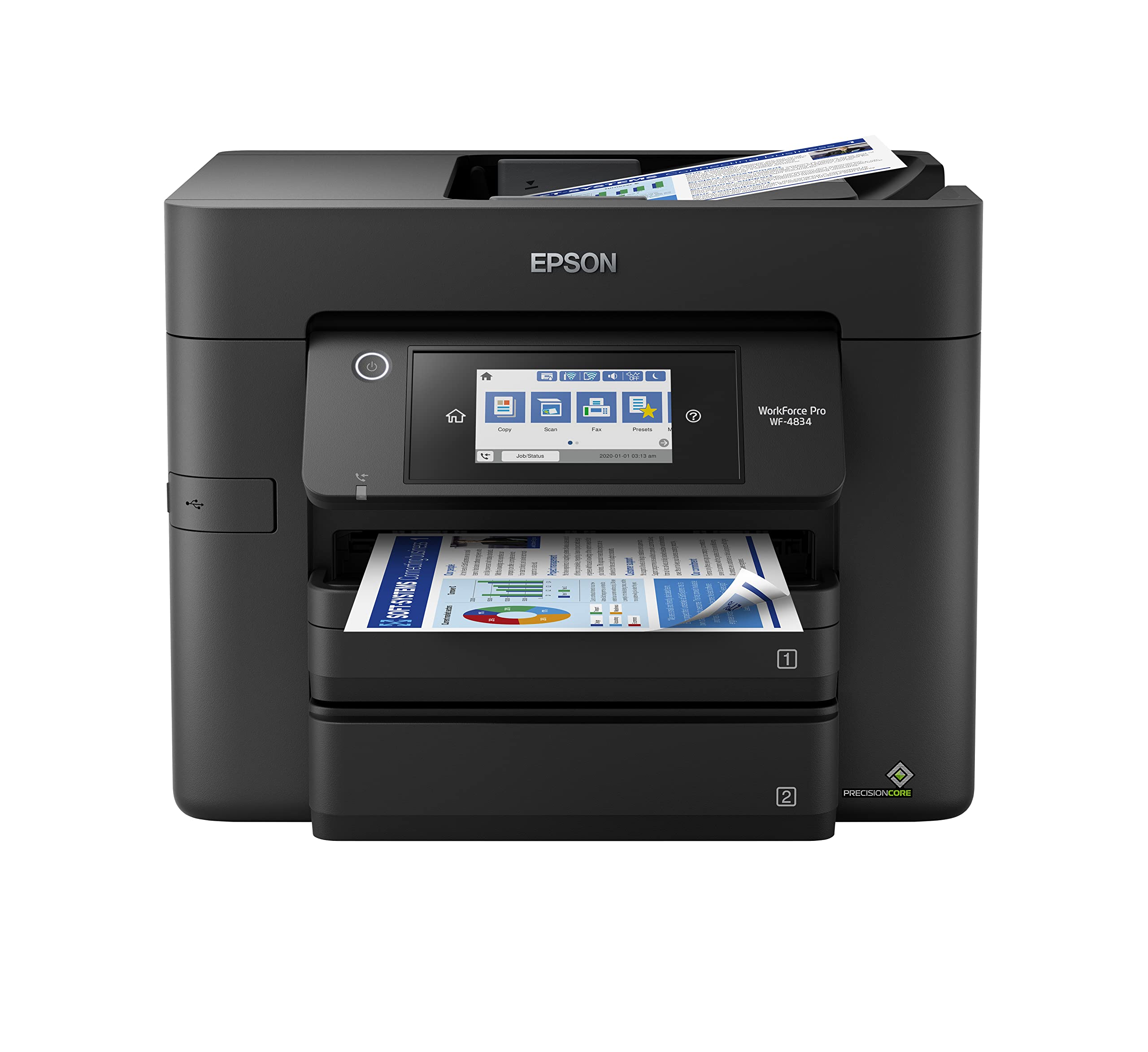


Who Should Buy an All Purpose Printer
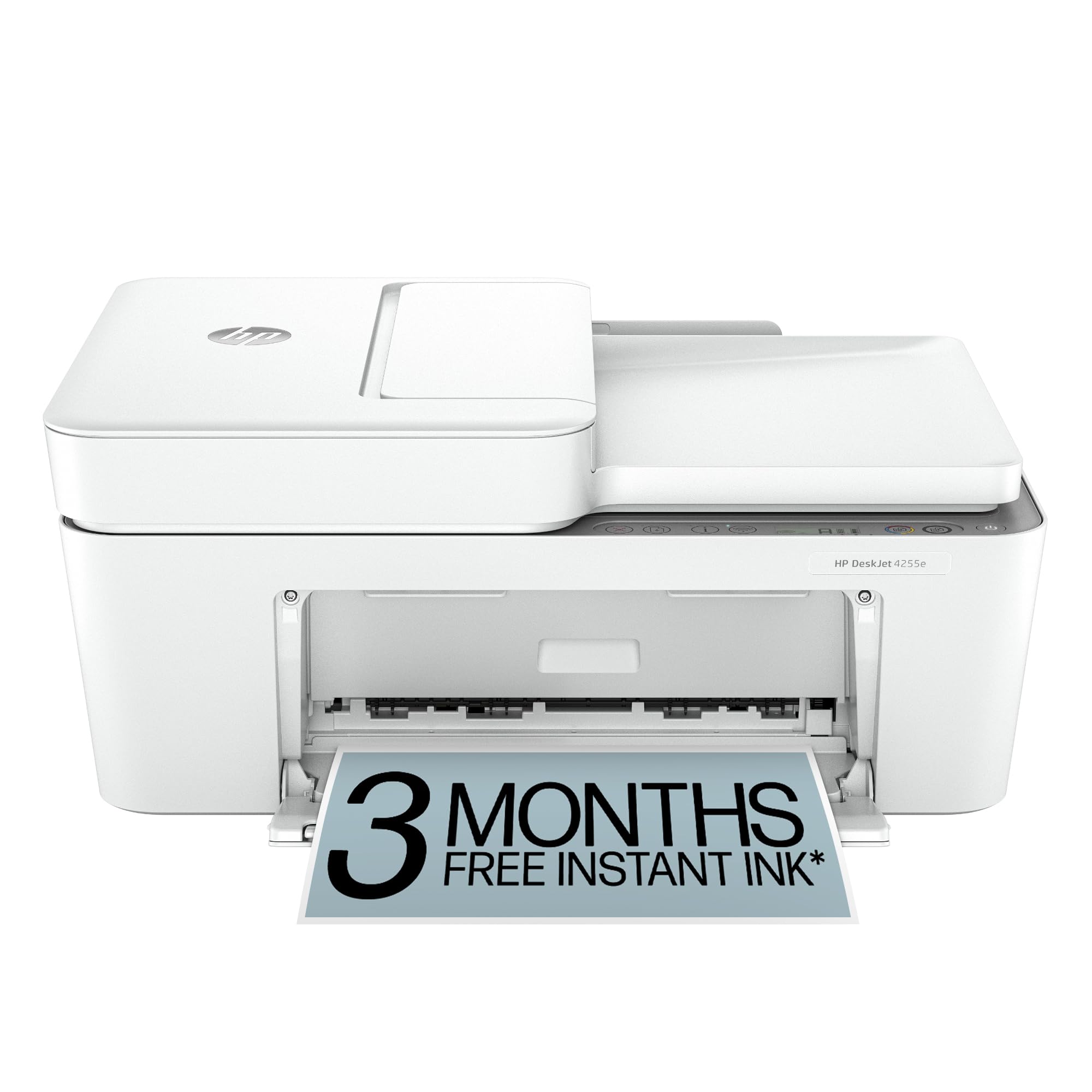
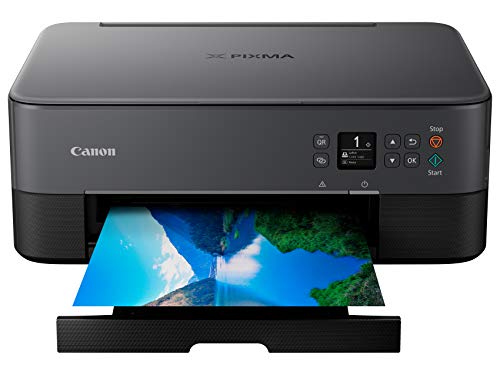
A general purpose printer suits households, students and home offices with mixed jobs: mostly black and white documents, some color pages, and now and then a photo. If you print thousands of pages a month, a dedicated office laser is a better fit. If you print mostly photos, a photo focused inkjet with extra ink colors will serve you better. For everything in between, a versatile model keeps things simple.
Printer Types Compared
Inkjet Printers
Inkjets spray liquid ink and produce good color and photos at a low purchase price. They suit light to moderate use, but print heads can clog if the printer sits unused for weeks, and cartridges are the most expensive way to buy ink per page.
Laser Printers
Laser printers use toner powder, which does not dry out. They print sharp text quickly and cost little per page, so they are a strong pick for documents. Color laser models cost more up front, and monochrome models cannot print color at all.
Ink Tank Printers
Ink tank printers use refillable reservoirs and bottled ink. A single set of bottles can print thousands of pages, which makes them the cheapest to run for families who print color often. The printer itself costs more than a cartridge inkjet.
Key Features to Compare
Versatile Printing and Paper Handling
Check that the printer handles the paper you actually use: plain letter, envelopes, labels and photo paper. A rear feed slot helps with thicker stock, and automatic duplex printing saves paper on longer documents. Tray capacity of at least 100 sheets means fewer refills.
Easy Setup and Wireless Connection
Wireless printing lets phones, tablets and laptops print without cables. Look for a maker app with clear setup steps and support for the phone you own. Ethernet is useful for shared home offices, and USB works well for a single computer.
Affordable Ink or Toner
Divide the replacement cartridge price by its stated page yield to get cost per page. Be wary of very cheap printers that ship with half full starter cartridges and expensive refills. Some printers block third party supplies after updates, so read the supplies policy before you buy.
Compact Design
Measure the shelf or desk where the printer will live, and add clearance for the paper tray, the output tray and the scanner lid if there is one. Compact models save space, but a larger machine often holds more paper and runs quieter.
Print Quality, Speed and Noise
For everyday documents, almost any current printer produces readable text. Differences show up in speed, noise and color accuracy. Lasers print a page in a few seconds and stay fairly quiet between jobs. Inkjets are slower on color pages and make more noise during cleaning cycles. If you print photos, look for a model with a photo mode and extra ink colors, and use proper photo paper, since plain paper dulls the result.
Scanning and copying are common extras. If you scan paperwork often, an automatic document feeder is worth paying for, because it lets you copy a stack without lifting the lid for every page. If you rarely scan, a simple print only model can cost noticeably less.
Finally, check the warranty and the support options. A one year warranty is typical, and a printer with easy to find replacement supplies is much easier to live with than one with scarce cartridges.
Budget Tiers and Value
Entry level inkjets cost about $60 to $120 but often have the highest cost per page. Midrange laser and ink tank models sit around $150 to $300 and pay back through cheaper pages if you print weekly. Premium models add faster speeds, larger trays and better build for heavy home office use. Compare like with like, and judge a printer by its two year total cost, not its sticker price.
Setup, Care and Common Mistakes
Place the printer on a stable surface near your router, install the maker app, and print a test page to confirm alignment. Print something at least every week or two on an inkjet to keep nozzles clear, and turn the machine off with its own power button so the print head parks. Keep paper flat and dry, since damp paper causes jams.
The most common mistakes are choosing on the low purchase price alone, ignoring the cost of refills, and buying a model without checking whether it works with your phone or computer. Another is forgetting to check tray size and speed for your actual habits.
Related Printer Guides
For nearby needs, compare the best multi purpose printers, the best quality printers and the best computer printers for home.
Frequently Asked Questions
What makes a printer truly general purpose?
A general purpose printer handles text, color pages and occasional photos acceptably without excelling at only one. Look at sample output for your main jobs, and remember that specialist printers do heavy photo or high volume office work better.
How much should I budget for ink?
Over a few years, ink or toner often costs more than the printer. Estimate your monthly pages, then multiply by the cost per page. Ink tank models and some subscription plans can cut that bill sharply for steady printers.
Can one printer serve a whole family?
Yes, if it connects wirelessly, has a clear control panel and a tray large enough for shared use. Place it somewhere everyone can reach, and set up the maker app on each phone so everyone can print without asking for help.
What connectivity do I need?
Wireless suits phones and laptops, USB suits a single computer, and Ethernet suits a shared home office. Check that the maker app supports your phone, then print from each device once after setup.
How do I choose paper capacity?
Small trays of about 100 sheets suit light use, while 250 sheets or more suit families and home offices. Check how easy the tray is to refill and whether it takes different paper sizes.
Final Thoughts
Decide between inkjet, laser and ink tank by how much and what you print, then check connectivity, tray size and cost per page. Compare your shortlist in the product table above. Chosen that way, the best all purpose printers will keep working quietly in the background of your home for years.


