Best Affordable Laptops Windows: The Buyer Checklist 2026
Disclosure: We may earn a commission when you buy through links on this page, at no extra cost to you. As an Amazon Associate I earn from qualifying purchases. Learn more
Best affordable laptops windows: A pass or fail checklist for processor, RAM, SSD, screen and battery that works on any budget Windows laptop.
Windows laptops at budget prices all claim to be fast, light, and built to last, yet their spec sheets hide big differences. A simple checklist cuts through the marketing. The best affordable laptops windows shoppers end up happy with are the ones that pass clear minimums on performance, screen, and battery before price even enters the conversation.
This article lays out that checklist, the pass and fail lines for each item, and how to apply it to the comparison table below so you can judge any model in about two minutes.


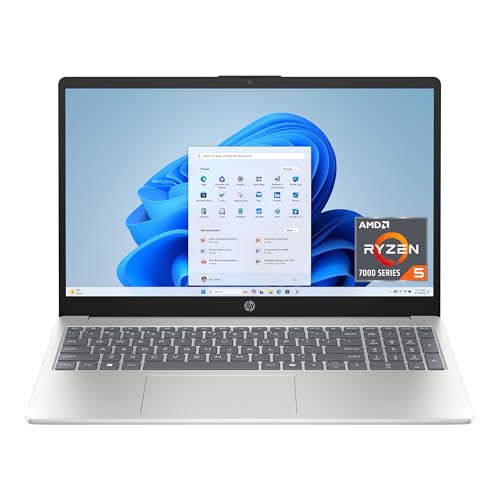
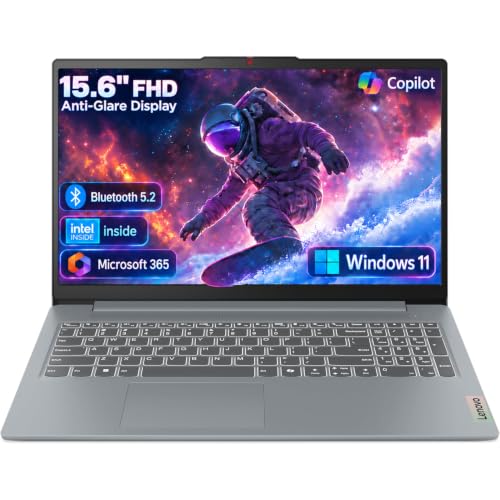
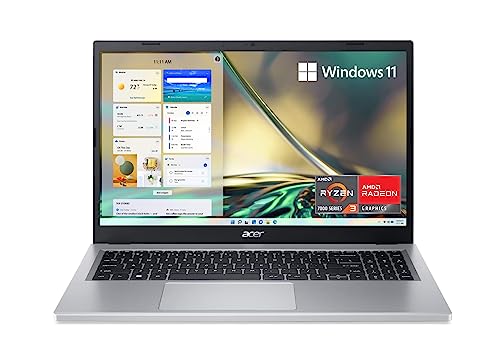
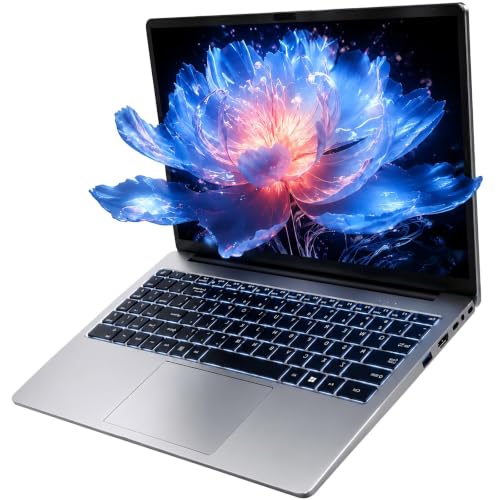
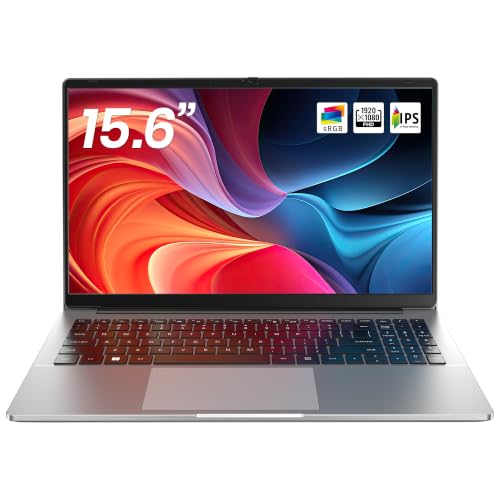
How to Evaluate Windows Laptops
Work through these six checks in order. A model that fails an early check rarely redeems itself later, no matter how attractive the discount looks.
What You Can Realistically Get on a Budget
For around $400 to $700, a good Windows laptop offers a current midrange processor, 16 GB of RAM on stronger models or 8 GB at the low end, a 512 GB or 256 GB SSD, and a full HD screen. Below about $350, expect real cuts: dimmer displays, slower storage, and mostly plastic bodies. Never accept a spinning hard drive or 4 GB of RAM at any price, because those two specs alone make Windows feel sluggish within months.
Processor and Performance Tier
The pass line is a recent Intel Core or Core Ultra 5 class chip, an AMD Ryzen 5, or better. These run office suites, browsers with many tabs, and video calls without hesitation. Fail signals include older entry level chips marketed with vague names and any processor more than about four generations old sold as new. If you plan light gaming or photo editing, a 7 class chip is a worthwhile step up, but generation still matters more than tier.
Ports and Connectivity
Pass: at least one USB C port, two USB A ports, HDMI, and a headphone jack, plus WiFi 6 or newer. That mix connects monitors, drives, and presentation screens without a pocket full of adapters. A USB C port that also charges the laptop is a genuine bonus for travel. Fail: a single USB C port and nothing else on a machine that is not an ultra thin travel model. Check before you buy, because ports cannot be upgraded later.
Operating System
Since this guide is about Windows, the check is about the edition and setup. Prefer full Windows 11 over the restricted S mode, which limits you to store apps unless you switch out of it. Confirm the laptop ships with enough storage for Windows updates, since 64 GB drives can struggle over time. Students tempted by Chromebooks should weigh the software question carefully, and our broader guide to the best windows laptops shows how Windows models compare across all budgets.
Battery Life in Real World Use
Treat maker claims as a ceiling, not a promise. A rating of 9 to 10 hours usually means 6 to 7 hours of mixed office work with the screen at comfortable brightness. That is the pass line for anyone who works away from a desk. Fail: ratings under 7 hours, which strand you by mid afternoon. Fast charging that restores about half the battery in 30 minutes partly offsets a smaller battery, so note it when comparing two close models.
Display Size, Resolution, and Brightness
Pass: 1080p resolution or better, at least 300 nits of brightness, and an IPS or similar panel with good viewing angles. Sizes from 13 to 16 inches all work; pick by how much you travel versus how much screen you want at a desk. Refresh rates above 60 Hz are a pleasant extra for scrolling and casual gaming. Fail: dim 250 nit screens and low resolution panels, which tire your eyes during long documents.
Three Profiles That Pass the Checklist
These profiles describe what a passing model looks like at three spending levels. Match them against the product table above when you shortlist.
The All Round Profile
Around $600 to $800 buys the balanced Windows laptop most people should aim for: a current 5 or 7 class processor, 16 GB of RAM, a 512 GB SSD, a bright 14 inch screen, and a metal or part metal body around 3 lb. It passes every check with room to spare and should stay fast for five years of office and study work. Its only real compromise is integrated graphics, which matters solely to gamers and heavy video editors.
The Value Profile
Around $400 to $550, the value profile keeps the essentials: a current generation processor, 8 GB of RAM, a 256 GB SSD, and a full HD screen. You accept a plastic body, average speakers, and fewer ports. For documents, browsing, and streaming, the daily experience is close to the overall profile. This is the tier to choose when the laptop is a second household machine or a student first laptop that may face rough handling.
The Premium Profile
Around $800 to $1,000, premium budget models add OLED or high refresh screens, thinner metal bodies, better keyboards, and quieter cooling. They suit professionals who type all day and notice these refinements hourly. Performance for office work is similar to the overall profile, so you are paying for comfort and build, not speed. Buy it if you keep laptops a long time and value the daily feel of the machine.
Readers who want the checklist applied to an even wider field can browse our guide to the best and affordable laptops, which uses the same minimums across brands and operating systems.
Best Affordable Laptops Windows: Quick Buyer Checklist
- Does it have a current generation Intel Core, Core Ultra, or AMD Ryzen processor?
- Does it offer at least 8 GB of RAM, with 16 GB preferred?
- Is storage a 256 GB SSD or larger, with no spinning hard drive anywhere in the spec sheet?
- Is the screen at least 1080p and rated at 300 nits or brighter?
- Is battery life rated at 9 hours or more for mixed use away from a desk?
- Does it include USB C, USB A, and HDMI without needing a hub on day one?
- Does the warranty cover at least one year, with an affordable extension offered?
Red Flags to Watch For
- Vague processor names with no generation listed, which usually hide old or very slow chips.
- Storage described only as flash or eMMC on a Windows laptop, a sign of slow performance and cramped updates.
- No brightness figure published for the display. Makers hide weak screens this way.
- Unusually glowing reviews posted in a short burst, with few detailed ownership reports.
- A warranty shorter than one year or no clear service route in your country.
Notebook style shoppers face the same traps in thinner designs, so the checks above pair well with our guide to the best notebook laptops when you compare slim models specifically.
Setup and Care Tips
On day one, run Windows Update fully, update firmware from the maker support page, and remove trial software you will never use. Set up a backup to cloud storage or an external drive before you load your files. After that, keep the operating system and firmware updated, avoid running at 100 percent charge all the time by using the battery limit setting for desk work, and use a padded sleeve when commuting so the body and screen survive daily travel.
Frequently Asked Questions
How long should a Windows laptop last?
A well chosen budget Windows laptop should last four to six years for everyday work. The battery usually fades first, after about three to four years of daily charging, and replacements are affordable on many models. RAM and storage chosen generously at purchase are what keep the machine feeling fast in its later years, far more than the processor tier does.
Is a Chromebook enough for school?
Sometimes. Chromebooks are cheaper, simpler, and fine for web based classes, but they cannot run installed Windows programs, some exam tools, or many science applications. If the school publishes a device list that allows Chromebooks, one can save real money. If there is any doubt, a Windows laptop is the safer single purchase because it covers every case.
How much RAM do I need?
Sixteen gigabytes is the comfortable choice for Windows and keeps multitasking smooth for years. Eight gigabytes is the workable minimum for documents, browsing, and calls, though heavy tab users will feel it slow down sooner. Avoid 4 GB entirely on Windows. If a model allows a later RAM upgrade, that flexibility is worth noting, since it can extend the machine life cheaply.
Should I buy a laptop or a tablet?
Choose the laptop when work involves typing, multitasking, printing, or desktop software, which describes most jobs and courses. A Windows tablet or 2 in 1 adds pen input and flexibility for notes and drawing at a higher price per spec. Shoppers who mainly play games should instead start from our guide to the best gaming laptops affordable shoppers can realistically run modern titles on.
Is a dedicated GPU worth it?
Only for defined tasks: modern gaming, 3D modeling, or frequent video rendering. Integrated graphics in current processors handle office work, streaming, and light photo editing easily. A dedicated card adds roughly $150 to $300, extra weight, and fan noise. Spend that money on a better screen and more RAM unless you can name the program that needs the GPU every week.
Final Thoughts
Run the checklist in order: current processor, enough RAM, a real SSD, a bright screen, and honest battery life. Any model passing all five will serve you well, and the comparison table above makes the specs easy to verify. If school use is the priority, start with our guide to the best affordable laptops for students, and remember that the best affordable laptops windows pick is simply the one that passes your checks at the lowest total cost.