
Best Affordable Lightweight Laptops: How Light Is Light Enough 2026
Disclosure: We may earn a commission when you buy through links on this page, at no extra cost to you. As an Amazon Associate I earn from qualifying purchases. Learn more

Best affordable lightweight laptops: Weight targets, battery life, keyboard feel and screen checks for laptops you can carry every day.
A laptop that weighs under three pounds changes how often you actually carry it. The best affordable lightweight laptops balance low weight with a screen you can read, a keyboard you can type on, and a battery that lasts a full day away from an outlet.
This guide explains what weight to aim for, which compromises are safe, and which are not. Use the product table above to compare specific models, then use the checks below to narrow the list.
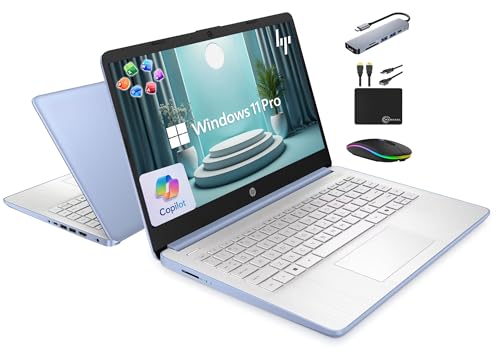
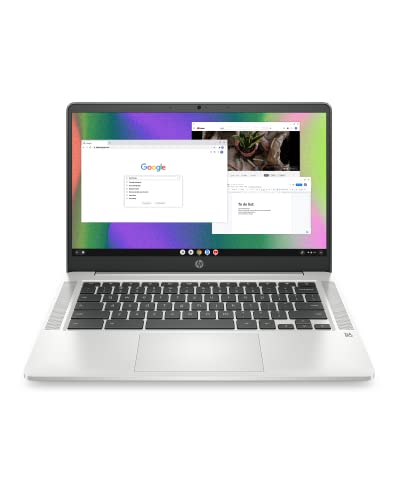
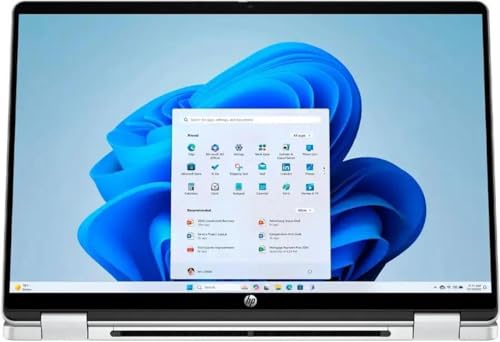


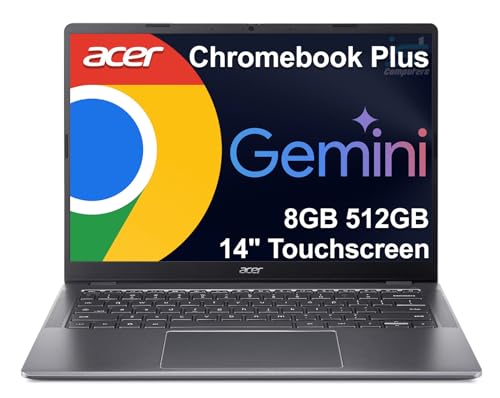
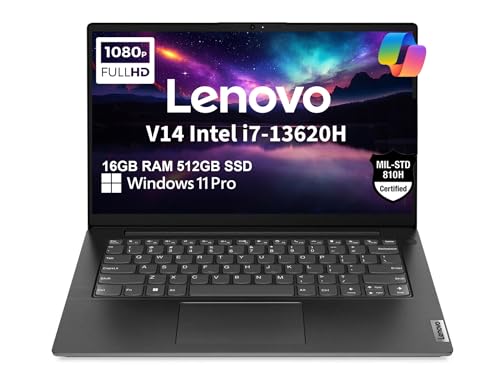


What Counts as a Lightweight Laptop
Ultraportable laptops weigh about 2 to 3 pounds, thin and light models weigh 3 to 3.5 pounds, and anything over four pounds is a desk machine that happens to have a handle. Screen size drives weight: 13 and 14 inch models are usually lightest, while 15.6 inch laptops start near four pounds. Chromebooks are often the lightest budget option.
Key Features of the Best Affordable Lightweight Laptops
Weight and Size
Include the charger in your mental math, since a bulky brick adds real weight. A laptop with USB C charging lets you use a small, light charger that also powers your phone.
Battery Life
Weight and battery trade against each other, because bigger batteries weigh more. Aim for a rated life of ten hours or more, which in real use reaches about seven. Fast charging helps when you are short on time.
Display, Keyboard, and Ports
Full HD resolution and a matte or anti glare finish make a small screen easier to use outdoors and in bright rooms. Check keyboard layout and travel, because thin laptops can have shallow keys. Light models often drop ports, so confirm USB C, USB A, and a headphone jack before you buy.
Build Quality
Plastic bodies keep weight and cost down, and a well built plastic laptop can feel solid. Metal lids add stiffness but also weight. Look for a firm hinge and a lid that does not flex when you pick the laptop up with one hand.
Types Compared
The table below compares common types of lightweight laptops. Use it to narrow your search, then read the details before you decide.
| Type | Best For | Notes |
|---|---|---|
| Ultraportable laptops | daily commuting | Lightest carry, long battery |
| Thin and light laptops | study and office travel | Balanced screen, solid keyboard |
| 2 in 1 lightweight laptops | notes and flexible use | Touch screen, varied modes |
Ultraportables suit daily commuters and cost the most, thin and light models give the best balance for students and office workers, and 2 in 1 designs add a touchscreen for notes and tablet use at a small weight penalty. Our guide to the best lightweight laptops covers the higher end of the market.
What an Affordable Budget Buys
Around $250 to $500 buys a Chromebook or a basic Windows laptop with 8 GB of RAM and a modest SSD. Around $500 to $900 adds brighter screens, better keyboards, and longer battery life. Do not cut memory or storage to save weight, because those cuts hurt daily use more than an extra half pound would. For a wider look at the budget market, see our guide to the best and affordable laptops.
Carrying and Care Tips
Use a padded sleeve rather than a thick case to keep weight down, and keep the charger and cable in a small pouch. Avoid packing a laptop against hard objects, since screens crack from bag pressure more often than from drops. Students will find more options in our guide to the best affordable laptops for students.
Mistakes to Avoid
- Choosing by weight alone and ignoring screen and keyboard quality.
- Buying 4 GB of RAM on a Windows laptop.
- Forgetting the charger weight in a travel setup.
- Expecting gaming performance from a light laptop. For gaming, see our guide to the best gaming laptops affordable.
- Skipping return terms, which matter if the keyboard feels cramped.
Frequently Asked Questions
How light is a lightweight laptop?
Under three pounds is ultraportable, and about three to three and a half pounds is thin and light. Over four pounds is not a lightweight laptop in daily carry terms.
Are lightweight laptops less powerful?
Slightly, because thin bodies limit cooling. For office work, browsing, and streaming, the difference is rarely noticeable.
Is a Chromebook a good lightweight option?
Yes, if your work runs in a browser. Chromebooks are often light, inexpensive, and long lasting on a charge, but they cannot run most desktop programs.
How much RAM do I need?
Eight gigabytes is the practical minimum for Windows. Sixteen gigabytes gives extra headroom for years of use.
How long will a lightweight laptop last?
Three to five years of everyday use is realistic. The battery usually wears first, so look for models with a replaceable battery or a good warranty.
Final Thoughts
Aim for the lowest weight that still gives you a good screen, keyboard, and battery, and keep 8 GB of RAM and an SSD as non negotiable. Compare your shortlist in the product table above to find the best affordable lightweight laptops for your bag.


