
Best Affordable Lenovo Laptops: IdeaPad, V Series, and Chromebooks Compared 2026
Disclosure: We may earn a commission when you buy through links on this page, at no extra cost to you. As an Amazon Associate I earn from qualifying purchases. Learn more
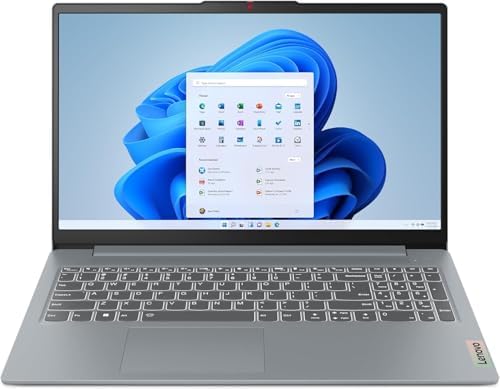
Best affordable lenovo laptops: How IdeaPad, V Series and Chromebook lines differ, with the RAM, storage and screen specs that matter.
Lenovo sells more budget laptop lines than most buyers expect, and the names can blur together. The best affordable lenovo laptops usually come from three families: IdeaPad for home and study, V Series for small offices, and Chromebooks for light, web based work. Knowing which family fits your routine matters more than any single spec.
This guide explains how the lines differ, which specs to protect, and what to expect at each price. Use the product table above to compare specific models, then use the checks below to decide.

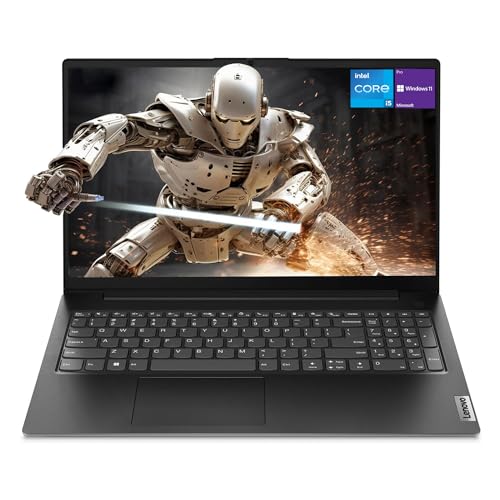


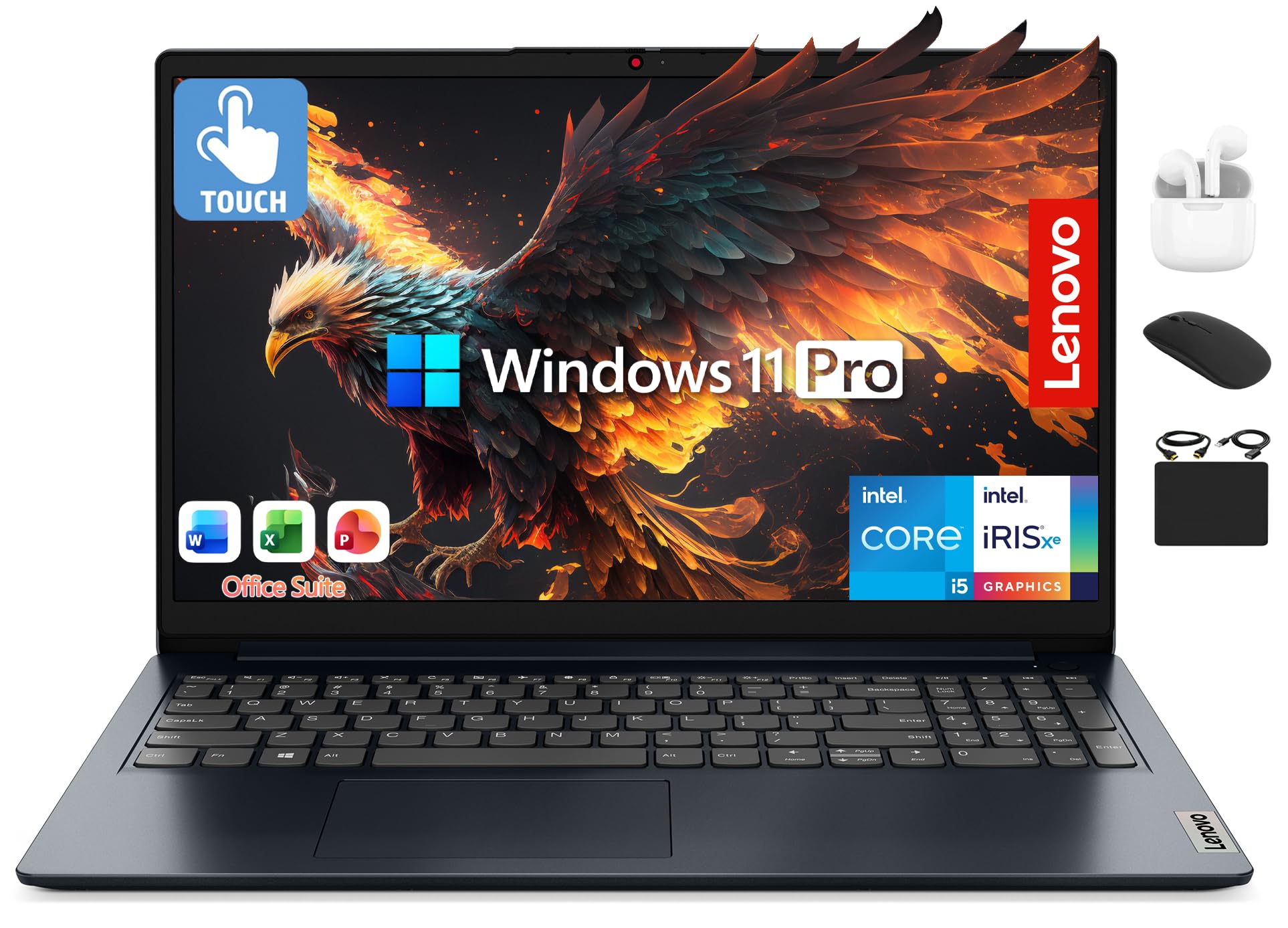

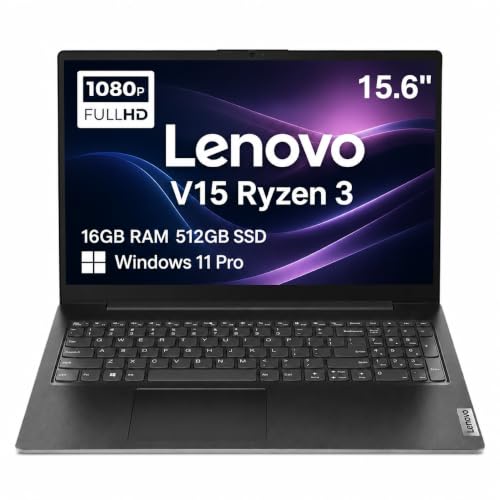
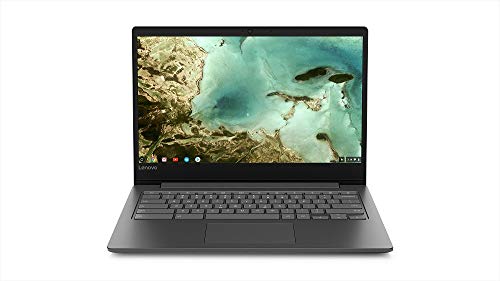
How the Best Affordable Lenovo Laptops Differ by Line
IdeaPad models are the mainstream choice. They offer 14 or 15.6 inch screens, a comfortable keyboard, and several processor options, and they suit students, families, and home workers. The Slim 3 and IdeaPad 1 versions sit at the low end, while the Flex versions add a 2 in 1 hinge.
V Series laptops target small businesses. They often add an Ethernet port, a numeric keypad, and a more durable lid, with a plain look and a business style warranty. They suit shared home offices and people who connect to wired networks.
Lenovo Chromebooks run ChromeOS, cost less, and start quickly. They are a good fit for web based classes and everyday browsing, but they cannot run most installed desktop software.
Who Should Buy a Budget Lenovo Laptop
Students, parents buying a first laptop, home workers, and anyone replacing an aging computer for everyday tasks get good value from this brand. Lenovo keyboards have a reputation for comfort, which helps people who type for long periods.
Gamers and video editors should look elsewhere in the lineup, since budget IdeaPad and V Series models use integrated graphics. If gaming is a priority, see our guide to the best gaming laptops affordable for realistic options.
Key Features to Compare
Processor and Memory
Current Intel Core i3 and i5 chips and AMD Ryzen 3 and 5 chips handle office work and streaming well. Entry Intel N series chips save money and power but feel slower with many tabs. Choose 8 GB of RAM as the minimum, and 16 GB when the price difference is small, since memory is often soldered and cannot be upgraded later.
Storage and Screen
A 256 GB SSD is a sensible target for Windows models. Lower storage sizes fill quickly with updates and downloads. Full HD resolution is the norm on better models, while the cheapest versions still use dimmer panels, so check brightness when the listing gives it.
Keyboard, Ports, and Battery
Check for a backlit keyboard if you work in dim rooms, and confirm the port mix: USB C, USB A, HDMI, and a headphone jack cover most needs. Battery life varies with screen size and chip, and real use usually reaches about two thirds of the rated figure.
Windows or ChromeOS
Windows models handle the widest range of programs and are the safe choice if you are unsure. ChromeOS models cost less for similar hardware and update automatically, but your key programs must run in a browser. Our guide to the best affordable laptops for students explains how to check school software requirements before you buy.
What Budget Lenovo Laptops Cost
Chromebooks usually cost the least, followed by IdeaPad Slim 3 and IdeaPad 1 models. V Series laptops cost a little more for their ports and build. Spending more usually buys a better processor, more memory, a brighter screen, or a lighter body. For a wider view of the budget market, browse our guide to the best and affordable laptops or compare with the brand overview in our best of lenovo laptops list.
Setup and Care
Run system updates on the first day, remove trial software, and back up files to the cloud or an external drive. Keep the vents clear, avoid using the laptop on soft bedding, and use a padded sleeve when you travel. If you plan to carry it daily, our guide to the best notebook laptops covers slimmer designs.
Mistakes to Avoid
- Choosing 4 GB of RAM on a Windows laptop.
- Paying extra for a model with a touchscreen you will not use.
- Buying a Chromebook without checking required software.
- Comparing laptops by processor name instead of processor generation.
- Skipping the return terms, which matter if the screen disappoints.
Frequently Asked Questions
Are Lenovo laptops good for students?
Yes. IdeaPad and Chromebook models cover most school needs, and the keyboards are comfortable for long writing sessions. Confirm that your courses do not require special software first.
What is the difference between IdeaPad and V Series?
IdeaPad targets home users with varied designs, while V Series targets small offices with extra ports, a plain look, and a more durable build.
How much RAM do I need?
Eight gigabytes is the practical minimum for Windows. Choose 16 GB if the price gap is small, because memory in most budget laptops cannot be upgraded later.
Is a Lenovo Chromebook enough for home use?
For browsing, email, documents, and streaming, yes. It will not run most desktop programs, so check your needs before you choose one.
How long does a budget Lenovo laptop last?
With normal care, three to five years of everyday use is realistic. The battery usually wears first and can often be replaced.
Final Thoughts
Pick the line that matches your routine, protect the RAM, storage, and screen, and accept compromises in the speakers and body. Compare your shortlist in the product table above, and you can choose among the best affordable lenovo laptops with confidence.


