
Best Affordable Laptops under 500: Specs Worth Paying For 2026
Disclosure: We may earn a commission when you buy through links on this page, at no extra cost to you. As an Amazon Associate I earn from qualifying purchases. Learn more

Best affordable laptops under 500: RAM, SSD, screen and keyboard checks for school, work and streaming, with Windows and Chromebook trade offs.
A $500 ceiling puts you in the busiest part of the laptop market, where one listing offers a bright screen and another offers a faster chip. The best affordable laptops under 500 are the ones that spend the money where daily use shows it: enough memory, a real SSD, a readable screen, and a keyboard you can type on for hours.
This guide explains what the price band delivers, which specs are worth protecting, and which compromises are safe. Use the product table above to compare specific models, then read the checks below before you order.


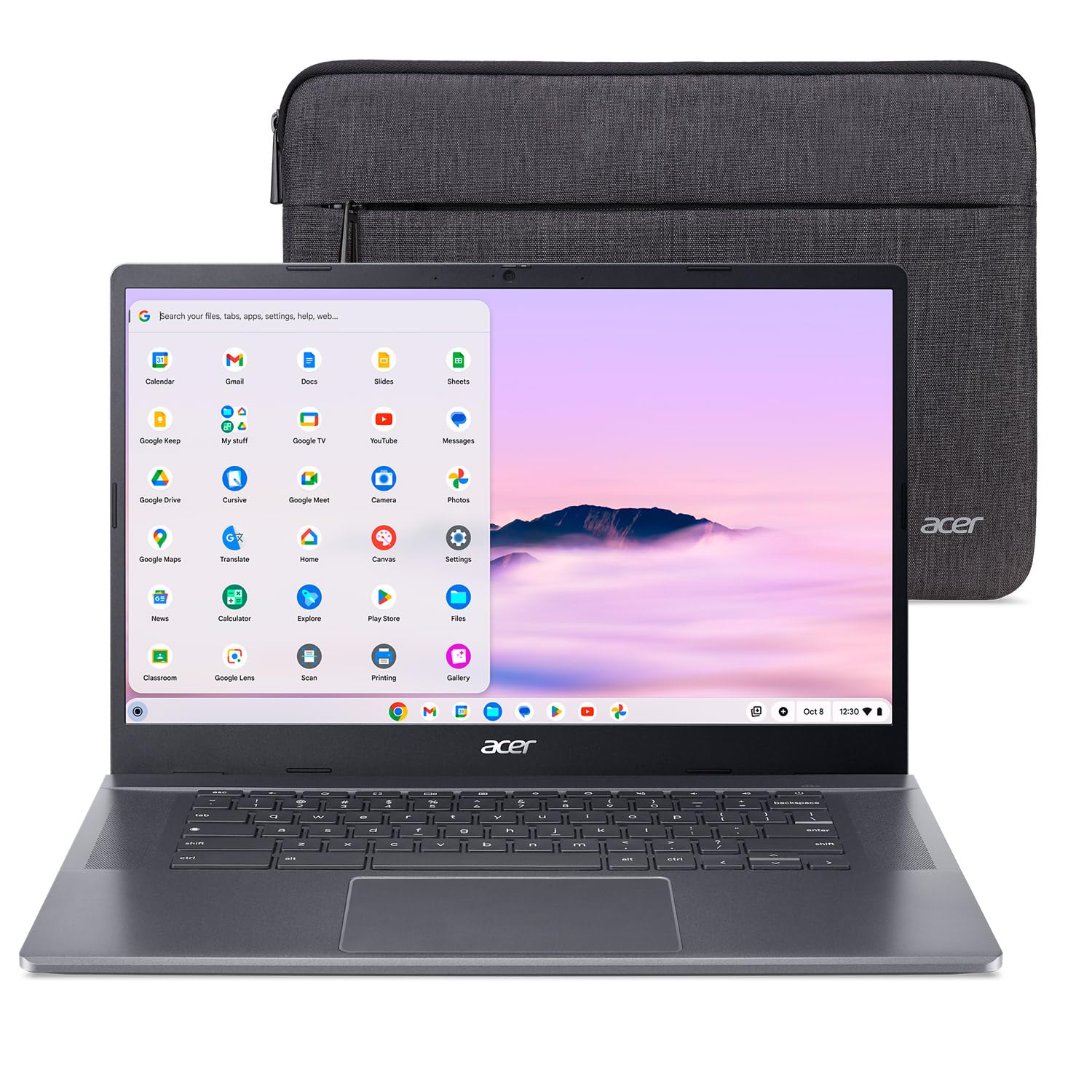
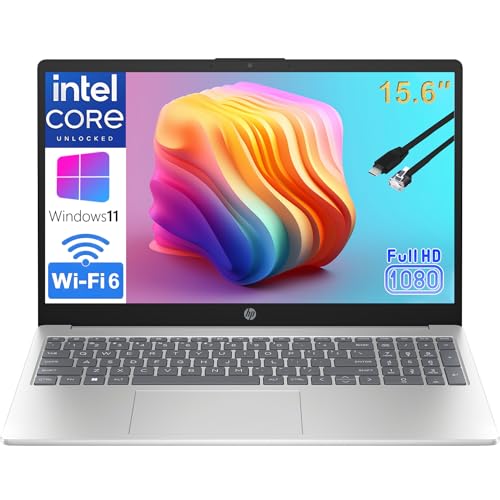

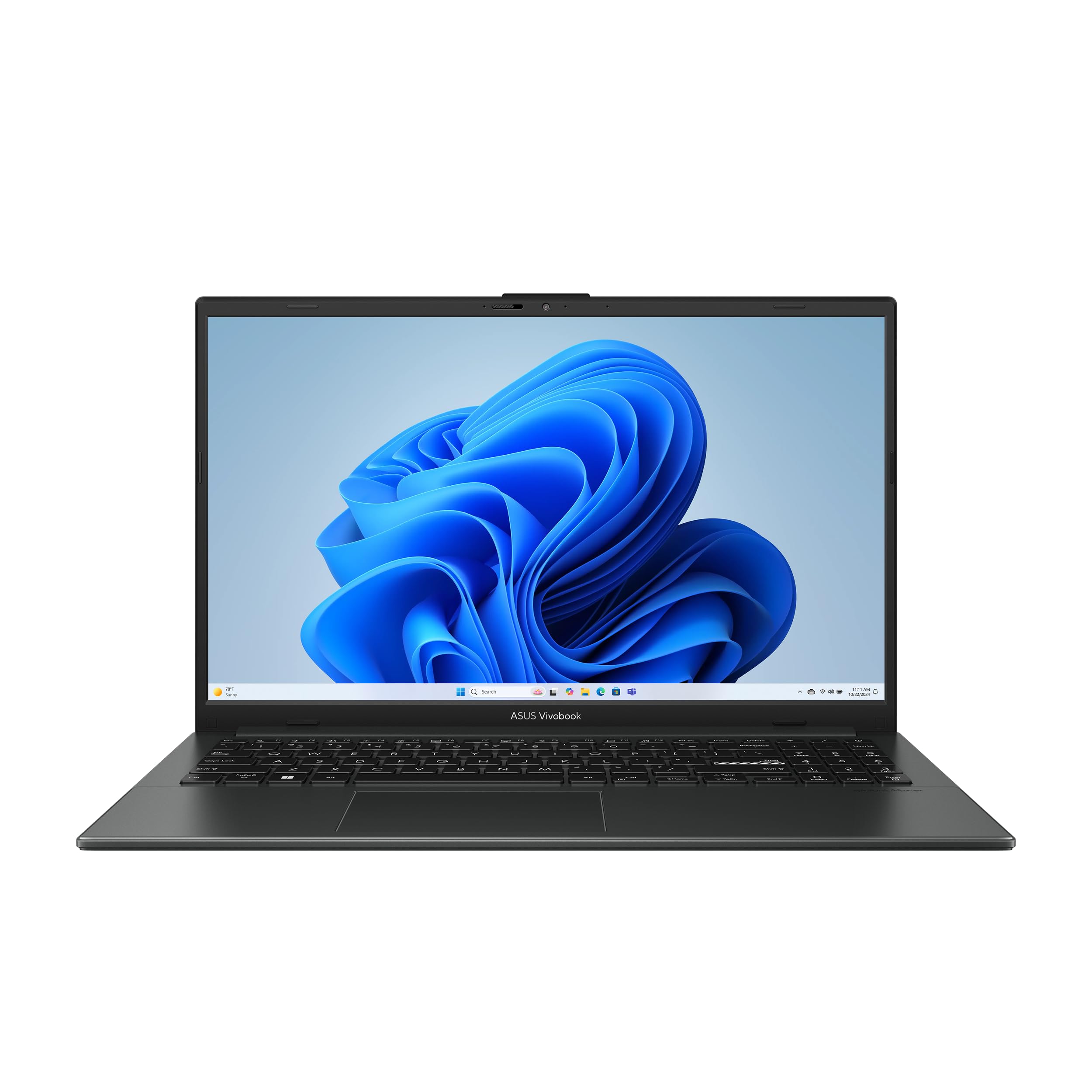


What the Best Affordable Laptops Under 500 Deliver
At this price you can expect a 15.6 inch full HD screen, 8 GB of RAM, and a 256 GB SSD on many Windows models, with ChromeOS machines offering longer battery life for less money. Bodies are mostly plastic, speakers are basic, and webcams are modest. None of that stops a laptop from handling school platforms, office documents, streaming, and video calls well.
What you generally do not get is a dedicated graphics card, an OLED screen, or a metal chassis. If a listing promises all three near $500, read the specification line by line, because something else has usually been cut, often storage speed or battery size.
Who Should Buy a Laptop in This Range
Students, home workers, families sharing one computer, and anyone replacing an old machine for everyday tasks get the most from this price band. A first laptop for a teenager, a spare machine for the kitchen table, or a dependable travel companion all fit comfortably under $500.
Heavy video editing, 3D design, and modern gaming do not fit, because they need more processing power and cooling than this budget allows. If gaming is your main reason to buy, see our guide to the best laptops gaming under 500 to learn what is realistic.
Key Features to Compare
Processor and Memory
Look for a recent Intel Core i3 or i5, an AMD Ryzen 3 or 5, or an efficient Intel N series chip in lighter machines. Generation matters as much as the tier, so a newer entry level chip often feels better than an older midrange one. Choose 8 GB of RAM as the practical minimum for browsing with many tabs, and prefer 16 GB when a listing offers it at a fair price.
Storage
An SSD is the single most important upgrade over a hard drive, cutting start up and loading times sharply. Aim for 256 GB or more on Windows laptops. Machines with 64 or 128 GB of slower eMMC storage can feel cramped after system updates, although they are fine for a Chromebook that keeps files in the cloud.
Screen and Keyboard
Choose full HD (1920 by 1080) resolution and an IPS style panel for better viewing angles. A touchscreen adds cost and drains the battery, so skip it unless you will use it. Check that the keyboard has a comfortable layout, and look for backlighting if you work in dim rooms.
Battery and Ports
Maker battery claims describe light use, so expect about two thirds of the rated time with real work. At least one USB C port, two USB A ports, HDMI, and a headphone jack cover most needs. Our guide to the best windows laptops under 500 looks at this price band for Windows models in more detail.
Windows, ChromeOS, or Something Else
Windows laptops run the widest range of programs and printers, which makes them the safest single purchase for mixed use. Chromebooks cost less for similar hardware, start quickly, and update themselves, but they rely on web apps and cannot run most desktop software. Check the programs your school or employer requires before you choose.
If you are comparing slim machines for travel, our guide to the best computer laptops under 500 and the wider best laptops 500 and under list give two more views of the same budget.
Setting Up and Getting the Most From Your Laptop
Run all system updates on the first day, remove trial software you will not use, and set up a backup to cloud storage or an external drive before you load your files. Keep the vents clear of soft surfaces so the fan can work, and use the battery limit setting if the laptop stays on a desk most of the time.
Store the charger and cable carefully, because a bent connector is the most common failure on budget machines. A padded sleeve protects the screen in a bag far better than any warranty can repair it afterward.
Mistakes to Avoid
- Buying 4 GB of RAM on a Windows laptop, which feels slow within months.
- Accepting a spinning hard drive in a laptop sold as new.
- Paying extra for a touchscreen or a fingerprint reader you will rarely use.
- Ignoring return terms, which matter if the screen or keyboard disappoints in person.
- Choosing by processor name alone without checking its generation.
Frequently Asked Questions
Can you get a good laptop for under $500?
Yes. A model with a recent processor, 8 GB of RAM, and an SSD handles everyday work comfortably. It will not match a $1,000 machine for screen quality or build, but daily tasks run smoothly.
How much RAM do I need in this price range?
Eight gigabytes is the workable minimum for Windows and keeps many browser tabs and a video call running together. Sixteen gigabytes gives more headroom and helps the laptop stay quick for longer.
Is a Chromebook enough for school or home use?
For web based classes, documents, and streaming, yes. If a course needs installed Windows software or offline tools, choose a Windows laptop instead and check the school software list first.
How long will an affordable laptop last?
With normal care, three to five years of daily use is realistic. The battery usually wears first, and choosing more memory and storage at purchase keeps the laptop feeling fast longer.
Should I buy a laptop with a touchscreen?
Only if you will use it for notes, drawing, or tablet style reading. A touchscreen raises the price and shortens battery life, so most buyers get more value from extra RAM or storage.
Final Thoughts
Protect the RAM, the SSD, and the screen, and accept compromises in the body and speakers. Compare your shortlist in the product table above, check the return terms, and you can choose one of the best affordable laptops under 500 with confidence for school, work, and home.


