Best Affordable Inkjet Printers 2026: Matching the Right Model to Your Routine
Disclosure: We may earn a commission when you buy through links on this page, at no extra cost to you. As an Amazon Associate I earn from qualifying purchases. Learn more

Compare the best affordable inkjet printers by ink cost, print quality, speed, and features, and see which type suits your home printing habits.
Inkjet printers are often cheap to buy and expensive to run, which is why price alone is a poor guide. This article helps you choose the best affordable inkjet printers by comparing printer types, ink costs, features, and the habits that keep ink flowing.
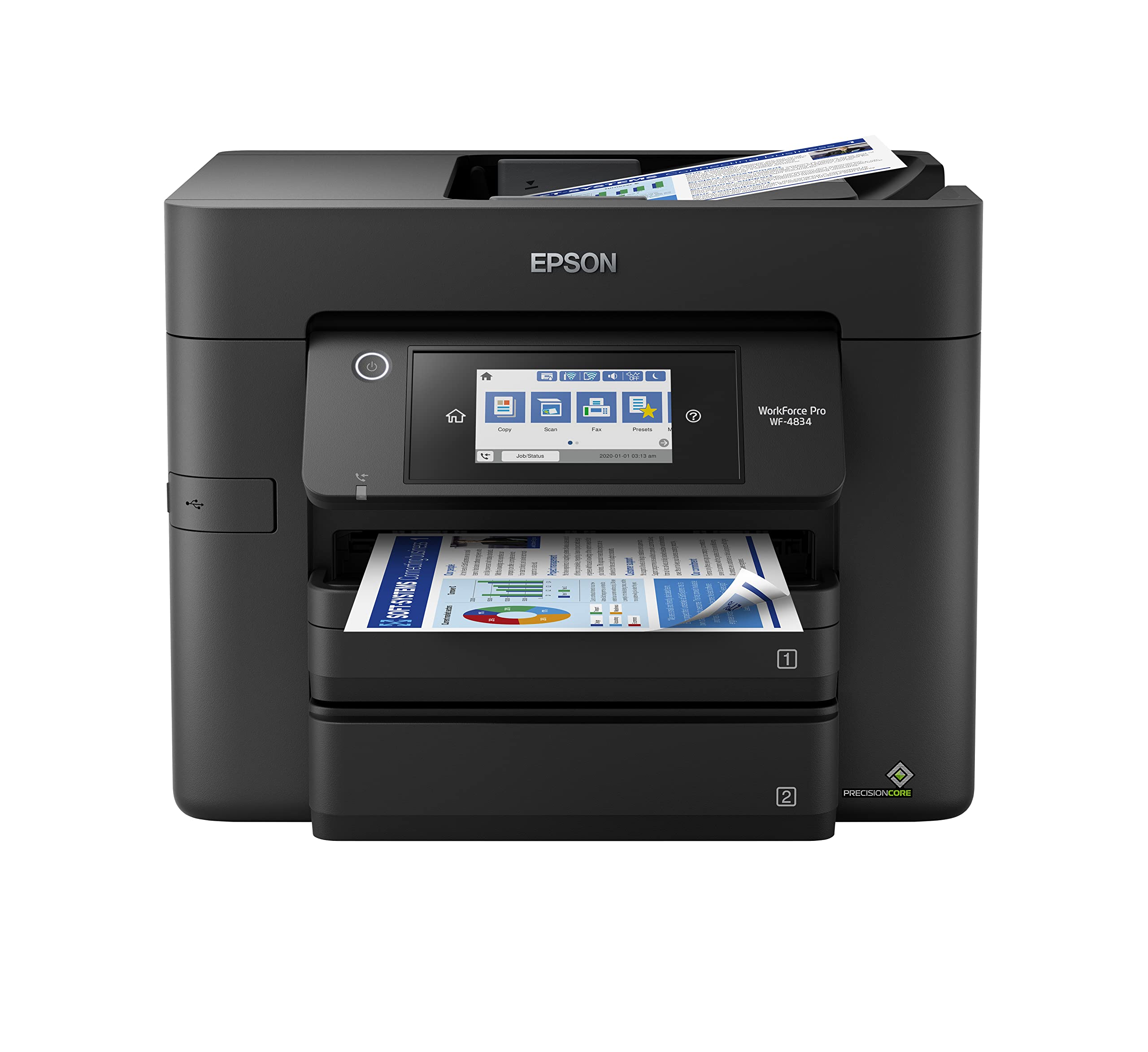
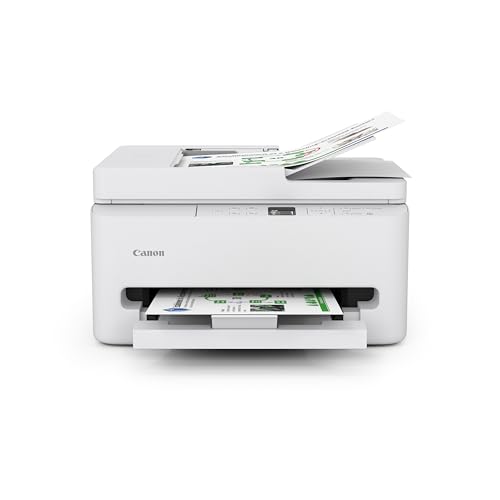
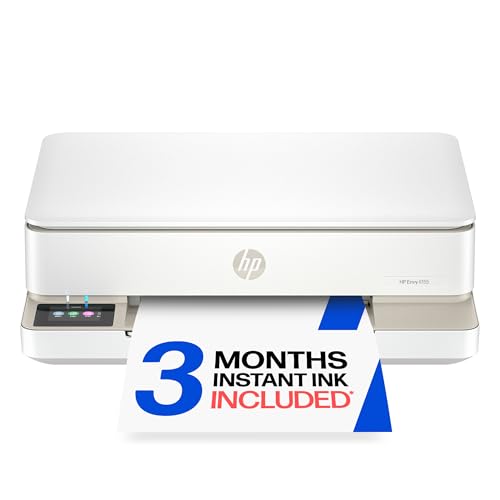
The product table below lists current options. The comparison table and sections here explain the trade offs, so you can weigh purchase price against running costs.



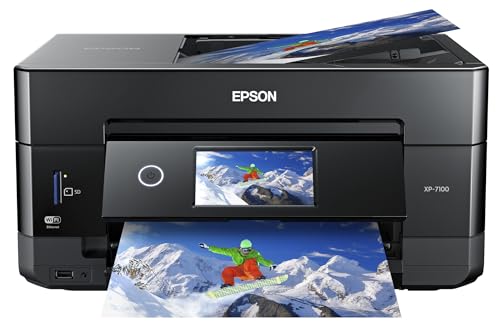
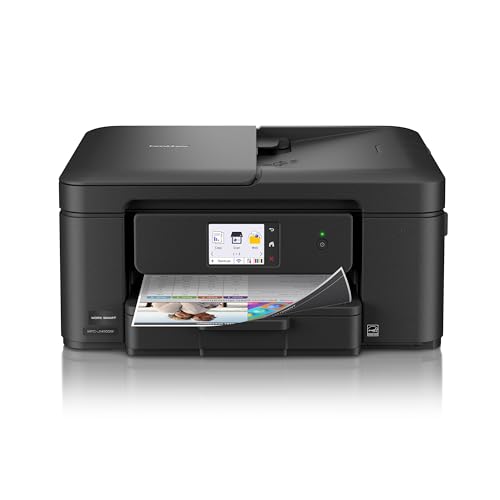
Types of Inkjet Printers Compared
| Type | Best for | Trade off |
|---|---|---|
| Cartridge all in one | Light home use and occasional printing | Low purchase price, higher ink cost per page |
| Refillable tank printer | Frequent printing and homework | Higher purchase price, very low ink cost |
| Photo inkjet printer | Photos and art prints | Slower, costly ink sets |
| Wide format inkjet | Posters and large documents | Large and more expensive |
Affordable inkjet printers run from about $90 for a basic cartridge model to $200 or more for a tank printer. The tank models often win once you print regularly, because a bottle of ink costs far less than a set of cartridges.
Who Should Buy Which Type
If you print a few pages a month, a cartridge all in one is fine, but the ink can dry out if you leave the printer idle. If you print weekly or more, a refillable tank printer saves money over time. Photographers and crafters may prefer a photo inkjet with extra ink colors, while students and home offices benefit from automatic double sided printing and a document feeder.
Key Features of the Best Affordable Inkjet Printers
Ink Cost Per Page
Check the page yield of the cartridges or the volume of the ink bottles. Cartridge printers can cost several cents per page, while tank printers often cost a fraction of a cent. Some printers also offer ink subscription plans that deliver ink on demand.
Print Quality and Speed
Look for a resolution of at least 4800 by 1200 dpi for good photos, and a speed rating that suits your volume. Higher speeds help with school and office documents.
Wireless and Mobile Printing
WiFi, Bluetooth, and mobile apps let you print from phones and tablets. Check compatibility with your devices and whether the app is easy to use.
Duplex and Paper Handling
Automatic duplex printing saves paper and time. A document feeder helps with copying and scanning stacks of pages, and a larger paper tray means fewer refills.
Scanning and Copying
Most affordable inkjets are all in one, so check the scan resolution and whether the glass bed fits the documents you need to copy.
Common Mistakes
- Judging by price alone. A cheap printer with expensive ink can cost more over a year.
- Leaving the printer idle. Inkjets can clog if unused for weeks, so print a small page now and then.
- Ignoring third party ink limits. Some printers block non branded ink, so check the policy before you buy.
- Skipping the paper type. Use the right paper for photos and documents to get the best results.
What Your Money Gets You
Under $120
Basic cartridge all in one printers fall here. They print, scan, and copy, with wireless connection and simple controls. They suit light home use, although ink can be costly if you print often.
Around $120 to $220
The middle range adds automatic duplex printing, document feeders, faster speeds, and more paper capacity. Some refillable tank models appear here, which can cut ink costs dramatically for regular printers.
Around $220 to $320
Higher priced inkjets bring larger trays, wide format printing, photo quality ink sets, and better build quality. They suit home offices and creative users who print regularly.
Keeping Your Printer Running Well
Choose the right print quality for each job. Draft mode saves ink on everyday documents, while photo quality is best reserved for pictures. Use the printer regularly, even if only to print a small page each week, so the ink does not dry in the nozzles.
Store spare ink in a cool, dry place and keep the paper in its packaging to prevent curling. If you see streaks, run the printer's cleaning cycle once and then print a small page before trying again, since repeated cleaning wastes ink.
Understanding Ink Costs
The sticker price of an inkjet printer is only part of the cost. Manufacturers often sell printers at a low price and earn money on ink. A set of cartridges can cost nearly as much as the printer, and standard cartridges may print only a couple of hundred pages.
Look at the page yield listed for each cartridge and divide the price by the pages it prints. High yield cartridges lower the cost per page, and tank printers reduce it far more. If you print fewer than a few dozen pages a month, the savings from a tank printer may not matter, and a cheaper cartridge model works fine.
Print Quality for Photos and Documents
For text documents, almost any modern inkjet prints sharp black text. Photos need more colors and finer droplets, so photo oriented printers use extra ink colors and glossy paper. If you print family pictures at home, look for a model with a photo ink set, borderless printing, and a rear or dedicated photo tray.
Pigment inks resist smudging and water on documents, while dye inks give brighter photo colors. Many printers combine a pigment black with dye colors, which is a good balance for mixed use at home.
Frequently Asked Questions
What size of inkjet printer should I choose?
Choose a compact model for a small desk, or a larger one if you want a document feeder and wide trays. Measure your space and check the printer's footprint.
How much should I budget for an inkjet printer?
Plan on $90 to $200 for most home needs. Add the cost of replacement ink or bottles to compare true costs.
How do I maintain an inkjet printer for longer life?
Print regularly, use the printer's cleaning cycle if streaks appear, and turn it off using the power button. Keep it covered and away from dust.
When should I seek professional help with a printer?
Contact support if the printer shows persistent errors, paper jams that do not clear, or poor print quality after cleaning cycles. Check your warranty first.
Is a tank printer worth it?
If you print regularly, yes. The higher purchase price is offset by much cheaper ink. For very occasional printing, a cartridge model can be enough.
Final Thoughts
Weigh purchase price against ink costs, choose features that suit your printing habits, and keep the printer in regular use. Compare the printers in the product table above and choose from the best affordable inkjet printers that fits your home. For related reading, see our guides to the best affordable printers and the best printers with affordable ink.