
Best Affordable Home Printers: Buying Guide for 2026
Disclosure: We may earn a commission when you buy through links on this page, at no extra cost to you. As an Amazon Associate I earn from qualifying purchases. Learn more

A plain guide to the best affordable home printers: running cost, print quality, wireless setup, and type.
Home printers vary a lot in price, and the cheapest printer is often the most expensive to run. If you are choosing best affordable home printers, think about how much you print, whether you need color, and what the ink or toner will cost over the years. This guide explains the main types, the features that matter, and how to read the comparison table below.
Affordable home printers cost from around $60 for a basic inkjet to $250 for a refillable tank printer. The purchase price is only part of the story, because ink can cost more than the machine.


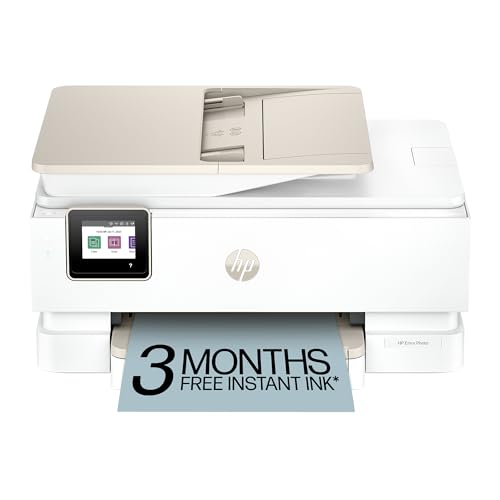
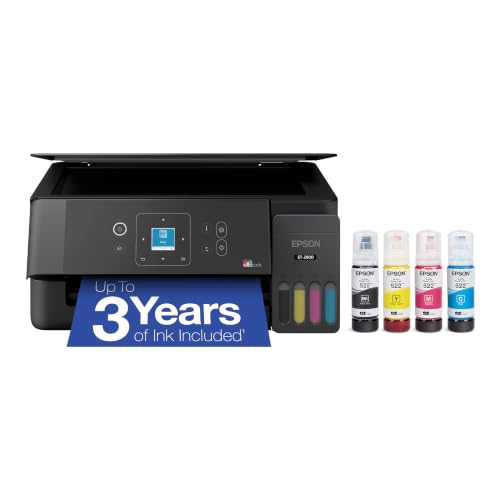
Types of Home Printers
Cartridge Inkjet Printers
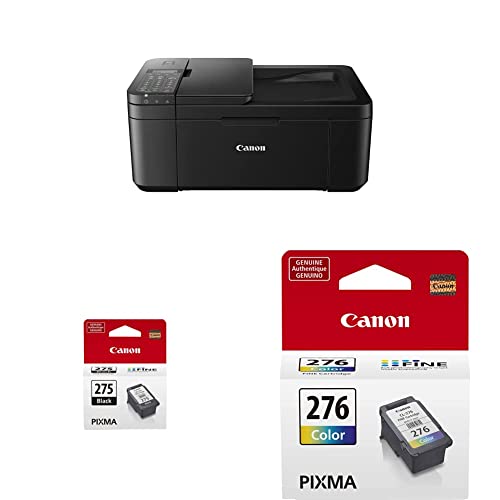
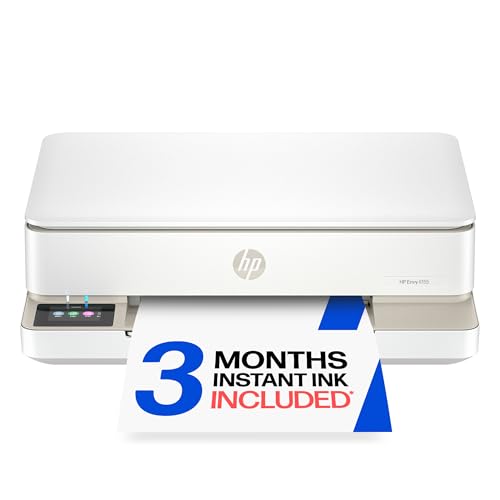
These have a low purchase price and print color and photos well. They suit light printing, such as school work and the odd photo. Cartridges can be expensive per page, and ink may dry if you do not print for weeks. Models like the Canon PIXMA and HP Envy lines are common examples.
Ink Tank Printers
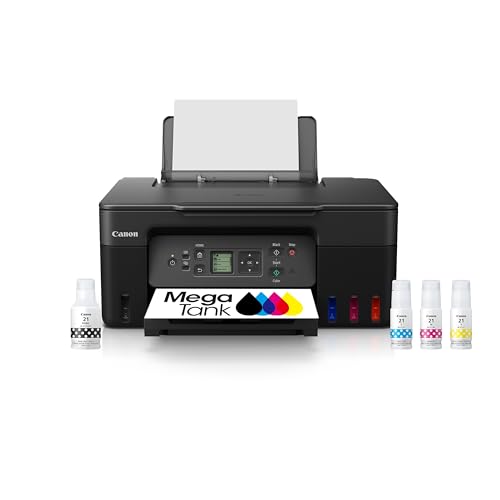
Ink tank printers such as the Epson EcoTank and Canon MegaTank cost more up front but print thousands of pages from refillable bottles. They suit families and home workers who print every week, and they save money over time.
Laser Printers
Laser printers print fast, sharp black text and are cheaper to run for documents. They suit home offices that print mostly text. Color lasers cost more, and photo quality is lower than inkjet.
Key Features to Compare
Running Cost
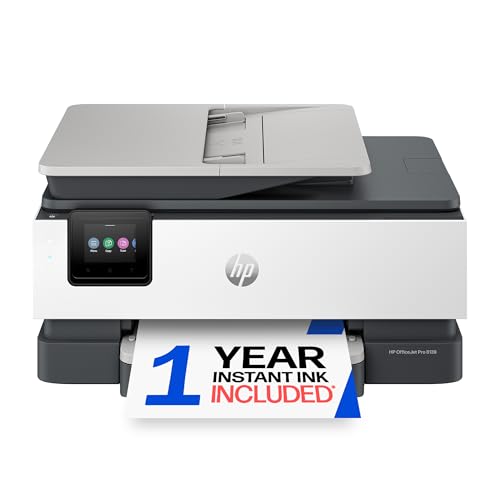
Look at the cost per page, not only the printer price. A tank printer may cost under a cent per page, while a cartridge printer can cost several cents. Subscription ink plans from some makers can lower the cost for light printing, but check the terms.
Print Quality and Speed
Text should look sharp, and photos should show smooth color. Most home printers print around 8 to 15 pages a minute for text, slower for color. If you print photos often, look for models with extra ink colors.
All in One Functions
Most home printers also scan and copy. An automatic document feeder helps if you scan many pages, and duplex printing saves paper.
Wireless and App Support
Look for Wi-Fi, mobile printing, and a simple app for setup. A touchscreen or at least a clear display makes everyday use easier. Check that the printer works with your phone and your computer.
What You Can Realistically Get on a Budget
Around $60 to $130 buys a basic color inkjet that prints, scans, and copies. Around $150 to $250 buys a good ink tank printer or a faster inkjet with better paper handling. Expect plastic builds and smaller paper trays at these prices. Choose the machine with the lowest running cost for your printing volume. For related guides, see our look at the best computer printers for home.
Choosing by Household
Students and light users who print a few pages a week do fine with a basic color inkjet, as long as they print often enough to keep the nozzles from drying out. Families with children and busy home offices should favor an ink tank printer, because homework, forms, and school projects add up quickly and the low cost per page saves real money. If you print only black text, such as invoices and contracts, a compact laser printer is quick, tidy, and cheap to run, and its toner does not dry out between uses.
Photo Printing at Home
Home photo printing is possible on most inkjets, but the results depend on the ink set and the paper. Printers with extra photo inks produce smoother gradients and richer skin tones. Use the paper size and type recommended by the maker, and select the matching setting in the print dialog. Remember that photo ink and paper are costly, and ordering prints online is often cheaper for large batches. A home printer shines for quick prints, school projects, and labels.
Paper, Ink, and Cost Planning
Plan the yearly cost before you buy. Estimate the pages you print each month, multiply by the cost per page, and add paper. A printer that costs $70 but needs $120 of ink every year is far more expensive than a $200 tank printer with $20 of ink. Buy genuine or well reviewed ink, store cartridges flat and upright, and avoid leaving the printer off at the wall for months, because it needs power to cap the nozzles.
Common Mistakes to Avoid
- Choosing a printer by price alone and ignoring the cost of ink.
- Buying a color printer when you print mostly black text.
- Letting an inkjet sit unused, which can dry out the nozzles.
- Using the wrong paper size or type for photos.
- Skipping the manufacturer's update, which can affect compatibility.
Setup and Care
Place the printer near your router and a power outlet, with room to open the cover and paper tray. Install the maker's app, connect to your Wi-Fi network, and print a test page from every device you use. Keep paper dry and flat so it feeds well. Print something every week or two to keep inkjet nozzles clear, run the cleaning cycle only when print quality drops, and store spare ink as the maker advises.
Security and Maintenance
Connected printers are small computers on your network. Install firmware updates when the maker offers them, change any default admin password, and turn off remote printing features you do not use. Replace worn parts early, such as pickup rollers that start to misfeed paper, and keep the paper path clear of dust. If the printer jams repeatedly, open it carefully, remove the paper in the direction of the paper path, and check for torn scraps.
When the printer reaches the end of its life, recycle it through the maker's program or a local electronics collection rather than putting it in the trash.
Before You Buy
Check that the printer supports your operating system and phone, and look up the price of replacement ink or toner for the exact model. Confirm the paper sizes it handles, whether it prints on both sides automatically, and how big it is, since some all in one printers need a lot of desk space.
Frequently Asked Questions
Is an ink tank printer worth it?
Yes, if you print regularly. The higher price is paid back through very low ink costs.
Which is cheaper to run, laser or inkjet?
Laser is usually cheaper for black text. Ink tank inkjets can match that and add color.
Do I need an all in one printer?
Most people do, since scanning and copying are useful. A single function printer is simpler and cheaper but limited.
Can I use third party ink?
Often yes, but some printers block it, and the quality can vary. Check the warranty and reviews before using it.
How long does a home printer last?
Three to five years is typical with regular use. Cleaning and updates extend its life.
Final Thoughts
Start with how much you print, then pick the type with the lowest running cost for that use. Use the product table above to compare current models, and also see our guide to the best quality photo printers for home if photos matter most. With running costs in mind, best affordable home printers stay cheap long after you leave the store.


