Best Affordable Gaming Speakers: Buying Guide for 2026
Disclosure: We may earn a commission when you buy through links on this page, at no extra cost to you. As an Amazon Associate I earn from qualifying purchases. Learn more

A plain guide to the best affordable gaming speakers: format, connection type, desk fit, and sound clarity.
Desk speakers can transform how games sound, but first time buyers face a wall of terms about drivers, soundbars, subwoofers, and connection types. This guide explains each idea in plain language and shows you how to match a setup to your desk, your console or PC, and your budget. If you are choosing best affordable gaming speakers without overspending, use the comparison table below after you read the basics.
The right choice depends less on flashy lighting and more on fit. Your desk depth, whether you also watch films at the same screen, and how close neighbors sit all shape what will work.


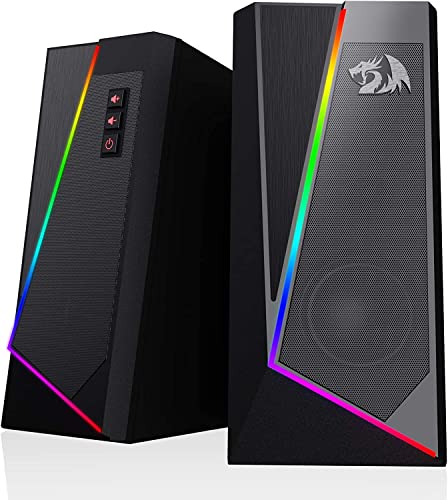


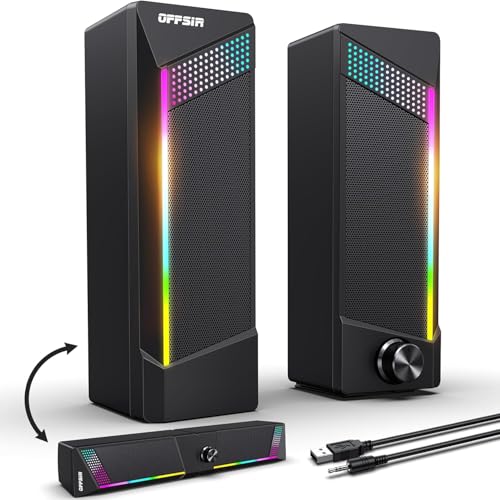
Gaming Speakers 101: The Basics
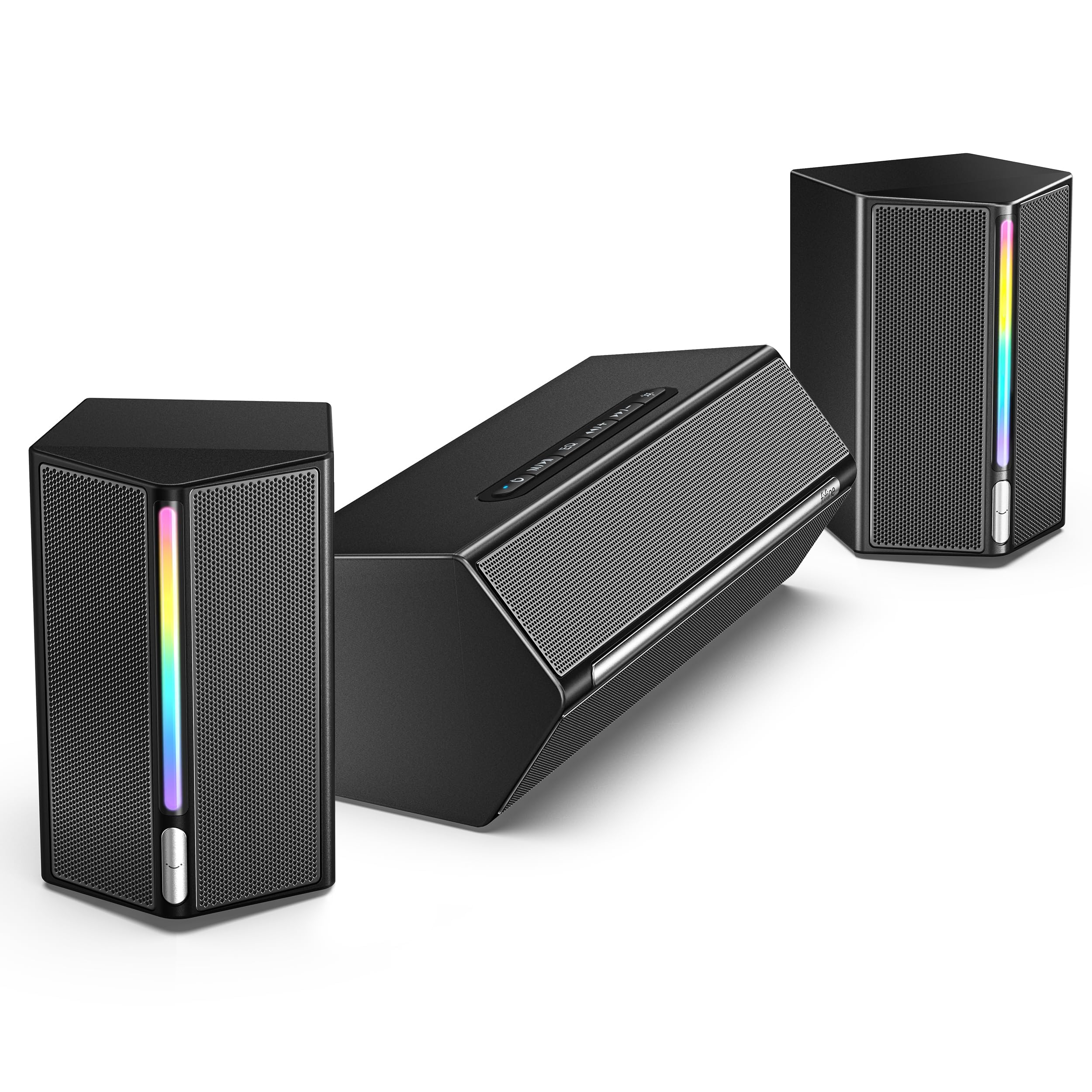
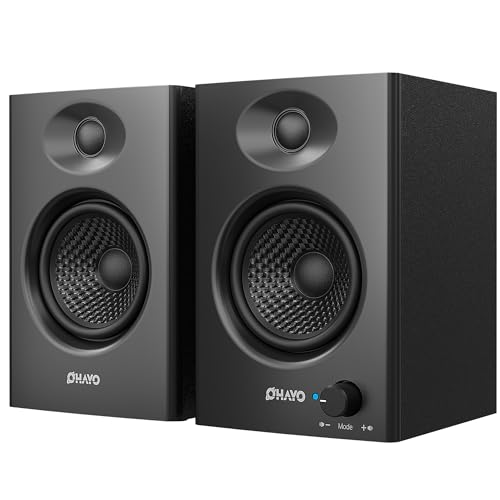
Gaming speakers are external speakers built to deliver game audio with clearer dialogue, wider stereo separation, and stronger impact than monitor or laptop speakers can manage. The most common format is a pair of small powered speakers that sit on either side of your screen and plug into power and your PC or console. A subwoofer may join them to handle low effects like engines and explosions.
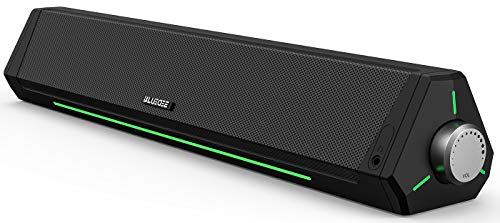
Another format is the soundbar, a single wide unit that sits under a monitor or TV. Soundbars save desk space and simplify wiring, while separate pairs usually image better, placing footsteps and voices more precisely in space. Neither format needs a separate amplifier because the amplifier is built in. That makes setup simple for beginners. Your main decisions are format, connection type, total size for your desk, and whether you want a subwoofer now or can add impact through larger drivers alone.
Key Specs Explained in Plain English
What You Can Realistically Get on a Budget
At around $50 to $150, expect clear voices, decent stereo width, and enough volume for a desk in a small room. Many sets include Bluetooth and USB input at this level, which is genuinely useful. What gets trimmed is deep bass without a subwoofer, premium cabinet materials, and advanced surround processing. Do not save by choosing a set with no volume knob on the front or no headphone jack if you switch to a headset often. Those daily conveniences matter more than decorative lights. Honest power ratings and a solid feel in hand are good signs.
Sound Quality and Tuning
Sound quality for gaming means clarity first. You need dialogue and key effects to stay intelligible at low volume during late sessions, not just loud output. Driver size affects fullness. Small drivers in compact cabinets sound clean but lean, while larger drivers add body to music and films. Frequency response hints at bass reach, but placement matters just as much. Speakers at ear level and angled toward you will sound far better than stronger speakers firing at your chest. A balanced tuning beats a bass heavy tuning for competitive play, since excess bass masks footsteps.
Power and Setup
Desk gaming speakers run on mains power or USB power, so there is no battery to charge. Most sets use one powered speaker that feeds the other through a cable, plus a power adapter or a USB cable for power. Check the cable lengths against your desk, and look for a front volume knob and a headphone jack for easy access. If a listing leads with battery hours, it is probably a portable Bluetooth speaker rather than a desk set.
Connectivity (Bluetooth Version, Codecs, Wired)
Connection choice affects both quality and delay. USB gives a clean digital link from a PC and often powers small sets. A standard audio cable works with almost anything, including controllers. Bluetooth adds freedom for phone music, and newer versions hold a steadier link, but wireless can add a small delay that matters in fast games. Multipoint pairing, which keeps two devices connected, is handy if you switch between a PC and a phone. For play, use a wired link. Readers building a whole desk setup may also see our guide to the best affordable gaming monitors to match screen and sound size.
Comfort, Fit, and Weight
For speakers, comfort means fit on your desk and ease of daily use. Measure your available width and depth before you buy, including space for a keyboard and mouse. Front facing controls, a reachable volume knob, and cables long enough to route neatly all reduce daily friction. Weight matters mainly as a clue to build quality and stability. Very light speakers can vibrate or slide on a desk at high volume. Rubber feet and a modest heft keep a set planted and quiet.
Rookie Mistakes to Avoid
- Buying a subwoofer your room cannot handle. In a small room or shared home, strong bass travels through walls. A clean pair without a sub may suit your life better.
- Playing over Bluetooth in fast games. Wireless delay can separate sound from action. Keep a wired option for competitive titles.
- Ignoring desk measurements. Speakers that crowd your monitor or mouse space will annoy you daily. Measure first and leave breathing room.
- Chasing lighting over sound. Light effects add cost and do nothing for clarity. Put your budget into drivers and cabinet quality first.
- Placing speakers behind the monitor. Blocked speakers sound muffled no matter their price. Keep a clear path from driver to ears.
For a wider view of formats beyond the budget tier, see our guide to the best gaming speakers before you finalize a short list.
Getting Started: Setup and First Use
Place the speakers at equal distance from your seat, at or near ear level, and angled slightly toward you. Connect power and your chosen audio link, set the speaker volume to a moderate level, and control fine volume from your PC or console so the signal stays clean. Test with a familiar game scene and a piece of music you know well.
Practical know how makes a big difference here. Raise speakers on books or small stands if they sit well below your ears, and replay the same scene to hear the improvement. Keep cables away from power bricks to reduce hum. If you also use a headset for chat, see our guide to the best affordable gaming headsets so your speaker and headset choices work as one setup without constant replugging.
FAQs
Do I need a subwoofer for gaming speakers?
Not necessarily. A 2.1 set with a subwoofer adds deep bass for explosions and music, while a clean 2.0 pair suits small rooms and competitive play, where footsteps matter more than bass.
Are Bluetooth gaming speakers good enough?
For casual play and music, yes. For fast games, a wired USB or cable link has less delay and keeps sound in step with the action.
How much should I spend on gaming speakers?
About $25 to $110 covers most needs. Below that you get basic sound, and above it you pay for better drivers and cabinet quality.
Can I use gaming speakers with a console?
Yes, if the speakers have an audio input such as a 3.5 mm or RCA jack, or if your console supports USB audio. Check the connections before you order.
Do gaming speakers or a headset sound better?
A headset isolates sound and is better late at night or in a shared room. Speakers feel more open and are more comfortable for long sessions. Many players use both.
Final Thoughts
Put clarity, desk fit, and a wired connection at the top of your list, and let lighting and extras come last. The product table above will help you compare sizes and connections side by side. If you are also comparing value across a full setup, see our guide to the best affordable speakers for non gaming options. For most desks, best affordable gaming speakers means a balanced powered pair that images well at close range and stays clear at low volume late at night.