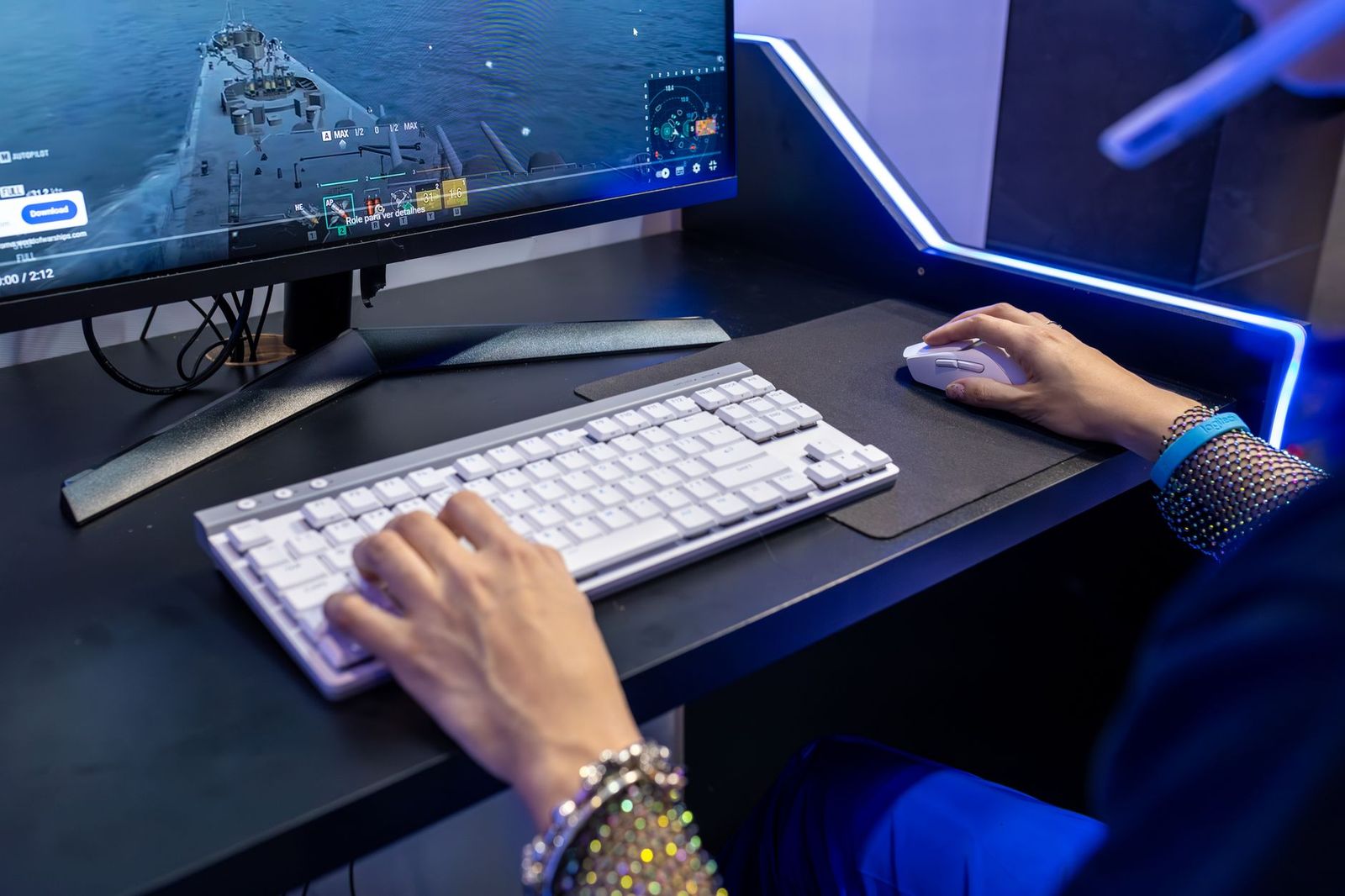
Best All Purpose Gaming Mouse for 2026: What Actually Matters Before You Buy
Disclosure: We may earn a commission when you buy through links on this page, at no extra cost to you. As an Amazon Associate I earn from qualifying purchases. Learn more

Pick the best all purpose gaming mouse for games and desk work: shape, sensor, weight, connection and buttons compared in a clear checklist.
A single mouse often has to handle fast shooters at night, long strategy sessions, office work, and travel in a laptop bag. Choosing the best all purpose gaming mouse means balancing speed, comfort, and flexibility instead of chasing one extreme spec. The right choice feels accurate in games and calm and precise for spreadsheets on the desk you use every day.
This guide uses a simple checklist so you can compare shape, sensor, connection, and controls without guessing. Start with hand size and grip, then check the comparison table below.


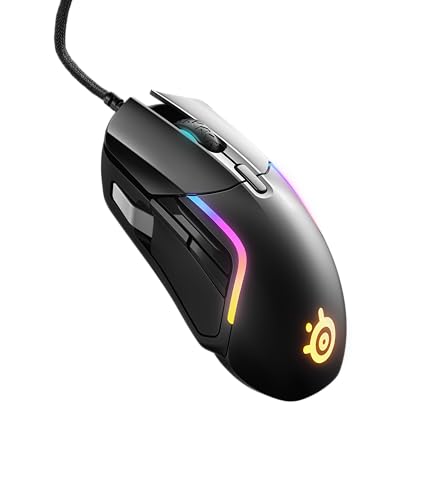

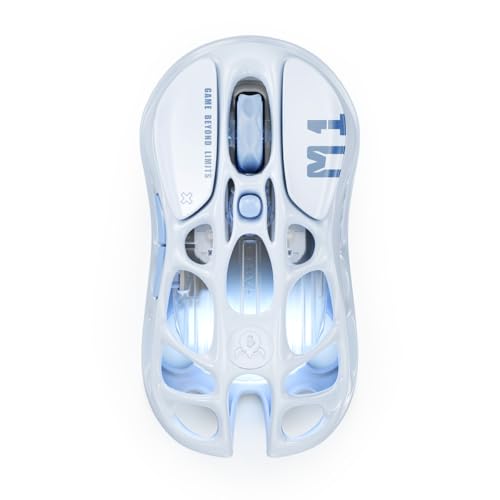

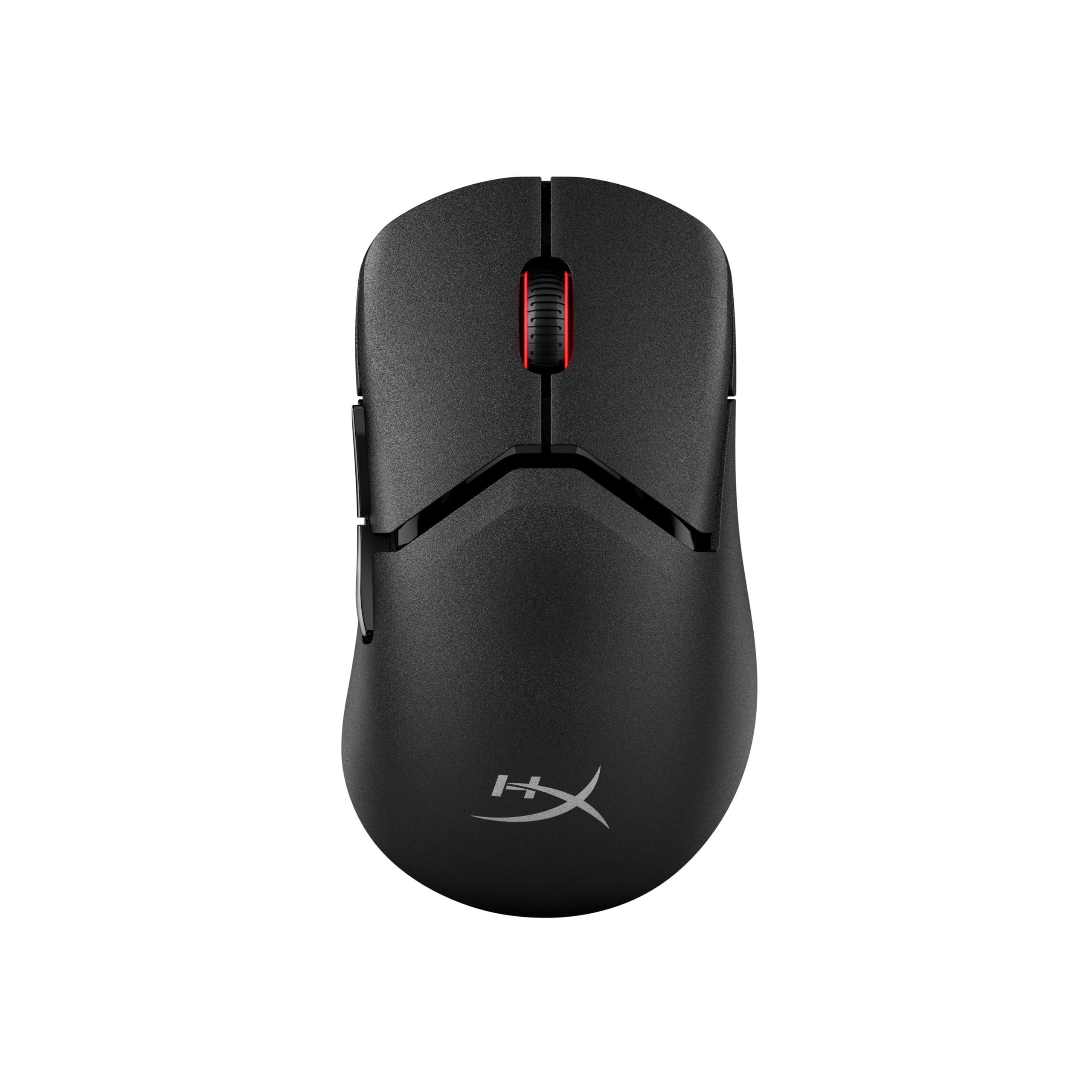
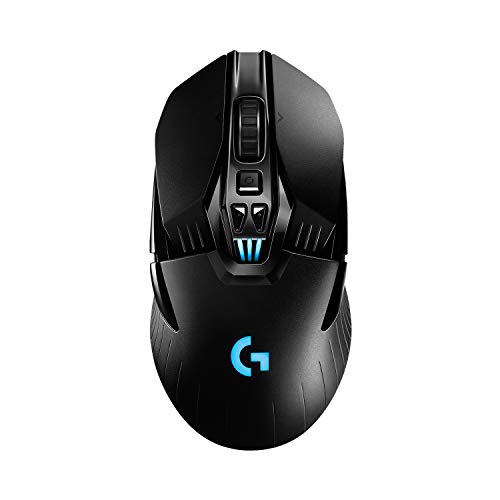
Who Should Buy an All Purpose Gaming Mouse
An all purpose model suits you when one mouse must cover several jobs well rather than one job perfectly.
Players Who Switch Between Game Genres
You move between shooters, role playing games, and strategy titles in the same week, so you need a sensor that tracks both fast flicks and slow, careful aim. Look for a medium weight shell, at least two easy to reach side buttons, and onboard memory that stores one profile per genre. A safe, rounded shape usually beats a narrow specialist shape here, because it stays comfortable when session pace and length change.
Hybrid Workers Who Game at the Same Desk
Your mouse earns its place during the workday first, with scrolling, text selection, and window switching for hours at a time. Prioritize a controlled scroll wheel, a shape that supports your palm without forcing your wrist upward, and wireless pairing for two devices. If you compare broader options, see our guide to the best mouse for gaming for models aimed mainly at play rather than mixed desk work.
Students and Travelers Who Play Away From Home
You play in dorm rooms, shared apartments, and sometimes on a laptop at a small table, so size and durability matter as much as raw speed. Choose a compact shell that still fits your full hand, a dongle that stores inside the body, and a battery that lasts through a week of classes and evening matches. A flexible cable option also helps when a desk has no free outlet nearby.
Key Features to Compare
Use these six factors in order. Shape and fit come first, because a fast sensor cannot fix a mouse that cramps your hand after thirty minutes.
Shape, Size, and Grip Style for Mixed Use
Measure your hand from fingertip to wrist crease and note whether you rest your whole palm on the shell, curl your fingers in a claw hold, or steer mostly with your fingertips. Palm grip favors a taller, fuller back, claw grip suits a shorter shell with a clear hump, and fingertip control works best with a small, light body. A symmetrical shell suits either hand, while a sculpted right hand shape gives palm users more support.
Sensor Accuracy, DPI Range, and Tracking
DPI describes how far the cursor moves for each inch of mouse movement, and most players settle between 800 and 3200 DPI for daily play. A good optical sensor should track smoothly on wood, plastic, and cloth without jitter when you lift the mouse slightly between swipes. Clean tracking at the settings you use matters more than a huge maximum figure.
Connection Options, Polling Rate, and Latency
Wired mode gives steady power and the simplest setup, 2.4 GHz wireless with a USB dongle gives response that feels just as prompt for most players, and Bluetooth saves battery and ports for work and travel. Polling rate tells how often the mouse reports its position, with 1000 Hz common for gaming use. On a fast display, steady reporting pairs well with the high refresh panels covered in our guide to the best gaming monitors.
Weight, Glide Feet, and Mouse Pad Feel
Weight shapes how a mouse starts and stops. Models around 60 to 80 grams feel quick for flick shots, while mice around 85 to 105 grams feel steadier for slow tracking and desk work. Large, smooth glide feet reduce scratchy drag and help small aim corrections stay precise. Surface matters too, so see our guide to the best gaming mouse mat if your current pad feels uneven or worn.
Switch Feel, Extra Buttons, and Scroll Wheel
Mouse switches decide click sound, firmness, and lifespan, with optical switches using light to register a press and mechanical mouse switches using a physical contact. Either can feel crisp when the shell keeps flex out of the main buttons. For mixed use, look for two side buttons you can reach without shifting your grip, a wheel with clear steps for weapon or tool changes, and a middle click that does not need a hard press.
Battery Life, Charging, and Onboard Profiles
Wireless freedom only helps when charging fits your routine. Many all purpose models run for several days to a few weeks per charge depending on lighting and polling settings, and USB C charging lets you top up with the same cable as your phone or laptop. Onboard memory saves your DPI steps and button assignments on the mouse itself, so your settings travel to a work computer where you cannot install extra software.
Types Compared and a Quick Buyer Checklist
Wired models suit a fixed desk and often cost less for the same sensor. Full size wireless mice suit hybrid desks, with a dongle for play and Bluetooth for a second computer. Compact travel models trade a little palm support for portability. If value is your main filter, see our guide to the best inexpensive gaming mouse after the checklist below.
- Does the shell match your hand and main grip without forcing your fingers to spread?
- Can you reach both side buttons and the wheel without lifting your hand?
- Does the mouse offer the wired, dongle, or Bluetooth mix your devices need?
- Are your DPI steps saved on the mouse, not only in desktop software?
- Does battery life cover your longest stretch between charges, with a cable included?
- Will the mouse track well on your pad and desk surface without dragging?
- Is the warranty at least one year, with clear terms you can read first?
That list reflects what the best all purpose gaming mouse has to get right: fit first, then tracking, connection, and daily controls. If a model fails the first two questions, skip it, because discomfort shows up in every task.
Common Mistakes to Avoid
- Choosing a mouse by maximum DPI alone, so you pay for numbers you never use while ignoring shape and tracking quality.
- Buying an ultralight shell for a large palm grip, so your hand cramps and your aim drifts during long sessions.
- Using Bluetooth for fast competitive play, so added delay makes quick turns feel less direct.
- Ignoring the scroll wheel, so loose scrolling annoys you in documents and makes weapon changes imprecise.
- Forgetting to check Mac or console support, so extra buttons you expected do not work on your system.
- Skipping the pad question, so worn feet on a rough surface make a capable sensor feel scratchy.
Care and Maintenance for a Gaming Mouse
Clean the sensor lens with a dry cotton swab and gentle air, never with liquid, because residue on the lens can cause uneven tracking. Wipe the shell and wheel with a slightly damp cloth, then dry it fully before use. Inspect the glide feet monthly and replace them when edges look torn or flattened, since damaged feet change friction and can scratch a pad.
For wireless models, charge before the battery runs fully flat and store the mouse at a partial charge if you will not use it for several weeks. Keep the dongle in its storage slot during travel. Update firmware only while the mouse is plugged in or well charged, and keep the cable loosely coiled, which can strain the cord less over time.
FAQ
Should you choose wired or wireless for an all purpose gaming mouse?
Choose wireless if you value a clean desk and move between computers, and choose wired if you want the simplest setup with no charging. One point many buyers miss is dongle placement: keep the 2.4 GHz receiver close to the pad, away from USB hubs and metal enclosures. That step often improves stability more than switching models.
Does an all purpose gaming mouse work with Mac and consoles?
Yes, most all purpose gaming mice work with Mac and consoles for basic pointing and clicking. The detail to check is configuration access, because many setup apps are built for Windows, so a Mac user may need onboard profiles set up on a Windows machine first. On consoles, each game decides which buttons can be remapped, so confirm support in your specific game.
Are optical switches better than mechanical switches in a gaming mouse?
Optical switches are better if you want prompt registration and strong resistance to wear from dust and repeated presses, because they actuate with light and have no metal contact to bounce over time. The trade off is feel, since some players prefer the deeper snap of a mechanical mouse switch. Also test click volume in a quiet room.
What DPI do you need in an all purpose gaming mouse?
Most players need 800 to 1600 DPI for shooters and 1600 to 3200 DPI for fast desktop work across large displays. A useful extra step is to set one lower DPI step as a temporary precision button for scope aim or photo editing, then return to your normal step on release. That gives fine control on demand without changing your main setting.
What weight suits an all purpose gaming mouse for mixed game genres?
A weight around 70 to 95 grams suits most players who mix fast and slow paced games. One factor the spec sheet hides is balance, because a mouse with weight centered under your palm feels steadier than a lighter mouse with weight pushed to the rear. Test a new shape with slow circles and short flicks to judge balance directly.
Final Thoughts
Fit, tracking, and connection decide whether one mouse can serve games, work, and travel without compromise. Start with the shape that matches your hand, confirm the sensor settings you will actually use, and keep only buttons you can reach with ease. When those basics line up, the best all purpose gaming mouse for you should feel accurate and comfortable every time. Compare your shortlist again in the product table above before you order.