
Best Affordable Engineering Laptops: A 2026 Checklist and Buying Guide
Disclosure: We may earn a commission when you buy through links on this page, at no extra cost to you. As an Amazon Associate I earn from qualifying purchases. Learn more
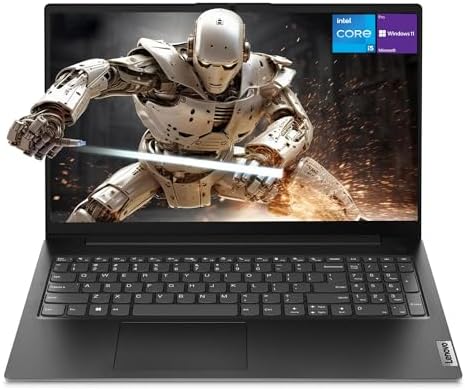
Use this checklist for the best affordable engineering laptops to compare processors, RAM, displays, ports, and battery life before you buy one.
Engineering software punishes weak laptops quickly, from slow CAD redraws to compiles that stall your whole afternoon. The trouble is that spec sheets mix the numbers that matter with ones that only sound impressive. This checklist for best affordable engineering laptops shows you the thresholds that separate a workable machine from a frustrating one.
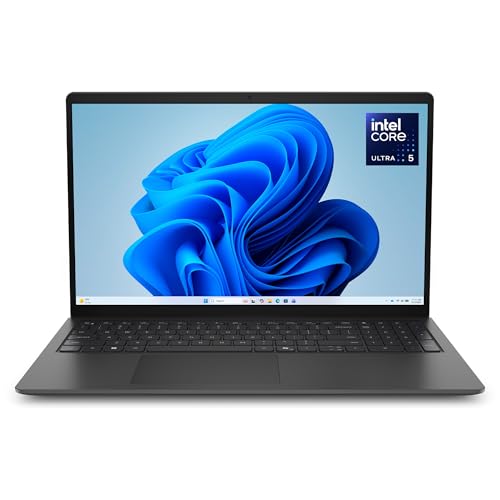
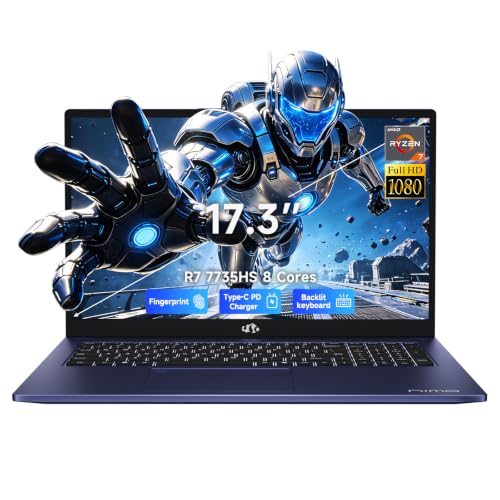
Start with the comparison table below to line up processors, memory, and storage, then use the criteria that follow to judge each model against the programs you actually run.
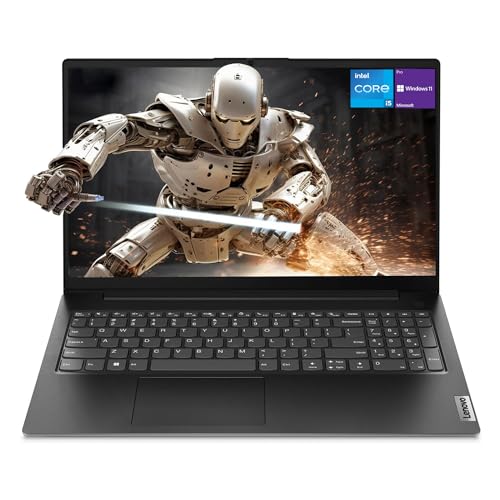


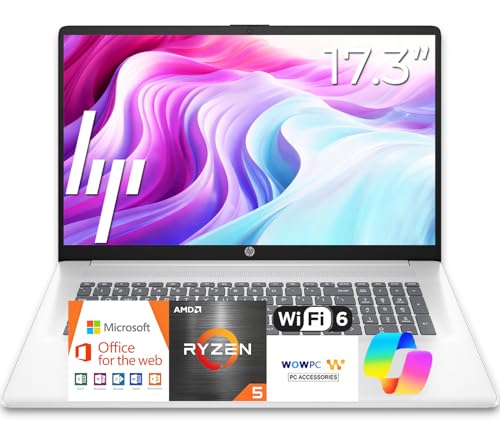
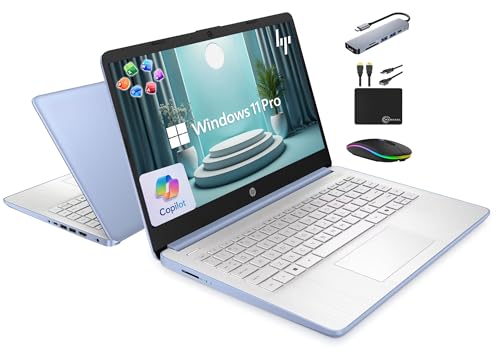
How to Evaluate Engineering Laptops
Judge a budget engineering laptop on whether it runs core tools without constant waiting. That means processor strength, memory headroom, a screen you can read drawings on, and ports for lab gear and external displays. Battery and weight decide whether the machine works across a full campus or site day. Each check below gives a clear good enough line and a warning line.
What You Can Realistically Get on a Budget
Around $600 to $900 buys a modern mid range processor, 16 GB of RAM, and a fast SSD if you shop carefully. You will usually give up a premium metal shell, a top tier screen, and a strong dedicated GPU at this level. Do not give up memory or storage to save a small amount, because both are hard or impossible to upgrade later on thin models. A slightly older processor generation at a lower price often beats a new chip paired with only 8 GB of RAM.
Processor and Performance Tier
For CAD, MATLAB, and coding work, aim for a recent Intel Core Ultra or AMD Ryzen 5 or 7 class processor with at least six cores. Single core speed drives most CAD view and sketch tasks, while core count helps rendering and simulation runs. Check the exact chip name rather than the family label alone, since one family spans wide performance gaps. If your courses include heavy simulation, budget more for the processor than for screen extras. Readers who want the wider market view can see our guide to the best engineering laptops for the upper end of this category.
Ports and Connectivity
You need at least one USB C port with charging and display output, one or two USB A ports for lab devices and drives, and HDMI for projectors and monitors. WiFi 6 or newer keeps large file transfers and cloud tools responsive on busy campus networks. An SD card reader helps if you move data from instruments or cameras. Dongles solve missing ports, but they add cost and one more thing to lose, so count the ports before you buy.
Display Size, Resolution, and Brightness
A 14 to 16 inch screen at 1920 by 1200 resolution or higher gives drawings and code room to breathe. Brightness of about 300 nits or more keeps the screen readable near windows and in bright labs. A matte finish cuts glare during long sessions. High refresh rates matter less for most engineering tools than color accuracy and sharp text, so do not trade resolution for refresh speed. If you split your screen between a model and a reference sheet, the larger 16 inch size earns its extra weight.
Battery Life in Real World Use
Maker claims often assume dim screens and light browsing, so expect real mixed use to land well below the headline number. A good budget target is about seven to nine hours of notes, browsing, and light CAD work. Fast charging over USB C is valuable because a short break can restore hours of use. Heavy rendering drains any laptop fast, so plan to plug in for long solves regardless of the battery size you choose.
Operating System
Windows remains the safest choice for engineering study and work because most CAD, simulation, and lab software ships for Windows first. macOS suits users whose required tools run natively on Apple chips, but some programs still need workarounds or campus lab machines. ChromeOS cannot run standard desktop engineering software, so it fits only as a second device for notes and email. Confirm your exact course or employer software list before you commit to any system. Students comparing narrower options can read our guide to the best affordable laptops for engineering students for campus focused trade offs.
Weight and Portability
Under about 3.5 lb, a laptop disappears into a backpack and suits a full day of classes or site visits. Machines between 4 and 5 lb usually trade that ease for larger screens and stronger cooling. Add the charger weight when you compare, since some bricks add nearly a pound on their own. If you mostly work at one desk with an external monitor, weight matters less and you can favor performance and ports instead.
Three Price Tiers That Pass the Checklist
Use the product table above to place each model in one of these tiers. The tiers describe what your money should deliver, who each level suits, and the limit to accept.
Best Overall Tier
The overall tier, around $800 to $1,100, suits students and early career engineers who need one machine for everything. A passing model offers a strong six or eight core processor, 16 GB of RAM, a 512 GB SSD, and a bright 14 or 15 inch screen. Build quality and keyboards are usually a step above the cheapest lines. The limit is graphics power, since most models here rely on integrated graphics that handle light 3D but not large assemblies at speed. For a general value comparison, see our guide to the best and affordable laptops to check what the same money buys outside engineering.
Best Value Tier
The value tier, around $550 to $800, fits first and second year students whose work centers on coding, documents, and introductory CAD. Prioritize 16 GB of RAM and a 512 GB SSD over a newer processor badge, because memory limits show up sooner than chip age. Screens and speakers will be basic, and the shell will likely be plastic. The limit to accept is slower rendering and simulation, which you can offset by using campus lab machines for the heaviest course projects.
Best Premium Tier
The premium tier within this budget search, around $1,100 to $1,400, suits users who run large models, virtual machines, or GPU assisted tools. Look for a dedicated GPU with its own memory, 32 GB of RAM if offered, and cooling that sustains speed during long renders. A sharper, brighter display often comes standard here. The limit is weight and battery life, both of which suffer as power rises. If your work leans toward games after hours as well, compare with our guide to the best gaming laptops affordable since gaming models often share the same GPU strengths.
Quick Buyer Checklist
Answer these questions for any model on your short list before you pay.
- Does it have at least 16 GB of RAM for CAD and multitasking?
- Is storage a 512 GB SSD or larger, with room for project files?
- Does the processor have six or more recent cores?
- Will your required software run on its operating system?
- Does the screen reach about 300 nits with a matte finish?
- Are there enough ports for your monitor, drives, and lab gear?
- Can it last a full class day on battery for light work?
- Is RAM or storage upgradable if your needs grow next year?
Red Flags to Watch For
Only 8 GB of RAM paired with a strong processor is the classic trap, because the memory caps what the chip can do. Slow spinning hard drives and tiny 256 GB drives fill fast once engineering tools and files land. Vague screen claims with no brightness figure usually mean a dim panel. A one year warranty is standard, but the absence of any local service options can turn a small fault into weeks without a machine. Last, be careful with prices that look far below similar specs, since corners are often cut in cooling and build.
How to Make Your Engineering Laptop Last Longer
Keep the operating system, drivers, and firmware updated so security fixes and performance work arrive on time. Avoid holding the battery at full charge all day on a desk plug when your settings allow a charge limit, since constant full charge ages cells faster. Carry the laptop in a padded sleeve to protect the screen and corners during commutes. Back up project files to cloud or external storage weekly, because the best protection for your work is a second copy.
FAQs
Is a Chromebook enough for school?
A Chromebook is not enough as your only machine for engineering school. Core tools for CAD, circuit design, and simulation need Windows or macOS desktop versions that ChromeOS cannot run. A Chromebook can still serve as a light second device for notes, email, and library research. Buy it only after your main laptop already covers the software your courses require.
How much RAM do I need?
You need 16 GB of RAM as a practical minimum for engineering work. That amount lets you run a CAD tool, a browser with reference tabs, and a chat or document app at the same time without swapping to disk. If you run virtual machines or large simulations, 32 GB is worth planning for. Because many thin laptops cannot be upgraded later, buy the memory you need on day one.
Should I buy a laptop or a tablet?
Buy a laptop first, because engineering software, file management, and long typing sessions all favor a real keyboard and desktop programs. A tablet shines for reading papers and sketching notes, but it cannot replace the main machine for graded project work. Many students add a low cost tablet later for markup and reading. If the budget forces one device, the laptop is the safer single choice.
How long should an engineering laptop last?
An engineering laptop should last about four to five years with reasonable care. The processor and RAM you choose today matter most, since software demands grow each year. A replaceable battery and upgradable storage can stretch useful life further. Plan for slower performance in heavy tools by the final year, and keep files backed up so a late failure does not threaten deadlines.
Is a dedicated GPU worth it?
A dedicated GPU is worth it if your work includes large 3D assemblies, GPU rendering, or machine learning tasks. For coding, documents, and light 2D CAD, modern integrated graphics handle the load and save money and battery. Check the recommended specs of your main programs, since some tools gain far more from a GPU than others. When in doubt, spend first on RAM and storage, then on graphics.
Final Thoughts: Best Affordable Engineering Laptops
Processor strength, 16 GB of RAM, and a readable screen decide whether a budget engineering laptop keeps up for a full degree or contract. Match the tier to your heaviest software, confirm the operating system runs your tools, and verify the finalists in the product table above. Judged by this checklist, best affordable engineering laptops are the ones that leave you waiting least and carrying no regrets.


