Best All Purpose Laptops 2026 Buying Guide for Everyone
Disclosure: We may earn a commission when you buy through links on this page, at no extra cost to you. As an Amazon Associate I earn from qualifying purchases. Learn more

Find an all purpose laptop for work, study, and everyday use, with clear advice on processor, memory, screen, battery life, ports, and comfortable keyboards.
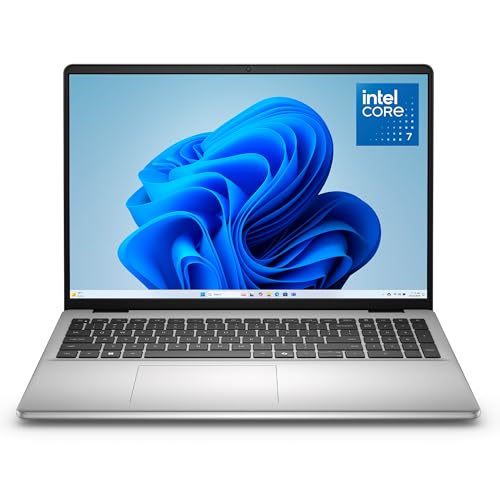
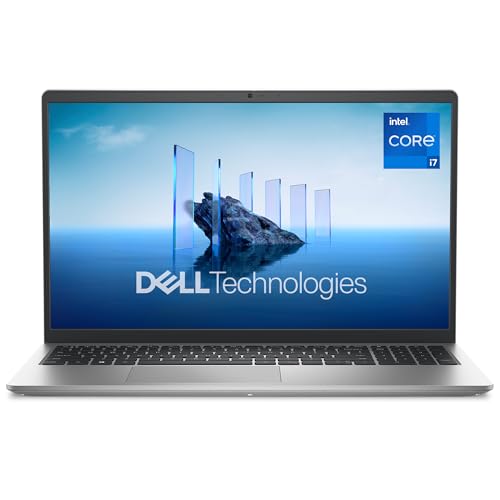
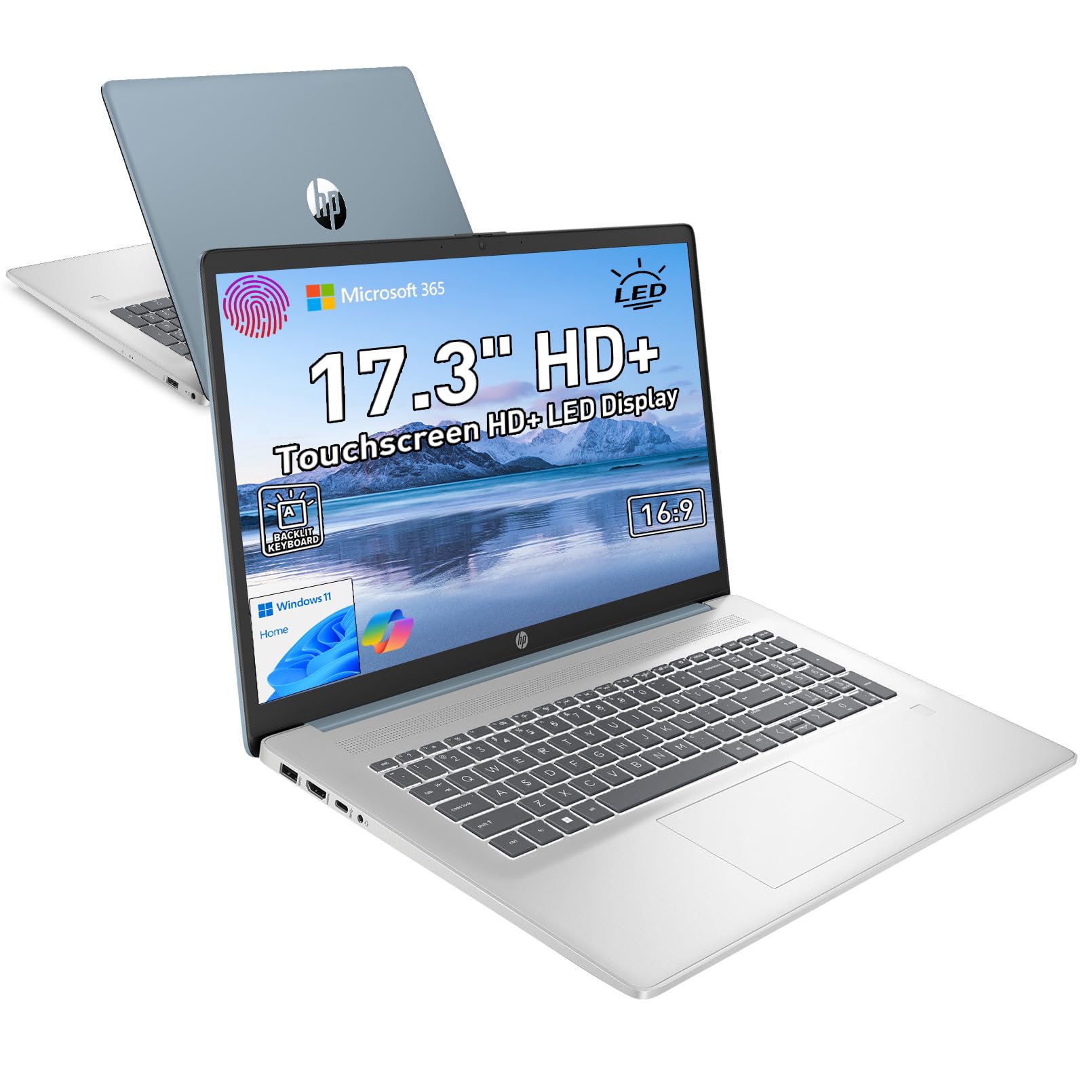
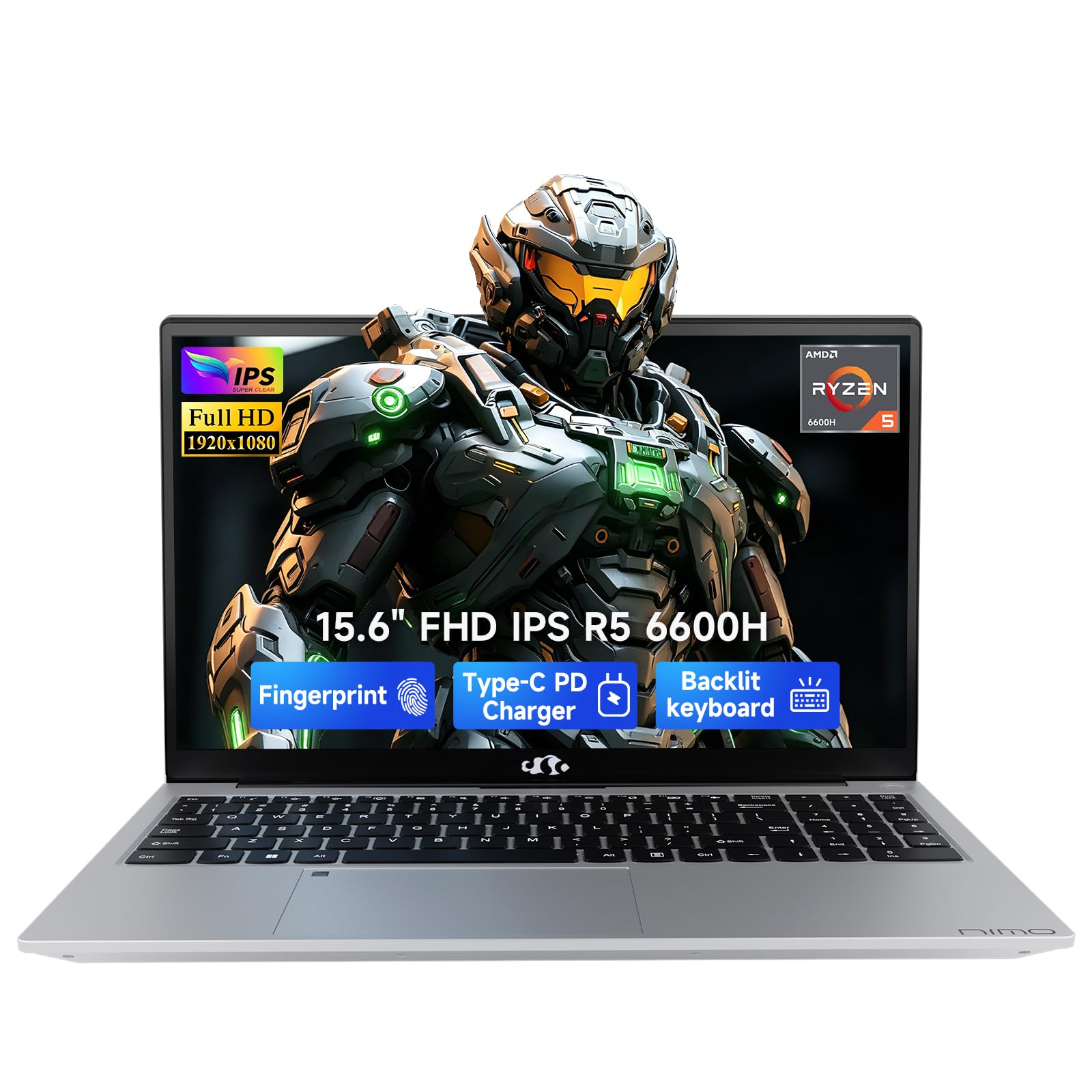
An all purpose laptop must do a little of everything well: office work, video calls, web browsing, light photo editing, and evening streaming. The best all purpose laptops balance processor power, memory, screen quality, and battery life without pushing so far toward gaming or ultraportability that everyday use suffers. The comparison table below shows the range, and this guide explains the trade offs.
Start with how you actually use a laptop each week. A student writing essays and joining video classes needs different strengths than a home worker juggling spreadsheets and video calls, even though both call their laptop all purpose. Match the machine to your real workload, not to the most demanding task you might try once a year.





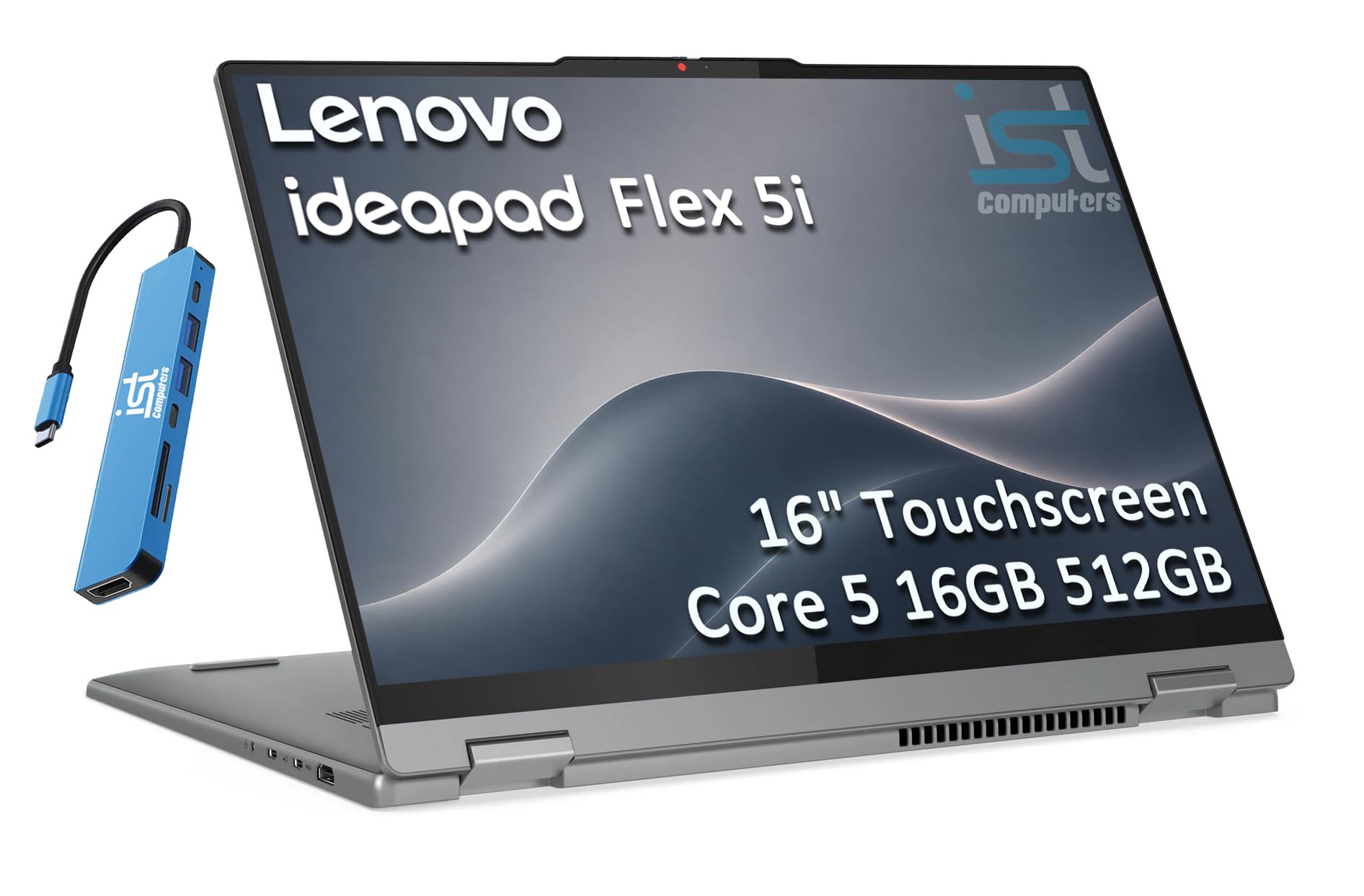
Who Should Buy All Purpose Laptops
For Office and Home Workers
Home and office workers need a reliable keyboard, a clear screen for long documents, and enough power for video calls alongside several open applications. A bright screen with comfortable viewing angles reduces eye strain during long days. Prioritise keyboard comfort and webcam quality, since both affect daily work far more than a small processor difference.
For Students
Students need portability, battery life, and durability for carrying between classes and libraries. A lighter laptop with all day battery matters more than top end graphics for most coursework. Check the software your courses require first, since some programmes only run properly on a particular operating system.
For Family and Everyday Use
Family laptops get shared between browsing, homework, streaming, and occasional photo work. A sturdy build, a screen everyone can read comfortably, and enough storage for photos and documents matter most. Consider who else will use it and whether parental controls or separate user accounts will keep things organised.
Key Features to Compare
Processor and Performance Tier
Modern mid range processors handle office work, browsing, and video calls comfortably, while higher tiers help with photo editing and heavier multitasking. Do not overbuy processor power for basic use, since it adds cost and heat without visible benefit. For most all purpose buyers, a current mid range processor paired with enough memory is the sweet spot.
Memory and Storage
Memory decides how smoothly many applications run at once, and 16 GB suits most all purpose buyers better than 8 GB for long term use. Storage in solid state form makes the whole laptop feel fast, from booting to opening large files. Choose at least enough storage for your documents, photos, and applications, and remember that cloud storage helps but does not replace local space for large files.
Screen, Keyboard, and Trackpad
A screen around 14 inches balances portability and comfortable viewing, while 15 or 16 inches suits desk based work better. Look for adequate brightness for rooms with windows and a resolution that keeps text sharp. Test the keyboard for travel and spacing, and the trackpad for smooth, accurate movement, since you will touch both every day.
Battery Life and Ports
Battery claims assume light use, so expect less in real work with video calls and bright screens. All day battery matters most for students and travellers, while desk users can accept shorter battery in exchange for a larger screen. Check ports for your monitor, mouse, and storage devices, and whether charging uses a standard USB connection you already own.
Mistakes to Avoid
Buying for One Rare Task
Many buyers overspend for a demanding task they try once, such as heavy video editing, while compromising daily comfort and battery life. Rent, borrow, or use a desktop for rare heavy work instead. An all purpose laptop should excel at your weekly routine first, with enough headroom for occasional heavier days.
Ignoring Weight and Charger Bulk
A laptop that looks portable can become a burden once you add its charger, case, and accessories. Carry the full kit in a shop if possible, and check whether the charger is compact or a heavy brick. For daily carrying, a pound saved on the laptop and charger together makes a real difference to shoulders and bags.
A Final Check Before You Order
Match Software, Then Hardware
Confirm your essential software runs on the operating system you choose, including any work or school programmes. Check warranty and support options, since a laptop is a daily tool that needs prompt help when something fails. The product table above helps you compare, but software compatibility and keyboard comfort should settle the decision.
Making the Most of Your Choice
Keeping a Laptop Fast
A laptop stays fast when storage has breathing room, unnecessary startup programmes are disabled, and software updates install regularly. Uninstall applications you no longer use, keep documents organised, and back up important files to cloud storage or an external drive. These habits matter more than processor specifications for everyday speed after the first year.
Battery Habits That Help
Battery life lasts longer when you avoid constant full discharges and extreme heat, such as leaving a laptop in a hot car. Use power saving modes for light tasks, dim the screen when possible, and close unused browser tabs during video calls. If battery capacity fades after years, a replacement battery often restores portability far more cheaply than a new laptop.
Security and Backups
Enable automatic updates, use a screen lock, and keep a backup of documents and photos, since a lost or stolen laptop hurts far more without backups. A password manager helps you use strong, unique passwords without memorising them all. These simple steps protect work and personal files better than any hardware feature, and they cost nothing but a little setup time.
Before You Buy: A Quick Recap
Choosing Accessories Wisely
A comfortable mouse, a second monitor, and a laptop stand improve daily work more than a slightly faster processor for most people. A stand raises the screen to eye level, reducing neck strain during long days, while an external keyboard suits extended typing. Spend accessory money on ergonomics first, since comfort affects every hour you use the laptop.
Planning for the Laptop Lifespan
A laptop bought with a little headroom in memory and storage stays useful longer as software grows heavier. Plan for three to five years of use, and budget for a battery replacement midway if you rely on portability. When the laptop eventually slows, a storage upgrade or fresh operating system install often restores speed without a full replacement.
For a related option, our guide to best notebook laptops looks at how that choice compares for everyday use and value.
You may also find our guide to best laptops for business purpose helpful, since it covers a closely related option with different strengths.
If you want to compare a neighbouring option, see our guide to best general purpose laptops for practical differences worth knowing.
A related choice worth a look is covered in our guide to best multi purpose laptops, which explains where it fits best.
For more on a similar option, our guide to best laptops for office purpose sets out the key trade offs in plain terms.
Frequently Asked Questions
How much memory does an all purpose laptop need?
Sixteen GB of memory suits most all purpose buyers, keeping many browser tabs, office applications, and video calls running smoothly together. Eight GB can work for light use but feels tight sooner as software grows heavier. If you keep laptops for many years or multitask heavily, the extra memory is worth the cost.
Is a bigger screen always better?
A bigger screen shows more content and suits desk based work, but it adds weight and reduces battery life. Fourteen inches balances portability and readability for most buyers, while fifteen or sixteen inches suits people who rarely carry the laptop. Consider your bag, your desk, and how often you travel before choosing.
How long should an all purpose laptop battery last?
Real world battery life depends on screen brightness, video calls, and workload, so expect less than advertised claims. A laptop that lasts a full working day of mixed use suits students and travellers best. Desk based users can accept shorter battery life, since a charger stays nearby most of the time.
Which operating system should I choose?
Choose the operating system that runs your essential software and matches devices you already own. Windows offers the widest software compatibility, macOS suits Apple households and creative workflows, and ChromeOS suits browser based work and education. Switching systems later costs time and learning, so decide on software first. Checking these points before you buy helps you avoid a return and a disappointing first week with the product.
Should I buy a laptop with a touchscreen?
Touchscreens help for note taking, drawing, and casual browsing, especially on convertible laptops that fold flat. They add cost, weight, and glare, and many users rarely touch the screen after the novelty fades. If you do not draw or annotate regularly, a standard screen usually offers better value. A short trial in your own routine usually reveals more than any specification sheet or shop demonstration.
Final Thoughts
The best all purpose laptops are the ones that handle your weekly routine smoothly, feel comfortable for hours, and last through a full day when you need them to. Use the product table above to compare processor, memory, screen, and battery, then let keyboard comfort and software compatibility make the final call. A laptop chosen for real use, not for specifications alone, serves you far longer.
A good purchase feels right after weeks of use, not just on the day it arrives, so weigh everyday comfort and practicality above headline features. Revisit the product table above, confirm the fit for your situation, and let real world use be the final judge.