
Best All Around Laptops under 1000: What Actually Matters Before You Buy for 2026
Disclosure: We may earn a commission when you buy through links on this page, at no extra cost to you. As an Amazon Associate I earn from qualifying purchases. Learn more

Use this checklist to choose the best all around laptops under 1000, covering processor, display, battery, ports, weight, and long term value.
Under $1000, every laptop gives up something, so the real skill is choosing which trade off you can live with for years. This checklist for best all around laptops under 1000 shows you how to judge performance, screen quality, and build before you spend. Use it alongside the comparison table below to spot strong value quickly.
Judge each area with clear good and weak thresholds, not vague impressions. If a machine fails on a part you cannot upgrade, like the display or keyboard, walk away even when the processor looks impressive on paper.

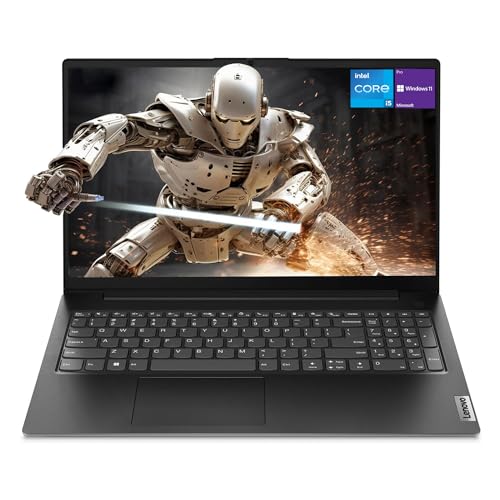
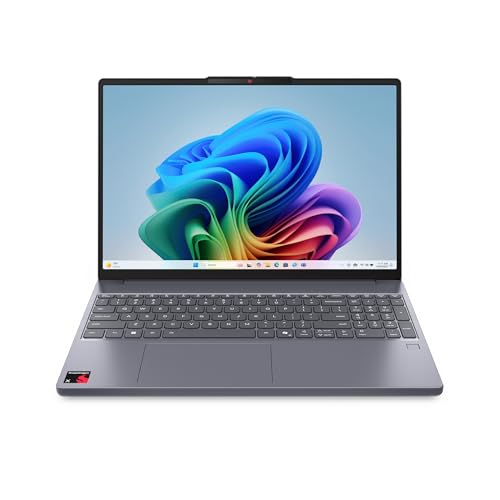
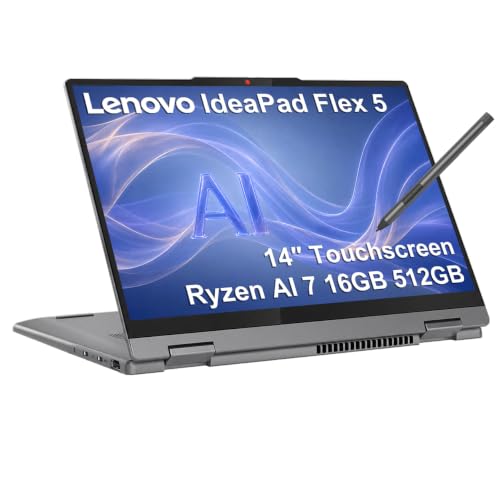


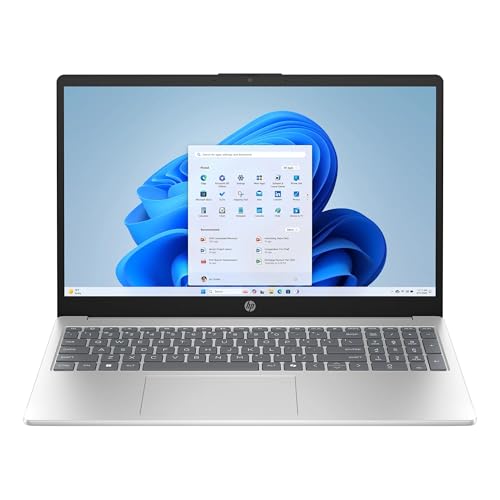
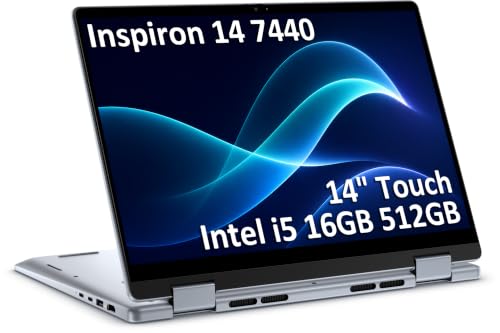
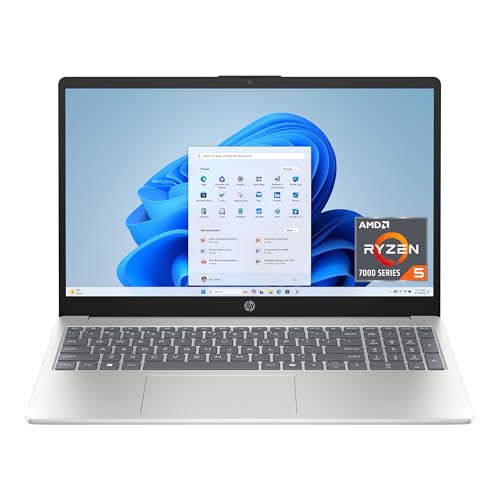
How to Evaluate All Around Laptops
Score a candidate in order: daily performance, display, portability, ports, and only then extras. That order protects you from buying a fast chip trapped in a dim screen and heavy body you dislike carrying.
What You Can Realistically Get Under $1000
Around this budget you can expect a capable midrange processor, 16 GB of memory on many Windows models, and a fast SSD of 512 GB or more during sales. You will usually give up premium metal builds, top tier graphics, and the brightest OLED screens at full retail. Never cut corners on memory or the display to chase a higher processor tier, because you feel those two limits every single day.
Processor and Performance Tier
Current midrange chips from the Intel Core Ultra, AMD Ryzen, and Apple M series families all handle office work, browsing with many tabs, photo edits, and light creative tasks smoothly. Look for recent generations rather than headline core counts alone. For coding, spreadsheets, and multitasking, 16 GB of RAM matters more than a small step up in processor. If your work includes 3D or video rendering, save for a stronger graphics option instead.
If you are still comparing nearby budgets, see our guide to the best laptops around 1000 for how a little flexibility changes what you can get.
Ports and Connectivity
A useful mix includes at least one USB C port with charging and display output, one or two USB A ports, HDMI, and a headphone jack. Thunderbolt support on Intel models adds fast docks and external drives. For wireless, WiFi 6E or WiFi 7 gives longer useful life, and Bluetooth 5.3 or newer handles mice and earbuds reliably. Count the dongles you would need daily, since carrying three adapters erases portability gains.
Weight and Portability
Under 3 lb is ideal for students and frequent commuters, while 3 to 3.5 lb is fine for occasional travel. Weight is only part of the story: charger weight, body depth, and hinge strength matter on crowded desks and in packed bags. Practical know how: weigh your current laptop and charger together, then compare that total, not the laptop alone, before deciding that a new model feels lighter.
Operating System (Windows, macOS, ChromeOS, Android, iPadOS)
Choose the system that runs your required apps and fits the devices you already own. Windows offers the widest software and hardware choice under $1000. macOS suits iPhone owners who value tight syncing and strong resale value, though storage upgrades cost more. ChromeOS is simple and secure for browser based school and office work but limits desktop apps. Tablets running Android or iPadOS work as companions, yet they rarely replace a laptop keyboard and file system for long documents.
Display Size, Resolution, and Brightness
Screens from 13 to 16 inches cover most needs, with 14 inches as the balanced choice for work and travel. Aim for at least 1920 by 1200 resolution, 300 nits of brightness, and full sRGB color coverage. A 120 Hz refresh rate feels smoother for scrolling but is optional at this price. OLED panels give deep contrast, while good IPS panels often get brighter and avoid burn in worries for static office screens.
For another view of this price band, our roundup notes on the best reviewed laptops under 1000 show which display traits owners praise most over time.
Three Laptop Profiles That Pass the Checklist
Rather than naming specific models that change with every sale, use these three tier profiles to match the product table above to your priorities. Each profile describes who it serves, what it does well, and where it compromises.
Balanced Profile
The balanced profile pairs a recent midrange processor, 16 GB of RAM, a 512 GB SSD, and a bright 14 inch screen in a body near 3 lb, usually around $800 to $1000 on sale. It serves students, office workers, and families who do a bit of everything. Its strength is the lack of weak spots. Its limit is graphics power, so serious gaming and heavy 3D work will feel constrained.
Value Profile
The value profile, often about $600 to $800, keeps the same RAM and SSD targets but accepts a slightly dimmer screen, a heavier plastic body, or a prior generation processor. It suits careful buyers who mostly write, browse, and stream. Check the keyboard and trackpad in person if you can, because input quality varies most at this tier. Avoid any value model that drops to 8 GB of RAM to hit a low price.
Compact Profile
The compact profile favors a 13 inch body under 2.8 lb, long battery life, and a quiet keyboard for lecture halls, trains, and cafes. Expect to pay more per inch and to get fewer ports. It suits writers and students who move all day. If you also play games, compare expectations with our guide to the best gaming laptops around 1000, since compact all around models rarely include strong dedicated graphics.
Quick Buyer Checklist
- Does it have at least 16 GB of RAM and a 512 GB SSD, or a clear upgrade path?
- Is the screen at least 300 nits with 1920 by 1200 resolution or better?
- Will the total weight with charger feel comfortable on your normal commute?
- Does it include USB C charging, HDMI, and the ports you use weekly without dongles?
- Is the keyboard backlit and the trackpad large enough for your hands?
- Does the battery claim fit your day, with real use likely below the advertised number?
- Is the warranty at least one year, with service options in your country?
- Can you return it within a window long enough to try your real workload?
Red Flags to Watch For
Walk away from vague listings that hide the exact processor generation, screen brightness, or memory amount. Be cautious with 1366 by 768 screens, spinning hard drives, and 8 GB of RAM sold as future proof at this budget. Very short warranties, no clear return policy, and a flood of similar glowing reviews posted on the same day are also warnings. Finally, check that sale pricing is real by comparing the same configuration at the equivalent tier in our guide to the best laptops under 1000 dollars.
Tips to Get the Most From Your Laptop
- Keep the operating system and firmware updated for security and battery fixes.
- Avoid holding the battery at full charge all the time if your system offers a charge limit setting for desk use.
- Use a padded sleeve when commuting and keep vents clear on soft surfaces.
- Back up important files weekly so a single drive failure never becomes a crisis.
Practical know how: during your first week, run your heaviest normal day on battery alone. That single check tells you more about real endurance than any advertised hour count.
Frequently Asked Questions
Can you get a good all around laptop under $1000?
Yes, you can get a genuinely good all around laptop under $1000 if you prioritize RAM, SSD size, and screen brightness over flashy extras. This tier is the sweet spot for school and office work. What you give up is premium materials and strong gaming graphics, not everyday speed or reliability.
Is a Chromebook enough for school?
A Chromebook is enough for school when classes run in the browser and the school confirms exam and app compatibility. It offers long battery life, simple updates, and low cost. It falls short when a course needs Windows or macOS desktop software, local coding tools, or offline creative apps, so check the syllabus before you commit.
Should I buy a laptop or a tablet?
Buy a laptop if you write long papers, manage files, or multitask with many windows, because the keyboard, trackpad, and desktop apps save time daily. A tablet wins for reading, drawing, and media on the move. Many students do best with a laptop first and add a low cost tablet later, a point also covered in our notes on the best laptops around 1000 dollars.
Is a dedicated GPU worth it?
A dedicated GPU is worth it only if you play demanding games, edit high resolution video, or run 3D and AI workloads regularly. For office work, browsing, and streaming it adds cost, weight, heat, and battery drain with little benefit. Integrated graphics in recent chips handle casual games and photo editing comfortably.
How much RAM do I need?
You need 16 GB of RAM for comfortable multitasking over the next several years. It lets you keep many tabs, documents, and chat apps open without slowdowns. Choose 8 GB only for very light browser use on a tight budget, and consider 32 GB if you run virtual machines, large datasets, or heavy creative projects.
Final Thoughts
Protect the basics first: 16 GB of RAM, a bright screen, and a weight you will happily carry. Then let price and ports break the tie. Compare your shortlist in the product table above, and remember that the right best all around laptops under 1000 choice is the one with no weak spot in the tasks you do every day.


