
Best 6E Routers 2026: Faster Home WiFi Buying Guide
Disclosure: We may earn a commission when you buy through links on this page, at no extra cost to you. As an Amazon Associate I earn from qualifying purchases. Learn more

How to choose the best 6e routers for a busy home: the 6 GHz band, coverage, wired ports, mesh options, and security features explained.
A WiFi 6E router adds a third, much less crowded radio band to your home network, which is why households with many phones, laptops, consoles, and smart devices are upgrading. This guide to the best 6e routers explains what the 6 GHz band does well, where it falls short, and which features matter for your home, so you can choose with confidence.
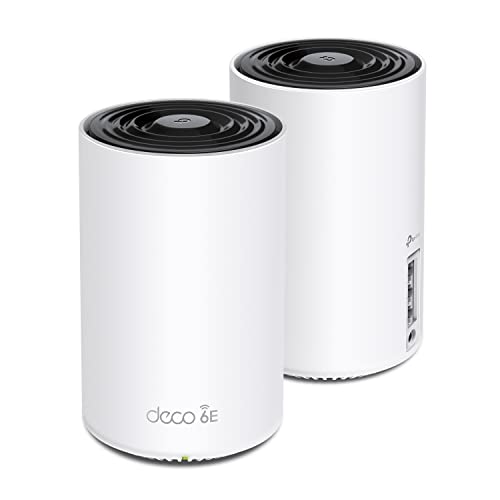
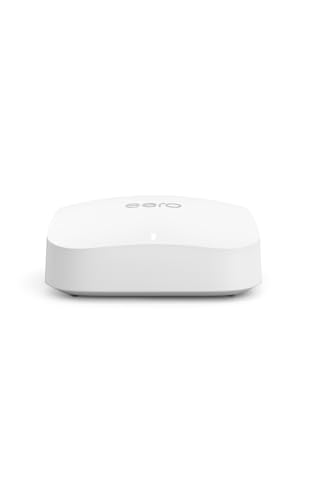
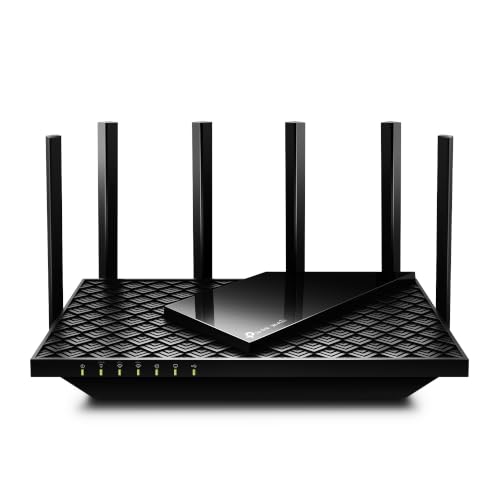
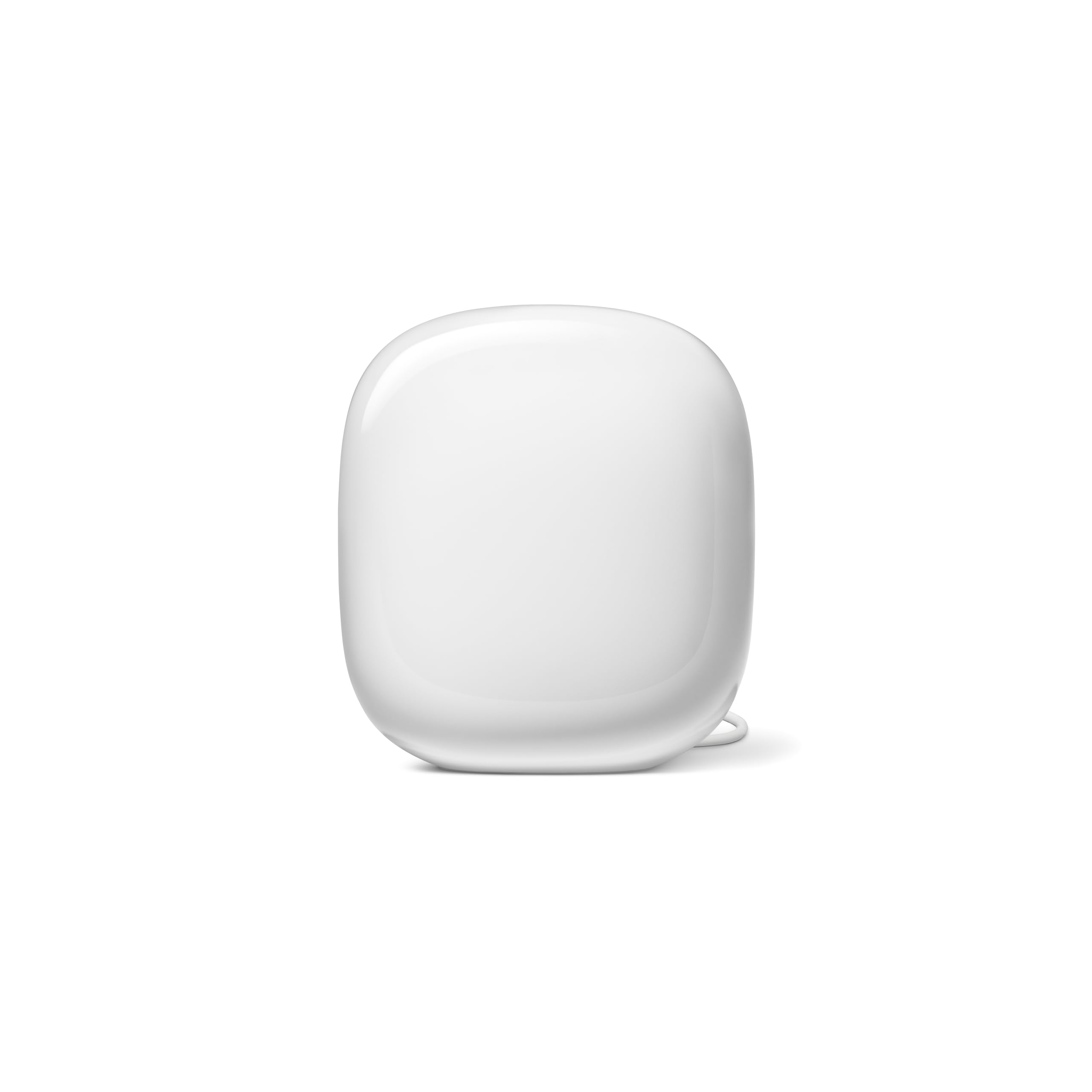
The product table right after this introduction lists current options side by side. Use it with the sections below: home size, device support, wired ports, and security features matter more than a headline speed number.


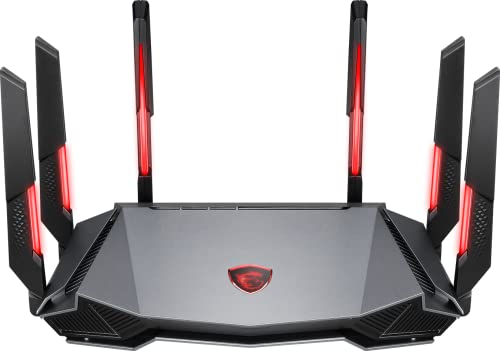

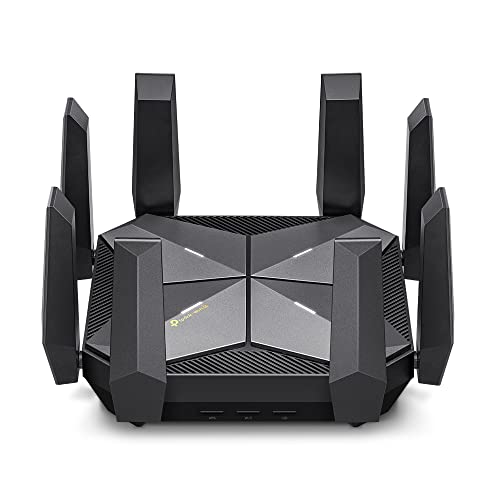
Who Should Buy the Best 6E Routers
A 6E router suits homes where the 2.4 GHz and 5 GHz bands feel crowded, such as apartments with many neighboring networks or busy households streaming, gaming, and working at once. It also suits anyone with recent phones, laptops, or headsets that support the 6 GHz band, and anyone planning a network that will stay useful for several years. If most of your devices are older, you will still benefit from better handling of many connections, but the 6 GHz speed gain will be limited.
What WiFi 6E Adds
WiFi 6E keeps everything in WiFi 6 and adds the 6 GHz band to the familiar 2.4 GHz and 5 GHz bands. The new band offers wide, clean channels with no older devices on them, which means lower latency and steadier speeds for capable devices near the router. Devices must have a 6E radio to use it, so check your newest phones and laptops first. Older devices continue on the lower bands as before.
Coverage and the 6 GHz Trade Off
The 6 GHz band is fast but has shorter range and weaker wall penetration than lower bands. Place the router centrally and as high as practical, and expect distant rooms to fall back to 5 GHz or 2.4 GHz. A mesh system can extend coverage in larger or awkwardly shaped homes, but nodes need good placement and a strong link back to the main unit. A wired backhaul between nodes gives the best results where cabling is possible.
Router or Mesh System
A single router covers a small house or apartment well, usually at lower cost and with more wired ports. A mesh set uses two or three units to cover large homes, thick walls, or several floors. Pick a single router for compact spaces and mesh for larger homes, and make sure any mesh set you consider has a tri band design so the nodes do not eat into your own speed.
Ports, Speed, and Devices
Check the wired ports for your modem, a switch, and wired devices, because cables still suit gaming and work computers best. A 2.5 Gbps port helps if your plan is faster than gigabit or you have a fast network storage device. Quoted total speeds describe ideal lab conditions, so focus on real world coverage and how the router handles many devices at once instead of the largest number on the box.
Security and Management
Modern routers offer automatic updates, guest networks, and parental controls. Check how long the maker promises updates and whether security features need a paid subscription, since ongoing costs add up. A clear app for managing devices, guests, and settings makes daily network life easier than a complicated web page.
Setup Tips
Place the router centrally and high, away from thick walls, metal objects, and microwave ovens. Connect it to the modem with a good cable, update the firmware, and set a strong admin password. Create a separate guest network for visitors, and give the 6 GHz band its own name if your devices have trouble choosing a band. Try speeds near and far from the router, then adjust placement before adding mesh nodes.
Placement and Interference
Where the router sits matters as much as which one you buy. Keep it off the floor and away from cabinets, fish tanks, and large metal objects, and keep it clear of cordless phone bases and microwave ovens. If the modem sits in a corner or a utility closet, run a cable to a better spot instead of accepting weak coverage. In apartments, a router near the middle of the living space usually gives fair coverage through the thin walls.
Future Proofing and Upgrades
A 6E router will serve devices that support WiFi 6E and everything before it, so it remains useful as you replace phones and laptops. Newer standards exist, but 6E still brings real benefits and costs less than the newest tier. If you plan to keep the router for five years or more, check the update commitment and the number of wired ports, and think about whether a 2.5 Gbps port will matter when your internet plan grows.
When you add devices later, connect heavy users such as gaming consoles, televisions, and desktops by cable when you can. That leaves wireless capacity for phones, tablets, and smart home devices, and it keeps video calls steadier for everyone in the house.
Common Mistakes to Avoid
- Buying 6E when none of your devices support the 6 GHz band and your home is small.
- Expecting 6 GHz speeds in distant rooms or through several walls.
- Choosing on a headline speed rating instead of coverage, ports, and update support.
- Skipping the return policy and warranty terms before you pay.
Related Guides
If you want to compare nearby options, see best wifi 6e routers, best wifi 6e mesh routers, best wlan routers, and best routers for spectrum.
Frequently Asked Questions
Do my devices need WiFi 6E to benefit?
Only devices with a 6E radio can use the 6 GHz band, while older devices continue on 2.4 GHz and 5 GHz. A 6E router still helps a mixed home by moving capable devices to cleaner spectrum and freeing the other bands.
Will a 6E router cover a large house?
A single router covers a flat or small house well, but a large house may need mesh nodes or wired access points. The 6 GHz band covers less distance, so distant rooms rely on other bands.
Is WiFi 6E better than a mesh system?
They solve different problems: 6E adds spectrum and mesh extends coverage. A 6E mesh system combines both but costs more. Choose a single router for a small space and mesh for a large or awkwardly shaped home.
Do I need a faster internet plan for 6E?
A 6E router improves local wireless speed, but internet speed still depends on your plan. Upgrade the plan only when your internet use needs more speed, not just your local network.
How do I set up a 6E router well?
Place it centrally and high, connect it to the modem, update the firmware, and set a strong admin password. Create guest access for visitors, then check speeds in the rooms you use most.
Final Thoughts
Start with your home size and the devices you own, then compare ports, update support, and mesh options in the product table. The best 6e routers are the ones that fit your space and devices today and keep your network fast and secure for years.
A little care over placement and settings matters as much as the hardware, so take the time to set the router up well and check the return window before you commit.


