
Best 8k Gaming Monitors for 2026: What Actually Matters Before You Buy
Disclosure: We may earn a commission when you buy through links on this page, at no extra cost to you. As an Amazon Associate I earn from qualifying purchases. Learn more
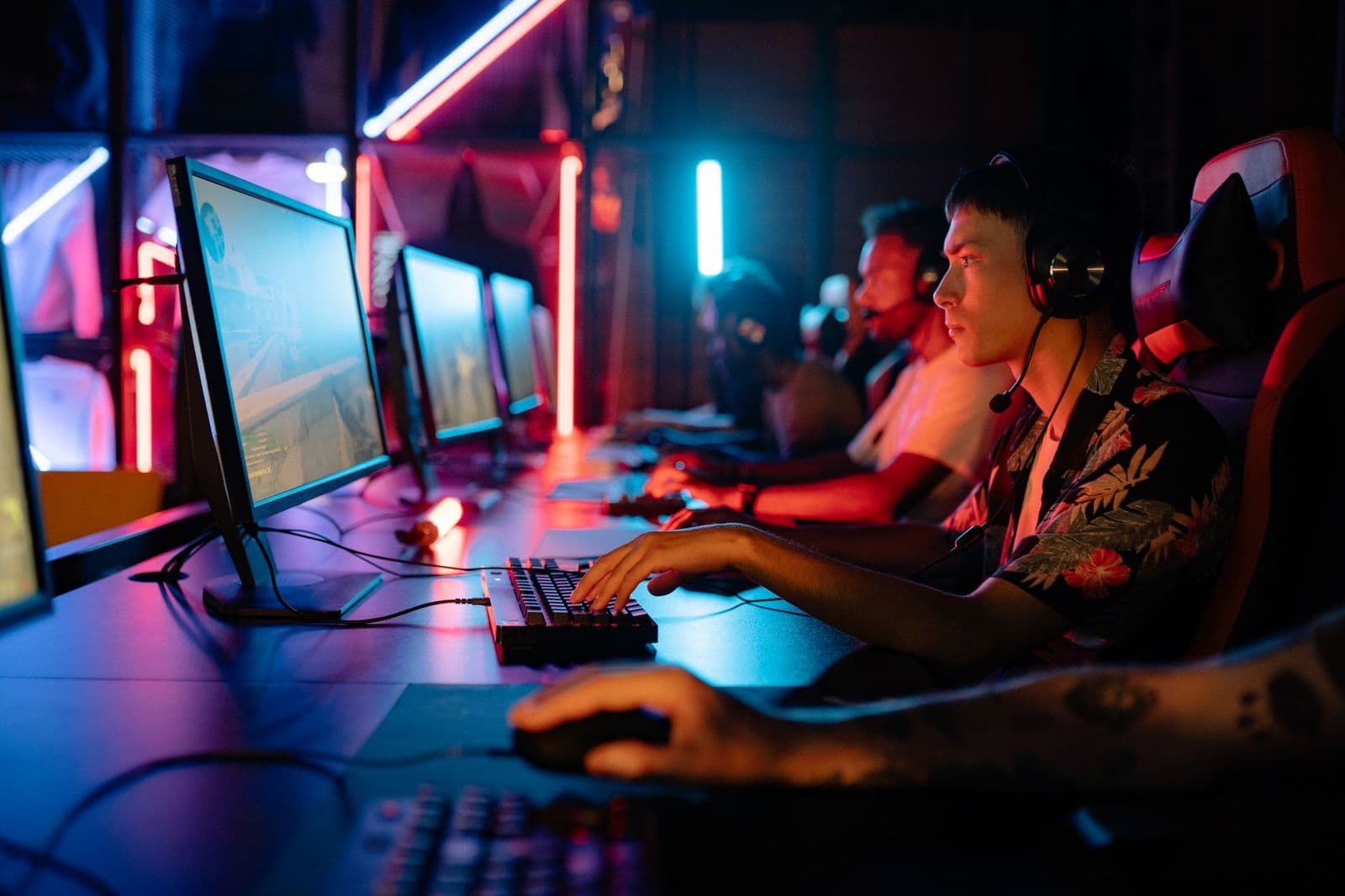
Compare the best 8k gaming monitors by panel, refresh rate, HDR, ports and native resolution, with a buyer checklist, red flags and care advice.
An 8k screen packs about four times as many pixels as a 4K screen, changing everything from the graphics card you need to your desk depth.
The best 8k gaming monitors pair a true native 8k panel with fast response, honest HDR and ports that can carry the signal. Use the checklist below to check those points in order.This guide uses a checklist approach instead of hype. You will match panel type, refresh rate, brightness and connections to your games and your room, then run short yes or no checks before you order.
Who Should Buy an 8k Gaming Monitor?
Start with how you play, because the right screen for one setup is often wrong for another. The best 8k gaming monitors for a large console corner are rarely right for a compact desk, since size, ports and refresh needs differ.
PC Players With a Graphics Card Ready for 33 Million Pixels
You play story driven games and slower strategy titles where detail matters more than extreme frame rates. Your graphics card needs real headroom, because rendering about 33.2 million pixels per frame is roughly four times the work of 4K. Upscaling helps a lot here, so check that your card and games support it.
Console Players Building a Large Screen Corner
You play on a console over HDMI and sit farther back, so a large format screen of about 55 inches or more suits you better than a desk model. Prioritize HDMI 2.1 ports, variable refresh support and a low latency game mode, because those shape console play more than pixel count alone.
Creators Who Game and Edit on the Same Screen
You split your day between editing, design and gaming, and one sharp screen saves desk space.
Look for accurate color, wide viewing angles and a USB C port that carries video and data over one cable. If work comes first and gaming second, our best 8k monitors guide covers work first models in detail.Key Features to Compare
Work through these factors in the same order for every model, and weak points become easier to spot. If you are still weighing lower resolutions, our best gaming monitors guide shows how mainstream screens trade sharpness for speed.
Native 8k Resolution, Screen Size and Pixel Density
True 8k means 7680 by 4320 pixels, not a 4K panel that accepts an 8k signal and scales it down. Size decides whether you can see that detail, because a screen of about 32 inches gives roughly 275 pixels per inch, while the same pixels over 65 inches give about half that density. Desk buyers should start at about 32 inches.
Panel Technology: IPS, VA, OLED and Mini LED
The panel sets contrast, color and viewing angles. IPS panels keep color steady when you shift in your chair, while VA panels give deeper blacks for dark rooms at a lower price. OLED panels control each pixel for the strongest contrast and fastest response, but static game elements held for hours raise a burn in concern. Mini LED backlights add many dimming zones, lifting contrast without that worry.
Refresh Rate, Response Time and Input Lag at 8k
Most 8k screens refresh at 60 Hz at native resolution, because cables and ports limit how much data moves each second.
Some models add faster modes at 4K, which suits fast paced titles where motion clarity beats detail. Response time claims use different test methods, so treat a 1 ms claim as a rough guide. A good game mode should also keep input lag low.Adaptive Sync and Console Gaming Features
Adaptive sync lets the screen change its refresh timing to match the frame rate your PC or console sends, which removes tearing without adding stutter. NVIDIA G Sync and AMD FreeSync cover most PC cards, so confirm the screen supports your card. For consoles, look for variable refresh rate and auto low latency mode over HDMI, so the console switches the screen to its fastest setting at game start.
HDR, Peak Brightness and Local Dimming
HDR looks convincing only when a panel gets bright in small areas while keeping dark areas dark.
LCD models need local dimming with many zones, and a peak brightness of about 600 to 1000 nits marks where highlights start to look real. VESA DisplayHDR labels give a quick reference, but the tier alone does not tell the whole story. OLED panels reach lower peak brightness, yet per pixel control makes HDR scenes look deeper.Connectivity, Bandwidth and the Cables You Will Need
Ports decide whether native 8k is possible on your setup.
HDMI 2.1 and DisplayPort can both carry 8k at 60 Hz, often with display stream compression doing part of the work, and newer DisplayPort 2.1 ports add more headroom. Check port count against your console, PC and laptop. Buy certified cables first, because an old cable may fail at 8k.Quick Buyer Checklist Before You Order an 8k Gaming Monitor
Run these checks in order, and stop at the first no. Each one protects you from a needless return.
- Does the listing state a native resolution of 7680 by 4320 rather than 8k ready?
- Can your graphics card or console output 8k, and do your games support upscaling?
- Does the screen size fit your desk depth or your room, with room for speakers?
- Does at least one port match your device at full bandwidth, with a certified cable ready?
- Does the stand adjust for height and tilt, or does the panel accept a VESA mount?
- Is the price, often about $1500 to $4000, in line with the panel tier offered?
Desk fit deserves one hands on check. Measure your desk depth, then add the stand foot depth, because large screens often sit closer than the size number suggests. If space is tight, plan on a monitor arm and check its weight rating. Our best computer monitors for gaming guide covers desk setups.
Red Flags to Watch For in 8k Gaming Monitor Listings
Some listings borrow 8k language without delivering an 8k panel. Watch for these signs.
- A listing that says 8k support but never states 7680 by 4320 as the native resolution.
- Refresh claims that hide the resolution they apply to, such as a fast rate only at 1080p.
- No named adaptive sync system and no HDR tier, signaling a basic panel under a bold headline.
- A warranty of only a few months on a screen at this price, with no panel defect policy.
Common Mistakes to Avoid
These errors come up again and again for 8k buyers.
- Buying an 8k screen for a midrange graphics card leaves you playing at low settings for a steady frame rate.
- Choosing a 65 inch screen for a shallow desk puts the edges outside your natural view and strains your neck.
- Reusing an old HDMI cable that cannot carry the signal gives you a black screen or a drop to 4K.
- Ignoring return terms leaves you stuck if dead pixels show up in week one.
- Skipping the step down option wastes money, since many players get more joy from fast 4K, an option our best 4k monitors gaming guide explores.
How to Make Your 8k Gaming Monitor Last Longer
Start with picture settings. Turn off the vivid mode that stores ship with, because it pushes brightness and color past accurate levels and works the backlight harder than needed. A game mode at moderate brightness is easier on the panel and your eyes. Keep the back and top vents clear, since trapped heat shortens part life.
Clean the screen with a dry microfiber cloth only, using light pressure and no household sprays, because panel coatings scratch and cloud easily. On OLED models, let the built in pixel refresh run when prompted, and avoid leaving a static menu image up for hours.
FAQ
Is an 8k gaming monitor worth it over a 4K gaming monitor?
For most players, an 8k gaming monitor is worth it only if you sit close to a large screen and own a strong graphics card. One point buyers miss is content, because streamed video in true 8k is still rare, so games carry the benefit. If your card already struggles at 4K, spend on a card upgrade first.
How long do 8k gaming monitors last?
Most 8k gaming monitors last about five to eight years of regular use before brightness fades enough to notice. LCD backlights are commonly rated for tens of thousands of hours, so daily gaming rarely wears one out quickly. Check warranty length before you buy, because a longer panel warranty is worth real money at this price.
IPS vs OLED: Which panel is better for an 8k gaming monitor?
Neither panel wins for every room, and the better pick depends on your light and your games. OLED suits a dark room and fast titles, while IPS suits a bright room and long sessions with the same static game interface on screen. If your desk faces a window, stronger glare handling often matters more than perfect blacks.
What size 8k gaming monitor should I get for my desk?
For a typical desk, about 32 inches is the size where 8k detail stays visible without forcing you to turn your head. Go larger only when your desk is about 30 inches deep or more, or when you can wall mount the screen. If you can read small text at your normal seat without leaning in, the pairing works.
Does refresh rate matter at native 8k resolution for gaming?
Yes, refresh rate still matters at 8k, but the benefit shifts from raw speed to smoothness and pacing. At 60 Hz, a steady frame rate with adaptive sync on feels far better than an uneven rate that swings around that line. Players who want both detail and speed often run story games at native 8k and switch competitive titles to a faster lower resolution mode.
The Bottom Line
Judge every candidate by three points first, native resolution, panel and HDR quality, and ports with enough bandwidth. Then confirm your graphics card, desk and budget can support the choice.
When you compare best 8k gaming monitors with that order fixed, inflated claims fall away and the right screen is usually the one with no weak point left unchecked. Buy for the games and room you have now.


